
High FPS Camera test app para PC
Timo Rantalainen
Descarga High FPS Camera test app en PC con GameLoop Emulator
High FPS Camera test app en PC
High FPS Camera test app, proveniente del desarrollador Timo Rantalainen, se ejecuta en el sistema Android en el pasado.
Ahora, puedes jugar High FPS Camera test app en PC con GameLoop sin problemas.
Descárgalo en la biblioteca de GameLoop o en los resultados de búsqueda. No más mirar la batería o llamadas frustrantes en el momento equivocado nunca más.
Simplemente disfrute de High FPS Camera test app PC en la pantalla grande de forma gratuita!
High FPS Camera test app Introducción
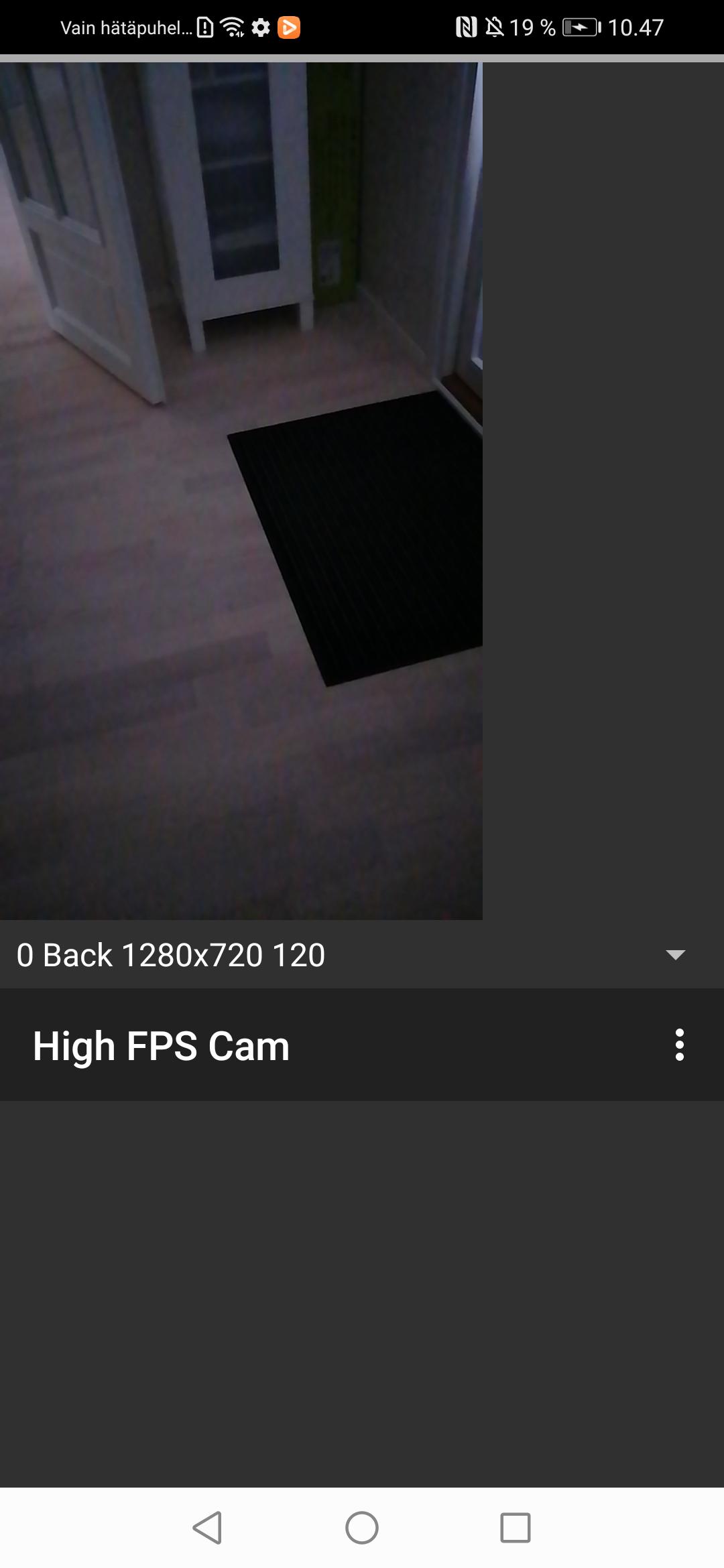
App for testing whether your phone support recording high frame rate video using the camera2 package from the Android SDK. If the app works, you will be able to record video only high frame rate (>= 120 frames per second) video only (i.e., no audio) recordings on your smartphone camera.
Note that the app is experimental and requires restarting after granting permissions for camera and writing onto the device storage or media access in newer Android versions. I was unable to figure out the various alternative app life cycles and you may need to completely close the app e.g., by accessing the Android view where you can scroll through the recent apps and flicking this app off the screen.
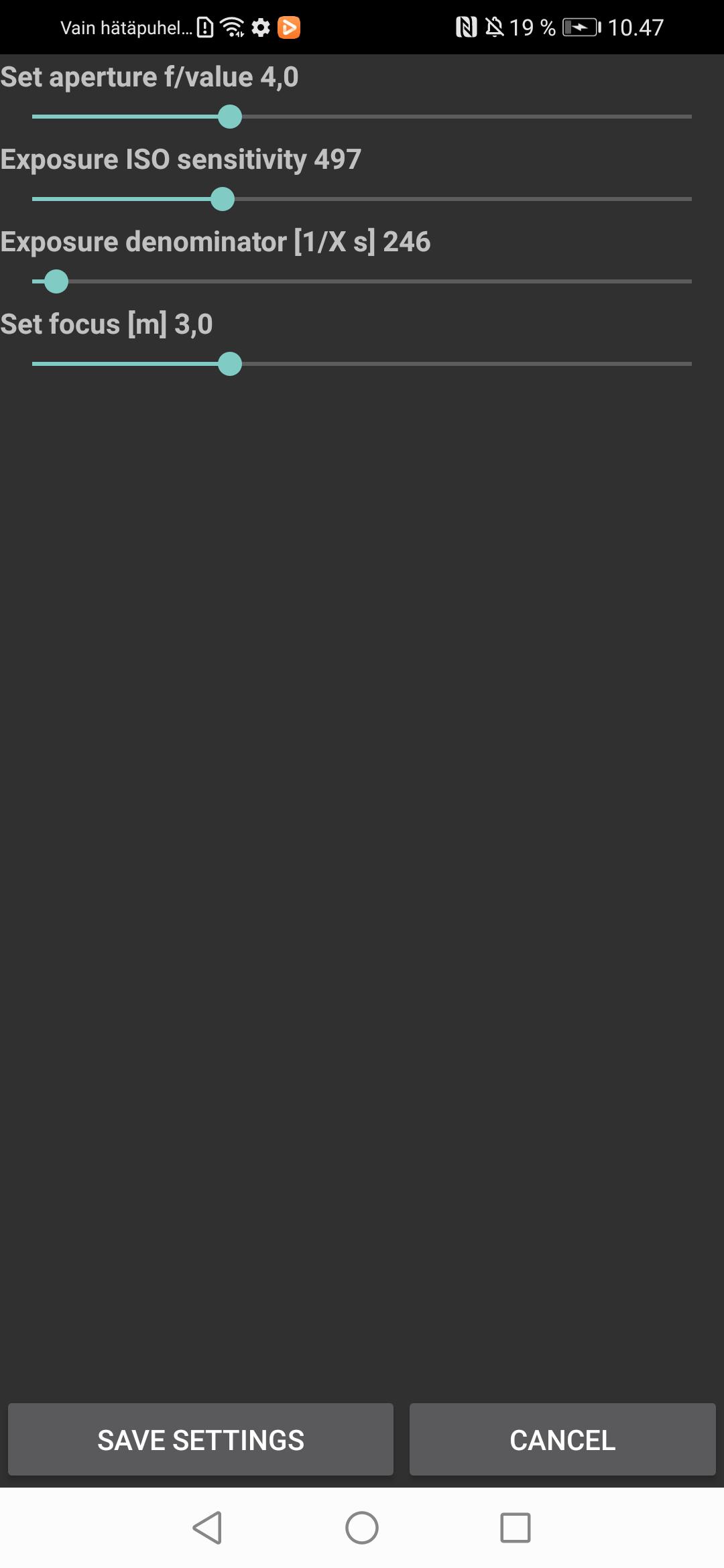
You will need to set focus, aperture, light sensitivity, and exposure time manually through the settings to suit the present conditions. Automated focus and exposure slow down the capture frame rate and, hence, I went for manual settings. The video recordings will be stored in the Movies folder.
Avance
Etiquetas
Estilo de vidaInformación
Desarrollador
Timo Rantalainen
La última versión
1.0.0
Última actualización
2023-07-22
Categoría
Estilo de vida
Disponible en
Google Play
Mostrar más
Cómo jugar High FPS Camera test app con GameLoop en PC
1. Descargue GameLoop desde el sitio web oficial, luego ejecute el archivo exe para instalar GameLoop.
2. Abra GameLoop y busque "High FPS Camera test app", busque High FPS Camera test app en los resultados de búsqueda y haga clic en "Instalar".
3. Disfruta jugando High FPS Camera test app en GameLoop.
Minimum requirements
OS
Windows 8.1 64-bit or Windows 10 64-bit
GPU
GTX 1050
CPU
i3-8300
Memory
8GB RAM
Storage
1GB available space
Recommended requirements
OS
Windows 8.1 64-bit or Windows 10 64-bit
GPU
GTX 1050
CPU
i3-9320
Memory
16GB RAM
Storage
1GB available space