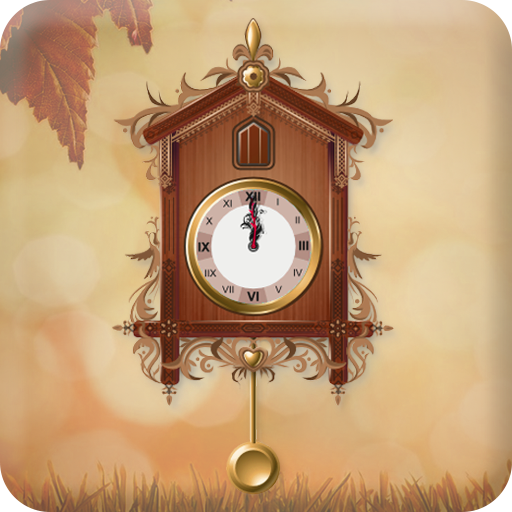
Grandfather Clock Live Wallpap para PC
Photo Art Creator
Descarga Grandfather Clock Live Wallpap en PC con GameLoop Emulator
Grandfather Clock Live Wallpap en PC
Grandfather Clock Live Wallpap, proveniente del desarrollador Photo Art Creator, se ejecuta en el sistema Android en el pasado.
Ahora, puedes jugar Grandfather Clock Live Wallpap en PC con GameLoop sin problemas.
Descárgalo en la biblioteca de GameLoop o en los resultados de búsqueda. No más mirar la batería o llamadas frustrantes en el momento equivocado nunca más.
Simplemente disfrute de Grandfather Clock Live Wallpap PC en la pantalla grande de forma gratuita!
Grandfather Clock Live Wallpap Introducción
Grandfather Clock Live Wallpaper
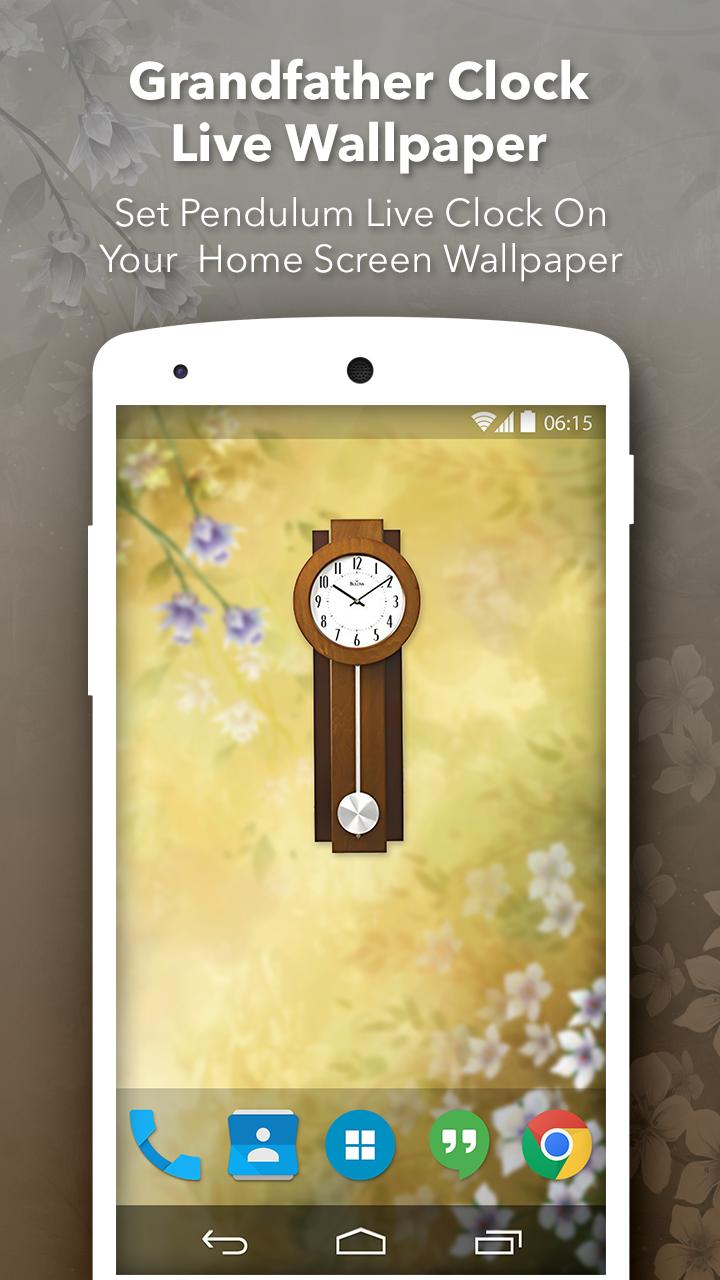
Grandfather Clock Live Wallpaper is most powerful and great live wallpaper & widget app which make your mobile display more beautiful.
It’s very easy to use, adaptable and you can always check it out for yourself and enjoy it unlike never before.
It contain many option for customize clock like select clock, clock size etc.
It’s the uniqueness and convenience offered here that stands out quite a bit, you just have to make the right choice and adapt or adjust to that as you see fit.
Features:
- Use the clock as your own wallpaper.
- Choose the style of the grandfather clock.
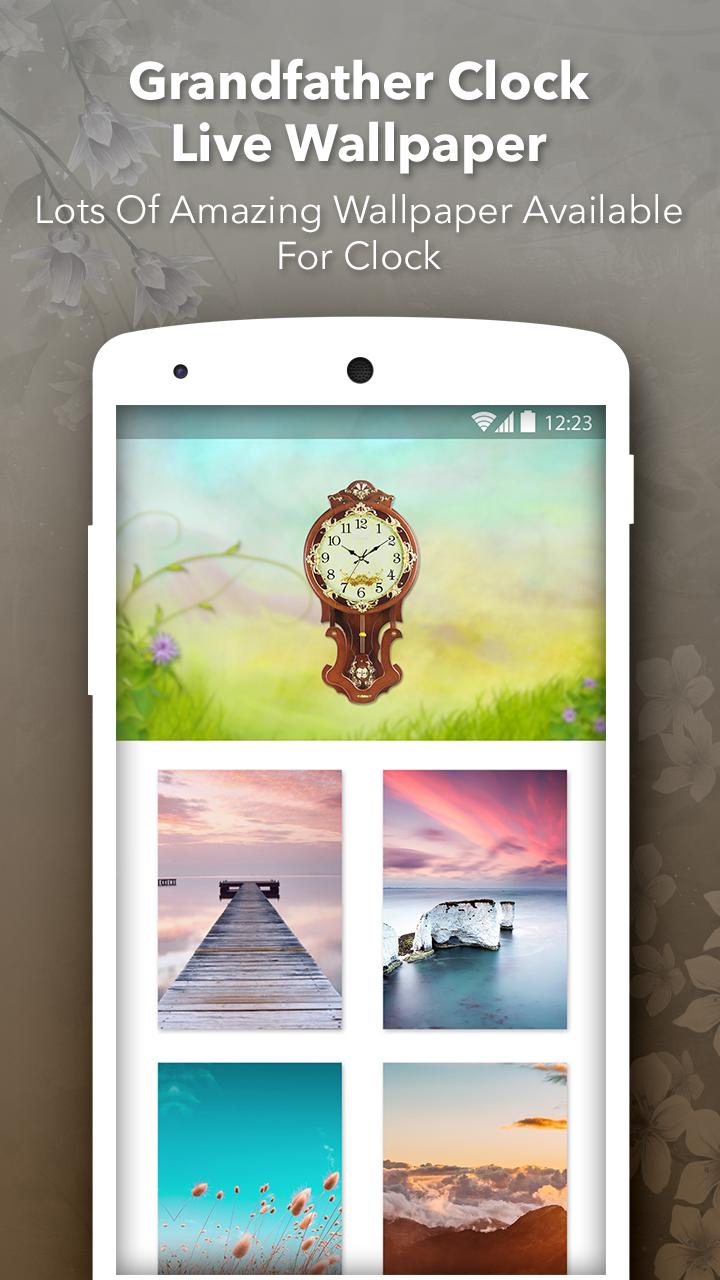
- There are lots of clock available with hd backgrounds.
- You can change clock dialer as per your clock.
- Every hour chime sound when you at home screen.
- Great user interface.
- You can change clock size as per your device screen.
- You can easily change the background screen.
- Change Potion of Clock.
- One click to Set as wallpaper and enjoy the beautiful Grandfather clock.
If you love this Grandfather clock live wallpaper than don't forgot to give good rating to us.
Thank you!!!
Avance
Etiquetas
Estilo de vidaInformación
Desarrollador
Photo Art Creator
La última versión
1.5
Última actualización
2022-07-16
Categoría
Estilo de vida
Disponible en
Google Play
Mostrar más
Cómo jugar Grandfather Clock Live Wallpap con GameLoop en PC
1. Descargue GameLoop desde el sitio web oficial, luego ejecute el archivo exe para instalar GameLoop.
2. Abra GameLoop y busque "Grandfather Clock Live Wallpap", busque Grandfather Clock Live Wallpap en los resultados de búsqueda y haga clic en "Instalar".
3. Disfruta jugando Grandfather Clock Live Wallpap en GameLoop.
Minimum requirements
OS
Windows 8.1 64-bit or Windows 10 64-bit
GPU
GTX 1050
CPU
i3-8300
Memory
8GB RAM
Storage
1GB available space
Recommended requirements
OS
Windows 8.1 64-bit or Windows 10 64-bit
GPU
GTX 1050
CPU
i3-9320
Memory
16GB RAM
Storage
1GB available space