
ELRO Babycam para PC
ELRO Europe
Descarga ELRO Babycam en PC con GameLoop Emulator
ELRO Babycam en PC
ELRO Babycam, proveniente del desarrollador ELRO Europe, se ejecuta en el sistema Android en el pasado.
Ahora, puedes jugar ELRO Babycam en PC con GameLoop sin problemas.
Descárgalo en la biblioteca de GameLoop o en los resultados de búsqueda. No más mirar la batería o llamadas frustrantes en el momento equivocado nunca más.
Simplemente disfrute de ELRO Babycam PC en la pantalla grande de forma gratuita!
ELRO Babycam Introducción
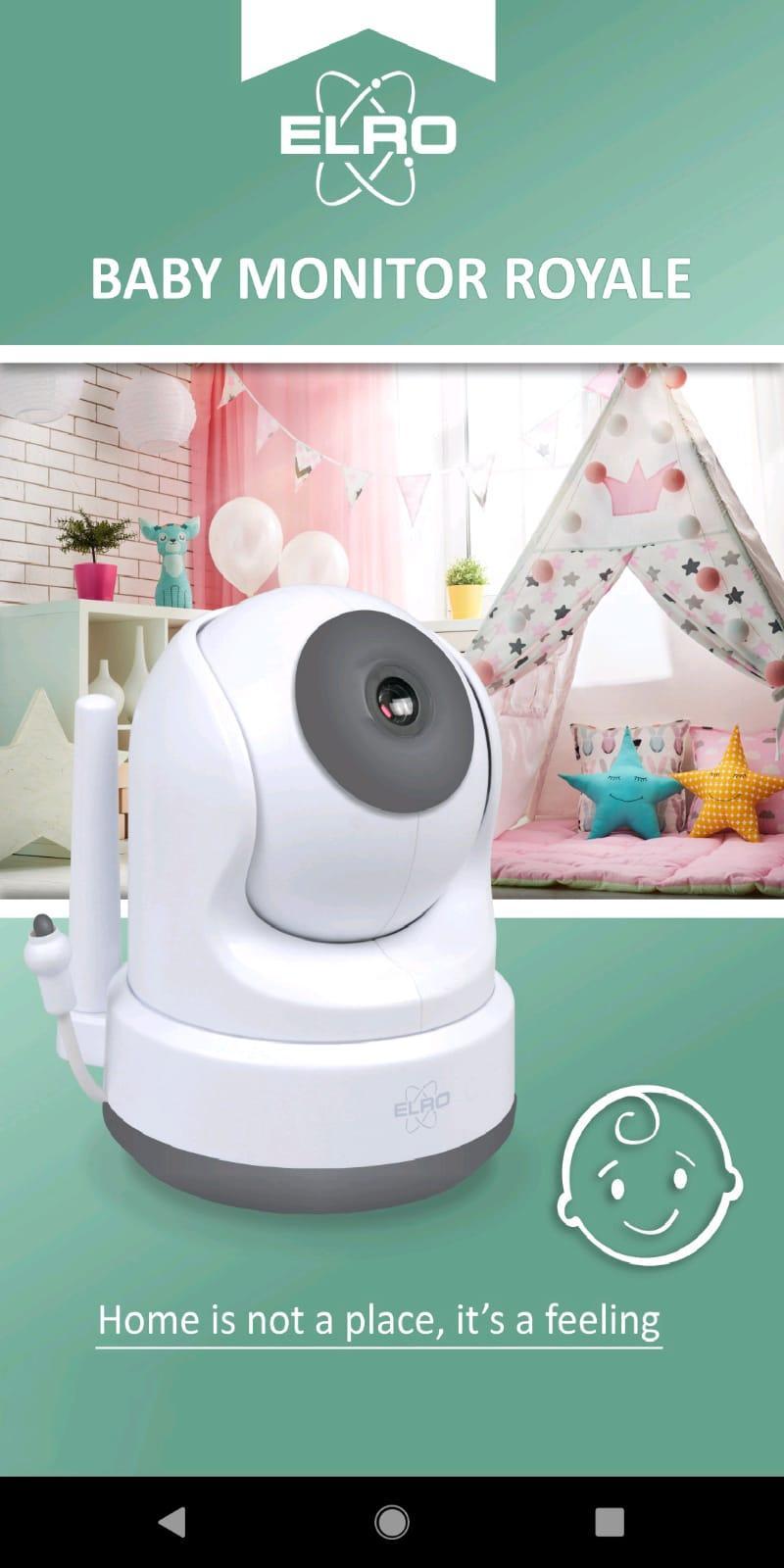
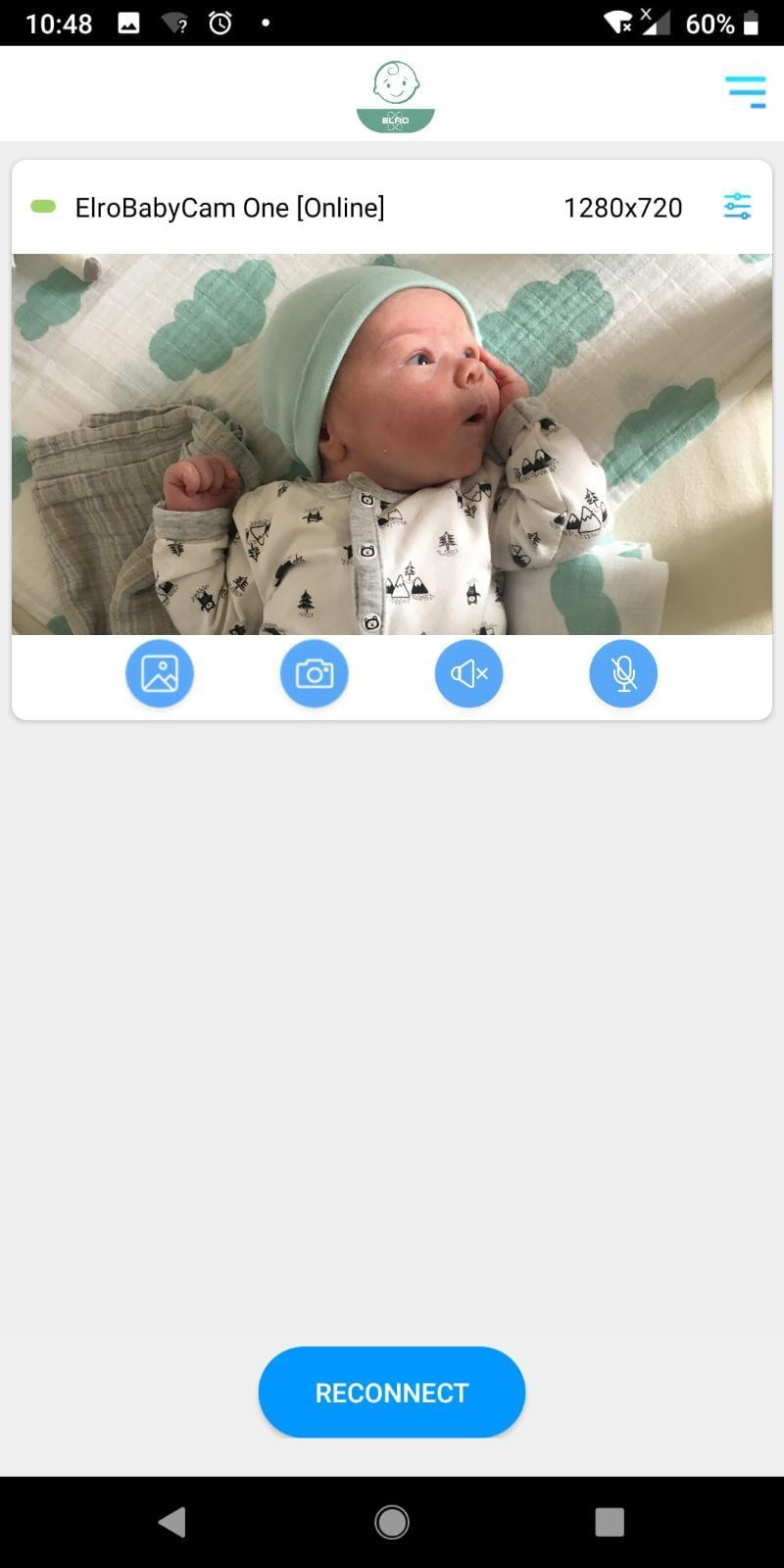
This app enables you to remotely view and control your ELRO baby monitor by using a smart device. The app will alert you when a sound has been detected by the camera. It is possible to activate the microphone of your smart device to communicate with your baby, to move the direction the camera is pointed and to save pictures.
You can watch the live feed of the camera with the monitor of the ELRO Baby Monitor Royale. The monitor has a stand-by mode so it won’t be turned on all night. The brightness of the monitor can also be turned down at night for you convenience. If you have the VOX function activated the monitor will automatically power on when a sound is detected.
The camera of the baby monitor contains IR LED’s of a high quality. These LED’s provide for good night vision with distinguishable imagery.
The wireless technology of the BC3000 enables you to carry the monitor with you over a relatively large range from the camera compared to its competitors. The battery time is about 5 to 6 hours when fully charged. The monitor notifies you when it is almost empty.
Avance
Etiquetas
Estilo de vidaInformación
Desarrollador
ELRO Europe
La última versión
1.3.9.10
Última actualización
2023-11-09
Categoría
Estilo de vida
Disponible en
Google Play
Mostrar más
Cómo jugar ELRO Babycam con GameLoop en PC
1. Descargue GameLoop desde el sitio web oficial, luego ejecute el archivo exe para instalar GameLoop.
2. Abra GameLoop y busque "ELRO Babycam", busque ELRO Babycam en los resultados de búsqueda y haga clic en "Instalar".
3. Disfruta jugando ELRO Babycam en GameLoop.
Minimum requirements
OS
Windows 8.1 64-bit or Windows 10 64-bit
GPU
GTX 1050
CPU
i3-8300
Memory
8GB RAM
Storage
1GB available space
Recommended requirements
OS
Windows 8.1 64-bit or Windows 10 64-bit
GPU
GTX 1050
CPU
i3-9320
Memory
16GB RAM
Storage
1GB available space