
Smart AR Home para PC
Binary Banana LLC
Descarga Smart AR Home en PC con GameLoop Emulator
Smart AR Home en PC
Smart AR Home, proveniente del desarrollador Binary Banana LLC, se ejecuta en el sistema Android en el pasado.
Ahora, puedes jugar Smart AR Home en PC con GameLoop sin problemas.
Descárgalo en la biblioteca de GameLoop o en los resultados de búsqueda. No más mirar la batería o llamadas frustrantes en el momento equivocado nunca más.
Simplemente disfrute de Smart AR Home PC en la pantalla grande de forma gratuita!
Smart AR Home Introducción
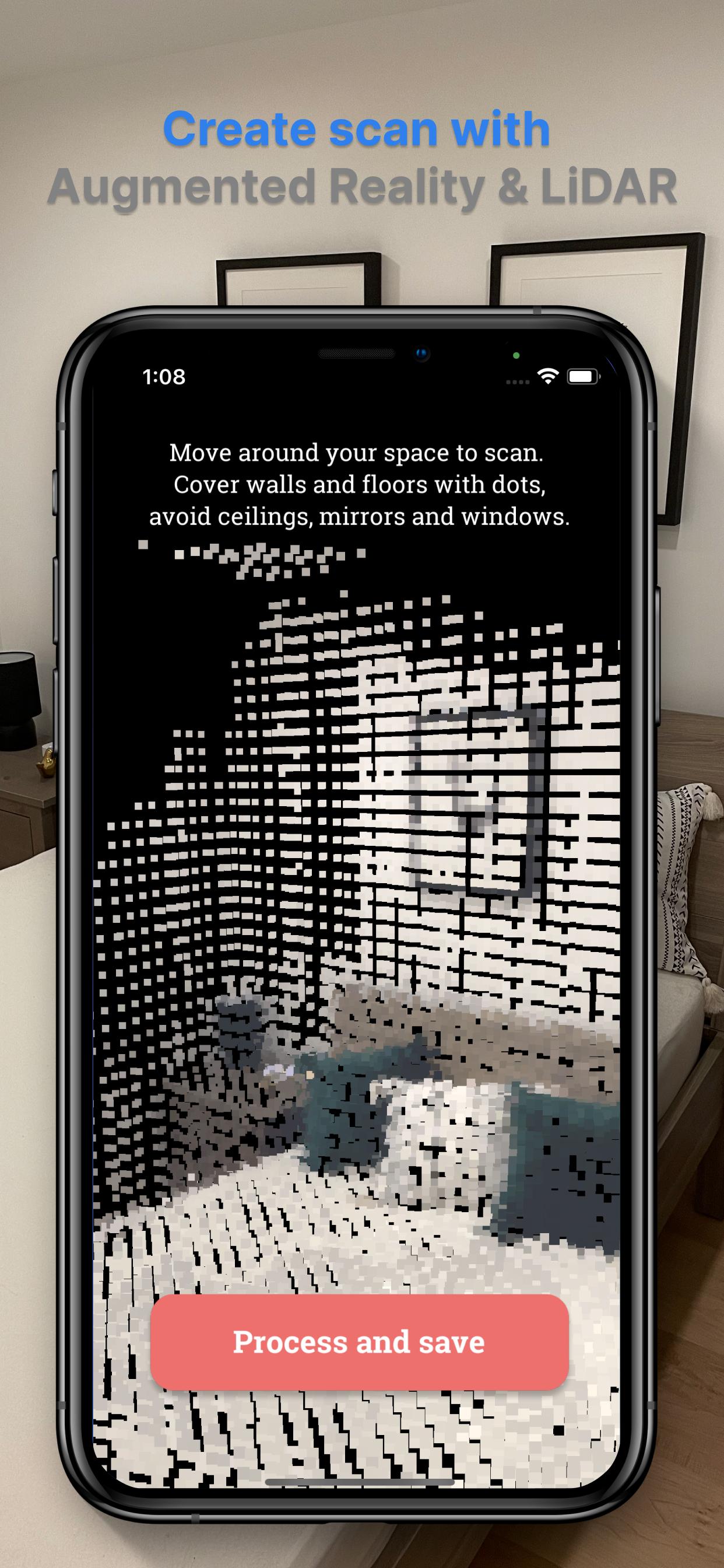
Note: To make an initial scan, you will need access to the device with LiDAR sensor (like iPhone 13/12 Pro/Pro Max or iPad Pro devices from 2020 and later). You only need it to make a first scan, so if you don't have it, ask a friend who has it. Once you have a scan, it can be exported and imported to Smart AR Home app on any mobile device.
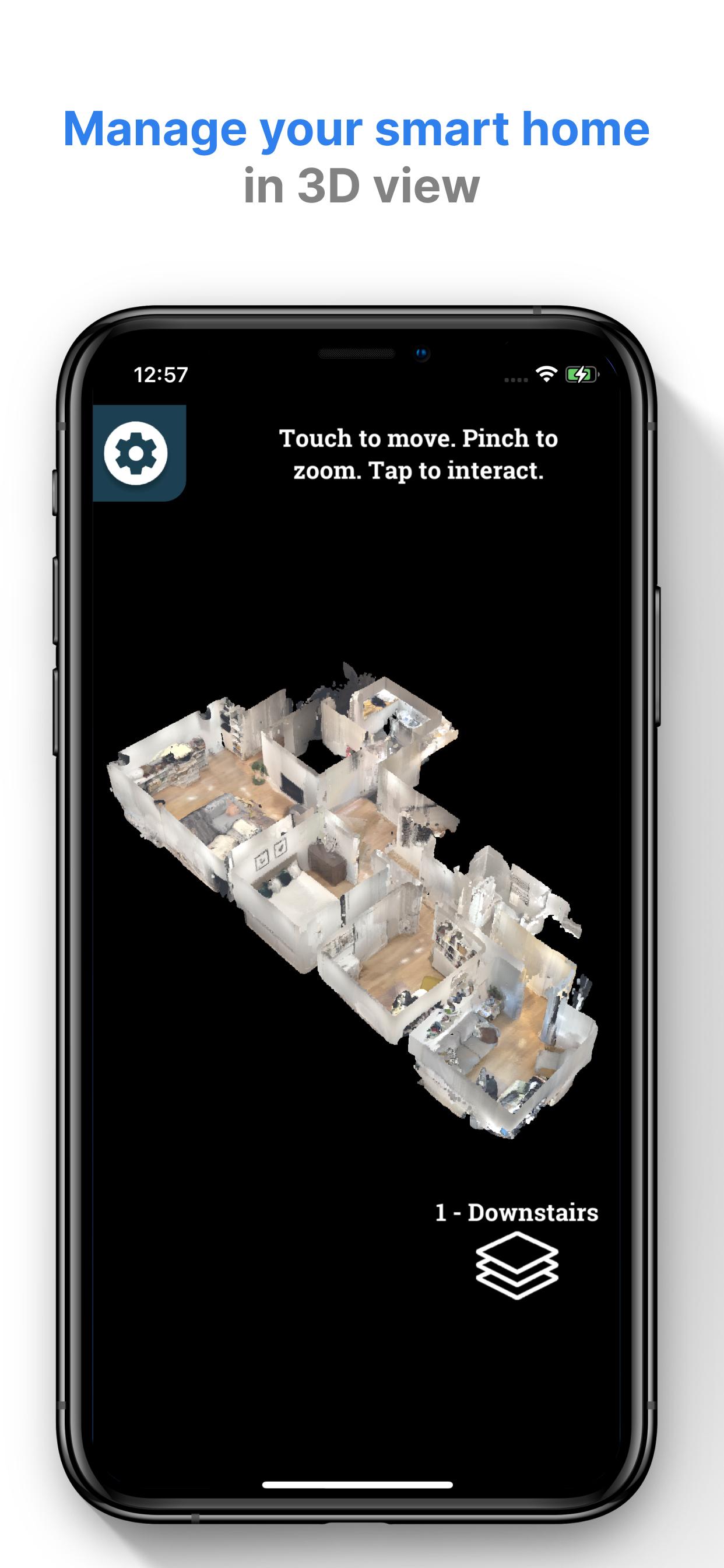
Scan your home with Smart AR Home application and create a digital twin of your smart home automation. Place devices on the scan and manage them with 3D view.
Smart AR Home supports SmartThings and Hue Lights devices. More devices will be added based on your requests.
Features:
- Manage light switches, dimmers and shades
- Export/Import your settings to other mobile devices, including other platforms and devices without LiDAR sensor
- Support for many floors
- Demo mode for those without smart home devices
More integration and features are coming soon!
Visit our website to learn more: http://smartarhome.com/
Avance
Etiquetas
House-&Información
Desarrollador
Binary Banana LLC
La última versión
2.0
Última actualización
2022-03-16
Categoría
House-home
Disponible en
Google Play
Mostrar más
Cómo jugar Smart AR Home con GameLoop en PC
1. Descargue GameLoop desde el sitio web oficial, luego ejecute el archivo exe para instalar GameLoop.
2. Abra GameLoop y busque "Smart AR Home", busque Smart AR Home en los resultados de búsqueda y haga clic en "Instalar".
3. Disfruta jugando Smart AR Home en GameLoop.
Minimum requirements
OS
Windows 8.1 64-bit or Windows 10 64-bit
GPU
GTX 1050
CPU
i3-8300
Memory
8GB RAM
Storage
1GB available space
Recommended requirements
OS
Windows 8.1 64-bit or Windows 10 64-bit
GPU
GTX 1050
CPU
i3-9320
Memory
16GB RAM
Storage
1GB available space