
Royal Prestige® para PC
Bóveda Creativa
Descarga Royal Prestige® en PC con GameLoop Emulator
Royal Prestige® en PC
Royal Prestige®, proveniente del desarrollador Bóveda Creativa, se ejecuta en el sistema Android en el pasado.
Ahora, puedes jugar Royal Prestige® en PC con GameLoop sin problemas.
Descárgalo en la biblioteca de GameLoop o en los resultados de búsqueda. No más mirar la batería o llamadas frustrantes en el momento equivocado nunca más.
Simplemente disfrute de Royal Prestige® PC en la pantalla grande de forma gratuita!
Royal Prestige® Introducción
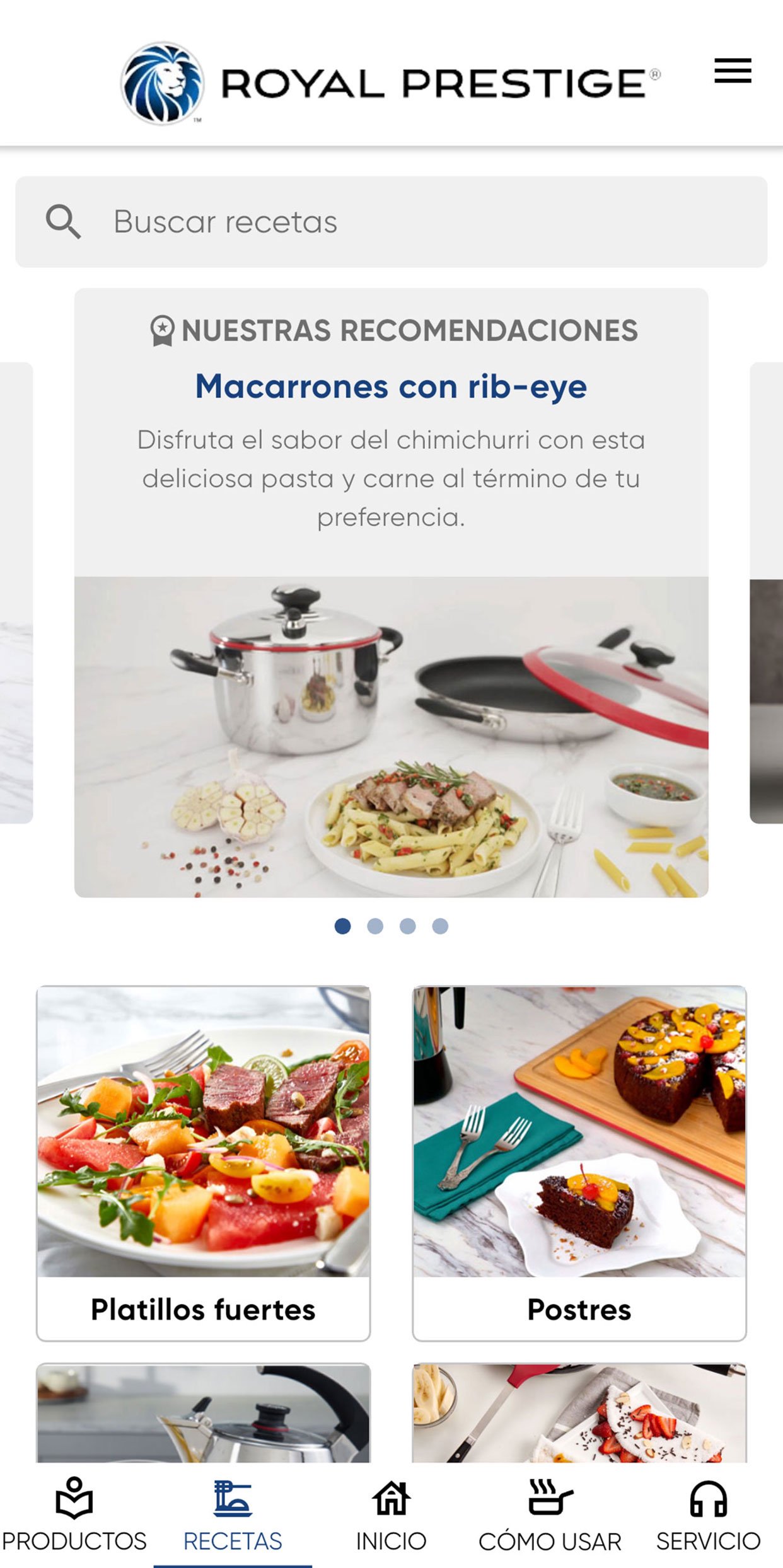
Find out how to get the most out of cookware and all Royal Prestige® products. This application offers useful content for our clients and of interest to all the public who want to bring the highest quality to their kitchen.
What does it offer?
- Step by step video guides for use and care.
- Product catalog.
- Videos of recipes to prepare in your Royal Prestige battery.
- All issues of CocinaMax and Royal Prestige Magazine, with cooking tips, recipes and articles of interest.
- Customer service information and payments.
Are you interested in learning more about Royal Prestige?
Follow us on Facebook: https://www.facebook.com/RoyalPrestigeMx/
Instagram: https://www.instagram.com/royalprestigemexico/
Avance

Etiquetas
House-&Información
Desarrollador
Bóveda Creativa
La última versión
2.0.62
Última actualización
2026-10-10
Categoría
House-home
Disponible en
Google Play
Mostrar más
Cómo jugar Royal Prestige® con GameLoop en PC
1. Descargue GameLoop desde el sitio web oficial, luego ejecute el archivo exe para instalar GameLoop.
2. Abra GameLoop y busque "Royal Prestige®", busque Royal Prestige® en los resultados de búsqueda y haga clic en "Instalar".
3. Disfruta jugando Royal Prestige® en GameLoop.
Minimum requirements
OS
Windows 8.1 64-bit or Windows 10 64-bit
GPU
GTX 1050
CPU
i3-8300
Memory
8GB RAM
Storage
1GB available space
Recommended requirements
OS
Windows 8.1 64-bit or Windows 10 64-bit
GPU
GTX 1050
CPU
i3-9320
Memory
16GB RAM
Storage
1GB available space