
Milwaukee® Pipeline Inspection para PC
Milwaukee Tool
Descarga Milwaukee® Pipeline Inspection en PC con GameLoop Emulator
Milwaukee® Pipeline Inspection en PC
Milwaukee® Pipeline Inspection, proveniente del desarrollador Milwaukee Tool, se ejecuta en el sistema Android en el pasado.
Ahora, puedes jugar Milwaukee® Pipeline Inspection en PC con GameLoop sin problemas.
Descárgalo en la biblioteca de GameLoop o en los resultados de búsqueda. No más mirar la batería o llamadas frustrantes en el momento equivocado nunca más.
Simplemente disfrute de Milwaukee® Pipeline Inspection PC en la pantalla grande de forma gratuita!
Milwaukee® Pipeline Inspection Introducción
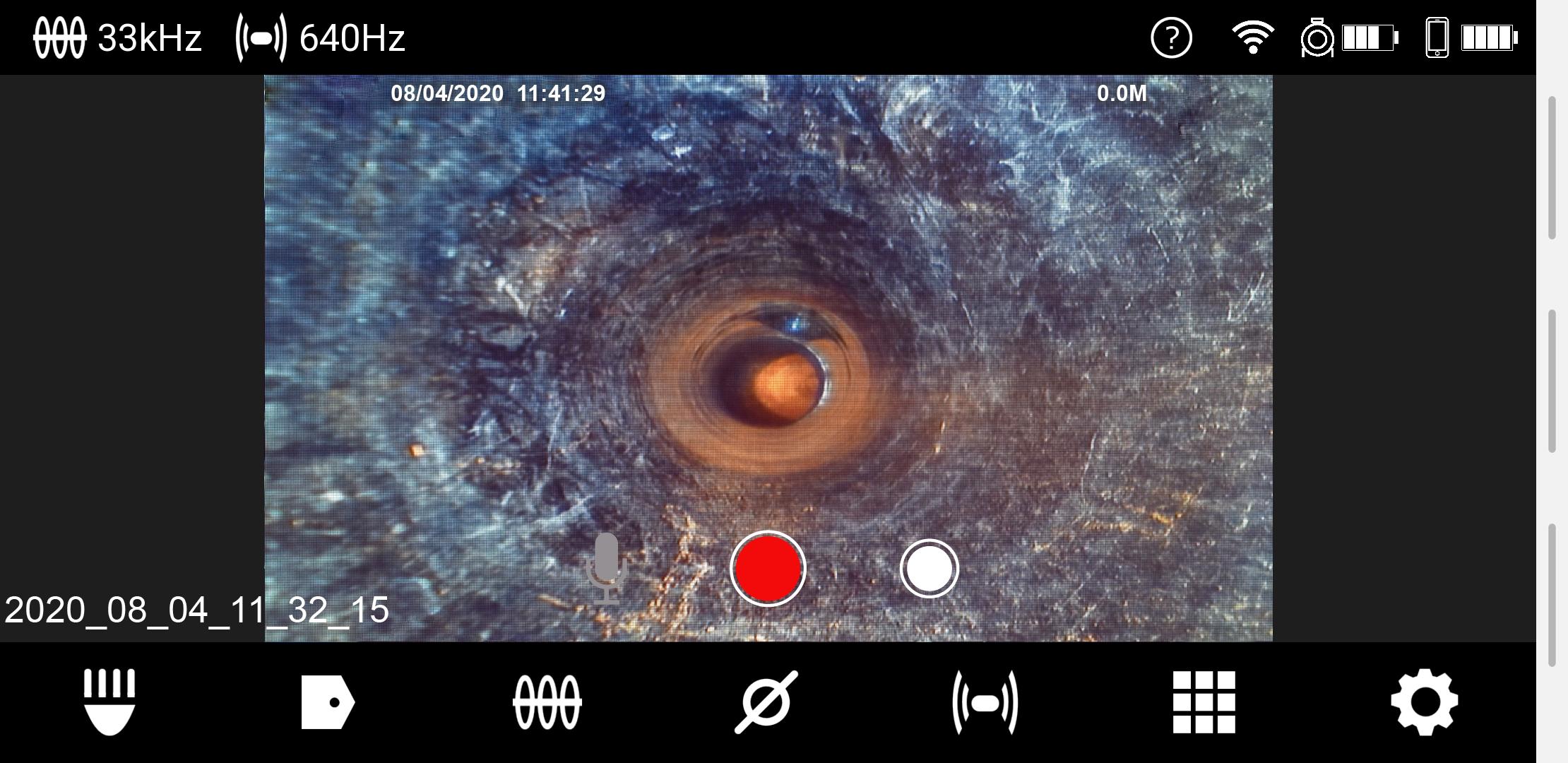
Introducing the Milwaukee® Pipeline Inspection System App, a direct to reel viewing solution that provides the full functionality of the M18 Wireless Monitor directly on your tablet or mobile device. The Milwaukee® Pipeline Inspection System App eliminates the need for a dedicated monitor, wirelessly connecting to the M18 500GB control hub up to 200’ away. Wirelessly capture images and video in High Definition, save and edit recordings to the M18™ 500GB Control hub or directly on to a tablet or mobile device, and share findings instantly to either a USB stick or via tablet or mobile device. The Milwaukee Modular Pipeline Inspection System provides the industry’s clearest image and easiest inspections, making it the premier sewer camera system for any sewer maintenance tool arsenal.
Avance

Etiquetas
House-&Información
Desarrollador
Milwaukee Tool
La última versión
1.78
Última actualización
2024-01-03
Categoría
House-home
Disponible en
Google Play
Mostrar más
Cómo jugar Milwaukee® Pipeline Inspection con GameLoop en PC
1. Descargue GameLoop desde el sitio web oficial, luego ejecute el archivo exe para instalar GameLoop.
2. Abra GameLoop y busque "Milwaukee® Pipeline Inspection", busque Milwaukee® Pipeline Inspection en los resultados de búsqueda y haga clic en "Instalar".
3. Disfruta jugando Milwaukee® Pipeline Inspection en GameLoop.
Minimum requirements
OS
Windows 8.1 64-bit or Windows 10 64-bit
GPU
GTX 1050
CPU
i3-8300
Memory
8GB RAM
Storage
1GB available space
Recommended requirements
OS
Windows 8.1 64-bit or Windows 10 64-bit
GPU
GTX 1050
CPU
i3-9320
Memory
16GB RAM
Storage
1GB available space