
WePlay para PC
Soft Management Explode
Descarga WePlay en PC con GameLoop Emulator
WePlay en PC
WePlay, proveniente del desarrollador Soft Management Explode, se ejecuta en el sistema Android en el pasado.
Ahora, puedes jugar WePlay en PC con GameLoop sin problemas.
Descárgalo en la biblioteca de GameLoop o en los resultados de búsqueda. No más mirar la batería o llamadas frustrantes en el momento equivocado nunca más.
Simplemente disfrute de WePlay PC en la pantalla grande de forma gratuita!
WePlay Introducción
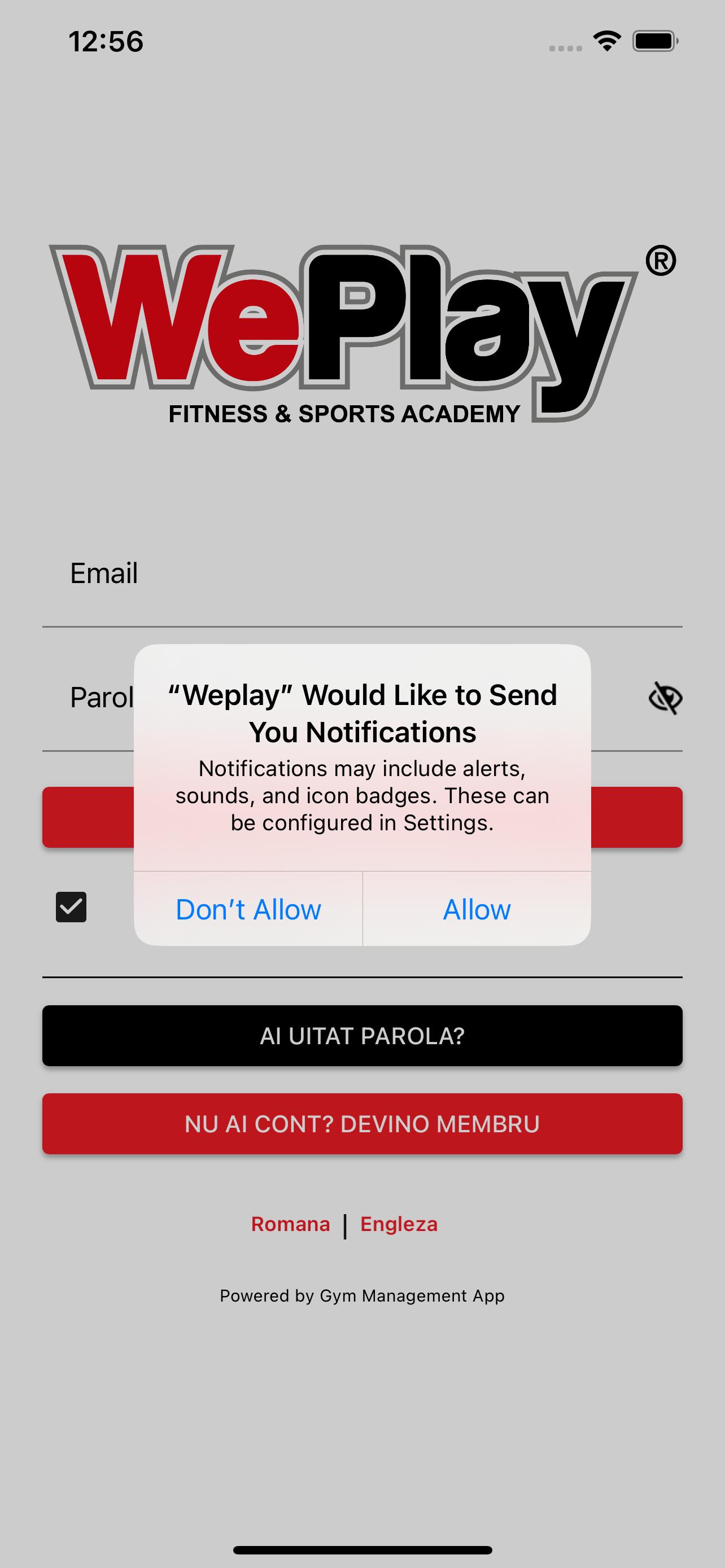
WePlay – is an application dedicated to those who want to become members of the WePlay Brașov Recreational Center.
To become a member, the first step is:
- Download the app
- Select the section Become a member
- Fill out the registration form carefully.
What benefits does our app offer you?
- Online payment for access to fitness classes;
- Online payment for access to Squash/Badminton courts;
- Making reservations for the desired activity;
- Access to the location via the QR code (for the weekend);
- Access to the history of payments made;
- Details about appointments and check-in;
- View the availability of Squash/Badminton courts;
- View fitness class seat availability.
Download the WePlay application, become a member and let's discover us!
Avance

Etiquetas
Health-&Información
Desarrollador
Soft Management Explode
La última versión
3.6
Última actualización
2025-06-17
Categoría
Health-fitness
Disponible en
Google Play
Mostrar más
Cómo jugar WePlay con GameLoop en PC
1. Descargue GameLoop desde el sitio web oficial, luego ejecute el archivo exe para instalar GameLoop.
2. Abra GameLoop y busque "WePlay", busque WePlay en los resultados de búsqueda y haga clic en "Instalar".
3. Disfruta jugando WePlay en GameLoop.
Minimum requirements
OS
Windows 8.1 64-bit or Windows 10 64-bit
GPU
GTX 1050
CPU
i3-8300
Memory
8GB RAM
Storage
1GB available space
Recommended requirements
OS
Windows 8.1 64-bit or Windows 10 64-bit
GPU
GTX 1050
CPU
i3-9320
Memory
16GB RAM
Storage
1GB available space