sFilter LITE - Free Blue Light Filter para PC
Siso Mobile
Descarga sFilter LITE - Free Blue Light Filter en PC con GameLoop Emulator
sFilter LITE - Free Blue Light Filter en PC
sFilter LITE - Free Blue Light Filter, proveniente del desarrollador Siso Mobile, se ejecuta en el sistema Android en el pasado.
Ahora, puedes jugar sFilter LITE - Free Blue Light Filter en PC con GameLoop sin problemas.
Descárgalo en la biblioteca de GameLoop o en los resultados de búsqueda. No más mirar la batería o llamadas frustrantes en el momento equivocado nunca más.
Simplemente disfrute de sFilter LITE - Free Blue Light Filter PC en la pantalla grande de forma gratuita!
sFilter LITE - Free Blue Light Filter Introducción
Please blocking Blue Light and protect your precious eyes!
This is a LITE version of "sFilter - Blue Light Filter"!
The LITE version is a memory saving version with only essential functions.
all convenient functions are free.
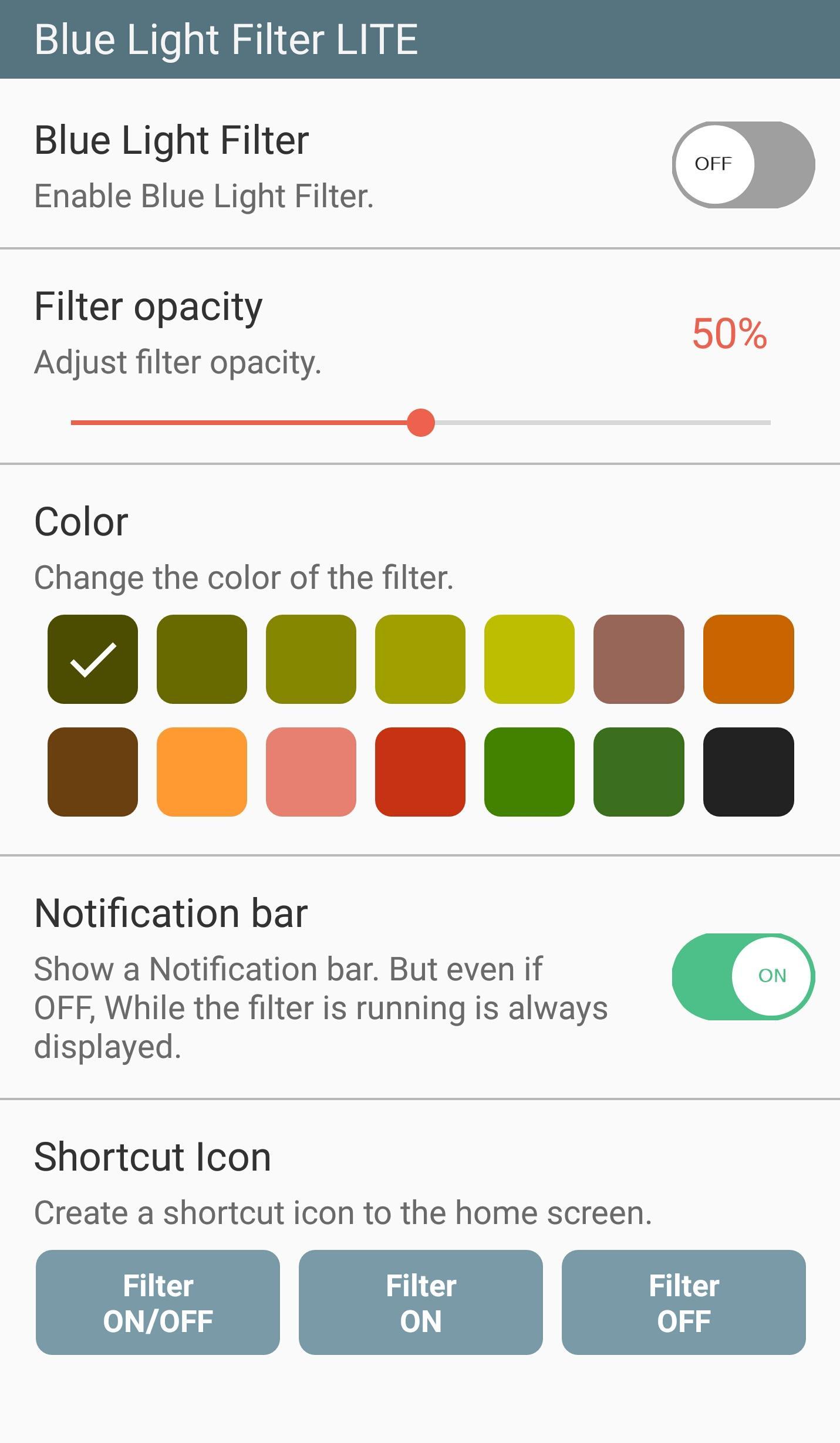
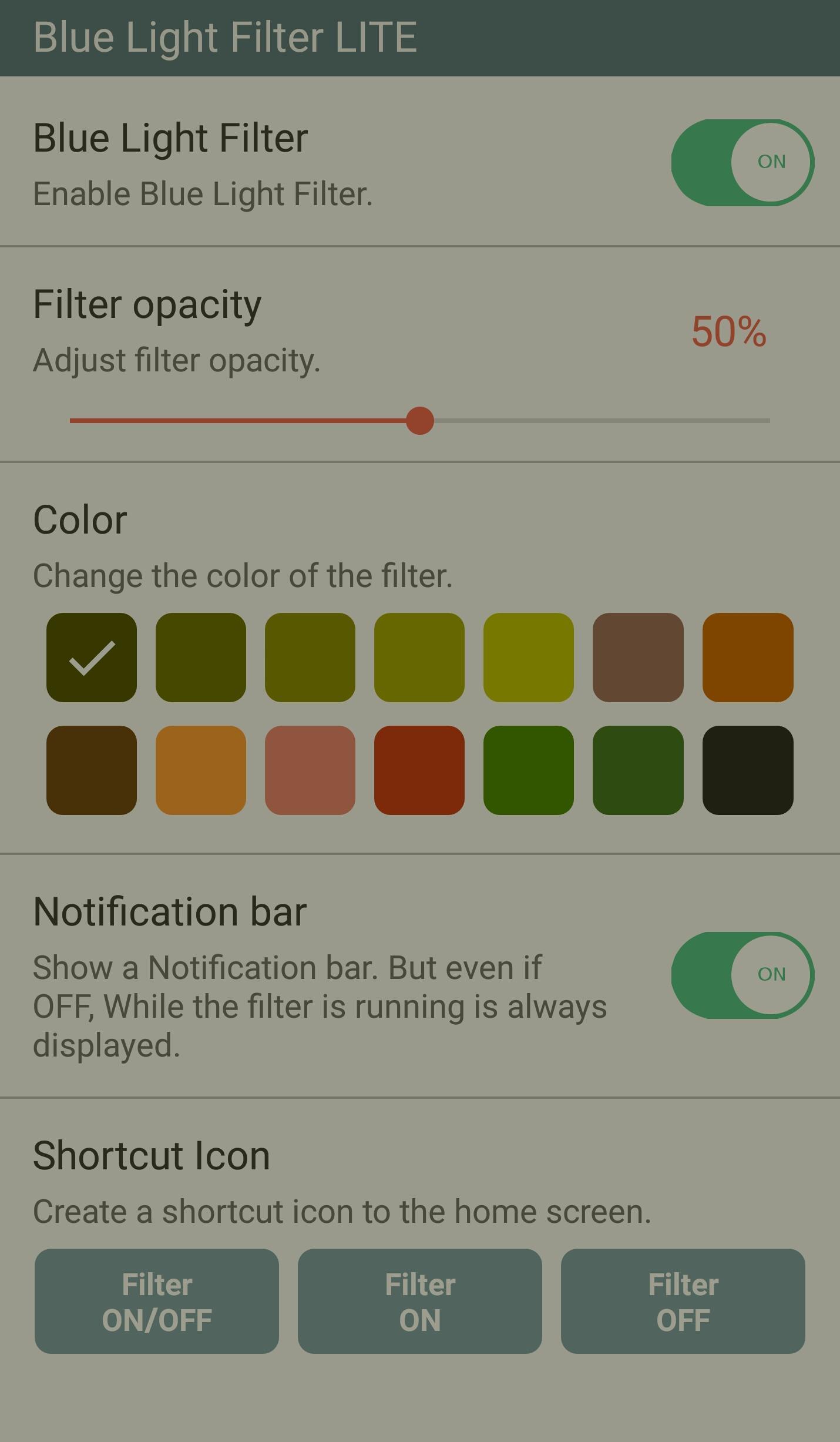
Blue Light Filter function.
14-color blue light filter are free.
When adjusting the screen dimmer automatically apply blue light filter.
Blue Light Filter is faster speed because essential function only put.
Low memory consumption and battery consumption.
■ Key Function
- Blocking the blue light that reduces eye fatigue
- Blue Light Filter adjustment function
- 14 kinds of colors to choose from an optimized filter
- All Process Exit function - Filter Off and Memory Clear
- Blue light filter function automatically applied when adjusting screen brightness.
- Shortcut creation function
■ Features
- Low memory consumption is Blue Light Filter
- Low battery consumption because essential function only put
- By adjusting the screen dimmer reduces battery consumption.
■ blue light filter
- blue light blocked causing sleep disorders and blurred vision
- I used the natural color of the filter that reduces eye fatigue.
- You can select a filter of 14 colors and adjust the dimmer of the screen.
Avance
Información
Desarrollador
Siso Mobile
La última versión
1.3.1
Última actualización
2021-02-24
Categoría
Health-fitness
Disponible en
Google Play
Mostrar más
Cómo jugar sFilter LITE - Free Blue Light Filter con GameLoop en PC
1. Descargue GameLoop desde el sitio web oficial, luego ejecute el archivo exe para instalar GameLoop.
2. Abra GameLoop y busque "sFilter LITE - Free Blue Light Filter", busque sFilter LITE - Free Blue Light Filter en los resultados de búsqueda y haga clic en "Instalar".
3. Disfruta jugando sFilter LITE - Free Blue Light Filter en GameLoop.
Minimum requirements
OS
Windows 8.1 64-bit or Windows 10 64-bit
GPU
GTX 1050
CPU
i3-8300
Memory
8GB RAM
Storage
1GB available space
Recommended requirements
OS
Windows 8.1 64-bit or Windows 10 64-bit
GPU
GTX 1050
CPU
i3-9320
Memory
16GB RAM
Storage
1GB available space