Night Shift OS 10 para PC
HwD
Descarga Night Shift OS 10 en PC con GameLoop Emulator
Night Shift OS 10 en PC
Night Shift OS 10, proveniente del desarrollador HwD, se ejecuta en el sistema Android en el pasado.
Ahora, puedes jugar Night Shift OS 10 en PC con GameLoop sin problemas.
Descárgalo en la biblioteca de GameLoop o en los resultados de búsqueda. No más mirar la batería o llamadas frustrantes en el momento equivocado nunca más.
Simplemente disfrute de Night Shift OS 10 PC en la pantalla grande de forma gratuita!
Night Shift OS 10 Introducción
*** Night Shift OS 10: the best performance and lowest memory usage ***
NOTE: Sometime, schedule option does not work correctly. You will need to re-setup to correct it.
Recent research suggests that exposure to blue light before sleep may distort your natural (circadian) rhythm and cause inability to fall asleep.
The cause is the photoreceptor in your eyes, called Melanopsin. This receptor is sensitive to a narrow band of blue light in the 460-480nm range which may suppress Melatonin production - a hormone responsible for your healthy sleep-wake cycles.
In experimental scientific studies it has been shown an average person reading on a tablet or smart phone for a couple of hours before bed time may find their sleep delayed by about an hour.
Night Shift filter controls the amount of blue light emitted from your phone, and thus it reduces the harmful effects of using mobile phone at night so that falling asleep is easier.
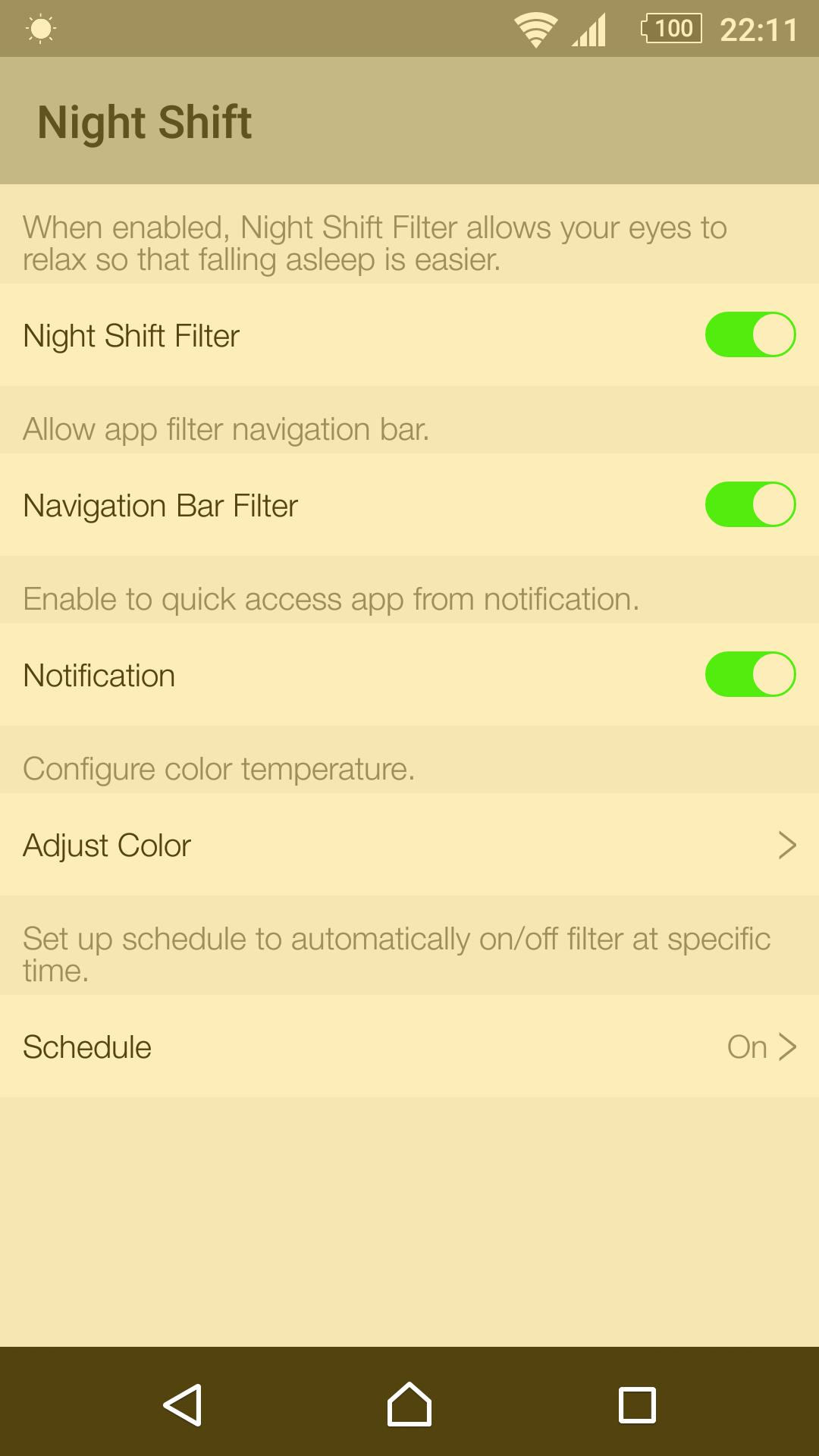
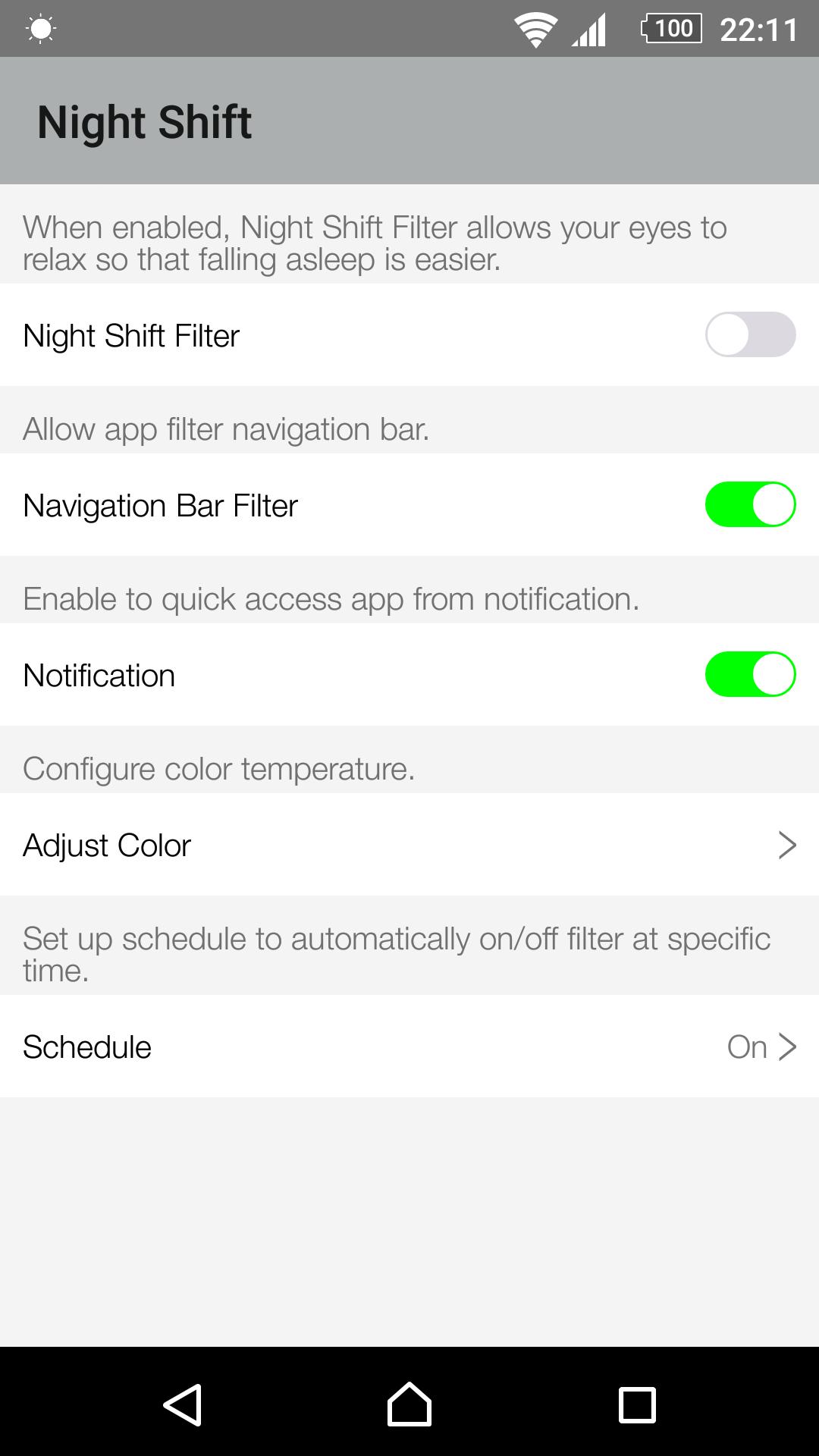
This is the simplest Night Shift App and it lets you:
- Filter even closed app via Recent Tasks.
- WHOSE screen Filter with enable Navigation Bar Filter
- Free change the filter color temperature (Don't make blue light too high).
- Quick access app to Turn ON/OFF filter through a single tap on notification bar.
- Allow turn ON/OFF notification.
- No annoying notifications.
- Set up schedule to automatically turn ON/OFF filter.
- Beautiful UI.
- No Ads.
Best option is not to use your mobile devices after sunset, but if you must then this Night Shift app is there to save your eyes!
Help us translate this app to your language: https://goo.gl/pQfij6
Thank you for all of your installs. Look forward to hearing your feed back.
Avance
Etiquetas
Health-&Información
Desarrollador
HwD
La última versión
6.0
Última actualización
2017-01-25
Categoría
Health-fitness
Disponible en
Google Play
Mostrar más
Cómo jugar Night Shift OS 10 con GameLoop en PC
1. Descargue GameLoop desde el sitio web oficial, luego ejecute el archivo exe para instalar GameLoop.
2. Abra GameLoop y busque "Night Shift OS 10", busque Night Shift OS 10 en los resultados de búsqueda y haga clic en "Instalar".
3. Disfruta jugando Night Shift OS 10 en GameLoop.
Minimum requirements
OS
Windows 8.1 64-bit or Windows 10 64-bit
GPU
GTX 1050
CPU
i3-8300
Memory
8GB RAM
Storage
1GB available space
Recommended requirements
OS
Windows 8.1 64-bit or Windows 10 64-bit
GPU
GTX 1050
CPU
i3-9320
Memory
16GB RAM
Storage
1GB available space