
Cue para PC
Health Rhythms
Descarga Cue en PC con GameLoop Emulator
Cue en PC
Cue, proveniente del desarrollador Health Rhythms, se ejecuta en el sistema Android en el pasado.
Ahora, puedes jugar Cue en PC con GameLoop sin problemas.
Descárgalo en la biblioteca de GameLoop o en los resultados de búsqueda. No más mirar la batería o llamadas frustrantes en el momento equivocado nunca más.
Simplemente disfrute de Cue PC en la pantalla grande de forma gratuita!
Cue Introducción
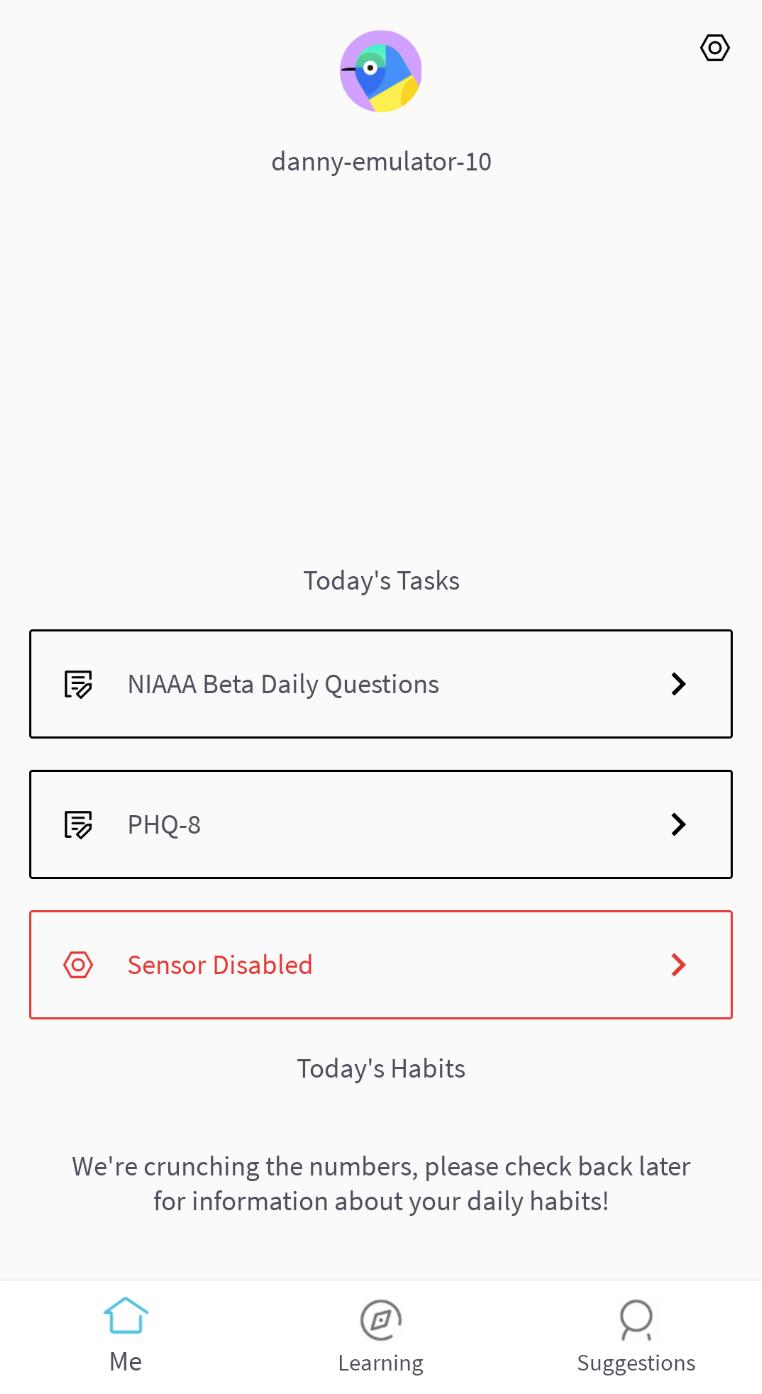
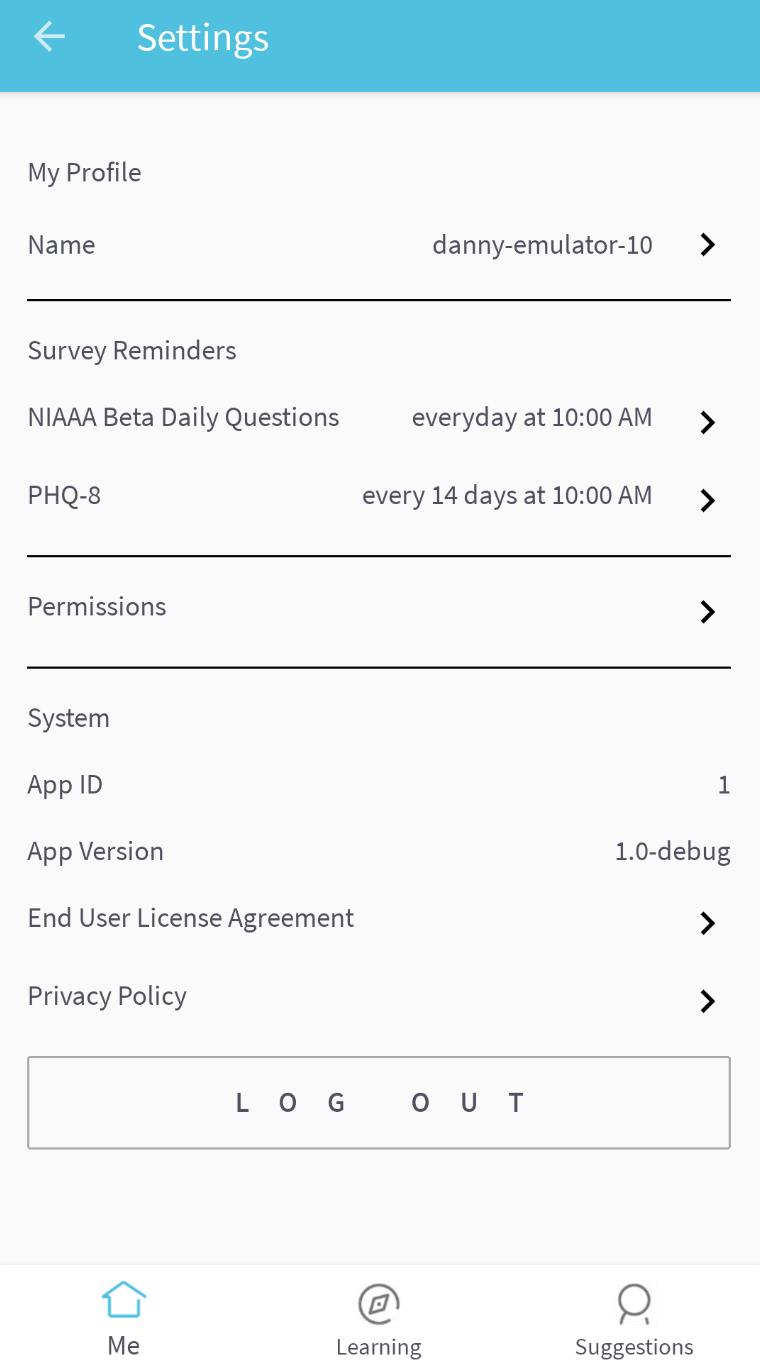
Cue® is a light-touch digital experience that is designed to optimize your mental wellbeing.
Cue® harnesses continuous sensor measurements to provide person-specific clinical-validated digital treatments that are unique to you. Sensor and self-reported assessments fuel machine learning algorithms that drive personally-tailored feedback, learning programs and within-in reach suggestions.
How can I use Cue®?
Cue® can help in many ways including:
- Measuring and improving your sleep health
- Measuring and improving your overall routine
- Helping you understand the relationship between your routine and how you feel
- Delivering personalized actionable suggestions designed to improve your routine
- Cue can integrate with Google Fit to provide more accurate predictions and tailored suggestions
Avance
Etiquetas
Health-&Información
Desarrollador
Health Rhythms
La última versión
0.11.15
Última actualización
2023-07-28
Categoría
Health-fitness
Disponible en
Google Play
Mostrar más
Cómo jugar Cue con GameLoop en PC
1. Descargue GameLoop desde el sitio web oficial, luego ejecute el archivo exe para instalar GameLoop.
2. Abra GameLoop y busque "Cue", busque Cue en los resultados de búsqueda y haga clic en "Instalar".
3. Disfruta jugando Cue en GameLoop.
Minimum requirements
OS
Windows 8.1 64-bit or Windows 10 64-bit
GPU
GTX 1050
CPU
i3-8300
Memory
8GB RAM
Storage
1GB available space
Recommended requirements
OS
Windows 8.1 64-bit or Windows 10 64-bit
GPU
GTX 1050
CPU
i3-9320
Memory
16GB RAM
Storage
1GB available space