
Contrast Timer para PC
Szebra Mobile
Descarga Contrast Timer en PC con GameLoop Emulator
Contrast Timer en PC
Contrast Timer, proveniente del desarrollador Szebra Mobile, se ejecuta en el sistema Android en el pasado.
Ahora, puedes jugar Contrast Timer en PC con GameLoop sin problemas.
Descárgalo en la biblioteca de GameLoop o en los resultados de búsqueda. No más mirar la batería o llamadas frustrantes en el momento equivocado nunca más.
Simplemente disfrute de Contrast Timer PC en la pantalla grande de forma gratuita!
Contrast Timer Introducción
Commonly recommended by physical therapists, contrasting is the process of submerging your muscles/joints into alternating warm & cold water. The warm water causes your muscle to expand, while the cold water causes your muscle to contract - this produces a 'pumping' action which can clear out built-up, pain-causing toxins and waste products.
Contrast Timer is designed for anyone using contrast therapy (or hot/cold immersion therapy) for muscle or joint pain. Between texting, playing games, and simply holding a phone or tablet throughout the day, the affliction of thumb & wrist pain is increasingly common, even among otherwise-healthy young people. Occasional contrasting can provide real relief to these conditions.
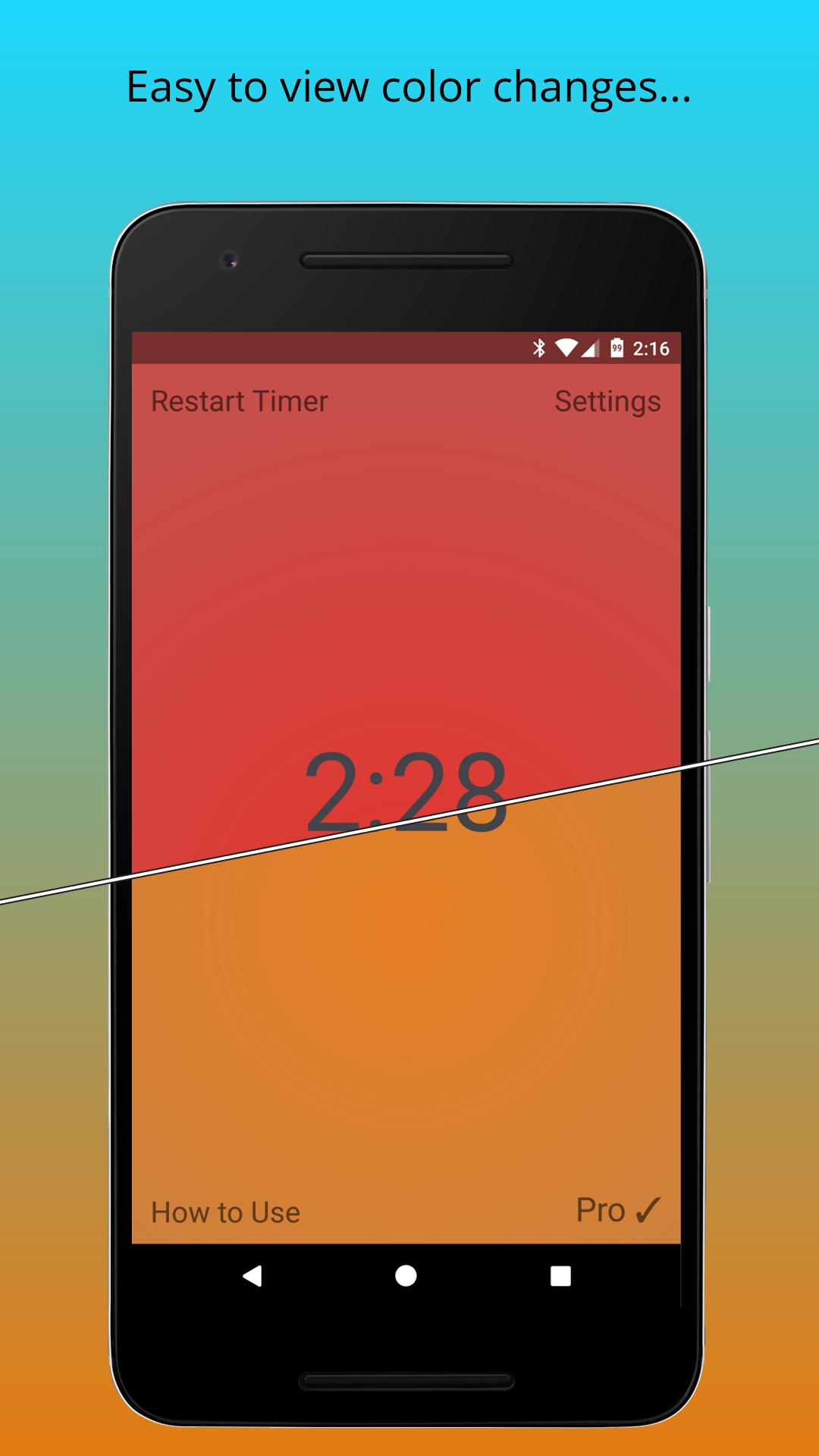
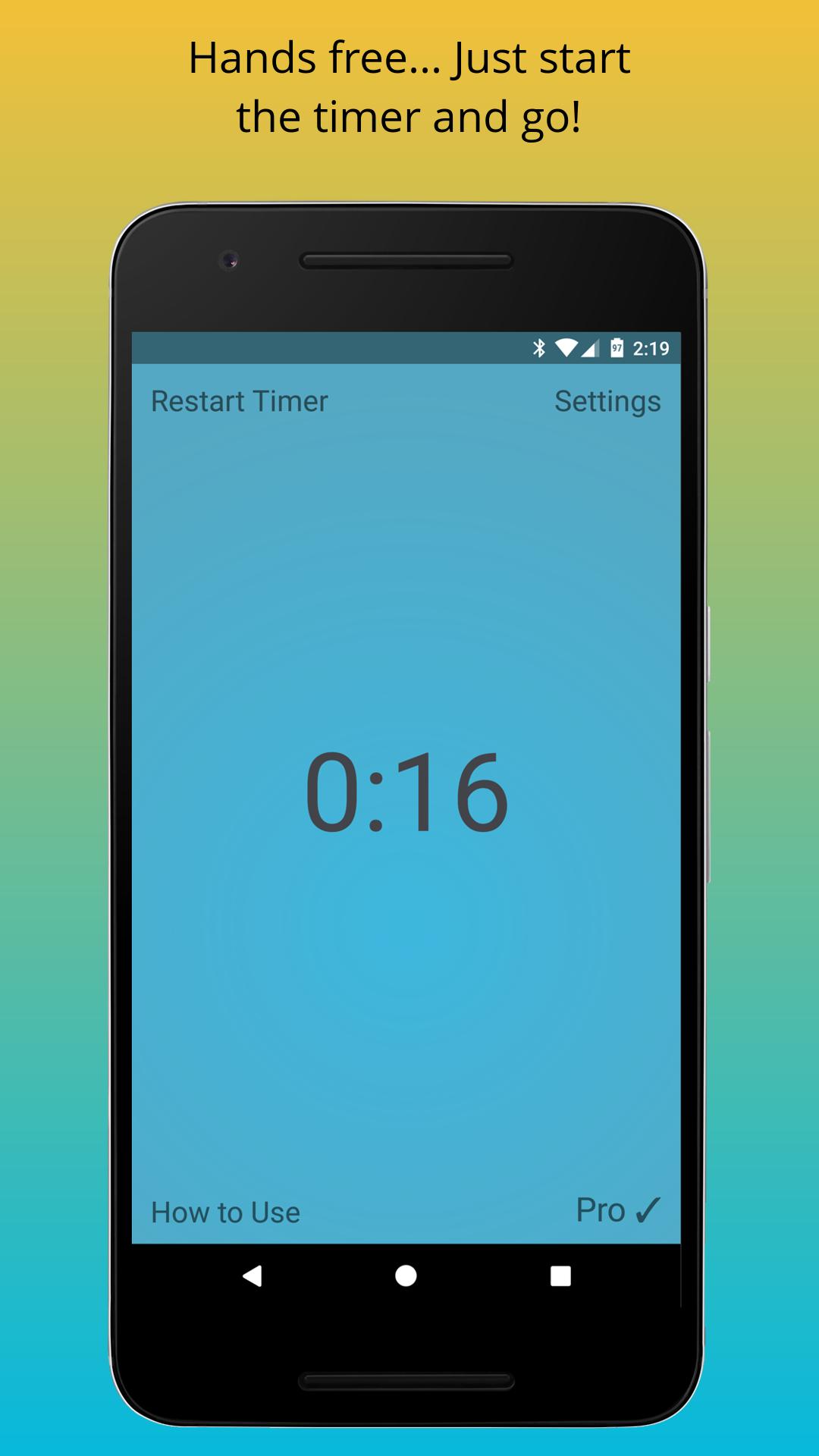
This app does all the work of timing your periods of warm and cold immersion, prompting you to switch baths using simple changes of color, sound, and a visible countdown timer. Why fumble with timers when your hands are dripping wet? Contrast Timer will take care of it for you.
Avance
Etiquetas
Health-&Información
Desarrollador
Szebra Mobile
La última versión
1.1.5
Última actualización
2022-10-30
Categoría
Health-fitness
Disponible en
Google Play
Mostrar más
Cómo jugar Contrast Timer con GameLoop en PC
1. Descargue GameLoop desde el sitio web oficial, luego ejecute el archivo exe para instalar GameLoop.
2. Abra GameLoop y busque "Contrast Timer", busque Contrast Timer en los resultados de búsqueda y haga clic en "Instalar".
3. Disfruta jugando Contrast Timer en GameLoop.
Minimum requirements
OS
Windows 8.1 64-bit or Windows 10 64-bit
GPU
GTX 1050
CPU
i3-8300
Memory
8GB RAM
Storage
1GB available space
Recommended requirements
OS
Windows 8.1 64-bit or Windows 10 64-bit
GPU
GTX 1050
CPU
i3-9320
Memory
16GB RAM
Storage
1GB available space