
Smart Play POS para PC
Shreyans Retail Solutions
Descarga Smart Play POS en PC con GameLoop Emulator
Smart Play POS en PC
Smart Play POS, proveniente del desarrollador Shreyans Retail Solutions, se ejecuta en el sistema Android en el pasado.
Ahora, puedes jugar Smart Play POS en PC con GameLoop sin problemas.
Descárgalo en la biblioteca de GameLoop o en los resultados de búsqueda. No más mirar la batería o llamadas frustrantes en el momento equivocado nunca más.
Simplemente disfrute de Smart Play POS PC en la pantalla grande de forma gratuita!
Smart Play POS Introducción
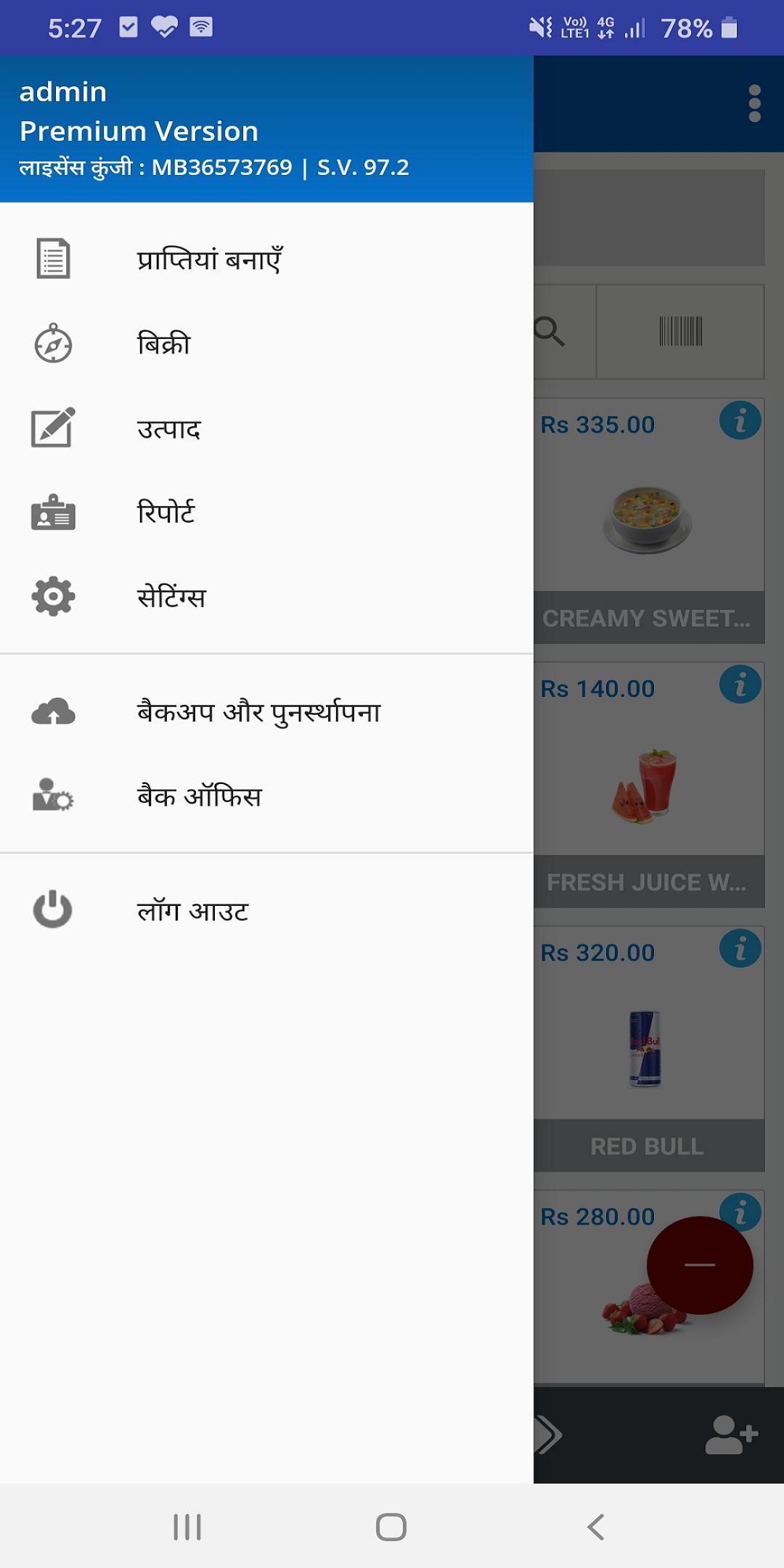
“Smart Play POS” is a perfect POS solution for any kind of business. Your business may be a cafe, bar, restaurant, coffee shop, beauty salon, food truck, car wash, book store or any other business. You may have more than one outlet which you want to manage online, Sales Play POS is the solution.
Install “Smart Play” to your Tablet or Phone and convert it into a complete Smart POS today.
Smart Play app is with no ads, no contracts, no credit cards, and no commitments.
You can replace your conventional cash register and billing system with Smart Play POS and start tracking sales and inventory in real time. Create items, view sales/ inventory reports, manage multiple stores in the cloud web portal.
Sales Play supports with many printers. You can simply connect Bluetooth, Cable, Wi-Fi or USB printer.
Avance
Etiquetas
Food-&Información
Desarrollador
Shreyans Retail Solutions
La última versión
98.0
Última actualización
2020-10-30
Categoría
Food-drink
Disponible en
Google Play
Mostrar más
Cómo jugar Smart Play POS con GameLoop en PC
1. Descargue GameLoop desde el sitio web oficial, luego ejecute el archivo exe para instalar GameLoop.
2. Abra GameLoop y busque "Smart Play POS", busque Smart Play POS en los resultados de búsqueda y haga clic en "Instalar".
3. Disfruta jugando Smart Play POS en GameLoop.
Minimum requirements
OS
Windows 8.1 64-bit or Windows 10 64-bit
GPU
GTX 1050
CPU
i3-8300
Memory
8GB RAM
Storage
1GB available space
Recommended requirements
OS
Windows 8.1 64-bit or Windows 10 64-bit
GPU
GTX 1050
CPU
i3-9320
Memory
16GB RAM
Storage
1GB available space