
Keeper Wallet (ex-Tonkeeper) para PC
TON Apps INC.
Descarga Keeper Wallet (ex-Tonkeeper) en PC con GameLoop Emulator
Keeper Wallet (ex-Tonkeeper) en PC
Keeper Wallet (ex-Tonkeeper), proveniente del desarrollador TON Apps INC., se ejecuta en el sistema Android en el pasado.
Ahora, puedes jugar Keeper Wallet (ex-Tonkeeper) en PC con GameLoop sin problemas.
Descárgalo en la biblioteca de GameLoop o en los resultados de búsqueda. No más mirar la batería o llamadas frustrantes en el momento equivocado nunca más.
Simplemente disfrute de Keeper Wallet (ex-Tonkeeper) PC en la pantalla grande de forma gratuita!
Keeper Wallet (ex-Tonkeeper) Introducción
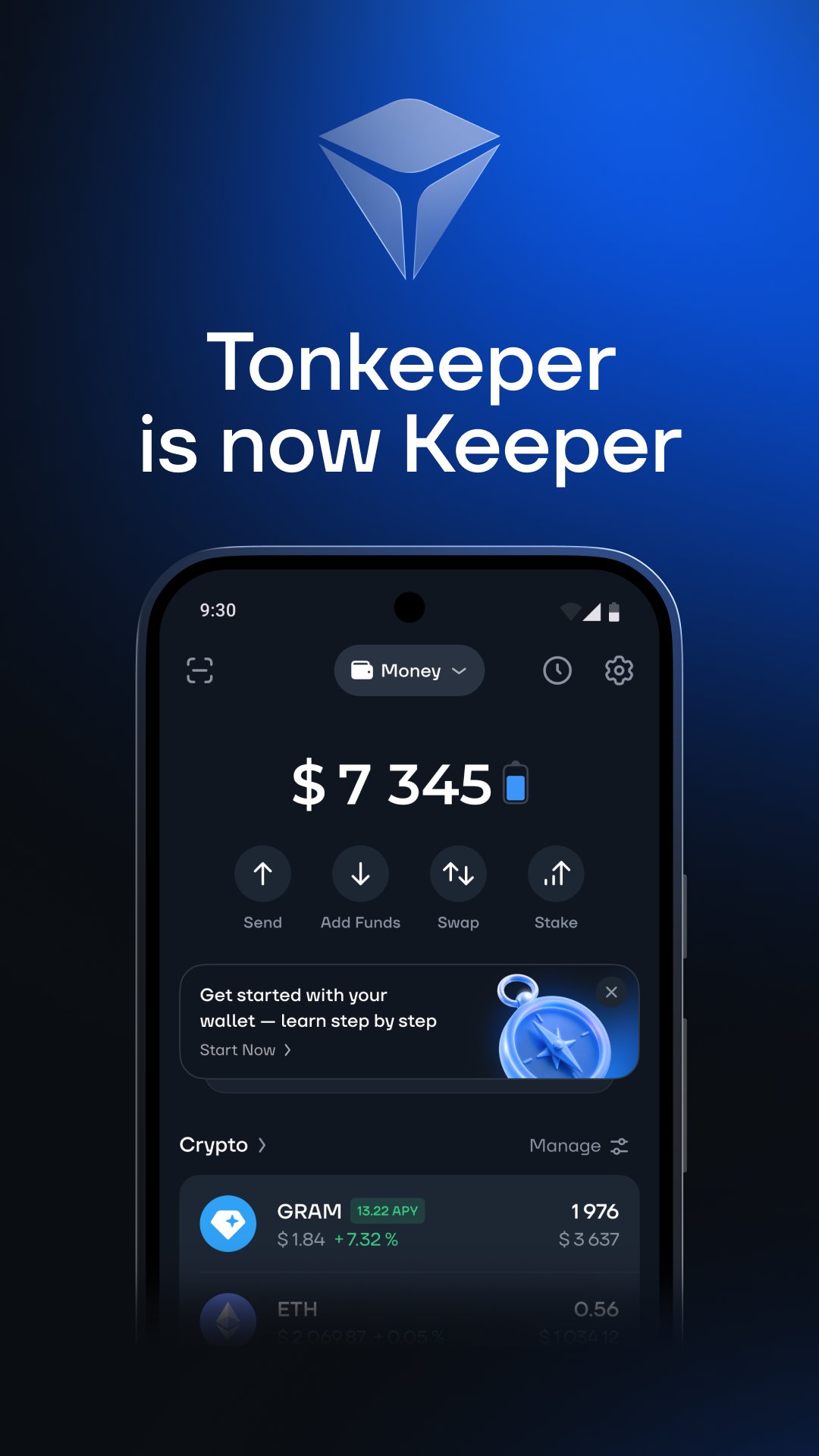
Tonkeeper is now Keeper.
Keeper is a secure, self-custody crypto wallet for all your networks: TON, TRON, Ethereum, Bitcoin, Arbitrum, Base, BSC and more. Buy, swap, send and stake GRAM, USDT, BTC, ETH, BNB and thousands of other tokens from one crypto wallet, protected by one recovery phrase that never leaves your device.
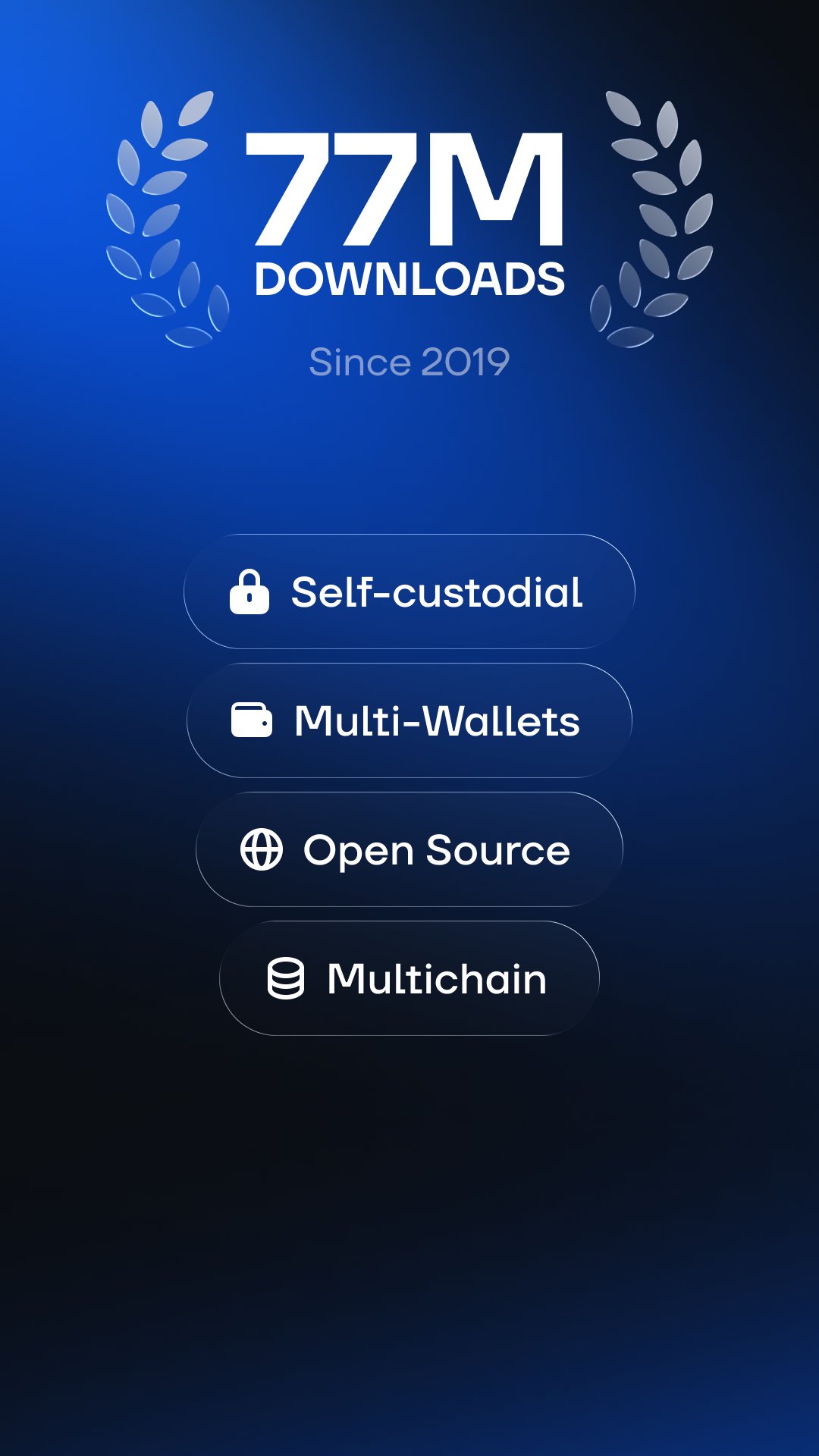
77 million downloads. Same wallet, same keys, same expertise — now across all your networks.
Already use Tonkeeper? Your accounts and balances are untouched. To get the other networks, switch to a multichain wallet — it takes a few steps in the app.
All your networks, one recovery phrase
Hold GRAM, USDT, BTC, ETH, BNB and thousands of other tokens side by side. One seed phrase backs up every account on every network, so there is no separate wallet app to install and no separate backup to keep for each chain. A multichain crypto wallet, not one app per chain.
Battery — sponsored network fees
Send supported tokens without keeping the network’s native tokens for gas. Battery sponsors the network fee for eligible transfers, so a USDT transfer on TRON goes through even when you hold no TRX at all. Available on TON and TRON.
Cross-chain swaps in one tap
Sending USDT from Ethereum to TRON, or BTC to TON, is as simple as sending a token inside one network. Keeper finds the route for you, and you see the exact fee from integrated providers before you confirm. No manual bridges, no wrapped-token guesswork, no second app.
Buy crypto with a bank card
Top up your wallet in a few taps through supported providers. No exchange account, no waiting on a bank transfer, no extra app to install.
Staking
Put your GRAM to work and follow your rewards in the app. Staking involves risk and rewards are not guaranteed.
Web3 and DeFi in one browser
Find dApps across supported networks, connect your wallet and sign transactions without leaving the app. DeFi services, NFT marketplaces and on-chain tools in one place.
NFTs and collectibles
Your NFTs sit in the same wallet as your tokens. Open your collection, send and receive — no separate app needed.
Yours, and only yours
Custodial apps hold your money for you. Keeper doesn't, and can't. Your recovery phrase is generated on your device and stays there. There is no sign-up. There is no account anyone can freeze. Nobody, including us, can move your funds or hand them to someone else. For cold storage, Keeper works with Ledger, Keystone and Keeper Signer.
Availability notice
Some Keeper features and third-party services may not be available in certain countries or jurisdictions and may depend on your location, applicable laws, provider terms and network availability. Digital asset prices fluctuate. Keeper is a non-custodial wallet: it does not store your funds or private keys and cannot access or recover them for you.
Avance
Etiquetas
FinanzasInformación
Desarrollador
TON Apps INC.
La última versión
26.11.4
Última actualización
2026-11-14
Categoría
Finanzas
Disponible en
Google Play
Mostrar más
Cómo jugar Keeper Wallet (ex-Tonkeeper) con GameLoop en PC
1. Descargue GameLoop desde el sitio web oficial, luego ejecute el archivo exe para instalar GameLoop.
2. Abra GameLoop y busque "Keeper Wallet (ex-Tonkeeper)", busque Keeper Wallet (ex-Tonkeeper) en los resultados de búsqueda y haga clic en "Instalar".
3. Disfruta jugando Keeper Wallet (ex-Tonkeeper) en GameLoop.
Minimum requirements
OS
Windows 8.1 64-bit or Windows 10 64-bit
GPU
GTX 1050
CPU
i3-8300
Memory
8GB RAM
Storage
1GB available space
Recommended requirements
OS
Windows 8.1 64-bit or Windows 10 64-bit
GPU
GTX 1050
CPU
i3-9320
Memory
16GB RAM
Storage
1GB available space