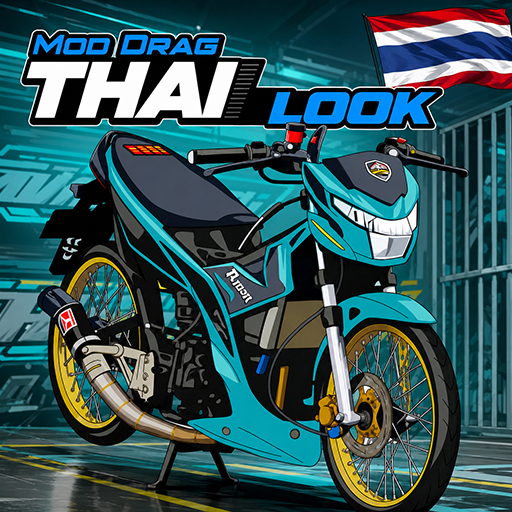
Mod Drag Motor Thailook para PC
Galante corp
Descarga Mod Drag Motor Thailook en PC con GameLoop Emulator
Mod Drag Motor Thailook en PC
Mod Drag Motor Thailook, proveniente del desarrollador Galante corp, se ejecuta en el sistema Android en el pasado.
Ahora, puedes jugar Mod Drag Motor Thailook en PC con GameLoop sin problemas.
Descárgalo en la biblioteca de GameLoop o en los resultados de búsqueda. No más mirar la batería o llamadas frustrantes en el momento equivocado nunca más.
Simplemente disfrute de Mod Drag Motor Thailook PC en la pantalla grande de forma gratuita!
Mod Drag Motor Thailook Introducción
Are you a fan of street racing and looking for the coolest motorcycle drag mods? The Thailook motorcycle drag mod app offers a collection of the best two-wheeled vehicles for a more realistic and challenging gaming experience!
This app focuses on bringing the thrill of street racing and unique Thai modifications directly to your fingertips. We recognize that players are always looking for 2026 motorcycle drag mods, so we've provided a collection of Thai motorcycle drag mods for Bussid motorcycles with stunning visual details, from spoked rims and thin tires to sleek, low bodies and powerful racing exhausts.
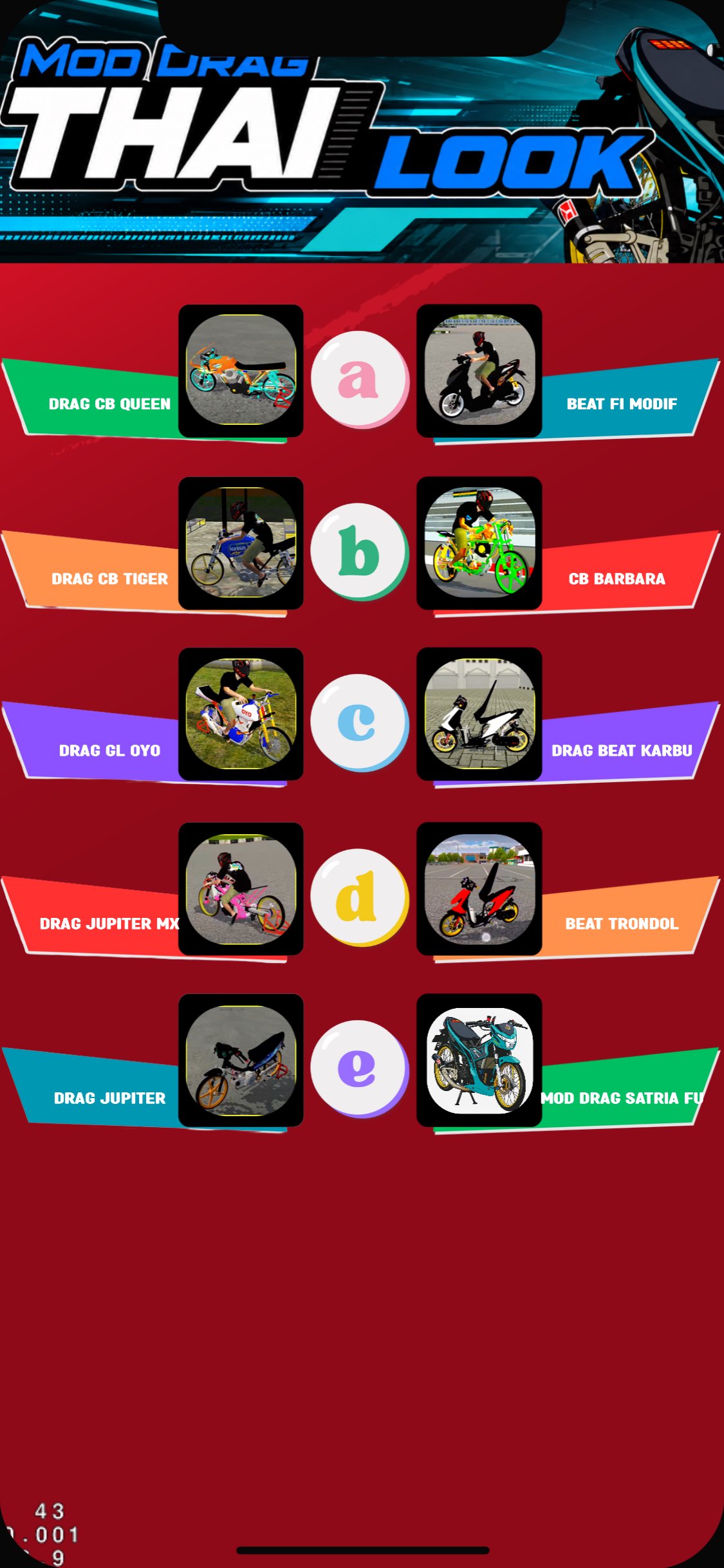
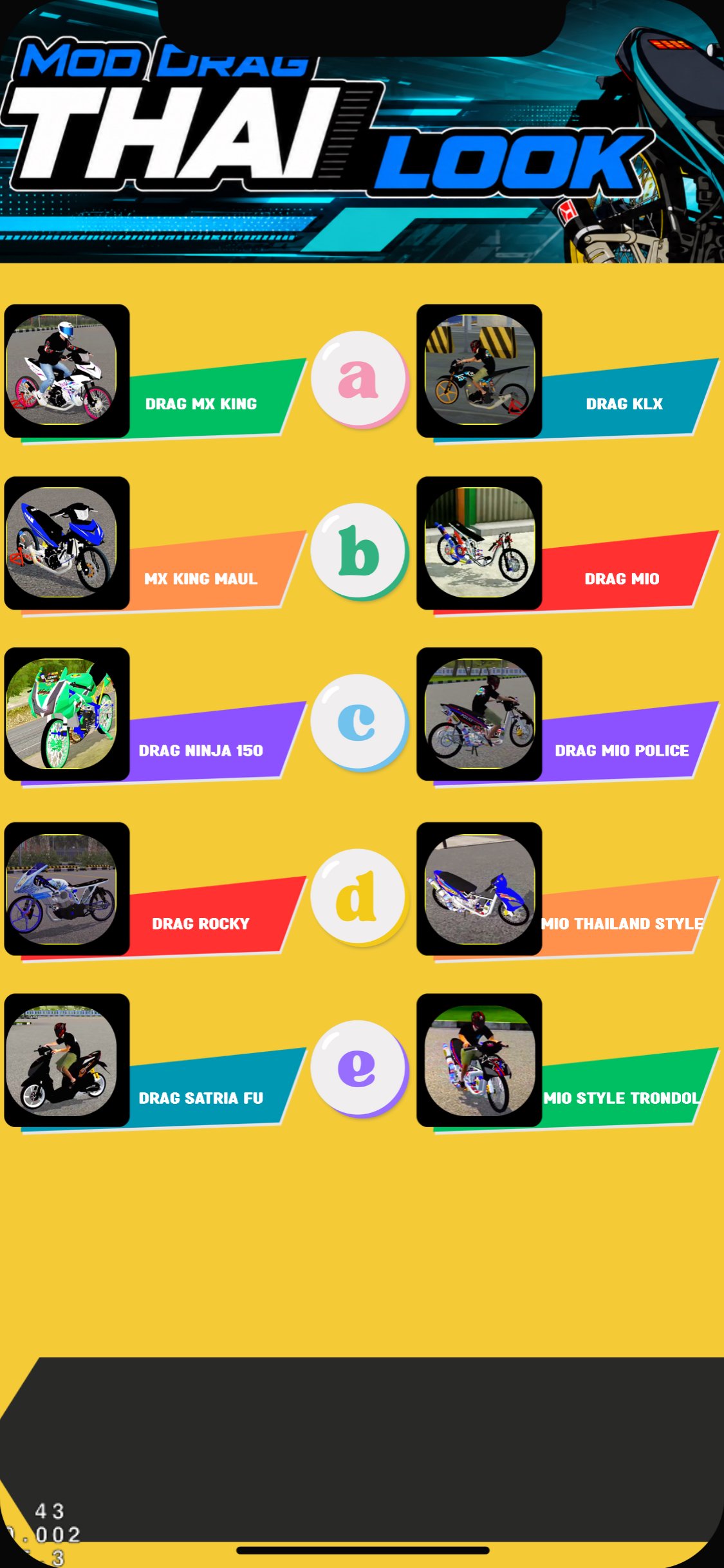
Complete vehicle collection: To ensure you get a complete drag mod experience, we've compiled a variety of player-favorite motorcycles. You can download and play them in this app. Enjoy fast speeds with the Bussid KPH drag mod, various Bussid KPH drag mods, and a calm yet deadly style with the Bussid KPH Jogja Style mod. Look stylish on the road with the fully modified Bussid Aerox motorcycle mod and experience the true underbone pull with the Bussid Raider 150 FI motorcycle mod.
Make the streets noisy with the RX King motorcycle mod, featuring the Blayer spec, and reminisce about 90s racing with the Fiz R motorcycle mod. Then, enjoy classic and underbone motorcycles for relaxing and enjoying the scenery with the Grand motorcycle mod, or look unique with the RBT motorcycle mod. Not just drag racing, for dirt bike enthusiasts, we also include a YZ trail motorcycle mod, ready to tackle bumpy roads.
How to install mods in the Bussid game:
If this is your first time using mods, don't worry! Follow these easy steps:
- Open the Thailook drag motorcycle mod app and select your favorite motorcycle.
- Press the Download button and wait for the mod file (in .bussidmod or .bussidvehicle format) to finish saving on your phone.
- Open the File Manager on your device, then locate the newly downloaded file (usually located in the Download folder).
- Move or copy the mod file to the internal storage folder: BUSSID > Mods.
- Open the Bus Simulator Indonesia (BUSSID) game, then go to the Garage menu.
- Swipe to find the installed motorcycle and press the use button.
- Done! Your dream drag bike is ready to be taken cruising or touring on the streets.
- Change your playstyle now! Take your dream Thai-look motorcycle to the virtual streets, show off to your friends, and become the king of the road. Download now and experience the thrill!
Disclaimer:
This application is a third-party application that provides additional modifications (mods) and is not officially affiliated with the developers of the Bus Simulator Indonesia (BUSSID) game. All copyrights, assets, and trademarks of the related games belong to the original developers. This application is for entertainment purposes only and to support the Bussid game.
Avance
Etiquetas
EventosInformación
Desarrollador
Galante corp
La última versión
1.4
Última actualización
2026-07-18
Categoría
Eventos
Disponible en
Google Play
Mostrar más
Cómo jugar Mod Drag Motor Thailook con GameLoop en PC
1. Descargue GameLoop desde el sitio web oficial, luego ejecute el archivo exe para instalar GameLoop.
2. Abra GameLoop y busque "Mod Drag Motor Thailook", busque Mod Drag Motor Thailook en los resultados de búsqueda y haga clic en "Instalar".
3. Disfruta jugando Mod Drag Motor Thailook en GameLoop.
Minimum requirements
OS
Windows 8.1 64-bit or Windows 10 64-bit
GPU
GTX 1050
CPU
i3-8300
Memory
8GB RAM
Storage
1GB available space
Recommended requirements
OS
Windows 8.1 64-bit or Windows 10 64-bit
GPU
GTX 1050
CPU
i3-9320
Memory
16GB RAM
Storage
1GB available space