
VIZIO | WatchFree+ para PC
VIZIO
Descarga VIZIO | WatchFree+ en PC con GameLoop Emulator
VIZIO | WatchFree+ en PC
VIZIO | WatchFree+, proveniente del desarrollador VIZIO, se ejecuta en el sistema Android en el pasado.
Ahora, puedes jugar VIZIO | WatchFree+ en PC con GameLoop sin problemas.
Descárgalo en la biblioteca de GameLoop o en los resultados de búsqueda. No más mirar la batería o llamadas frustrantes en el momento equivocado nunca más.
Simplemente disfrute de VIZIO | WatchFree+ PC en la pantalla grande de forma gratuita!
VIZIO | WatchFree+ Introducción
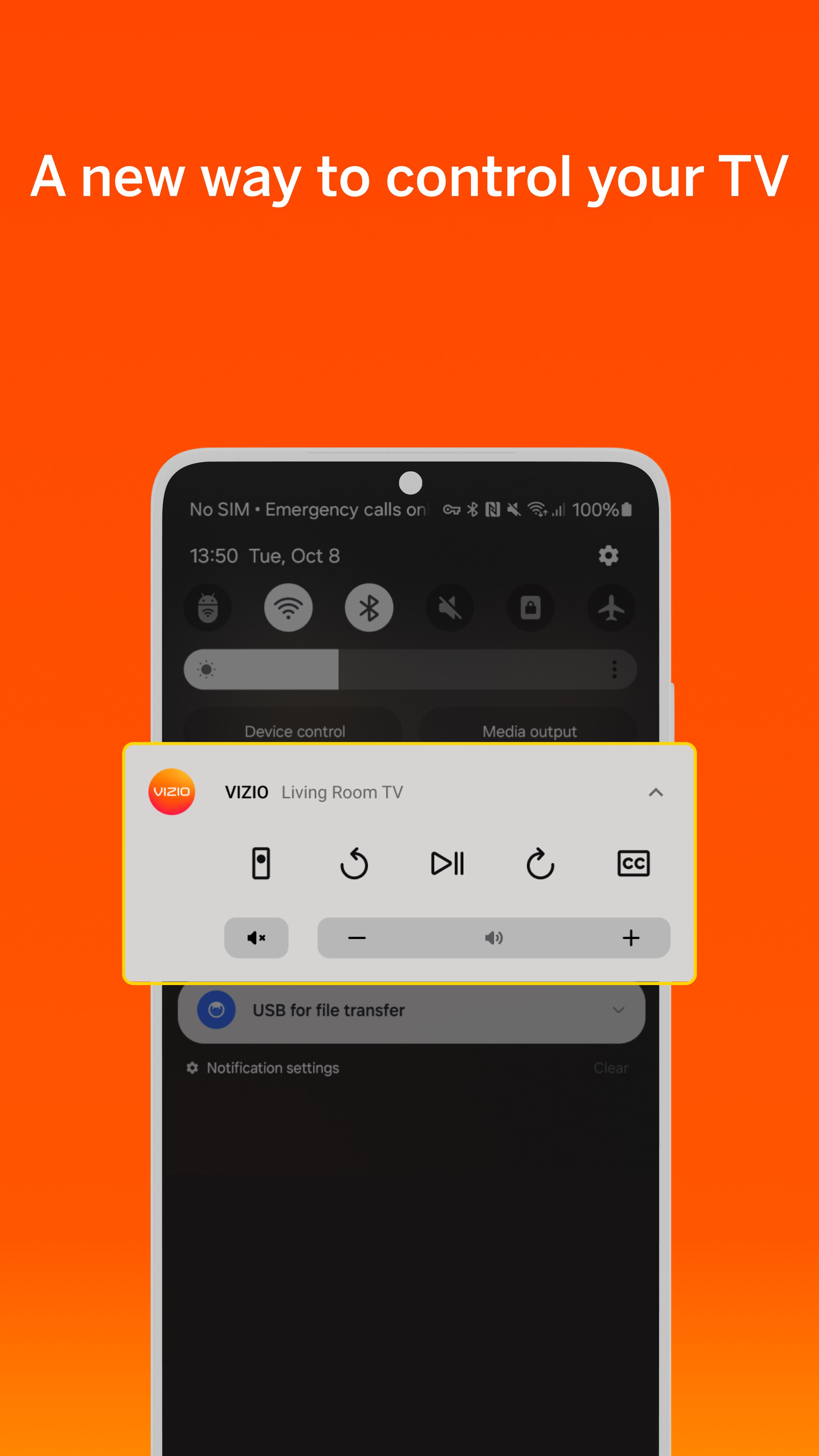
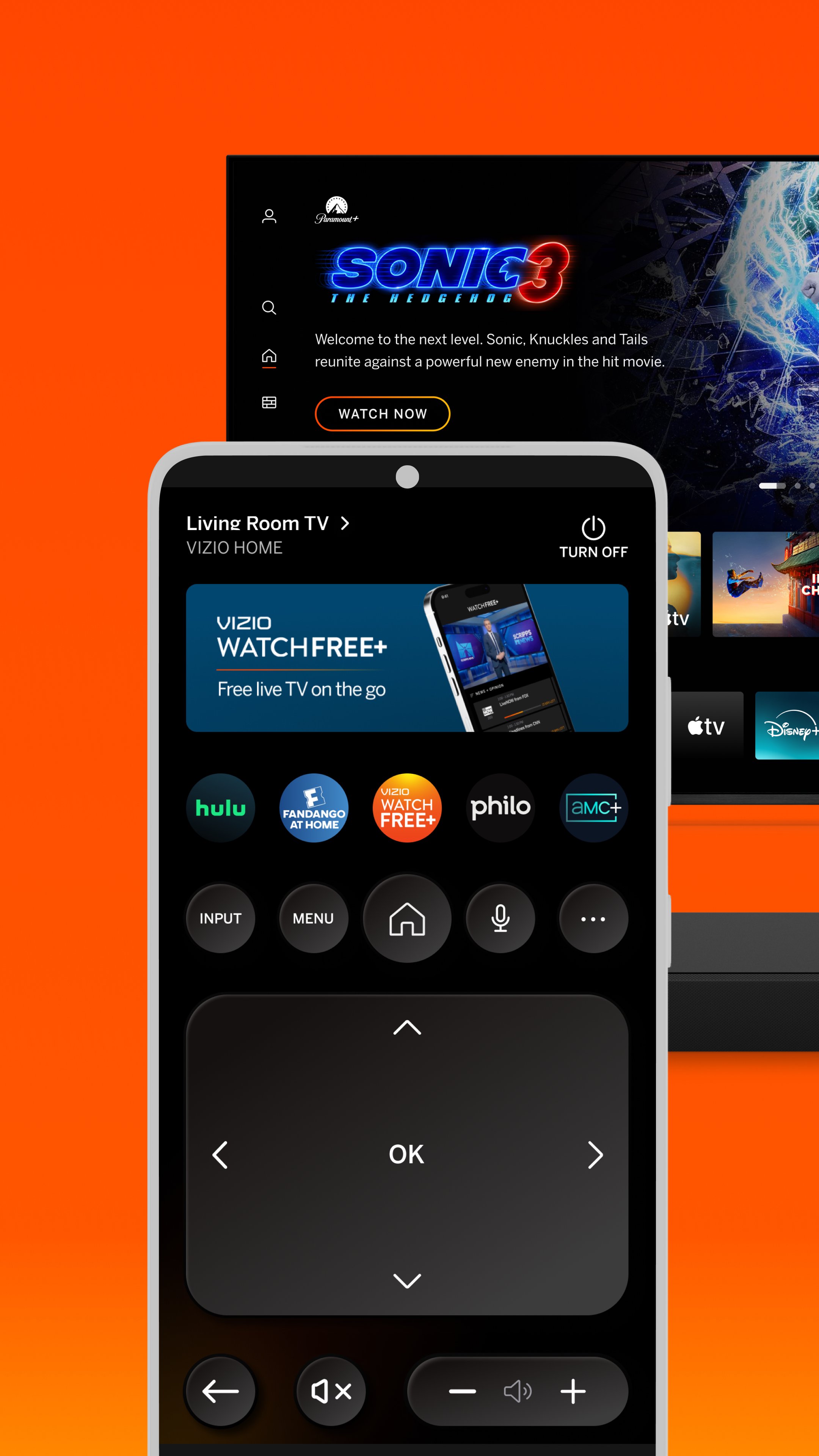
VIZIO Device Control and WatchFree+ FREE Live TV
Stream 300+ free live channels anywhere—no VIZIO TV required! Plus, control your VIZIO devices and discover entertainment, all through the VIZIO Mobile app.
WATCHFREE+ MOBILE: Free live channels, anytime, anywhere.
• Stream 300+ Free Live Channels: Watch news, sports, movies, and shows on your mobile device —no VIZIO TV needed
• Personalize Your Experience: Create favorite channels lists and get personalized recommendations
• Stay Connected: Keep up with local sports, news, and entertainment on the go
• Easy to Start: Just download the app and create a free VIZIO account to start watching
• Smart Navigation: Find what you want faster with the category jump feature
• Pick Up Where You Left Off: Seamlessly switch between devices when you start watching on a VIZIO TV
TV and ENTERTAINMENT CONTROL: Transform your phone into a powerful entertainment hub.
• Universal Search: Find what to watch across streaming services in one place
• Smart Recommendations: Discover new shows and movies based on your interests
• Voice Control: Launch apps and find content hands-free
• Save Time. Stream More: Organize apps and manage subscriptions in one location
• Share & Connect: Cast photos and videos to your TV with VIZIOgram
SOUNDBAR CONTROL: Fine-tune your audio experience right from your phone.
• Quick Audio Adjustments: Customize volume, bass, and treble with easy controls
• Preset Sound Modes: Optimize audio for movies, shows, music, and more
• Enhanced Listening: Enable features like ClearDialog and Night Mode for the perfect sound
———————————————————————
VIZIO Crave Speakers cannot output audio from TVs/displays or be connected as an additional channel to an existing sound bar or sound system. Additional supported SmartCast or Chromecast-enabled audio products are required (not included) for Multi-Room feature. Streaming different songs to different speakers at the same time is not supported when using a single app running on a single mobile device. To stream a different song to different speakers at the same time, you’ll need to stream from a different app or a separate mobile device.
The applications and content pictured herein or described on this page may only be available in certain countries and languages, may require additional fees or subscription charges, and may be subject to future updates, modifications, interruption and/or discontinuation of service without notice. VIZIO has no control over third party applications or content and assumes no responsibility for the availability or interruption of such applications or content. Additional third-party terms, conditions and restrictions apply. High-speed/broadband Internet service and access equipment are required and are not provided by VIZIO. Not all Google Cast-enabled apps are integrated with VIZIO SmartCast and may require additional steps to cast.
For help, please visit our Customer Help Center: support.vizio.com
Terms of Use: https://www.vizio.com/en/terms/account-terms
Privacy Policy: https://www.vizio.com/en/terms/privacy-policy
Avance
Etiquetas
EntretenimientoInformación
Desarrollador
VIZIO
La última versión
4.11.1.rc-1.20251215.22.release
Última actualización
2025-12-18
Categoría
Entretenimiento
Disponible en
Google Play
Mostrar más
Cómo jugar VIZIO | WatchFree+ con GameLoop en PC
1. Descargue GameLoop desde el sitio web oficial, luego ejecute el archivo exe para instalar GameLoop.
2. Abra GameLoop y busque "VIZIO | WatchFree+", busque VIZIO | WatchFree+ en los resultados de búsqueda y haga clic en "Instalar".
3. Disfruta jugando VIZIO | WatchFree+ en GameLoop.
Minimum requirements
OS
Windows 8.1 64-bit or Windows 10 64-bit
GPU
GTX 1050
CPU
i3-8300
Memory
8GB RAM
Storage
1GB available space
Recommended requirements
OS
Windows 8.1 64-bit or Windows 10 64-bit
GPU
GTX 1050
CPU
i3-9320
Memory
16GB RAM
Storage
1GB available space