Paint and draw on photos para PC
Educa Kids
Descarga Paint and draw on photos en PC con GameLoop Emulator
Paint and draw on photos en PC
Paint and draw on photos, proveniente del desarrollador Educa Kids, se ejecuta en el sistema Android en el pasado.
Ahora, puedes jugar Paint and draw on photos en PC con GameLoop sin problemas.
Descárgalo en la biblioteca de GameLoop o en los resultados de búsqueda. No más mirar la batería o llamadas frustrantes en el momento equivocado nunca más.
Simplemente disfrute de Paint and draw on photos PC en la pantalla grande de forma gratuita!
Paint and draw on photos Introducción
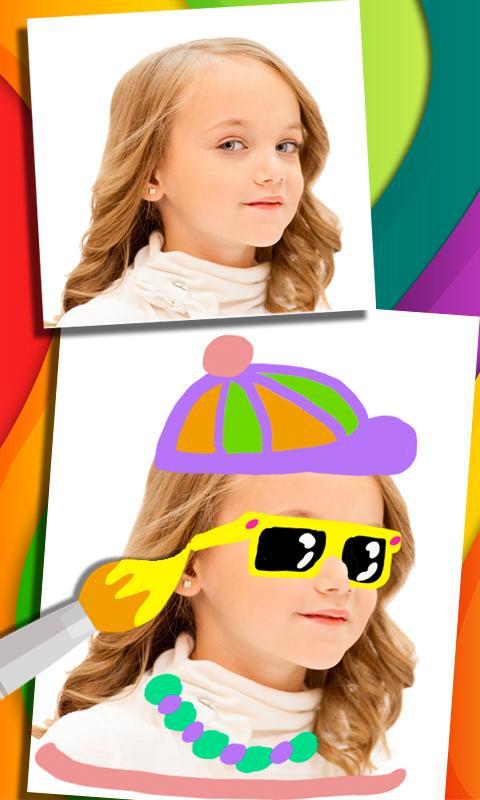
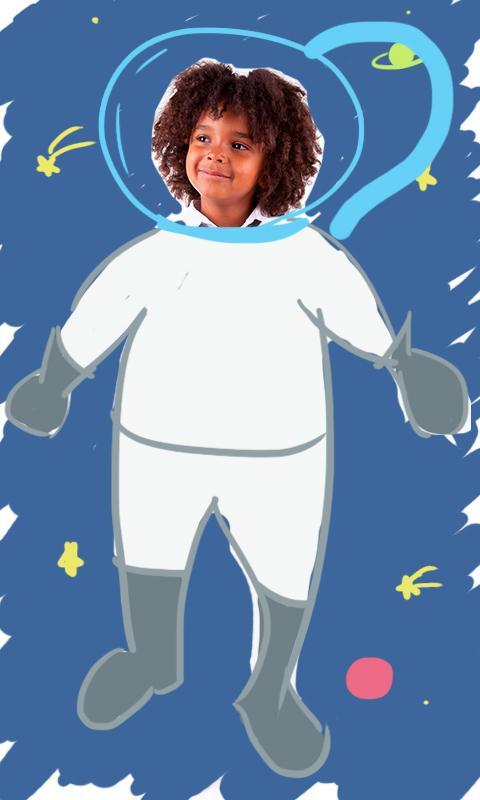
With this app you can take a photo (or select one from the image gallery) and write or draw something on it. Send these fun images or share this app with whoever. It is an original way of surprising with a post-it your girlfriend or boyfriend and a friend or college. You can write to-do lists, love messages, romantic quotes or something funny. Kids can use it for drawing, painting, doodling and coloring on photos.
Features:
• App to paint on a photo
• Lots of color pencils or markers to choose
• Eraser whatever you want with the eraser
• Share the picture or save it in the images gallery
Some of these images have been acquired by the company for exclusive use. These images are the copyright and belong to their author. Others are specially designed for this application and are copyrighted. If you're going to use them for commercial purposes, please contact us before.
Avance
Información
Desarrollador
Educa Kids
La última versión
1517 v4
Última actualización
2016-07-28
Categoría
Entretenimiento
Disponible en
Google Play
Mostrar más
Cómo jugar Paint and draw on photos con GameLoop en PC
1. Descargue GameLoop desde el sitio web oficial, luego ejecute el archivo exe para instalar GameLoop.
2. Abra GameLoop y busque "Paint and draw on photos", busque Paint and draw on photos en los resultados de búsqueda y haga clic en "Instalar".
3. Disfruta jugando Paint and draw on photos en GameLoop.
Minimum requirements
OS
Windows 8.1 64-bit or Windows 10 64-bit
GPU
GTX 1050
CPU
i3-8300
Memory
8GB RAM
Storage
1GB available space
Recommended requirements
OS
Windows 8.1 64-bit or Windows 10 64-bit
GPU
GTX 1050
CPU
i3-9320
Memory
16GB RAM
Storage
1GB available space