ColorADD - The Color Alphabet para PC
ColorADD
Descarga ColorADD - The Color Alphabet en PC con GameLoop Emulator
ColorADD - The Color Alphabet en PC
ColorADD - The Color Alphabet, proveniente del desarrollador ColorADD, se ejecuta en el sistema Android en el pasado.
Ahora, puedes jugar ColorADD - The Color Alphabet en PC con GameLoop sin problemas.
Descárgalo en la biblioteca de GameLoop o en los resultados de búsqueda. No más mirar la batería o llamadas frustrantes en el momento equivocado nunca más.
Simplemente disfrute de ColorADD - The Color Alphabet PC en la pantalla grande de forma gratuita!
ColorADD - The Color Alphabet Introducción
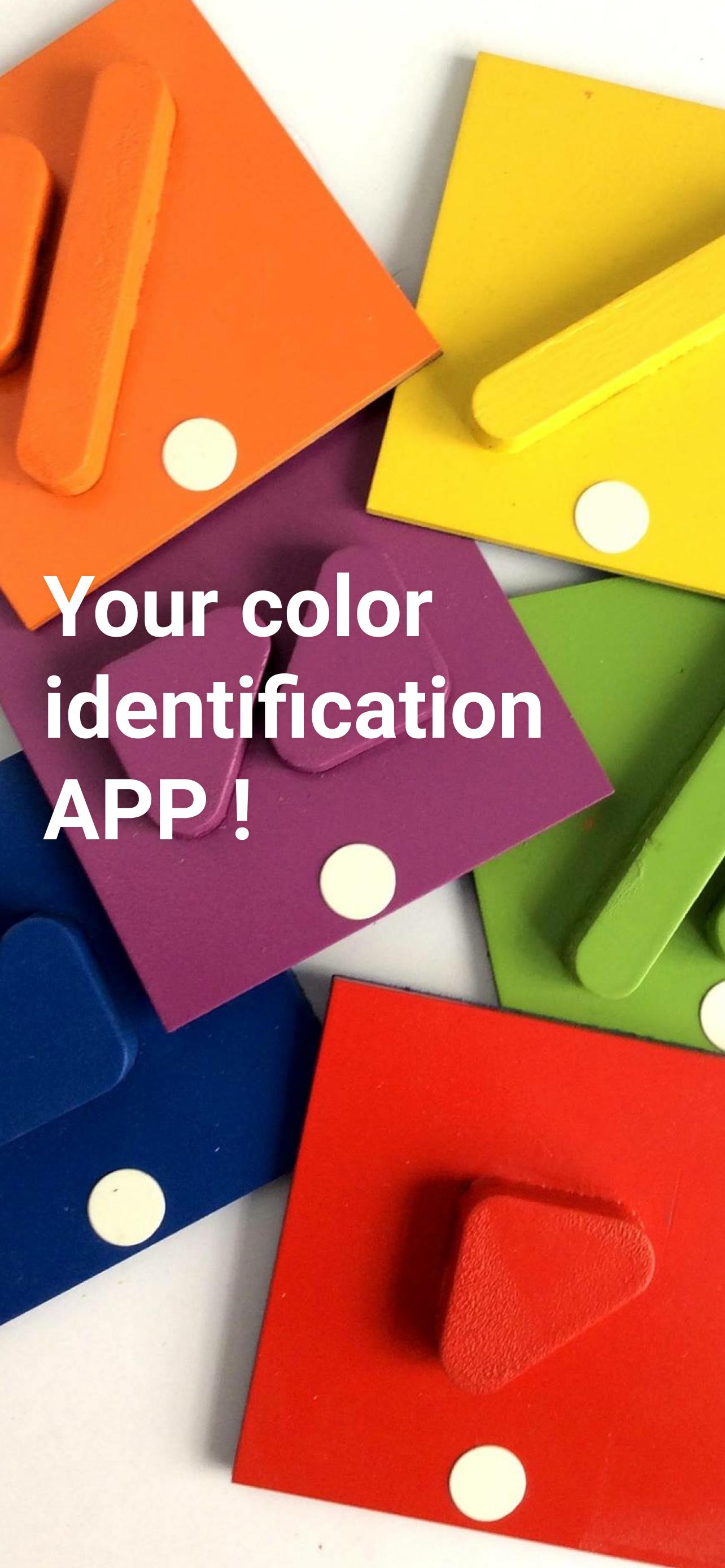
ColorADD is an Inclusive and Universal language that aims to fully integrate colorblind people whenever communication through color is a critical factor for identification, orientation or choice.
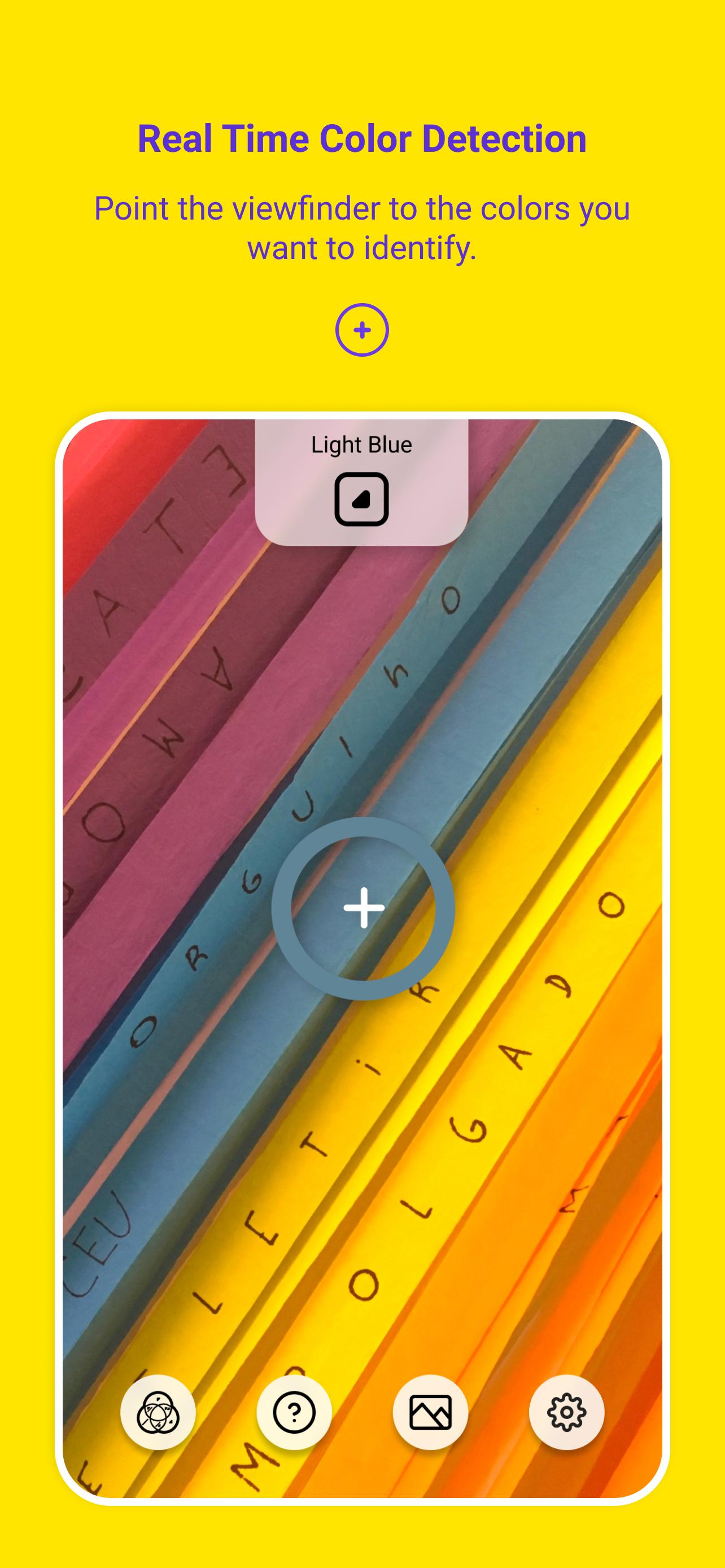
Based on ColorADD's color alphabet, the ColorADD App is the ultimate on-the-go color tool for everyone. You can detect colors simply by pointing the phone camera to your objects or by uploading your images to the App.
Key features:
- Real-time color detection and color recognition (color to name).
- Zoom, flip and flashlight control in real-time scenarios.
- Smart color stabilizer to improve color recognition.
- After-shot color detection.
- Color detection and color recognition on phone gallery images with ability to identify up to 10 colors at the same time.
- Sound identification of color names.
- Save and share color cards as images.
Avance
Etiquetas
EntretenimientoInformación
Desarrollador
ColorADD
La última versión
1.0.1
Última actualización
2022-11-09
Categoría
Entretenimiento
Disponible en
Google Play
Mostrar más
Cómo jugar ColorADD - The Color Alphabet con GameLoop en PC
1. Descargue GameLoop desde el sitio web oficial, luego ejecute el archivo exe para instalar GameLoop.
2. Abra GameLoop y busque "ColorADD - The Color Alphabet", busque ColorADD - The Color Alphabet en los resultados de búsqueda y haga clic en "Instalar".
3. Disfruta jugando ColorADD - The Color Alphabet en GameLoop.
Minimum requirements
OS
Windows 8.1 64-bit or Windows 10 64-bit
GPU
GTX 1050
CPU
i3-8300
Memory
8GB RAM
Storage
1GB available space
Recommended requirements
OS
Windows 8.1 64-bit or Windows 10 64-bit
GPU
GTX 1050
CPU
i3-9320
Memory
16GB RAM
Storage
1GB available space