Cocobi Coloring & Games - Kids para PC
KIGLE
Descarga Cocobi Coloring & Games - Kids en PC con GameLoop Emulator
Cocobi Coloring & Games - Kids en PC
Cocobi Coloring & Games - Kids, proveniente del desarrollador KIGLE, se ejecuta en el sistema Android en el pasado.
Ahora, puedes jugar Cocobi Coloring & Games - Kids en PC con GameLoop sin problemas.
Descárgalo en la biblioteca de GameLoop o en los resultados de búsqueda. No más mirar la batería o llamadas frustrantes en el momento equivocado nunca más.
Simplemente disfrute de Cocobi Coloring & Games - Kids PC en la pantalla grande de forma gratuita!
Cocobi Coloring & Games - Kids Introducción
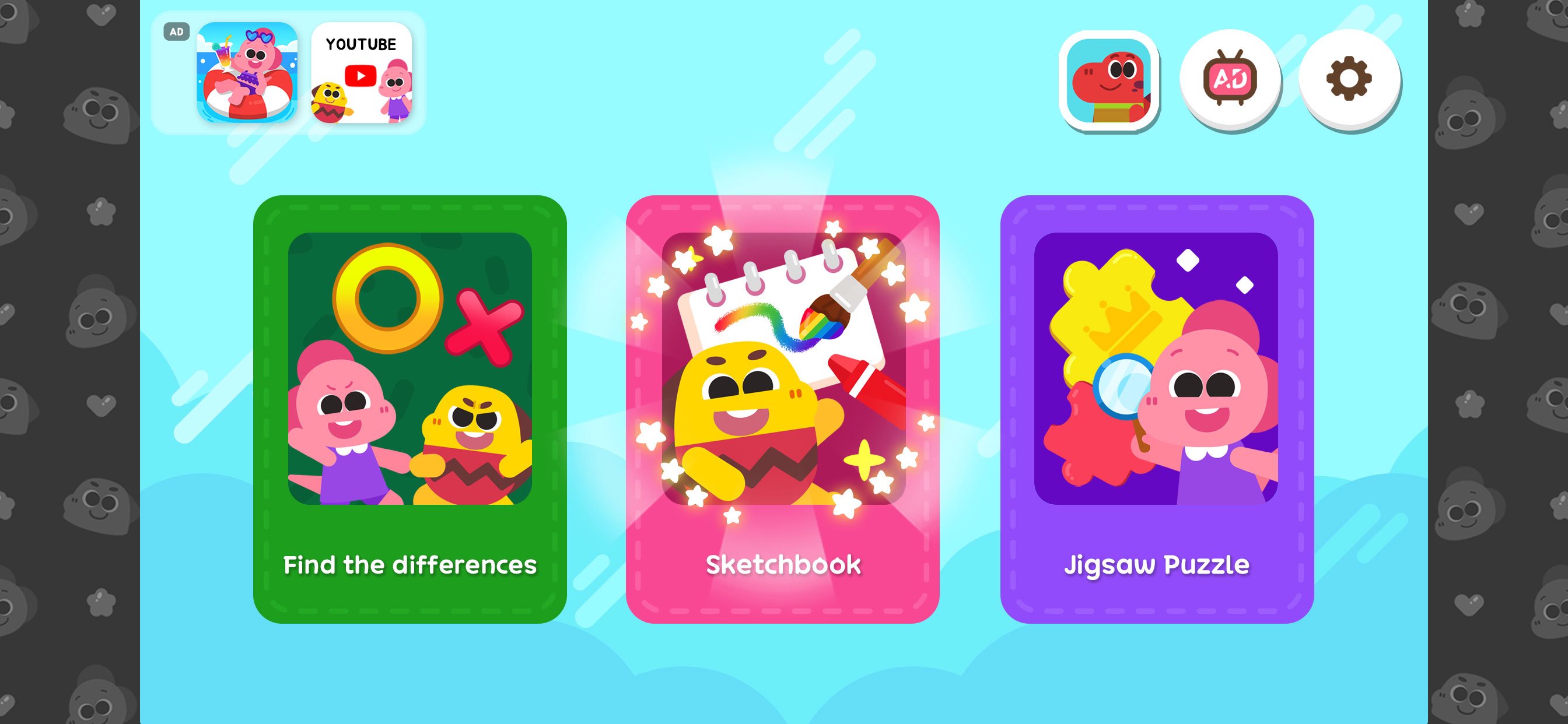
What games do you want to play? There are so many fun Cocobi coloring games!
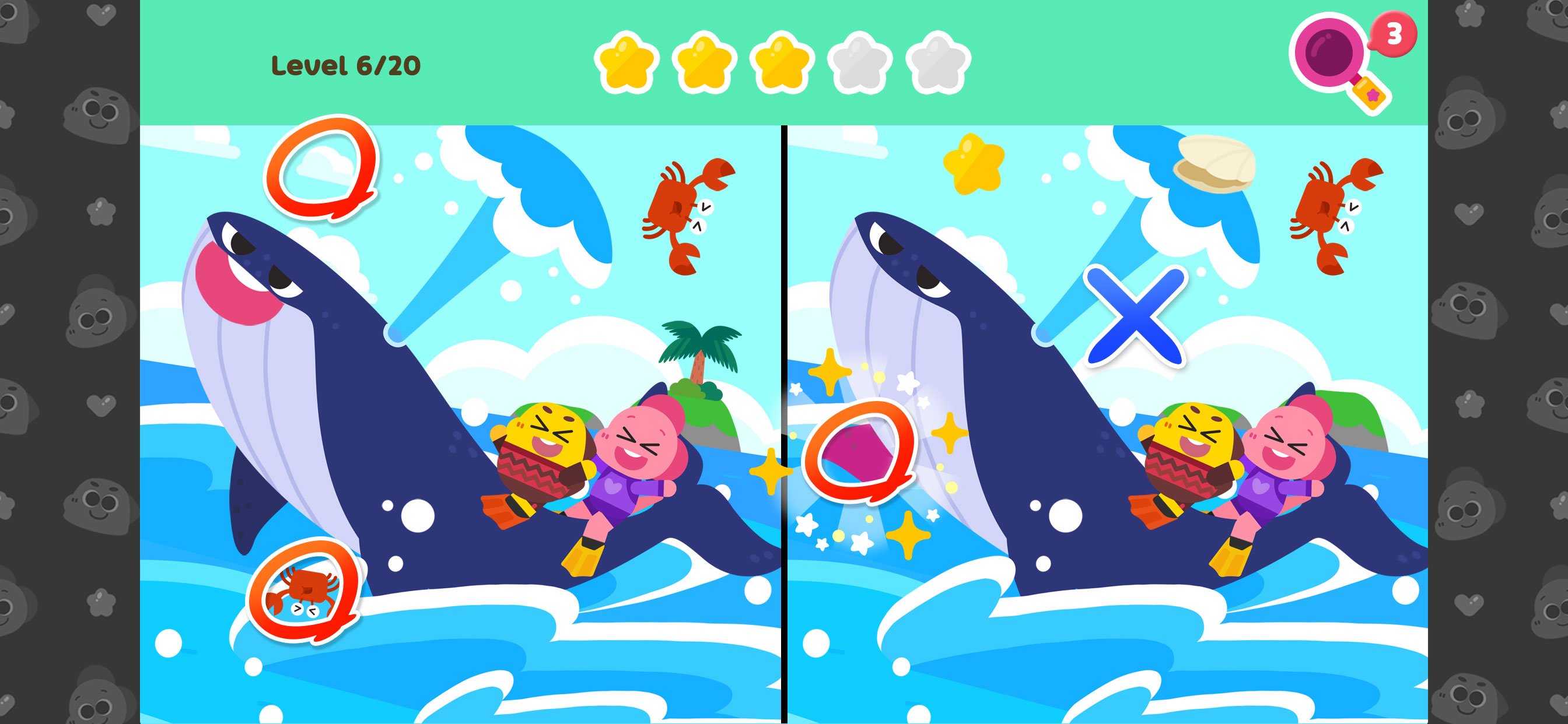
■ Find the Difference
-Find the Difference: Compare and find the answer
-Hint: Get help with clues
-Single Player & Versus: Practice and compete with Cocobi's friend
-Body Awareness Activity: Play and boost agility and movement
■ Sketchbook
-6 Art Tools: Paint, crayons, brushes, glitters, patterns, and stickers
-34 Colors: Color with colorful colors.
-Album: Save your pictures in the album
-Art & Creativity: Develop creativity through art play
■ Puzzle
-120 Picture Puzzles: Play many puzzle categories
-Various Levels: Choose the number of puzzle pieces
-Fun Balloons: Complete the puzzle and pop balloons
-Logic & Reasoning: Encourage exploration and thinking skills
■ About Kigle
Kigle's mission is to create the 'first playground for children all over the world' with creative content for children. We make interactive apps, videos, songs, and toys to spark children's creativity, imagination, and curiosity. In addition to our Cocobi apps, you can download and play other popular games such as Pororo, Tayo, and Robocar Poli.
■ Welcome to the Cocobi universe, where dinosaurs never became extinct! Cocobi is the fun compound name for brave Coco and cute Lobi! Play with the little dinosaurs and experience the world with various jobs, duties, and places.
Avance
Etiquetas
EducativosInformación
Desarrollador
KIGLE
La última versión
1.0.15
Última actualización
2026-01-05
Categoría
Educativos
Disponible en
Google Play
Mostrar más
Cómo jugar Cocobi Coloring & Games - Kids con GameLoop en PC
1. Descargue GameLoop desde el sitio web oficial, luego ejecute el archivo exe para instalar GameLoop.
2. Abra GameLoop y busque "Cocobi Coloring & Games - Kids", busque Cocobi Coloring & Games - Kids en los resultados de búsqueda y haga clic en "Instalar".
3. Disfruta jugando Cocobi Coloring & Games - Kids en GameLoop.
Minimum requirements
OS
Windows 8.1 64-bit or Windows 10 64-bit
GPU
GTX 1050
CPU
i3-8300
Memory
8GB RAM
Storage
1GB available space
Recommended requirements
OS
Windows 8.1 64-bit or Windows 10 64-bit
GPU
GTX 1050
CPU
i3-9320
Memory
16GB RAM
Storage
1GB available space