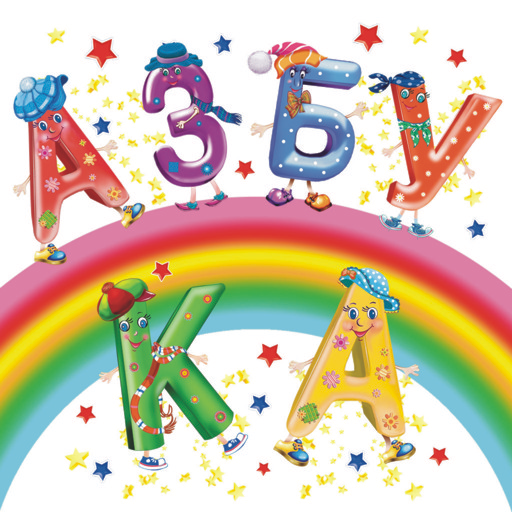
Azbuka ROOSSA para PC
ROOSSA
Descarga Azbuka ROOSSA en PC con GameLoop Emulator
Azbuka ROOSSA en PC
Azbuka ROOSSA, proveniente del desarrollador ROOSSA, se ejecuta en el sistema Android en el pasado.
Ahora, puedes jugar Azbuka ROOSSA en PC con GameLoop sin problemas.
Descárgalo en la biblioteca de GameLoop o en los resultados de búsqueda. No más mirar la batería o llamadas frustrantes en el momento equivocado nunca más.
Simplemente disfrute de Azbuka ROOSSA PC en la pantalla grande de forma gratuita!
Azbuka ROOSSA Introducción
The application of augmented reality for the book "Speaking alphabet with unusual pictures."
Want, girls, want, boys, That pictures from the book become live ?!
Of course you want! Then - get the "Speaking alphabet with extraordinary pictures."
Under the cover of this coloring real miracles happen: not only animate, but also inanimate objects come to life!
Pineapple reads rap, whirling spinning in a merry dance, the letter “Y” shows tricks!
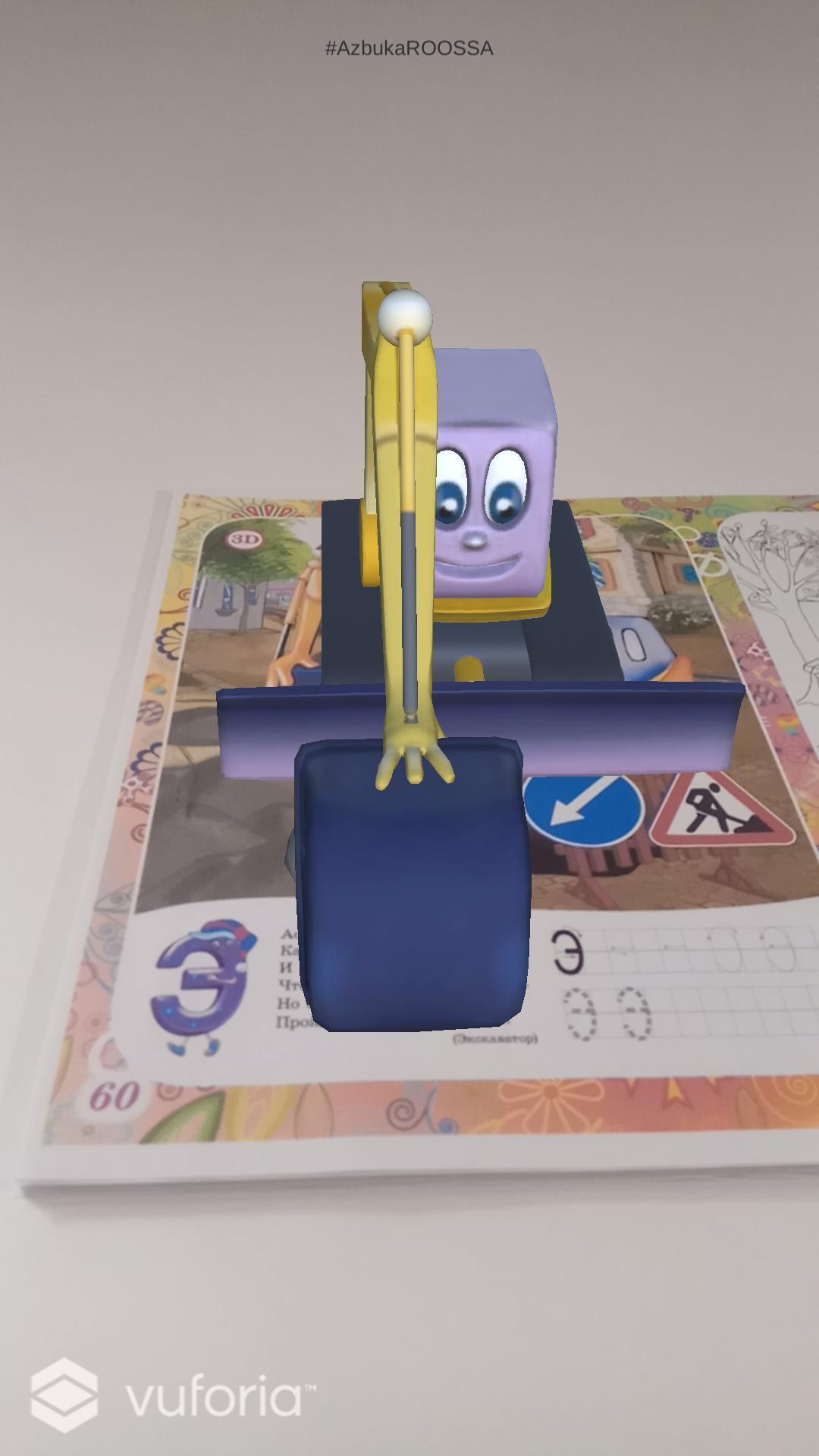
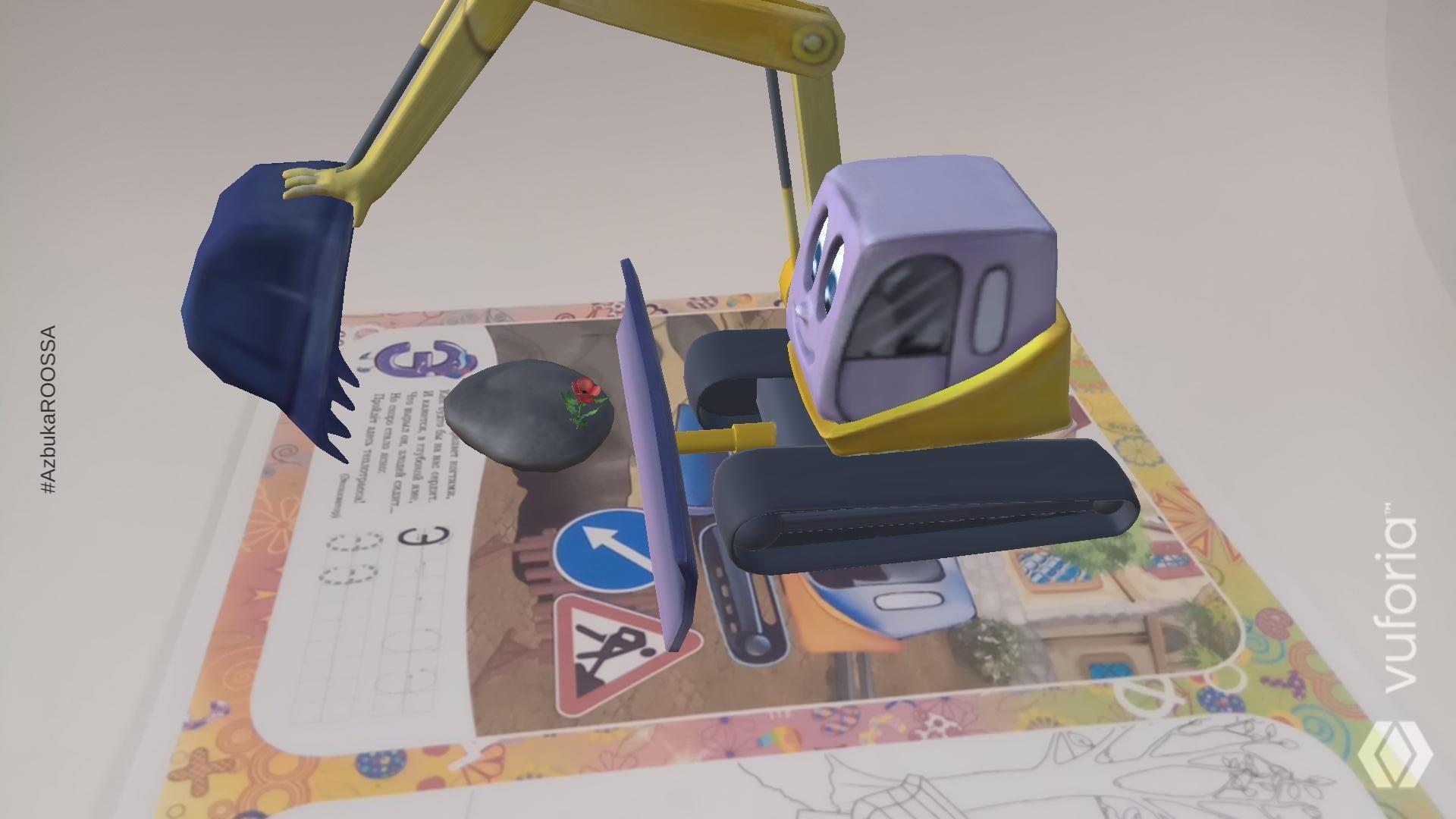
Breathing life into the characters of our book is easy. For this you do not need a magic wand or a special spell. All you need to do is download the Azbuka ROOSSA application on your tablet or smartphone, install and run it, and then point the device camera at the book page marked with this icon. And now the plane is already making a sharp turn in the sky, the frog talks about its main secret, and the naughty puppy diligently executes commands.
Some pictures you have to paint yourself. And you can voice them yourself too. Think of the voice of a snail, cloud or iodine.
And our book is an alphabet. Therefore, for fun and games, you can easily learn the entire Russian alphabet. And even learn to write letters. Isn't it great ?!
Avance
Etiquetas
EducativosInformación
Desarrollador
ROOSSA
La última versión
5.07
Última actualización
2024-05-29
Categoría
Educativos
Disponible en
Google Play
Mostrar más
Cómo jugar Azbuka ROOSSA con GameLoop en PC
1. Descargue GameLoop desde el sitio web oficial, luego ejecute el archivo exe para instalar GameLoop.
2. Abra GameLoop y busque "Azbuka ROOSSA", busque Azbuka ROOSSA en los resultados de búsqueda y haga clic en "Instalar".
3. Disfruta jugando Azbuka ROOSSA en GameLoop.
Minimum requirements
OS
Windows 8.1 64-bit or Windows 10 64-bit
GPU
GTX 1050
CPU
i3-8300
Memory
8GB RAM
Storage
1GB available space
Recommended requirements
OS
Windows 8.1 64-bit or Windows 10 64-bit
GPU
GTX 1050
CPU
i3-9320
Memory
16GB RAM
Storage
1GB available space