Kids Coloring Games - EduPaint para PC
Cubic Frog® Apps-Learning Games for Kids
Descarga Kids Coloring Games - EduPaint en PC con GameLoop Emulator
Kids Coloring Games - EduPaint en PC
Kids Coloring Games - EduPaint, proveniente del desarrollador Cubic Frog® Apps-Learning Games for Kids, se ejecuta en el sistema Android en el pasado.
Ahora, puedes jugar Kids Coloring Games - EduPaint en PC con GameLoop sin problemas.
Descárgalo en la biblioteca de GameLoop o en los resultados de búsqueda. No más mirar la batería o llamadas frustrantes en el momento equivocado nunca más.
Simplemente disfrute de Kids Coloring Games - EduPaint PC en la pantalla grande de forma gratuita!
Kids Coloring Games - EduPaint Introducción
Painting is the best way for early learners to use their senses and express their emotions. Toddlers are always eager to learn through painting and coloring games.
EduPaint is a free coloring book for girls & boys designed to teach young children fundamental early learning concepts through colors & drawings. It features 18 fun painting games and coloring quizzes that toddlers and pre-K kids will love to play.
EduPaint learning app will help toddlers get ready for preschool by learning alphabet letters, vocabulary building, numbers & counting, geometric shapes and much more! Children will have fun completing each game and earning cool stickers at the end of each game. Parents & teachers will have a great time seeing children having fun and learning with EduPaint.
-----------------------------------------------
EduPaint Features 18 Coloring Games & Kids Quizzes:
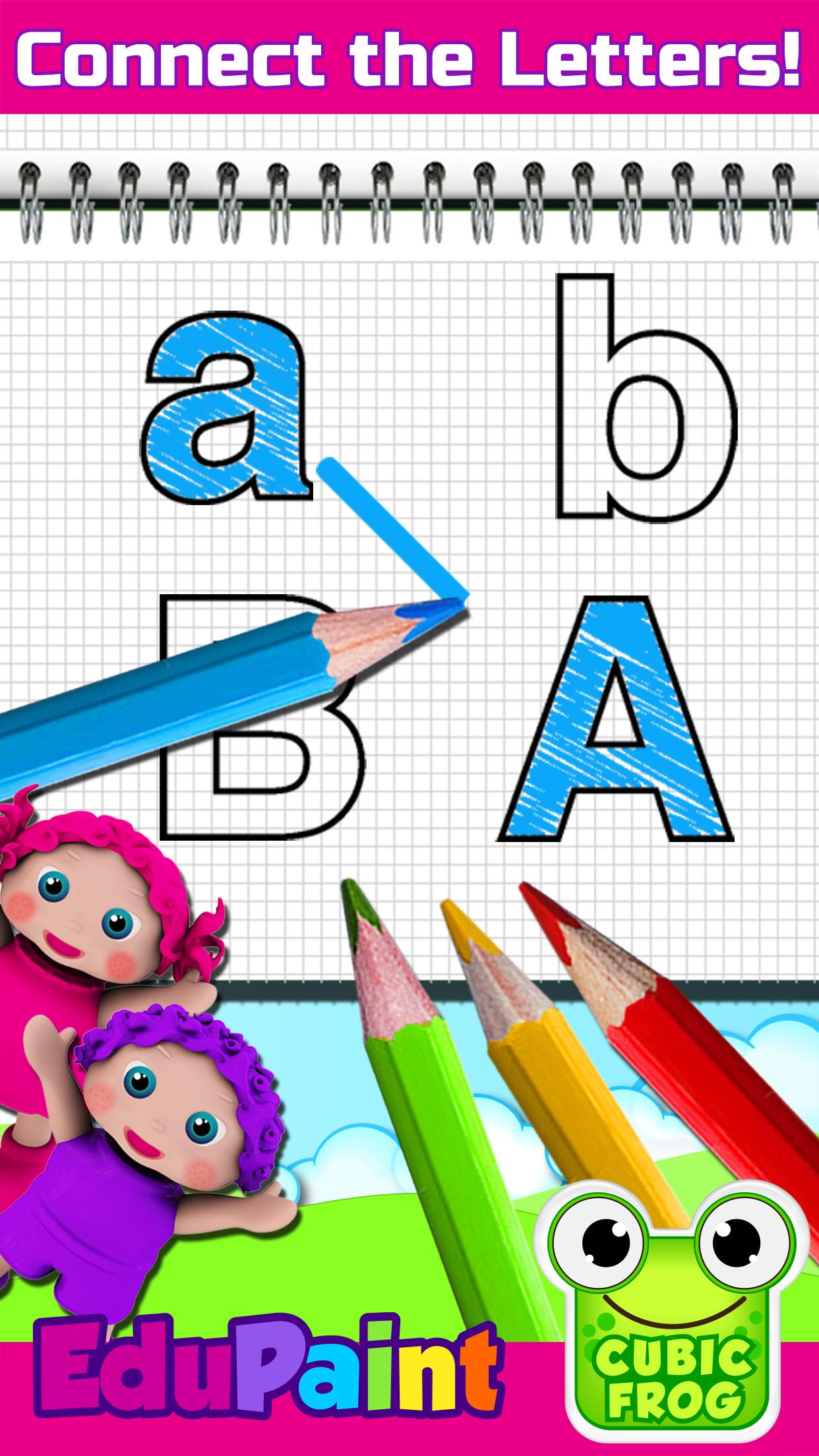
• Alphabet Learning - fun painting games for kids that allows children to identify & paint alphabet letters and connect capital to lowercase letters
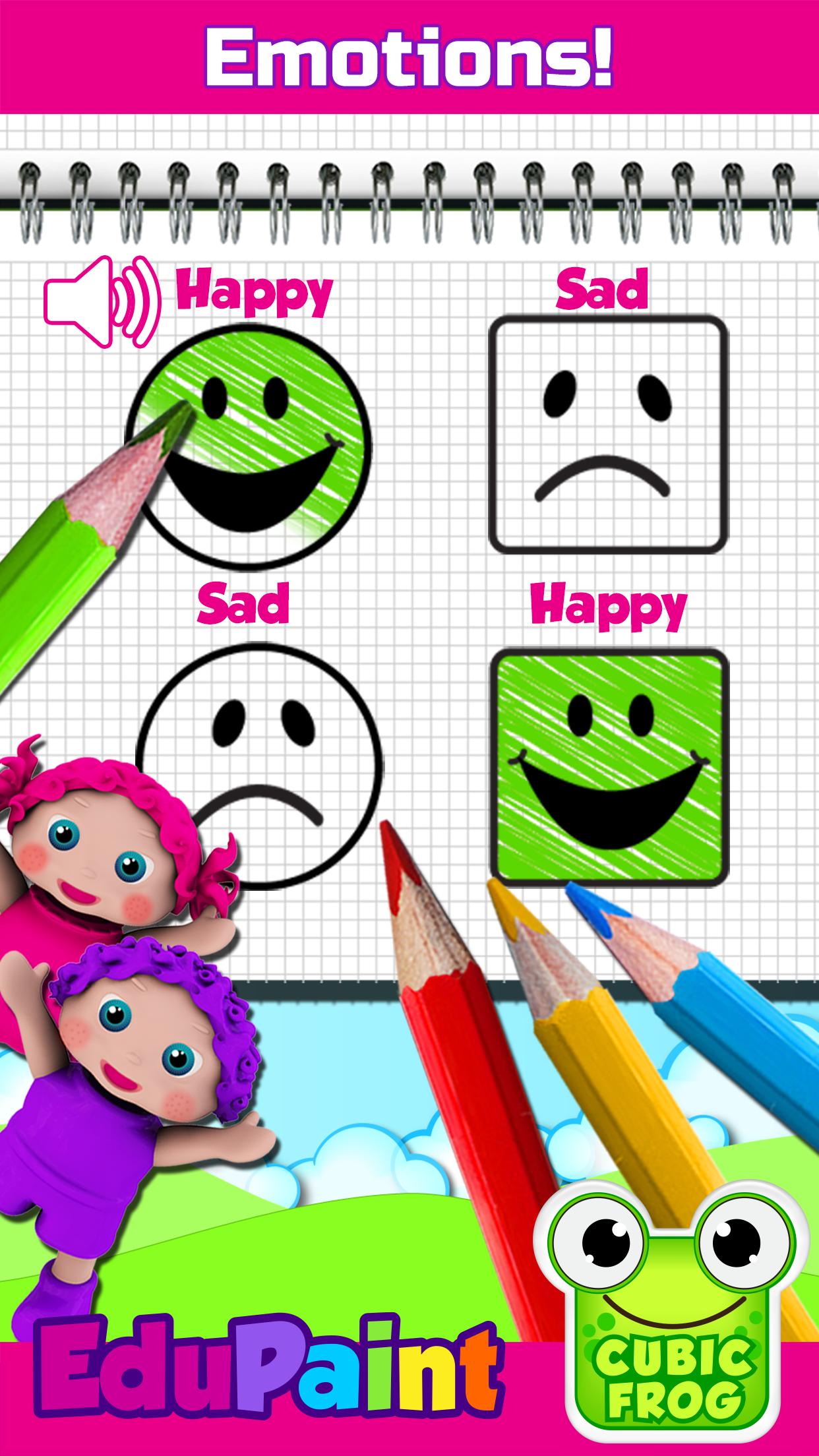
• Facial Expressions - In this baby learning game children will learn to paint different types of facial expressions
• Paint & Learn Left & Right - coloring games for kids that teaches toddlers left and right while coloring animals in their coloring book
• Coloring Patterns - toddlers touch and color the next shape in a sequence & learn to identify patterns
• Shape Learning & Color Recognition - toddler learning games that helps babies learn to paint shapes and differentiate them based on different quizzes and painting games
• Vocabulary - coloring game that teaches children to color different drawings based on preschool quizzes
• Paint & Learn Numbers - three learning games focusing on number learning ,counting and sequencing through painting
• Sort in Order - In these two toddler painting games, children will learn the concepts tallest/ shortest and biggest / smallest by painting robots and animals
-----------------------------------------------
Edu Features:
• EduPaint is the perfect guided coloring app that helps parents teach their toddlers, kindergartners and preschoolers the basics of counting, numbers, shapes and colors through painting
• Instructional voice commands in 12 different languages
• Helps boost toddlers fine motor skills
• Preschool teachers can also use this children painting app in their classrooms
• Unlimited access to a complete collection of coloring games for kids
• Unlimited play and innovative rewards system
• Free of third party advertisement
• Free without WiFi
• Customizable for parents to adjust settings based on children’s learning level
-----------------------------------------------
Purchasing, Rules & Regulations:
EduPaint is a free painting game with one time in-app purchase and is not a subscription-based app.
(Cubic Frog®) respects the privacy of all its users.
Privacy Policy: http://www.cubicfrog.com/privacy
Terms & Conditions :http://www.cubicfrog.com/terms
(Cubic Frog®) is proud to be a global and multilingual kids educational company with apps offering 12 different language options: English, Spanish, Arabic, Russian, Persian, French, German, Chinese, Korean, Japanese, Portuguese. Learn a new language or improve on another!
Toddler-friendly interface helps children in their learning process. Cubic Frog® toddler coloring pages have voice commands which help little learners listen and follow instructions. There are 18 drawing games in this coloring app. EduPaint is inspired by the Montessori educational curriculum which is highly recommended for kids with autism and is a good option for toddler speech therapy. Teach students basic early learning concepts with this coloring book for kids!
Avance
Etiquetas
IdiomaUn solo jugadorEstilizadoDibujos animadosDesconectadoInformación
Desarrollador
Cubic Frog® Apps-Learning Games for Kids
La última versión
9.2
Última actualización
2022-06-05
Categoría
Educativos
Disponible en
Google Play
Mostrar más
Cómo jugar Kids Coloring Games - EduPaint con GameLoop en PC
1. Descargue GameLoop desde el sitio web oficial, luego ejecute el archivo exe para instalar GameLoop.
2. Abra GameLoop y busque "Kids Coloring Games - EduPaint", busque Kids Coloring Games - EduPaint en los resultados de búsqueda y haga clic en "Instalar".
3. Disfruta jugando Kids Coloring Games - EduPaint en GameLoop.
Minimum requirements
OS
Windows 8.1 64-bit or Windows 10 64-bit
GPU
GTX 1050
CPU
i3-8300
Memory
8GB RAM
Storage
1GB available space
Recommended requirements
OS
Windows 8.1 64-bit or Windows 10 64-bit
GPU
GTX 1050
CPU
i3-9320
Memory
16GB RAM
Storage
1GB available space