
UI Mobile Class (Old) para PC
EDUTECHportal Solutions
Descarga UI Mobile Class (Old) en PC con GameLoop Emulator
UI Mobile Class (Old) en PC
UI Mobile Class (Old), proveniente del desarrollador EDUTECHportal Solutions, se ejecuta en el sistema Android en el pasado.
Ahora, puedes jugar UI Mobile Class (Old) en PC con GameLoop sin problemas.
Descárgalo en la biblioteca de GameLoop o en los resultados de búsqueda. No más mirar la batería o llamadas frustrantes en el momento equivocado nunca más.
Simplemente disfrute de UI Mobile Class (Old) PC en la pantalla grande de forma gratuita!
UI Mobile Class (Old) Introducción
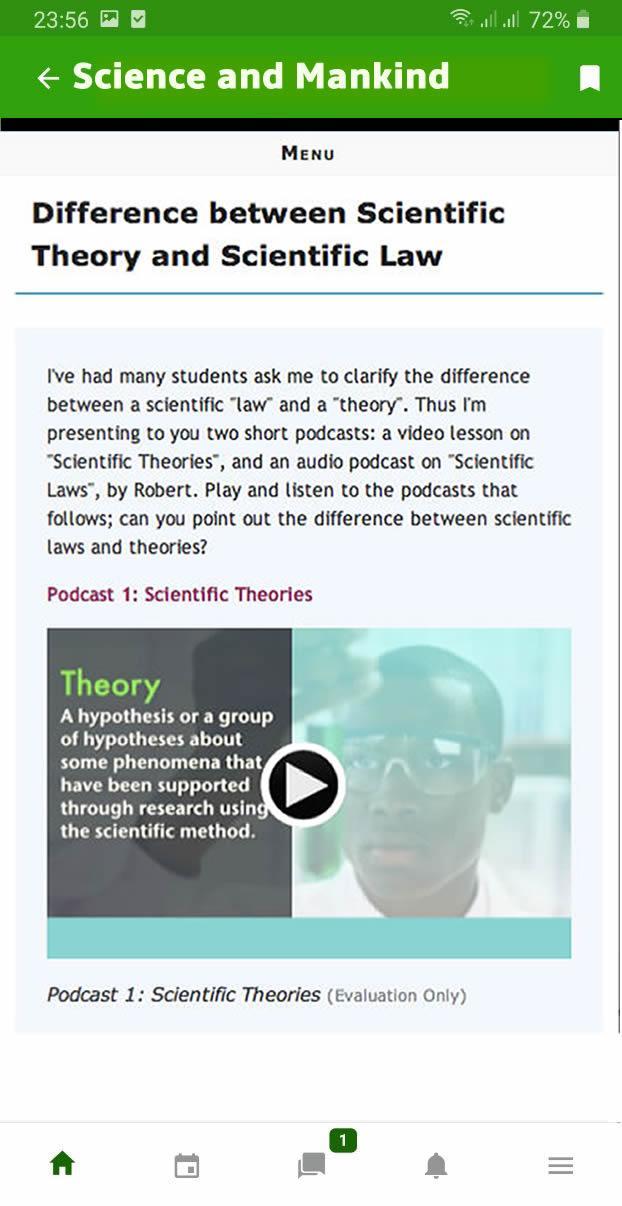
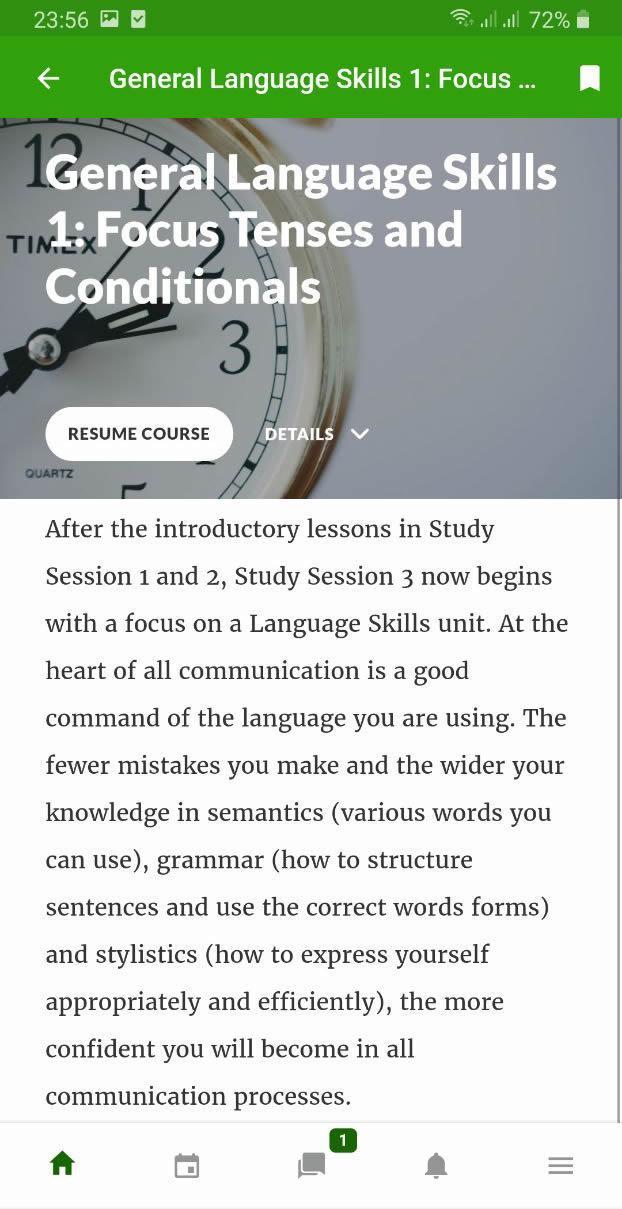
Welcome to Mobile Class, an application that brings your university curriculum and live classroom teachings into your mobile device.
With its borderless technology, Mobile Class helps students STUDY ON THE GO and STAY CONNECTED with peers and lecturers from anywhere in the world.
Store and organize your courses and assignments on your smart device through the Mobile Class app, and revise your study even when you do not have internet. Learn whenever, wherever you want.
Courses come with high-quality audio and visual e-learning content, session quizzes, simulation exams, downloadable e-books and more.
The Mobile Class app is designed to help Open and Distance Learning students who may be working professionals balance their busy work lives with their education.
With the Mobile Class app, you can:
• Quickly get school news and course updates
• Access your courses directly from your mobile device
• Download course sessions to your device and access without internet
• Easily monitor your study progress
• View courses calendar
• Take assignments and tests from your mobile device
• Login to your school portal and e-Library
• Receive course notifications and messages
Note: Mobile Class cannot guarantee that the content created by instructors or other users will be compatible with this app. Access must be enabled by your institution.
Avance
Etiquetas
EducaciónInformación
Desarrollador
EDUTECHportal Solutions
La última versión
1.0.0
Última actualización
2020-01-30
Categoría
Educación
Disponible en
Google Play
Mostrar más
Cómo jugar UI Mobile Class (Old) con GameLoop en PC
1. Descargue GameLoop desde el sitio web oficial, luego ejecute el archivo exe para instalar GameLoop.
2. Abra GameLoop y busque "UI Mobile Class (Old)", busque UI Mobile Class (Old) en los resultados de búsqueda y haga clic en "Instalar".
3. Disfruta jugando UI Mobile Class (Old) en GameLoop.
Minimum requirements
OS
Windows 8.1 64-bit or Windows 10 64-bit
GPU
GTX 1050
CPU
i3-8300
Memory
8GB RAM
Storage
1GB available space
Recommended requirements
OS
Windows 8.1 64-bit or Windows 10 64-bit
GPU
GTX 1050
CPU
i3-9320
Memory
16GB RAM
Storage
1GB available space