
Test Maker: Quiz & MCQ Builder para PC
SergeyV Apps
Descarga Test Maker: Quiz & MCQ Builder en PC con GameLoop Emulator
Test Maker: Quiz & MCQ Builder en PC
Test Maker: Quiz & MCQ Builder, proveniente del desarrollador SergeyV Apps, se ejecuta en el sistema Android en el pasado.
Ahora, puedes jugar Test Maker: Quiz & MCQ Builder en PC con GameLoop sin problemas.
Descárgalo en la biblioteca de GameLoop o en los resultados de búsqueda. No más mirar la batería o llamadas frustrantes en el momento equivocado nunca más.
Simplemente disfrute de Test Maker: Quiz & MCQ Builder PC en la pantalla grande de forma gratuita!
Test Maker: Quiz & MCQ Builder Introducción
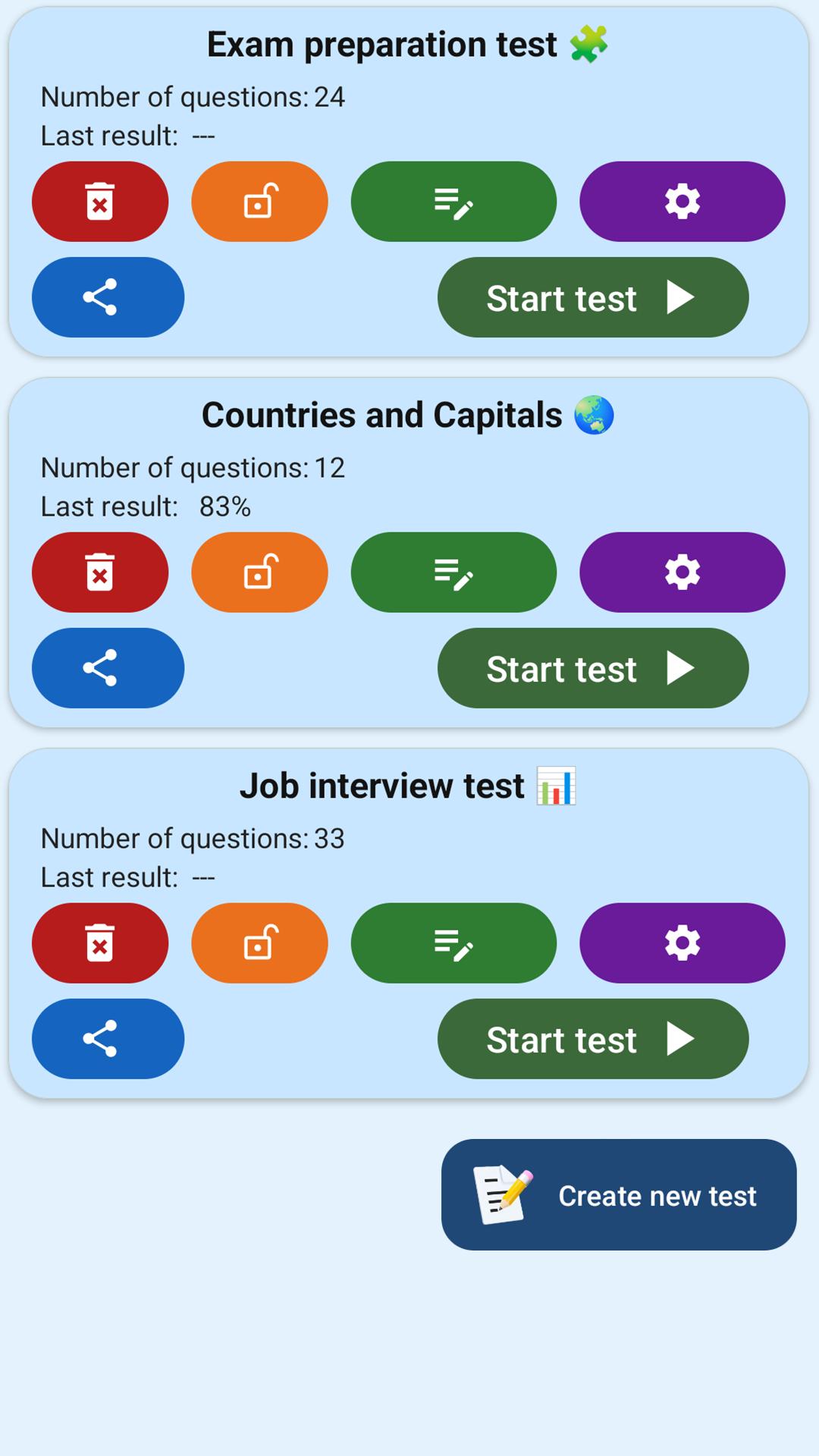
Make and share tests, quizzes, and study tools. Perfect for exam revision.
Test Maker is a simple yet powerful app for creating custom quizzes and tests. With just a few taps, you can build your own question sets and share them instantly. It's ideal for students, teachers, and anyone looking to study smarter. 📝📱
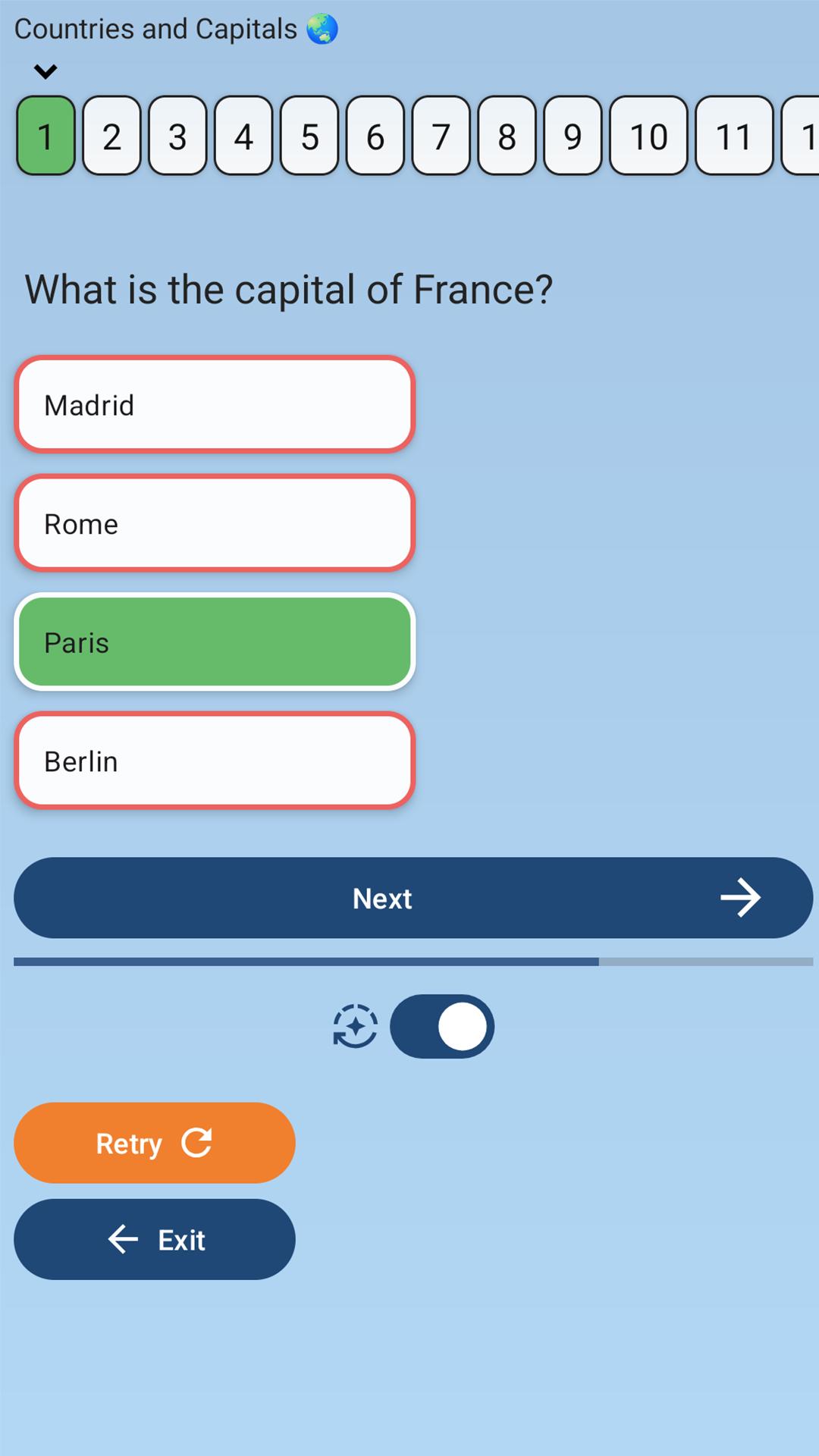
You can create tests with up to 7 answer choices per question, using the classic MCQ (Multiple Choice Question) format. Just enter a title, add your questions, and start learning.
Whether you're preparing for exams, reviewing knowledge, or building educational games — Test Maker helps you stay focused and organized.
🧩 Key features:
— Create unlimited tests and quizzes
— Up to 7 answer options per question
— Single or multiple correct answers
— Open-ended questions with manual input
— Instant link generation and easy sharing
— Offline mode — works without internet
Fast, clean, and user-friendly interface
🎓 Who it's for:
— Students preparing for school exams, university tests, or final assessments
— Teachers creating custom exercises, quizzes, or practice tests
— Self-learners studying history, geography, languages, and more
— Anyone building a fun quiz to challenge friends
— People training memory and focus through test-based learning
Prepare for exams, review key topics, and learn with confidence — with Test Maker.
Join thousands of users and make your studying more effective and interactive today! 📲
Avance
Etiquetas
EducaciónInformación
Desarrollador
SergeyV Apps
La última versión
4.0.0
Última actualización
2025-10-15
Categoría
Educación
Disponible en
Google Play
Mostrar más
Cómo jugar Test Maker: Quiz & MCQ Builder con GameLoop en PC
1. Descargue GameLoop desde el sitio web oficial, luego ejecute el archivo exe para instalar GameLoop.
2. Abra GameLoop y busque "Test Maker: Quiz & MCQ Builder", busque Test Maker: Quiz & MCQ Builder en los resultados de búsqueda y haga clic en "Instalar".
3. Disfruta jugando Test Maker: Quiz & MCQ Builder en GameLoop.
Minimum requirements
OS
Windows 8.1 64-bit or Windows 10 64-bit
GPU
GTX 1050
CPU
i3-8300
Memory
8GB RAM
Storage
1GB available space
Recommended requirements
OS
Windows 8.1 64-bit or Windows 10 64-bit
GPU
GTX 1050
CPU
i3-9320
Memory
16GB RAM
Storage
1GB available space