
Mochi - Flashcards and notes para PC
Mochi Cards, LLC
Descarga Mochi - Flashcards and notes en PC con GameLoop Emulator
Mochi - Flashcards and notes en PC
Mochi - Flashcards and notes, proveniente del desarrollador Mochi Cards, LLC, se ejecuta en el sistema Android en el pasado.
Ahora, puedes jugar Mochi - Flashcards and notes en PC con GameLoop sin problemas.
Descárgalo en la biblioteca de GameLoop o en los resultados de búsqueda. No más mirar la batería o llamadas frustrantes en el momento equivocado nunca más.
Simplemente disfrute de Mochi - Flashcards and notes PC en la pantalla grande de forma gratuita!
Mochi - Flashcards and notes Introducción
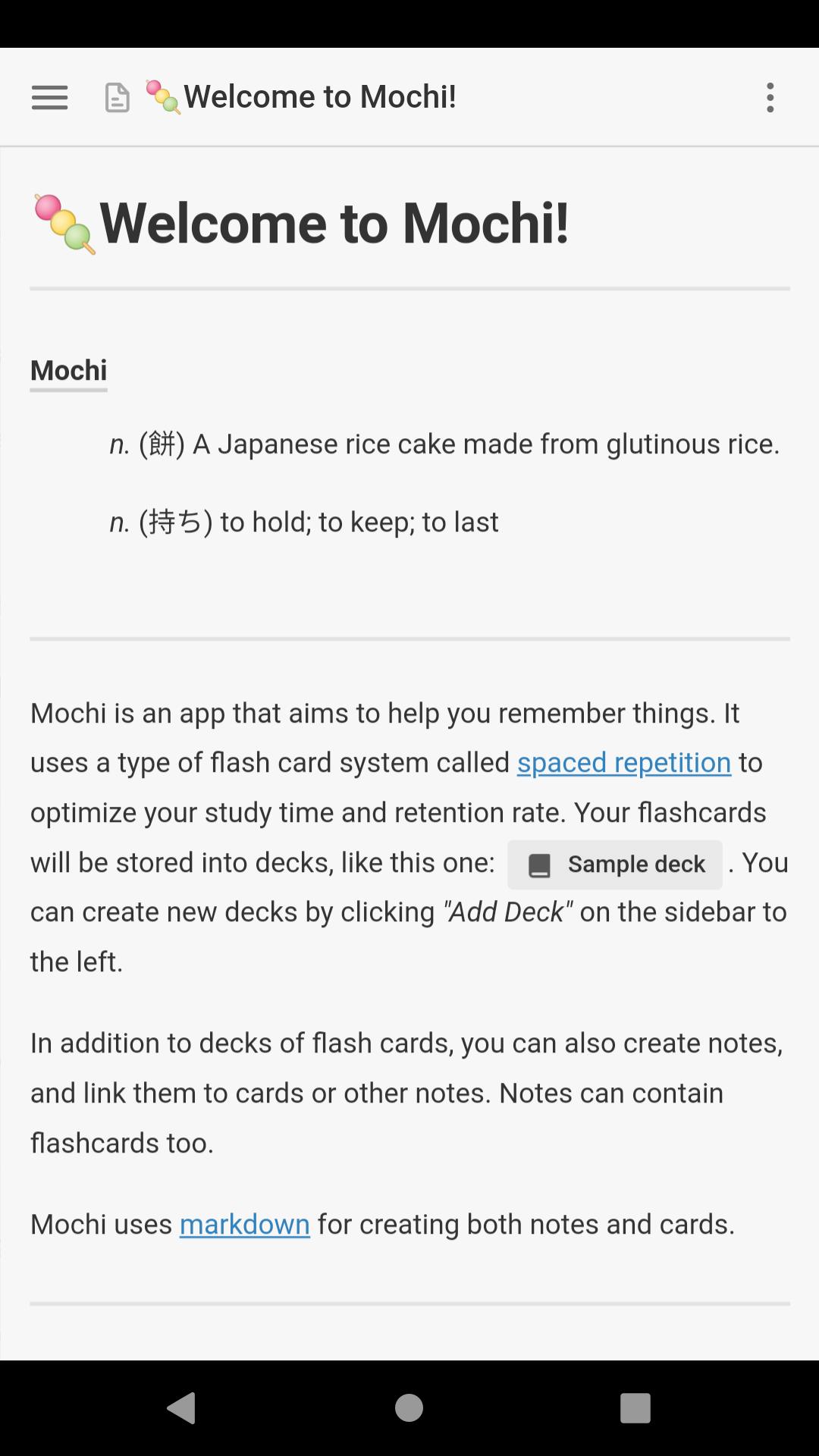
Take notes and make flashcards using markdown, then study them using spaced repetition.
Mochi gives you the power to create content specific to your study needs.
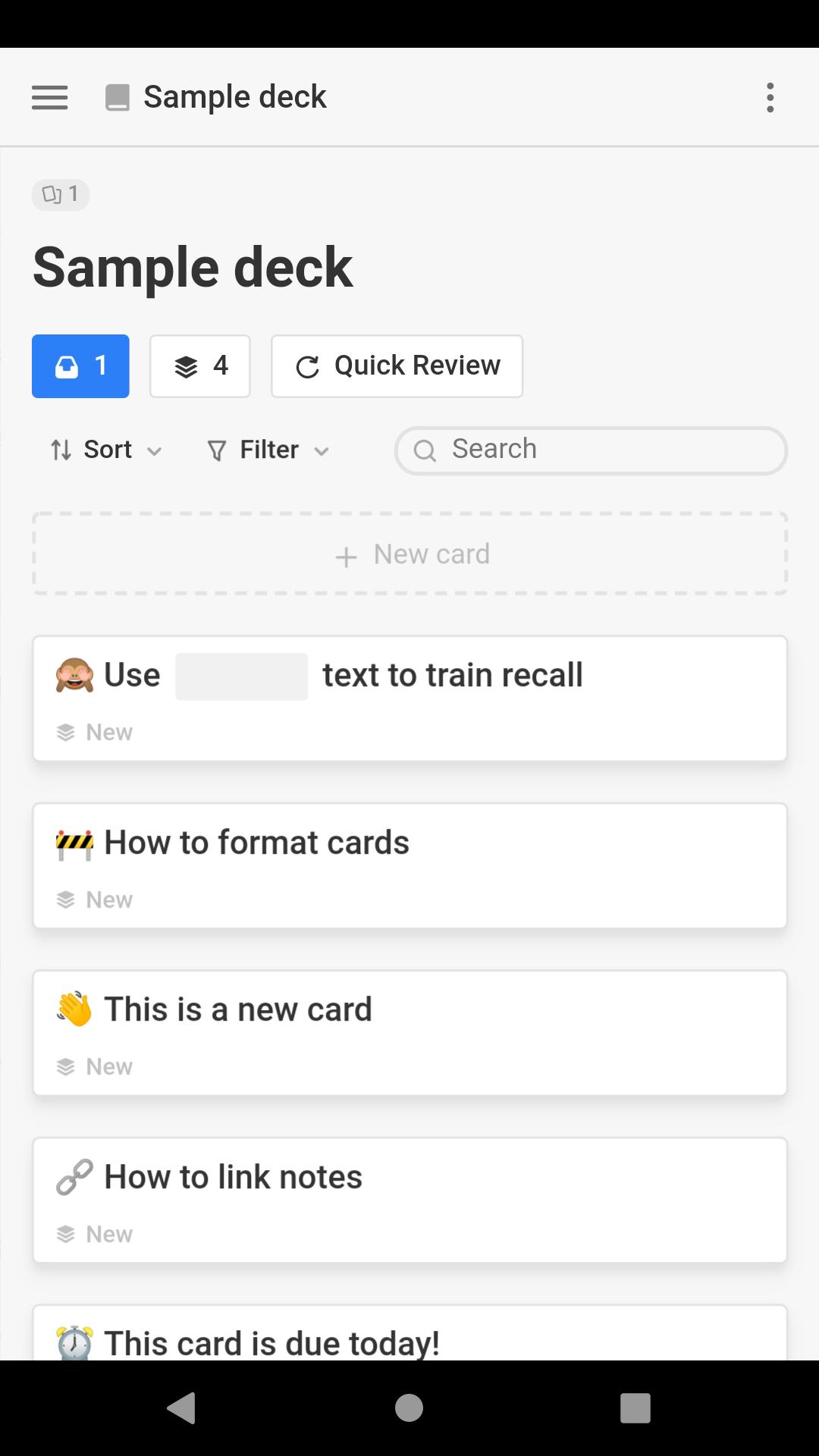
Create a deck from scratch, or share one with a friend.
- Mochi uses a spaced repetition algorithm to maximize retention and minimize study time.
- Quickly jot down notes and cards at the speed of markdown. Formatting controls and shortcuts are also there if you need them.
- Linking between cards and notes is a powerful way to build a network of related information.
- Put an end to tediously copying your notes into flash cards one by one. With Mochi you can create flash cards from your notes with one click.
- You can embed media to your notes or cards like images, audio, and video by dragging them onto the editor.
- With a Pro account you can sync your content and use Mochi accross all of your devices, including mobile.
- Leverage the thousands of Anki decks already available online, or import your own.
Avance
Etiquetas
EducaciónInformación
Desarrollador
Mochi Cards, LLC
La última versión
1.19.4
Última actualización
2025-09-08
Categoría
Educación
Disponible en
Google Play
Mostrar más
Cómo jugar Mochi - Flashcards and notes con GameLoop en PC
1. Descargue GameLoop desde el sitio web oficial, luego ejecute el archivo exe para instalar GameLoop.
2. Abra GameLoop y busque "Mochi - Flashcards and notes", busque Mochi - Flashcards and notes en los resultados de búsqueda y haga clic en "Instalar".
3. Disfruta jugando Mochi - Flashcards and notes en GameLoop.
Minimum requirements
OS
Windows 8.1 64-bit or Windows 10 64-bit
GPU
GTX 1050
CPU
i3-8300
Memory
8GB RAM
Storage
1GB available space
Recommended requirements
OS
Windows 8.1 64-bit or Windows 10 64-bit
GPU
GTX 1050
CPU
i3-9320
Memory
16GB RAM
Storage
1GB available space