
Englicious - English Quiz App para PC
Codepur
Descarga Englicious - English Quiz App en PC con GameLoop Emulator
Englicious - English Quiz App en PC
Englicious - English Quiz App, proveniente del desarrollador Codepur, se ejecuta en el sistema Android en el pasado.
Ahora, puedes jugar Englicious - English Quiz App en PC con GameLoop sin problemas.
Descárgalo en la biblioteca de GameLoop o en los resultados de búsqueda. No más mirar la batería o llamadas frustrantes en el momento equivocado nunca más.
Simplemente disfrute de Englicious - English Quiz App PC en la pantalla grande de forma gratuita!
Englicious - English Quiz App Introducción
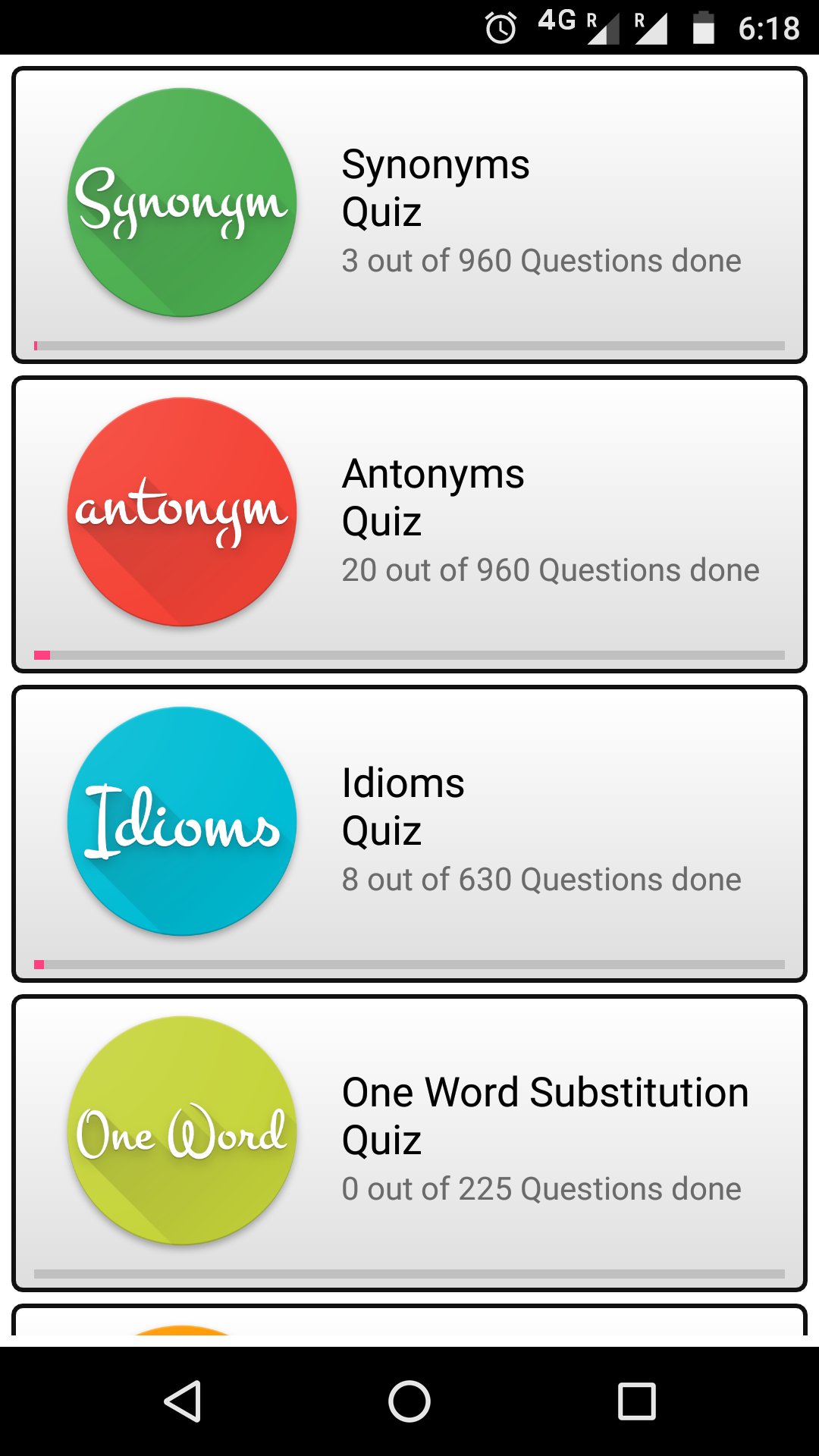
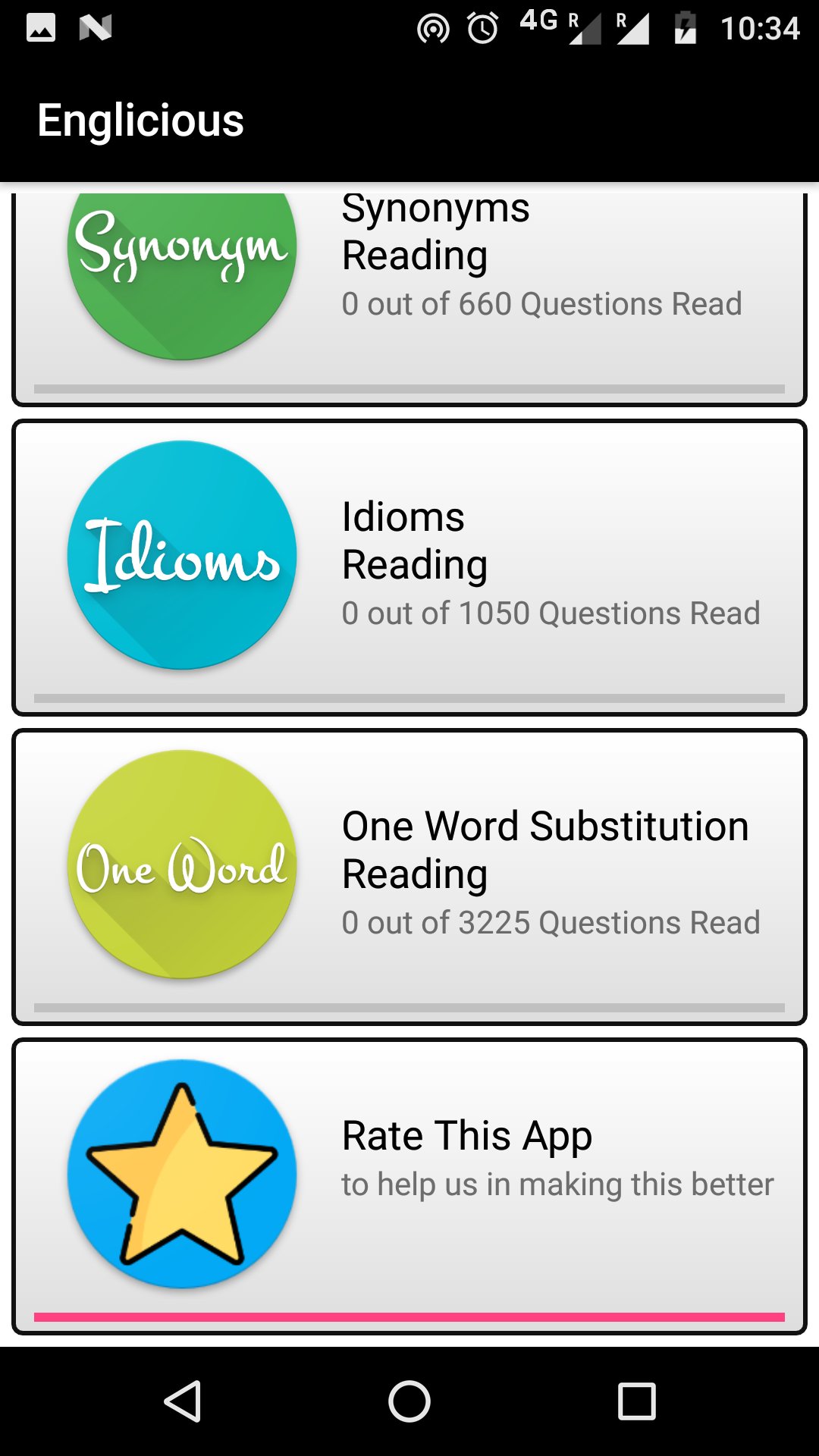
Englicious contains thousands of questions for practicing Synonyms, Antonyms, Idioms, One-word substitution, Complete the sentences type MCQ questions along with 1000s of questions to read in your travel time.
Hope this will help everyone specially CLAT, GRE, TOFEL, IELTS, NDA, CDS, AFCAT, CAT, SSC etc aspirants along with those who are preparing for their placements/aptitude exams.
English synonyms quiz app
English antonyms quiz app
English idioms quiz app
English one word substitution quiz app
Englicious is developed by few humans so it's obvious that it may contain some errors, please point out the mistakes and give your valuable feedback by emailing us.
Avance
Etiquetas
EducaciónInformación
Desarrollador
Codepur
La última versión
10.2025.04.01
Última actualización
2025-03-31
Categoría
Educación
Disponible en
Google Play
Mostrar más
Cómo jugar Englicious - English Quiz App con GameLoop en PC
1. Descargue GameLoop desde el sitio web oficial, luego ejecute el archivo exe para instalar GameLoop.
2. Abra GameLoop y busque "Englicious - English Quiz App", busque Englicious - English Quiz App en los resultados de búsqueda y haga clic en "Instalar".
3. Disfruta jugando Englicious - English Quiz App en GameLoop.
Minimum requirements
OS
Windows 8.1 64-bit or Windows 10 64-bit
GPU
GTX 1050
CPU
i3-8300
Memory
8GB RAM
Storage
1GB available space
Recommended requirements
OS
Windows 8.1 64-bit or Windows 10 64-bit
GPU
GTX 1050
CPU
i3-9320
Memory
16GB RAM
Storage
1GB available space