
ekoching para PC
Education Edvin Media
Descarga ekoching en PC con GameLoop Emulator
ekoching en PC
ekoching, proveniente del desarrollador Education Edvin Media, se ejecuta en el sistema Android en el pasado.
Ahora, puedes jugar ekoching en PC con GameLoop sin problemas.
Descárgalo en la biblioteca de GameLoop o en los resultados de búsqueda. No más mirar la batería o llamadas frustrantes en el momento equivocado nunca más.
Simplemente disfrute de ekoching PC en la pantalla grande de forma gratuita!
ekoching Introducción
The Argument in India, when it comes to Quality education starts with affordable education and reaching out to the masses to ensure that youth can be empowered. This will only come when quality education is accessible to the youth. Considering this problem, few education enthusiasts came up with an idea of Ekoching (an Online coaching Platform) to enable Educators and learners to come together and achieve this common goal.
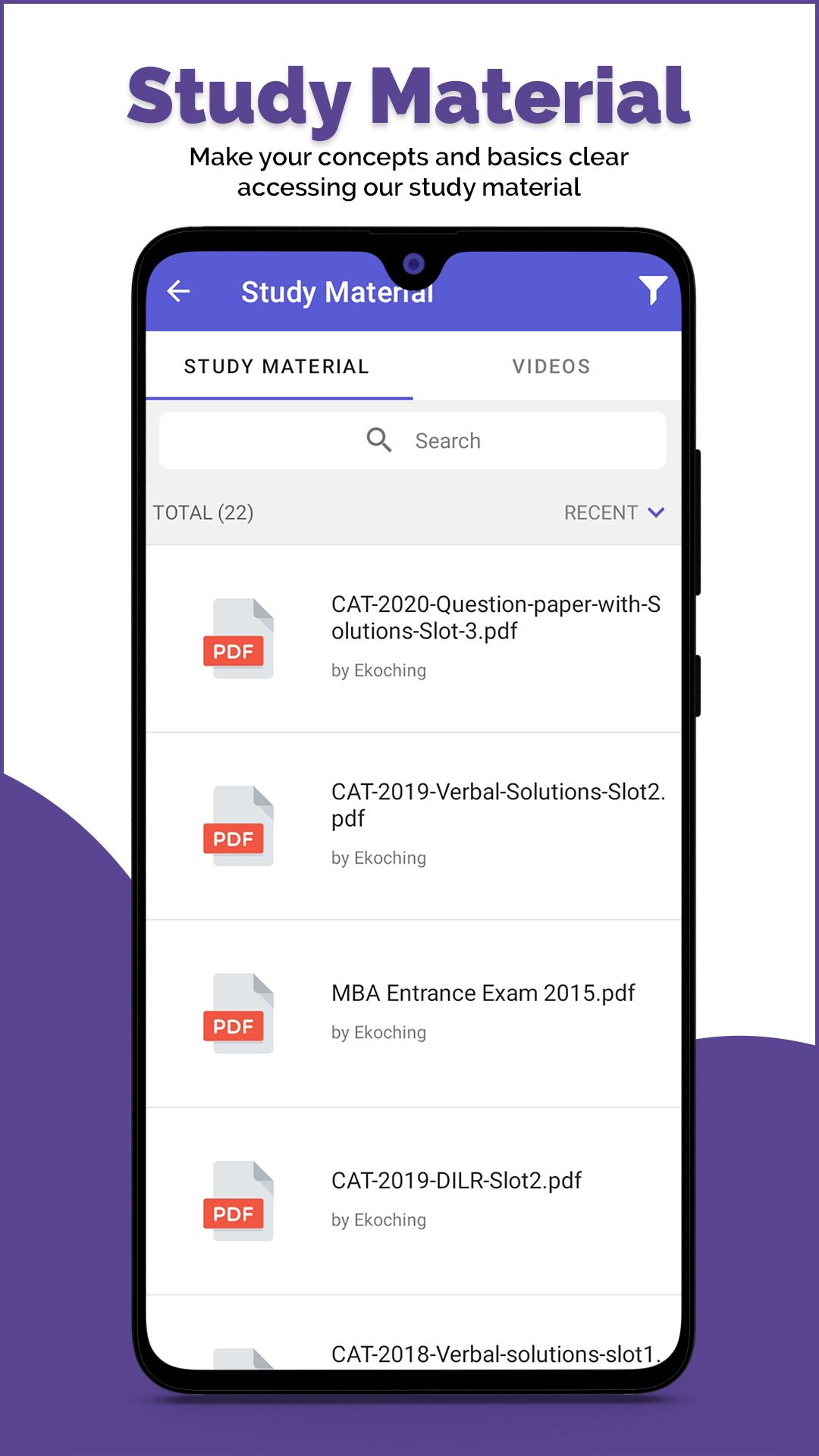
Now get access to Quality video lectures for exams like CAT & GATE, curated by Industry Experts at Ekoching. Students can watch the videos at their own pace & convenient timings. These videos cover the concepts right from the basics which will help students to clear the topics and solve the Questions.
These lectures are recorded by the faculties with average teaching experience of 8+ years in the current domain & keeping in mind the requirement of exams based on current paper pattern. Not only exams we have also taken the feedback from the majority of the students about their expectations from a platform like Ekoching.
Mentoring is that missing link between the Online classes and offline classes which we are trying to bridge with Ekoching and continuously striving to make it better. We also ensure that regular feedback is taken from students on the same.
Faculties at Ekoching take pride in saying that they mentor their students at different stages of their preparation. All students need to do is book their slots and the team will reach out to them.
Not only this student can also customize their own paper as per his/her requirements. For eg. If student wish to give test of particular topic or in case he/she wishes to choose 2-3 topics to give the test, the test can be customized to suit student needs.
With Video Lectures, Students get access to Live Workshops, from Head mentors at Ekoching. These live workshops will be conducted to help students to work on strategy, Mock analysis, Recent trends in various papers, What students can expect in Exams, Time Management, Art of skipping Questions, Cut offs & Many more.
We at Ekoching provide a Student-centric solution to study and provide them with things like personalized study planner, Quiz test based on the performance of students & start teaching with basic to advance level.
We also believe in the fact that in this Digitized era or we would wish to call this in future the Post covid Era, Only Online or Only Traditional brick & mortar form of teaching will not work and thus we won't be able to do justice to students and all stakeholders which are involved in ensuring that we can empower the youth with best of the education & knowledge. It's the blended form of learning which will work for the students and Ekoching as a platform is designed and envisioned keeping this idea in mind.
Batches timings are scheduled in a way that students can complete college, assignments, etc, and then at night can focus on their exam preparation along with graduation.
Avance

Etiquetas
EducaciónInformación
Desarrollador
Education Edvin Media
La última versión
1.4.81.5
Última actualización
2023-09-21
Categoría
Educación
Disponible en
Google Play
Mostrar más
Cómo jugar ekoching con GameLoop en PC
1. Descargue GameLoop desde el sitio web oficial, luego ejecute el archivo exe para instalar GameLoop.
2. Abra GameLoop y busque "ekoching", busque ekoching en los resultados de búsqueda y haga clic en "Instalar".
3. Disfruta jugando ekoching en GameLoop.
Minimum requirements
OS
Windows 8.1 64-bit or Windows 10 64-bit
GPU
GTX 1050
CPU
i3-8300
Memory
8GB RAM
Storage
1GB available space
Recommended requirements
OS
Windows 8.1 64-bit or Windows 10 64-bit
GPU
GTX 1050
CPU
i3-9320
Memory
16GB RAM
Storage
1GB available space