DC Motor para PC
EmbeSystems
Descarga DC Motor en PC con GameLoop Emulator
DC Motor en PC
DC Motor, proveniente del desarrollador EmbeSystems, se ejecuta en el sistema Android en el pasado.
Ahora, puedes jugar DC Motor en PC con GameLoop sin problemas.
Descárgalo en la biblioteca de GameLoop o en los resultados de búsqueda. No más mirar la batería o llamadas frustrantes en el momento equivocado nunca más.
Simplemente disfrute de DC Motor PC en la pantalla grande de forma gratuita!
DC Motor Introducción
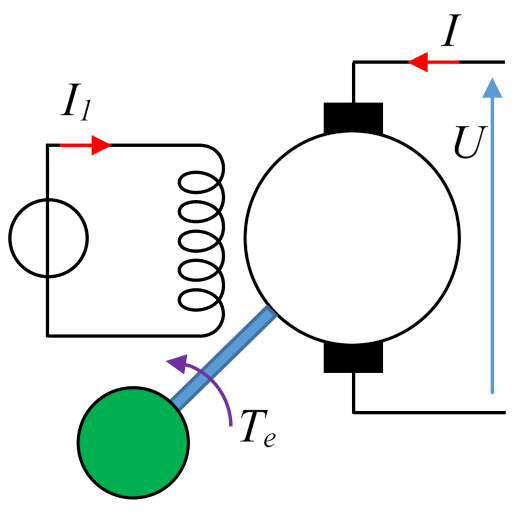
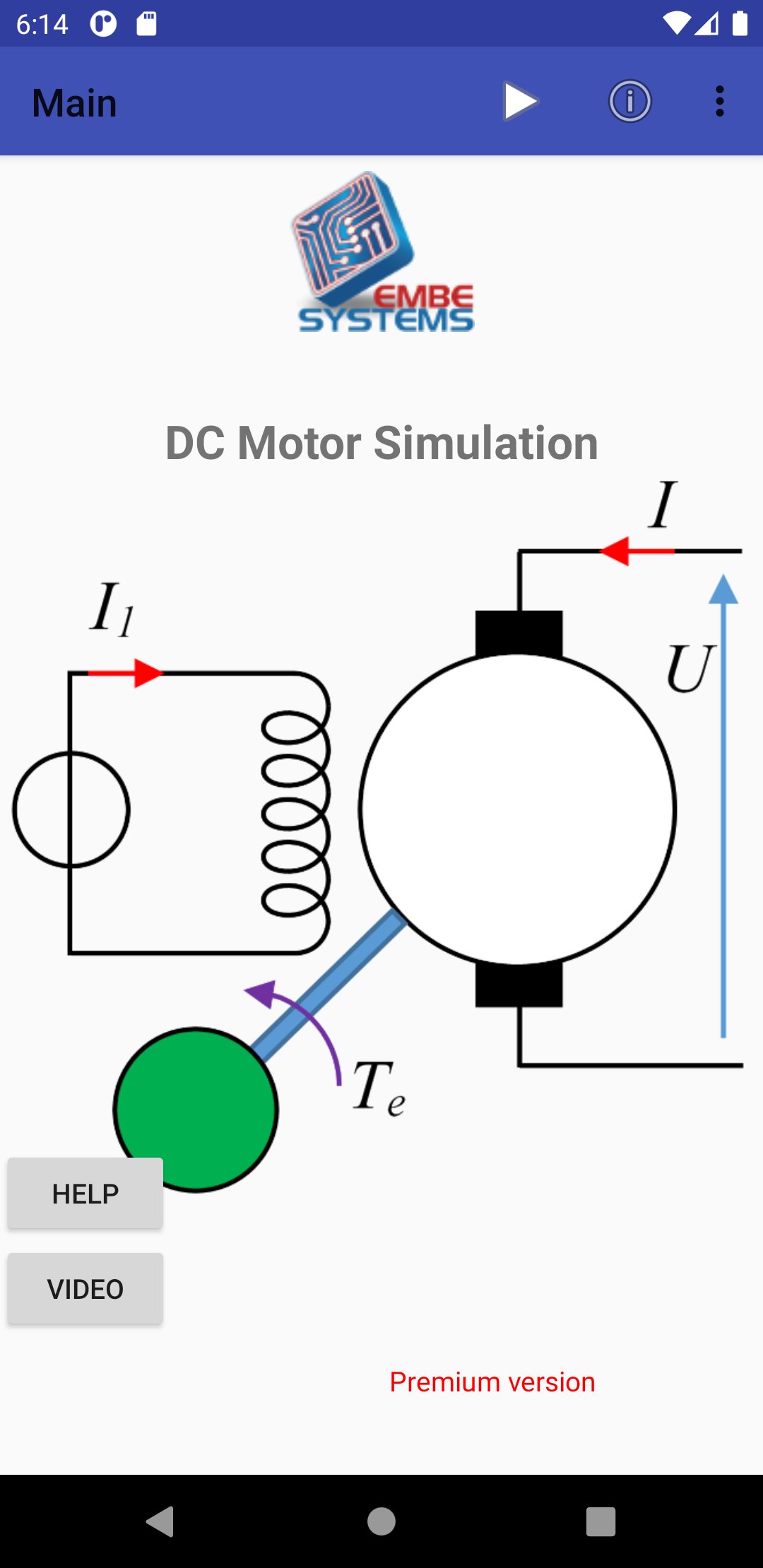
This application allows to simulate the DC motor in transient and steady state and to visualize curves and values.
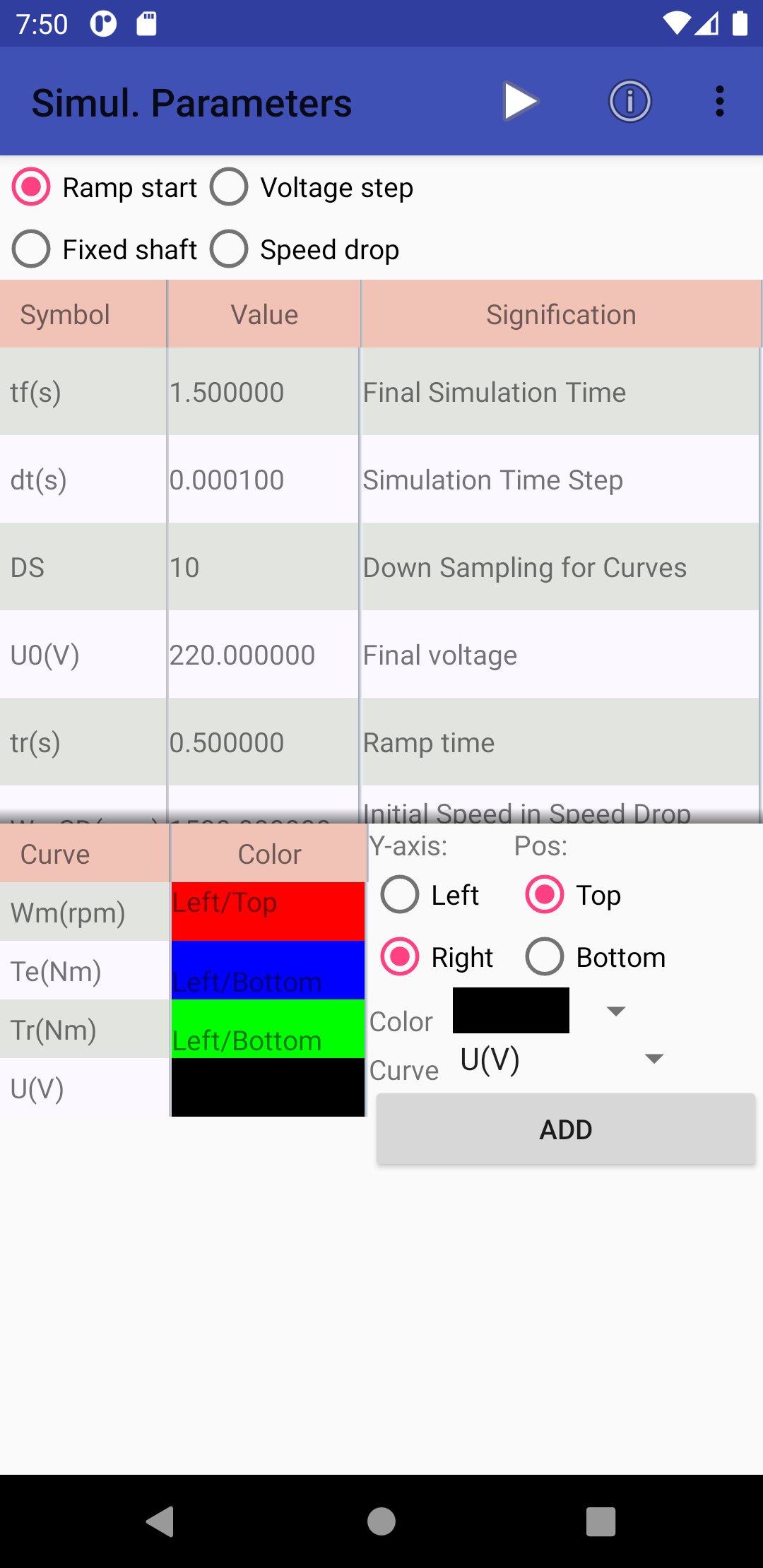
It allows to choose between 4 operating modes:
Ramp start: The armature voltage rises in a ramp
Voltage step: The armature voltage is imposed in step
Fixed shaft: Locked rotor test
Speed drop: Speed Release Test, Motor Not Powered
Thank you for considering a 5-star vote for this app, which will allow its wide dissemination to the community of students and teachers of Electrical Engineering. If you have any concern, please let me know before voting, by email:
im_support@embesystems.com
I could certainly provide explanations, without getting a vote below 5 stars.
I am a teacher-researcher in EE: Researchgate Profil
Thank you for encouraging the development of this kind of apps, by contributing through an in-app purchase of the Premium offer.
Summary
The DC Motor App helps students and teachers to study and understand the operation of the Direct Current Motor (DCM) in transient and steady state.
Several events can be applied during the simulation, such as changes in load torque at different times, armature voltage steps, excitation current, as well as resistive parameter variations.
Simulations can be shared and exported to other apps (Gmail, photos, Excel sheets, documents).
Main characteristics:
Simulation of the Direct Current Motor (DCM) in transient and steady state.
Curves of armature current, excitation current, armature voltage, speed, electromagnetic and load torque, power, as a function of time and in steady state
Different operating modes
Change motor parameters and save them in local files
Apply several load torque events, armature voltage... in the simulation
Simulation parameters (final time, step time...)
Displays the curves by splitting the window into 2 graphs, with zoom and display of values on the curve point
Premium Version:
Additional events (armature voltage, excitation current, armature resistance) instead of only load torque events
Display an infinity of curves on the 2 graphs with selection of the color, the top/bottom position and the primary or secondary Y-axis of the graph. It is limited to 3 curves in the basic version
Load previously saved configuration, and also share them by email
Export data: graph images, graph data (xls/csv), machine parameters
And of course you help the developer, who is a teacher and researcher in electrical engineering, in his approach to develop educational apps.
Avance
Etiquetas
EducaciónInformación
Desarrollador
EmbeSystems
La última versión
1.3
Última actualización
2021-06-20
Categoría
Educación
Disponible en
Google Play
Mostrar más
Cómo jugar DC Motor con GameLoop en PC
1. Descargue GameLoop desde el sitio web oficial, luego ejecute el archivo exe para instalar GameLoop.
2. Abra GameLoop y busque "DC Motor", busque DC Motor en los resultados de búsqueda y haga clic en "Instalar".
3. Disfruta jugando DC Motor en GameLoop.
Minimum requirements
OS
Windows 8.1 64-bit or Windows 10 64-bit
GPU
GTX 1050
CPU
i3-8300
Memory
8GB RAM
Storage
1GB available space
Recommended requirements
OS
Windows 8.1 64-bit or Windows 10 64-bit
GPU
GTX 1050
CPU
i3-9320
Memory
16GB RAM
Storage
1GB available space