CHILDREN PUBLIC SCHOOL- PARENT para PC
The Robotics Solutions
Descarga CHILDREN PUBLIC SCHOOL- PARENT en PC con GameLoop Emulator
CHILDREN PUBLIC SCHOOL- PARENT en PC
CHILDREN PUBLIC SCHOOL- PARENT, proveniente del desarrollador The Robotics Solutions, se ejecuta en el sistema Android en el pasado.
Ahora, puedes jugar CHILDREN PUBLIC SCHOOL- PARENT en PC con GameLoop sin problemas.
Descárgalo en la biblioteca de GameLoop o en los resultados de búsqueda. No más mirar la batería o llamadas frustrantes en el momento equivocado nunca más.
Simplemente disfrute de CHILDREN PUBLIC SCHOOL- PARENT PC en la pantalla grande de forma gratuita!
CHILDREN PUBLIC SCHOOL- PARENT Introducción
CHILDREN PUBLIC SCHOOL promotes active participation of parents by involving them in their ward's education.
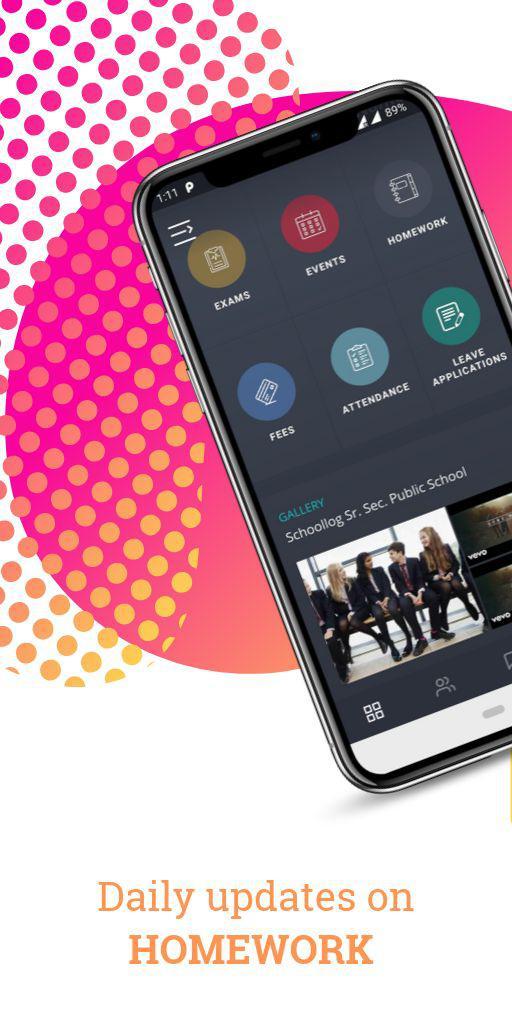
CHILDREN PUBLIC SCHOOL app's features include:
Daily Homework Updates
Attendance Tracker
Exam Results & Schedule
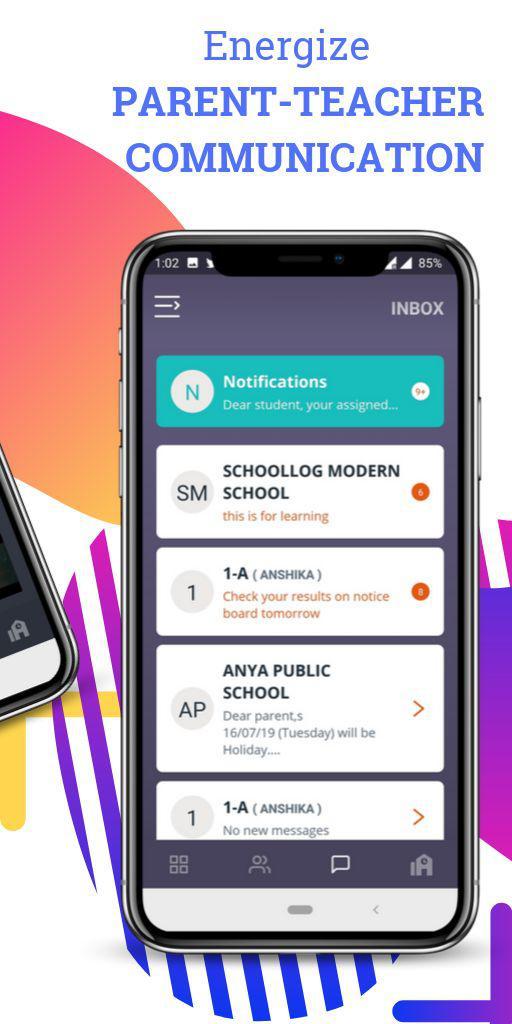
Notifications (Notice Board)
Student Leave Application
CHILDREN PUBLIC SCHOOL appreciates the importance of school to parent communication. Due to busy schedule or lack of information to parents, the parent-school connect is lost in the grey. CHILDREN PUBLIC SCHOOL app increases communication between families and schools, thus making parents play an active role in their ward's education. With a smartphone in every hand, it creates an intuitive and cost effective way of keeping parents informed.
Avance
Etiquetas
EducaciónInformación
Desarrollador
The Robotics Solutions
La última versión
3.1.40
Última actualización
2023-04-18
Categoría
Educación
Disponible en
Google Play
Mostrar más
Cómo jugar CHILDREN PUBLIC SCHOOL- PARENT con GameLoop en PC
1. Descargue GameLoop desde el sitio web oficial, luego ejecute el archivo exe para instalar GameLoop.
2. Abra GameLoop y busque "CHILDREN PUBLIC SCHOOL- PARENT", busque CHILDREN PUBLIC SCHOOL- PARENT en los resultados de búsqueda y haga clic en "Instalar".
3. Disfruta jugando CHILDREN PUBLIC SCHOOL- PARENT en GameLoop.
Minimum requirements
OS
Windows 8.1 64-bit or Windows 10 64-bit
GPU
GTX 1050
CPU
i3-8300
Memory
8GB RAM
Storage
1GB available space
Recommended requirements
OS
Windows 8.1 64-bit or Windows 10 64-bit
GPU
GTX 1050
CPU
i3-9320
Memory
16GB RAM
Storage
1GB available space