BSP: Bodensee-Schifferpatent para PC
Carlo Graf Strachwitz
Descarga BSP: Bodensee-Schifferpatent en PC con GameLoop Emulator
BSP: Bodensee-Schifferpatent en PC
BSP: Bodensee-Schifferpatent, proveniente del desarrollador Carlo Graf Strachwitz, se ejecuta en el sistema Android en el pasado.
Ahora, puedes jugar BSP: Bodensee-Schifferpatent en PC con GameLoop sin problemas.
Descárgalo en la biblioteca de GameLoop o en los resultados de búsqueda. No más mirar la batería o llamadas frustrantes en el momento equivocado nunca más.
Simplemente disfrute de BSP: Bodensee-Schifferpatent PC en la pantalla grande de forma gratuita!
BSP: Bodensee-Schifferpatent Introducción
Hello and we're glad you've found our BSP: Lake Constance Boating License app!
We'll help you prepare optimally for your exam.
Our app includes all relevant BSP certificates:
• 🚤 BSP Motor (A)
• ⛵ BSP Sailing (D)
• ⚓ BSP Motor + Sailing (A+D)
• ➕ including the Hochrhein license
With any license, you can of course also study for the Hochrhein license if you wish.
📌 THE MOST IMPORTANT FEATURES AT A GLANCE:
• 📚 All 518 official questions & answers
• 🧪 Start with 100 questions
• 🔓 Unlock everything afterward
• 💳 Pay monthly, annually, or as a one-time payment
• 🧠 Optimal theory preparation
• 🪢 Incl. practical preparation
• 📝 All official exam questions
• 💡 Explanations for each question
• ✅ Multiple-choice answers
• 🧾 Exam papers in the official format
📖 THEORY PREPARATION:
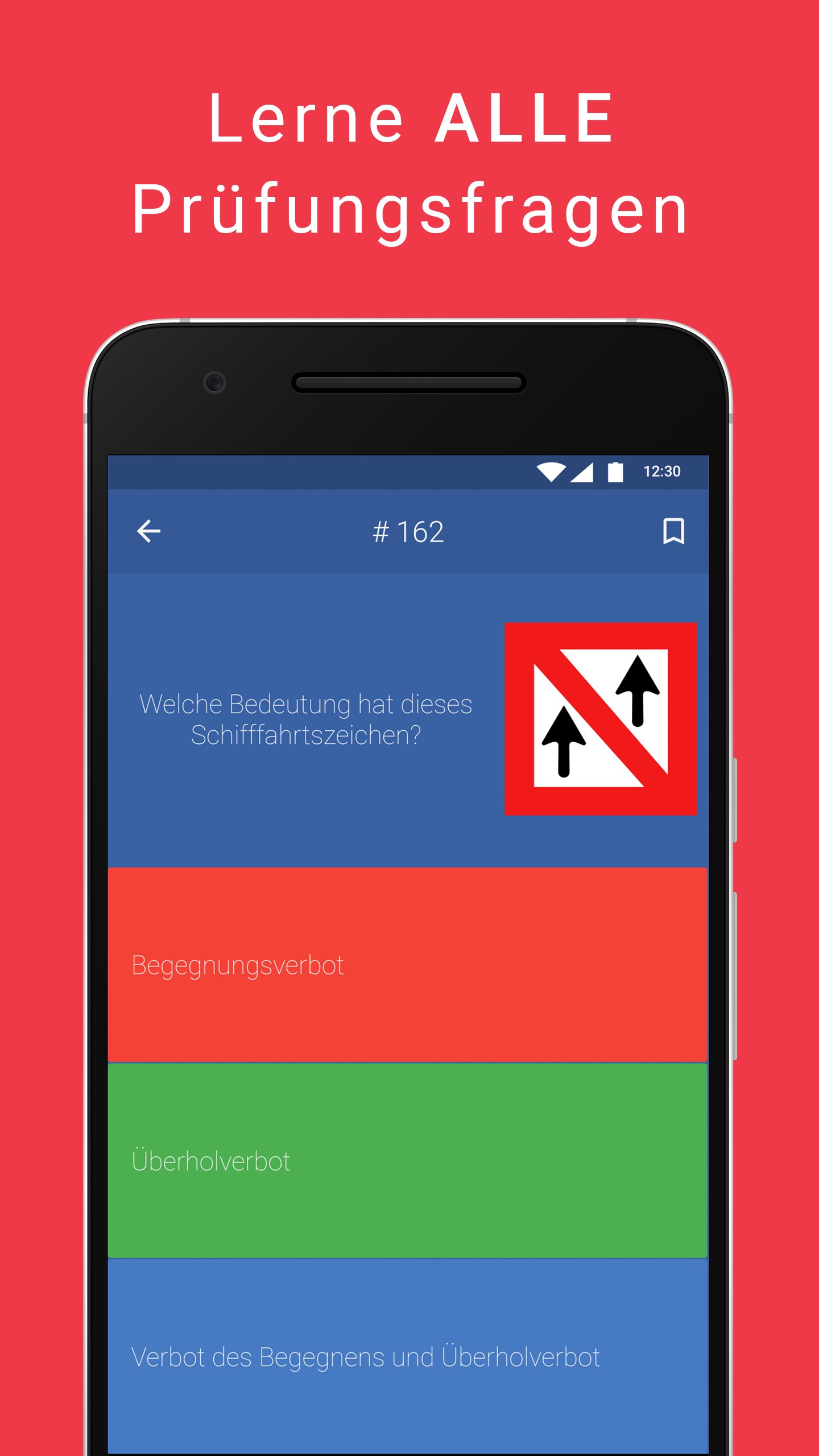
Our app contains the official exam questions with the original multiple-choice answers, just like in the real exam!
The incorrect answers are also realistically designed. This is the ideal way to prepare for your Lake Constance boatmaster's license exam.
⚓ PRACTICAL PREPARATION:
We've lovingly created photo tutorials for all exam-relevant knots.
Each knot is provided with a picture and explanation – including advantages and disadvantages!
📴 WORKS OFFLINE:
No reception? No problem! Our app works 100% offline.
Perfect for exam preparation on the train, bus, or boat.
🚦 EVERYTHING UNDER CONTROL IN LEARNING MODE:
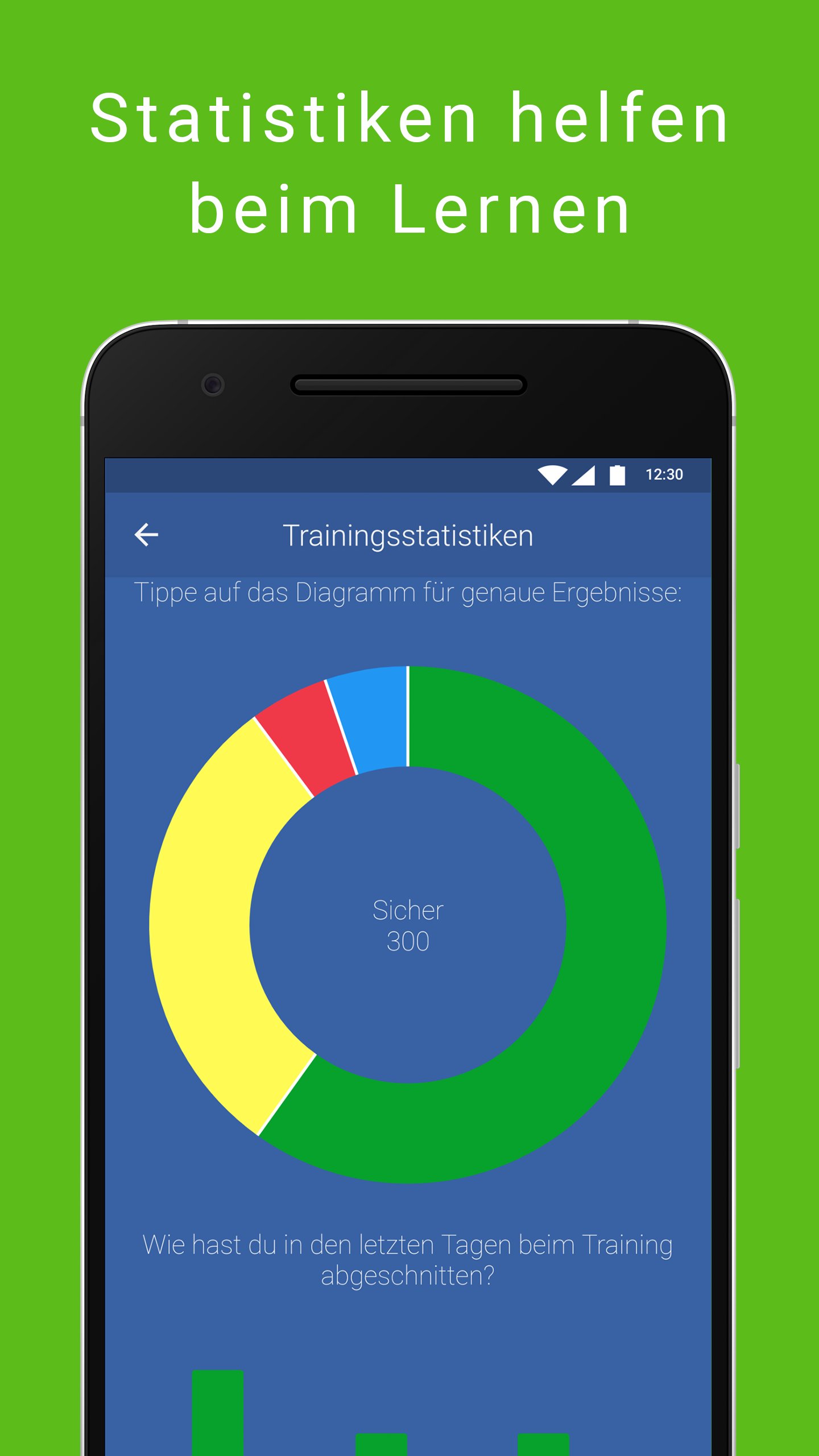
A simple traffic light system shows you how fit you are:
🔴 Still practicing
🟡 Ready soon
🟢 Fit for the exam
Statistics show your progress – making the BSP exam a mere formality.
🕒 READY FOR THE EXAM?
Practice with our realistic exam papers in the official format.
An integrated timer creates a real exam experience – including grading of your mock exam.
🧾 ALL FEATURES AT A GLANCE:
• ✅ 518 official questions & answers
• 🎯 Test mode with 100 questions
• 🔓 Full access with upgrade
• 💬 Explanations for all questions
• 🔍 Search function
• 📝 Multiple-choice format
• 🪢 Practical preparation with photo tutorials
• 📚 Knots with explanations, advantages & disadvantages
• 🚦 Learning mode with traffic light system
• 📈 Detailed statistics
• 🧠 Clear categorization of content
• 🚧 Including signs, graphics, and much more
• 🧾 Authentic exam papers
• ⏱️ Official timer & exam mode
• ⭐ Mark questions
• 🧭 Intuitive operation
• 📴 Available offline
• 🔔 Optional study reminders
• 🛠️ Fast support for questions
👨🎓 About us:
We are former students of the TU Berlin.
Following our successful SBF inland instructor program, we are now bringing the Lake Constance skipper's license to your smartphone.
Our goal: to make learning as easy as possible for you!
🚀 Good luck with your studies – and have fun on the water!
Your BSP: Lake Constance skipper's license team!
Avance
Etiquetas
EducaciónInformación
Desarrollador
Carlo Graf Strachwitz
La última versión
1.18.2
Última actualización
2025-11-07
Categoría
Educación
Disponible en
Google Play
Mostrar más
Cómo jugar BSP: Bodensee-Schifferpatent con GameLoop en PC
1. Descargue GameLoop desde el sitio web oficial, luego ejecute el archivo exe para instalar GameLoop.
2. Abra GameLoop y busque "BSP: Bodensee-Schifferpatent", busque BSP: Bodensee-Schifferpatent en los resultados de búsqueda y haga clic en "Instalar".
3. Disfruta jugando BSP: Bodensee-Schifferpatent en GameLoop.
Minimum requirements
OS
Windows 8.1 64-bit or Windows 10 64-bit
GPU
GTX 1050
CPU
i3-8300
Memory
8GB RAM
Storage
1GB available space
Recommended requirements
OS
Windows 8.1 64-bit or Windows 10 64-bit
GPU
GTX 1050
CPU
i3-9320
Memory
16GB RAM
Storage
1GB available space