Toggles for Samsung Watch para PC
Shuisky
Descarga Toggles for Samsung Watch en PC con GameLoop Emulator
Toggles for Samsung Watch en PC
Toggles for Samsung Watch, proveniente del desarrollador Shuisky, se ejecuta en el sistema Android en el pasado.
Ahora, puedes jugar Toggles for Samsung Watch en PC con GameLoop sin problemas.
Descárgalo en la biblioteca de GameLoop o en los resultados de búsqueda. No más mirar la batería o llamadas frustrantes en el momento equivocado nunca más.
Simplemente disfrute de Toggles for Samsung Watch PC en la pantalla grande de forma gratuita!
Toggles for Samsung Watch Introducción
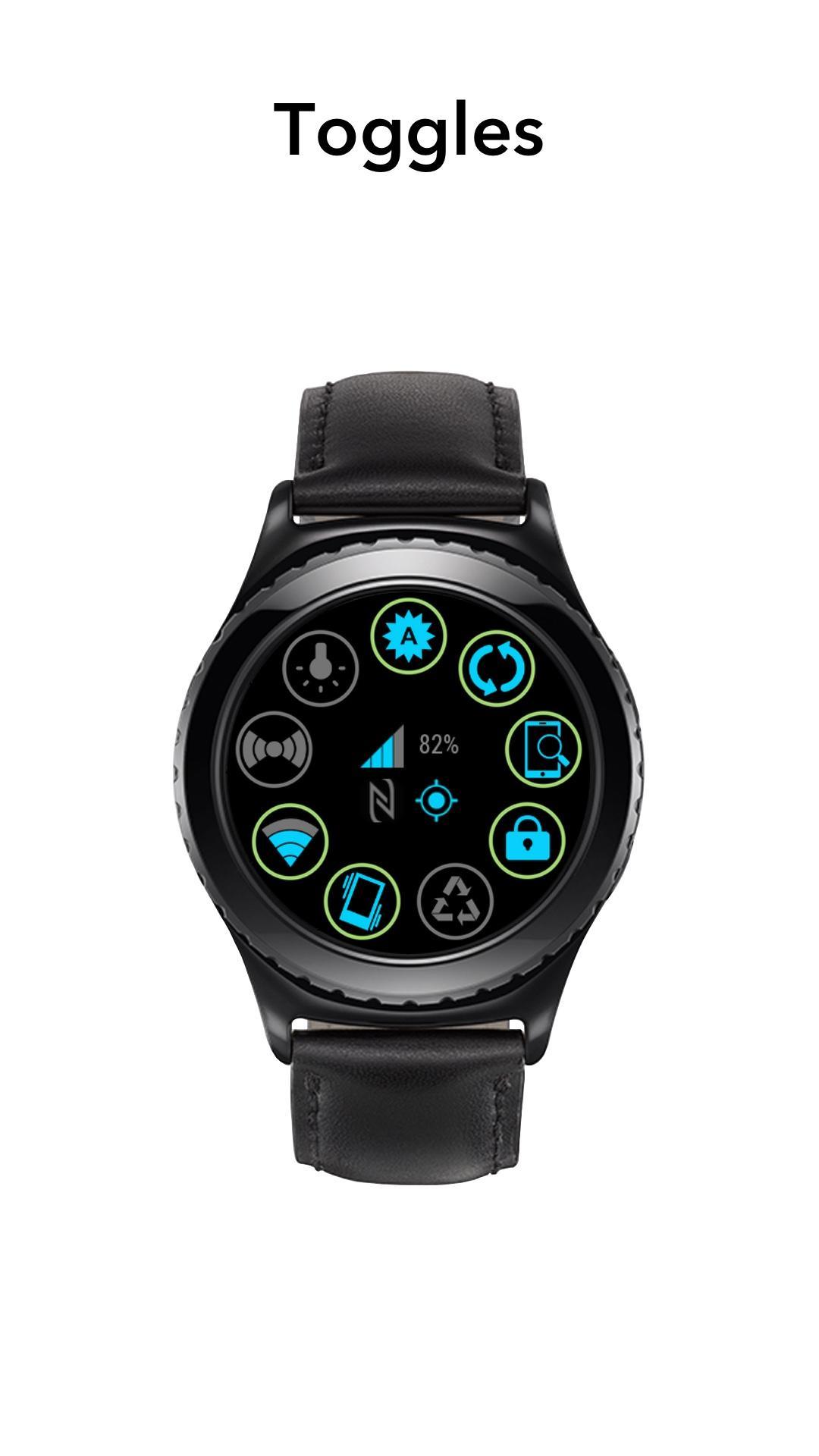
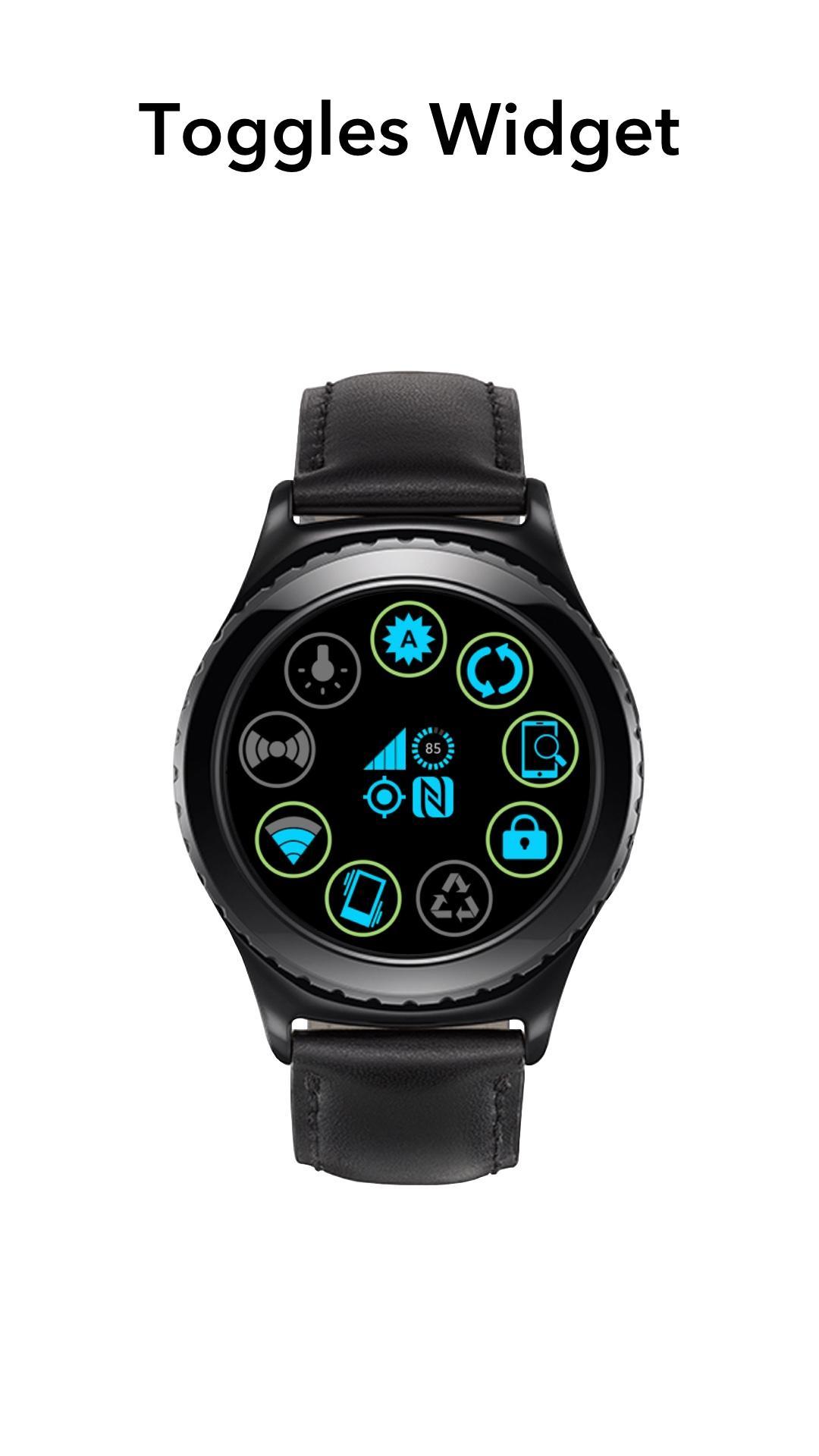
Switch on/off settings on your mobile phone:
• Wi-Fi,
• Wi-Fi Hotspot (Tethering),
• Vibrate/Mute mode,
• Data synchronisation.
• Auto brightness,
• Bluetooth,
• Power saving,
Set values (accessible only in the App):
• Ringtone, Media and Notifications sounds.
Features:
• Flashlight (Torch),
• Lock the screen,
• Find my phone.
Displays:
• GPS state,
• NFC state,
• Battery level,
• Wi-Fi signal strength (updated in real-time),
• Phone signal strength (updated in real-time).
Notes:
• 'Phone signal strength' doesn't work on some devices. In this case shows Gear battery level in the app and nothing in the Widget.
• 'Power saving' not exactly the same as your phone toggle. It's turn off Wi-Fi, Tethering, Sound, Vibrate and set Brightness to minimum.
• Mobile data toggle doesn't work on Android devices 5.0 and above. It's prohibited by Google. Sorry.
Open this app "Toggles Gear" on the phone and grant/activate all permissions that app is need.
Note: This app uses the Device Administrator permission.
To use the option 'Lock the screen', this app requesting the ‘android.permission.BIND_DEVICE_ADMIN’ permission.
Compatible with:
• Samsung Galaxy Watch
• Samsung Galaxy Watch Active
• Samsung Galaxy Watch Active 2
• Samsung Gear S3 Frontier
• Samsung Gear S3 Classic
• Samsung Gear Sport
• Samsung Gear S2
Avance
Información
Desarrollador
Shuisky
La última versión
21
Última actualización
2019-03-20
Categoría
Comunicaciones
Disponible en
Google Play
Mostrar más
Cómo jugar Toggles for Samsung Watch con GameLoop en PC
1. Descargue GameLoop desde el sitio web oficial, luego ejecute el archivo exe para instalar GameLoop.
2. Abra GameLoop y busque "Toggles for Samsung Watch", busque Toggles for Samsung Watch en los resultados de búsqueda y haga clic en "Instalar".
3. Disfruta jugando Toggles for Samsung Watch en GameLoop.
Minimum requirements
OS
Windows 8.1 64-bit or Windows 10 64-bit
GPU
GTX 1050
CPU
i3-8300
Memory
8GB RAM
Storage
1GB available space
Recommended requirements
OS
Windows 8.1 64-bit or Windows 10 64-bit
GPU
GTX 1050
CPU
i3-9320
Memory
16GB RAM
Storage
1GB available space