
The Hub para PC
theEMPLOYEEapp, LLC
Descarga The Hub en PC con GameLoop Emulator
The Hub en PC
The Hub, proveniente del desarrollador theEMPLOYEEapp, LLC, se ejecuta en el sistema Android en el pasado.
Ahora, puedes jugar The Hub en PC con GameLoop sin problemas.
Descárgalo en la biblioteca de GameLoop o en los resultados de búsqueda. No más mirar la batería o llamadas frustrantes en el momento equivocado nunca más.
Simplemente disfrute de The Hub PC en la pantalla grande de forma gratuita!
The Hub Introducción
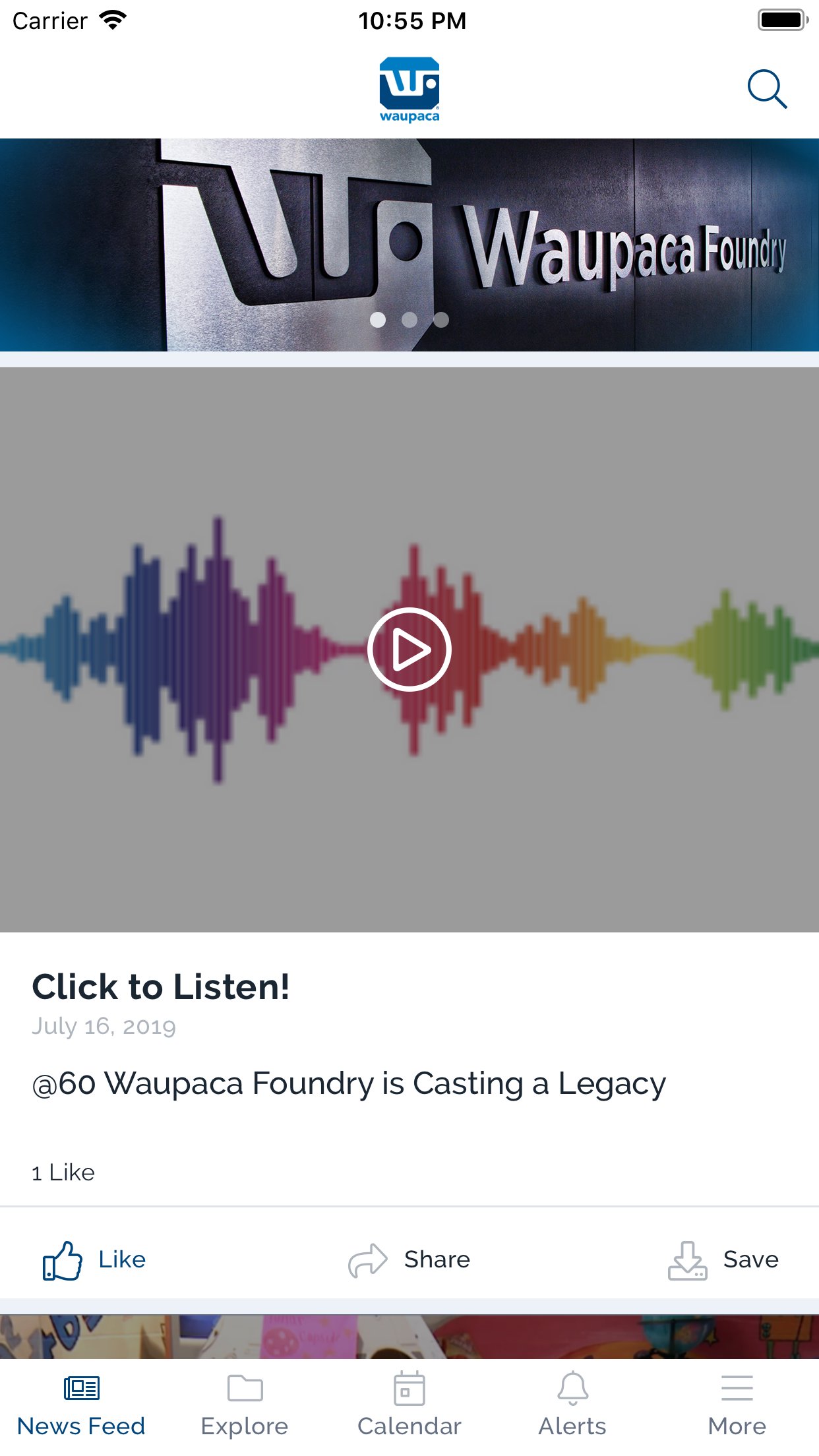
No matter where you are, Waupaca Foundry puts all the information you need at your fingertips. Browse your newsfeed, like and comment on posts, and even take notes on documents. Explore other functionality of the app, including the ability to:
• Receive alerts regarding recent news, weather alerts affecting production and other important information
• Add Waupaca Foundry events to your device’s calendar
• Interact with peers in the foundry by liking and commenting on posts
• Share content with your colleagues via your favorite social media channels and email
• Streaming of videos both live and archived
• . . . and more!
Avance

Etiquetas
ComunicacionesInformación
Desarrollador
theEMPLOYEEapp, LLC
La última versión
12.9.0
Última actualización
2025-09-17
Categoría
Comunicaciones
Disponible en
Google Play
Mostrar más
Cómo jugar The Hub con GameLoop en PC
1. Descargue GameLoop desde el sitio web oficial, luego ejecute el archivo exe para instalar GameLoop.
2. Abra GameLoop y busque "The Hub", busque The Hub en los resultados de búsqueda y haga clic en "Instalar".
3. Disfruta jugando The Hub en GameLoop.
Minimum requirements
OS
Windows 8.1 64-bit or Windows 10 64-bit
GPU
GTX 1050
CPU
i3-8300
Memory
8GB RAM
Storage
1GB available space
Recommended requirements
OS
Windows 8.1 64-bit or Windows 10 64-bit
GPU
GTX 1050
CPU
i3-9320
Memory
16GB RAM
Storage
1GB available space