
Meet Stranger para PC
Rawat Atul
Descarga Meet Stranger en PC con GameLoop Emulator
Meet Stranger en PC
Meet Stranger, proveniente del desarrollador Rawat Atul, se ejecuta en el sistema Android en el pasado.
Ahora, puedes jugar Meet Stranger en PC con GameLoop sin problemas.
Descárgalo en la biblioteca de GameLoop o en los resultados de búsqueda. No más mirar la batería o llamadas frustrantes en el momento equivocado nunca más.
Simplemente disfrute de Meet Stranger PC en la pantalla grande de forma gratuita!
Meet Stranger Introducción
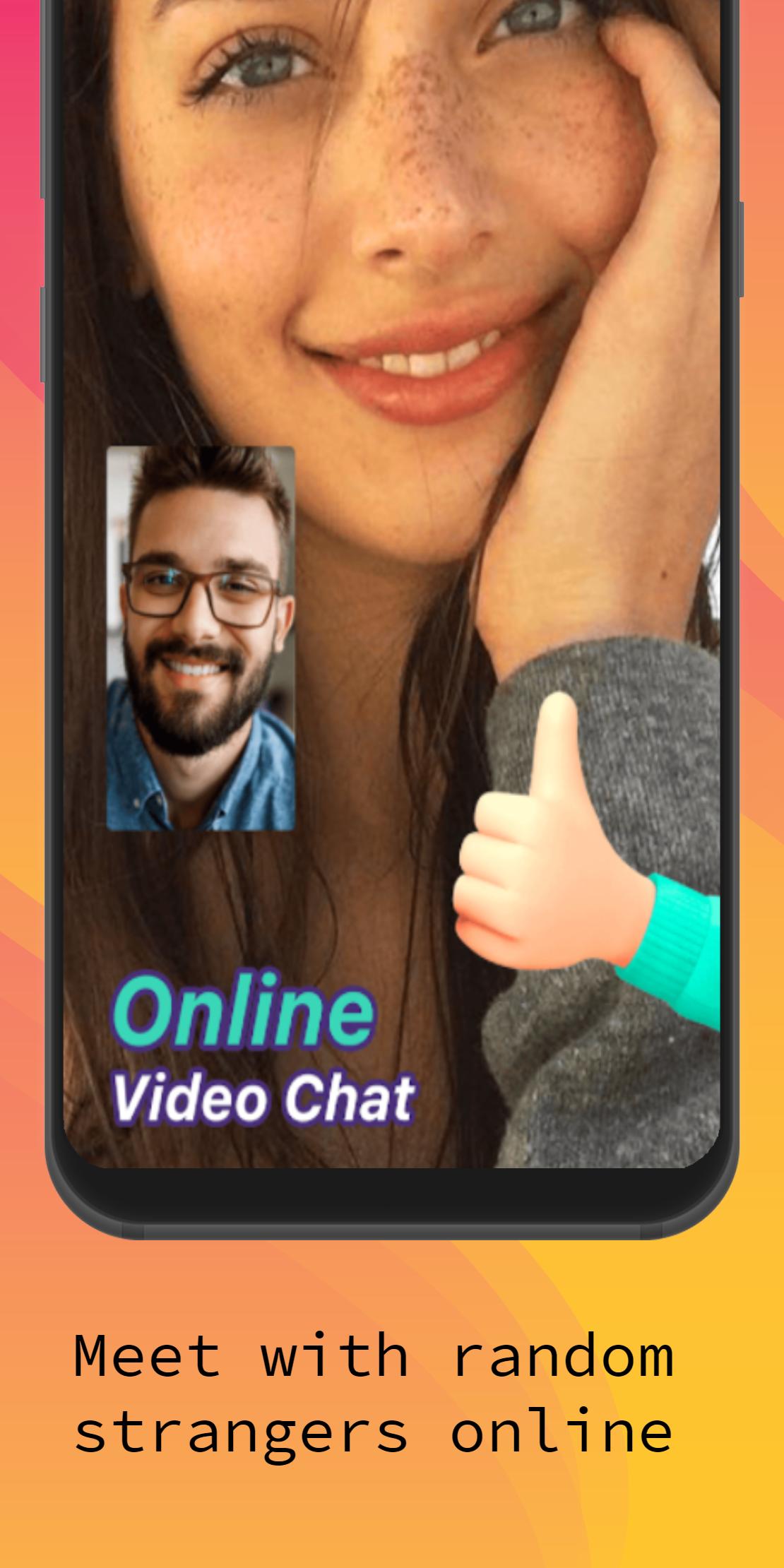
Want to make a new friend or meet new people daily.
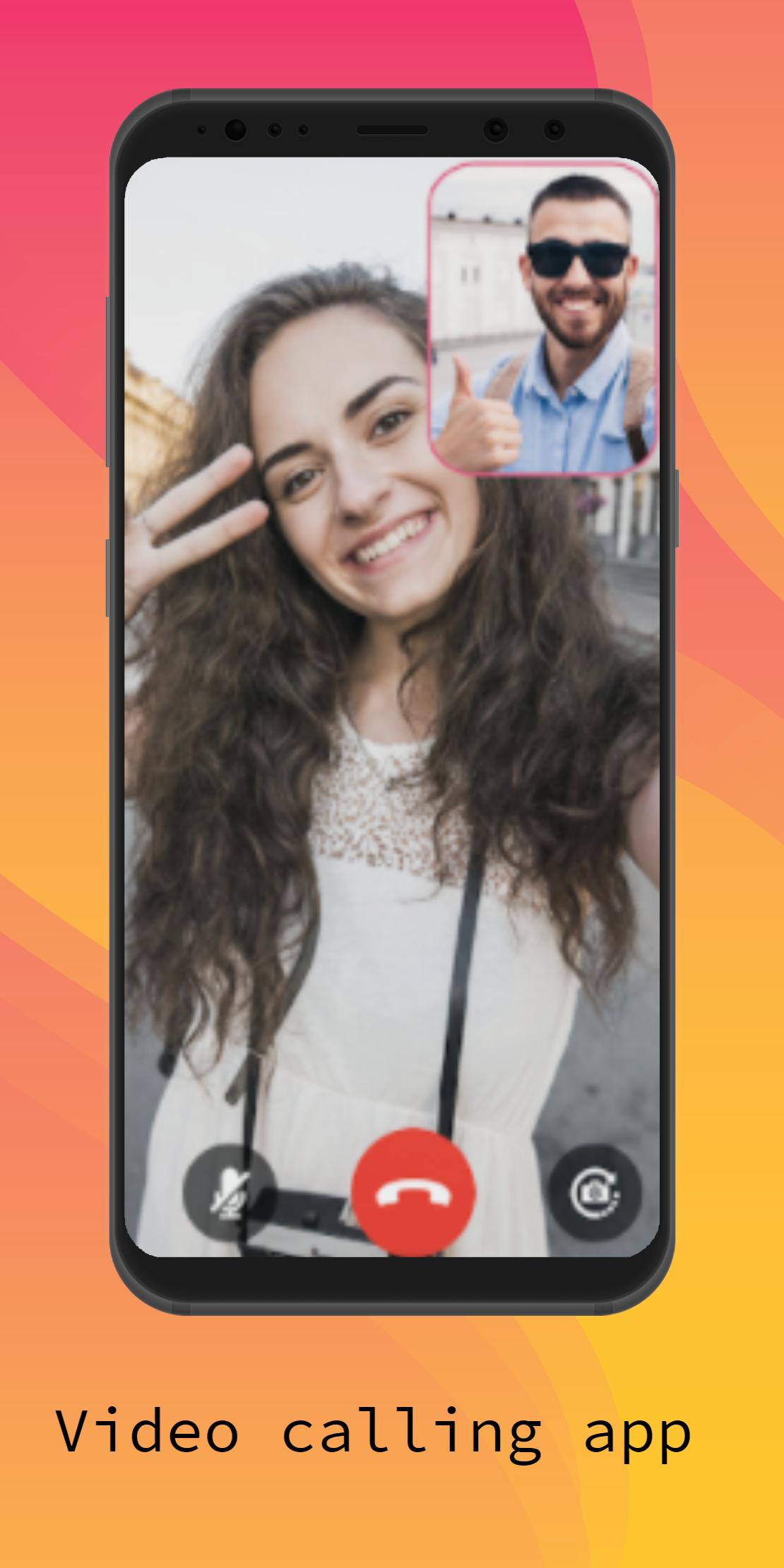
Meet Stranger app will help you to connect with new people and it gives you a brand-new experience when discovering your new friendships from different countries worldwide through random video chat.
This random video calling app will give you the best possible way to explore a new language and discover new culture from those who are of different backgrounds in one-on-one random video chat rooms.
Privacy policy:
Our Live Video Chat ( Meet Stranger ) emphasizes users' privacy and treats all user information with strict confidentiality.
please take caution when delivering sensitive information because you are responsible for the information you provide through video chat.
Contact us if you have any problems or suggestions at atul.rawat.new@gmail.com
About Permissions :
Camera(mandatory): It is used to send video from the camera to the other in the video call.
Microphone(mandatory): It is used to transmit voice from the microphone in the video call.
Avance
Etiquetas
ComunicacionesInformación
Desarrollador
Rawat Atul
La última versión
1.2
Última actualización
2021-11-06
Categoría
Comunicaciones
Disponible en
Google Play
Mostrar más
Cómo jugar Meet Stranger con GameLoop en PC
1. Descargue GameLoop desde el sitio web oficial, luego ejecute el archivo exe para instalar GameLoop.
2. Abra GameLoop y busque "Meet Stranger", busque Meet Stranger en los resultados de búsqueda y haga clic en "Instalar".
3. Disfruta jugando Meet Stranger en GameLoop.
Minimum requirements
OS
Windows 8.1 64-bit or Windows 10 64-bit
GPU
GTX 1050
CPU
i3-8300
Memory
8GB RAM
Storage
1GB available space
Recommended requirements
OS
Windows 8.1 64-bit or Windows 10 64-bit
GPU
GTX 1050
CPU
i3-9320
Memory
16GB RAM
Storage
1GB available space