Photo video maker with music para PC
Zed Inc
Descarga Photo video maker with music en PC con GameLoop Emulator
Photo video maker with music en PC
Photo video maker with music, proveniente del desarrollador Zed Inc, se ejecuta en el sistema Android en el pasado.
Ahora, puedes jugar Photo video maker with music en PC con GameLoop sin problemas.
Descárgalo en la biblioteca de GameLoop o en los resultados de búsqueda. No más mirar la batería o llamadas frustrantes en el momento equivocado nunca más.
Simplemente disfrute de Photo video maker with music PC en la pantalla grande de forma gratuita!
Photo video maker with music Introducción
Photo video maker: Photos with Music & Editor is one of the best app for creating movies, videos, and slideshows. Video editor app helps you to make video from photos and music. Video maker is one of the top applications which create video from the images of your collection. By using a video editor app creating video is very easy. Slideshow maker helps to save and share videos with friends. Photo video maker is an absolutely free video creator application. Slideshow maker is one of the most powerful applications for creating beautiful videos, movies and slide show movies from gallery with music. Using a video maker app gives your photo a new look and makes videos of sweet memories with your friends and relatives. Photo video maker: Photos with Music & Editor allows users to select any music from the phone, just select desired photo, a beautiful slideshow video will be created.
Steps to Create Videos:
By using photo video maker user can easily make fun music videos just by following 4-steps:
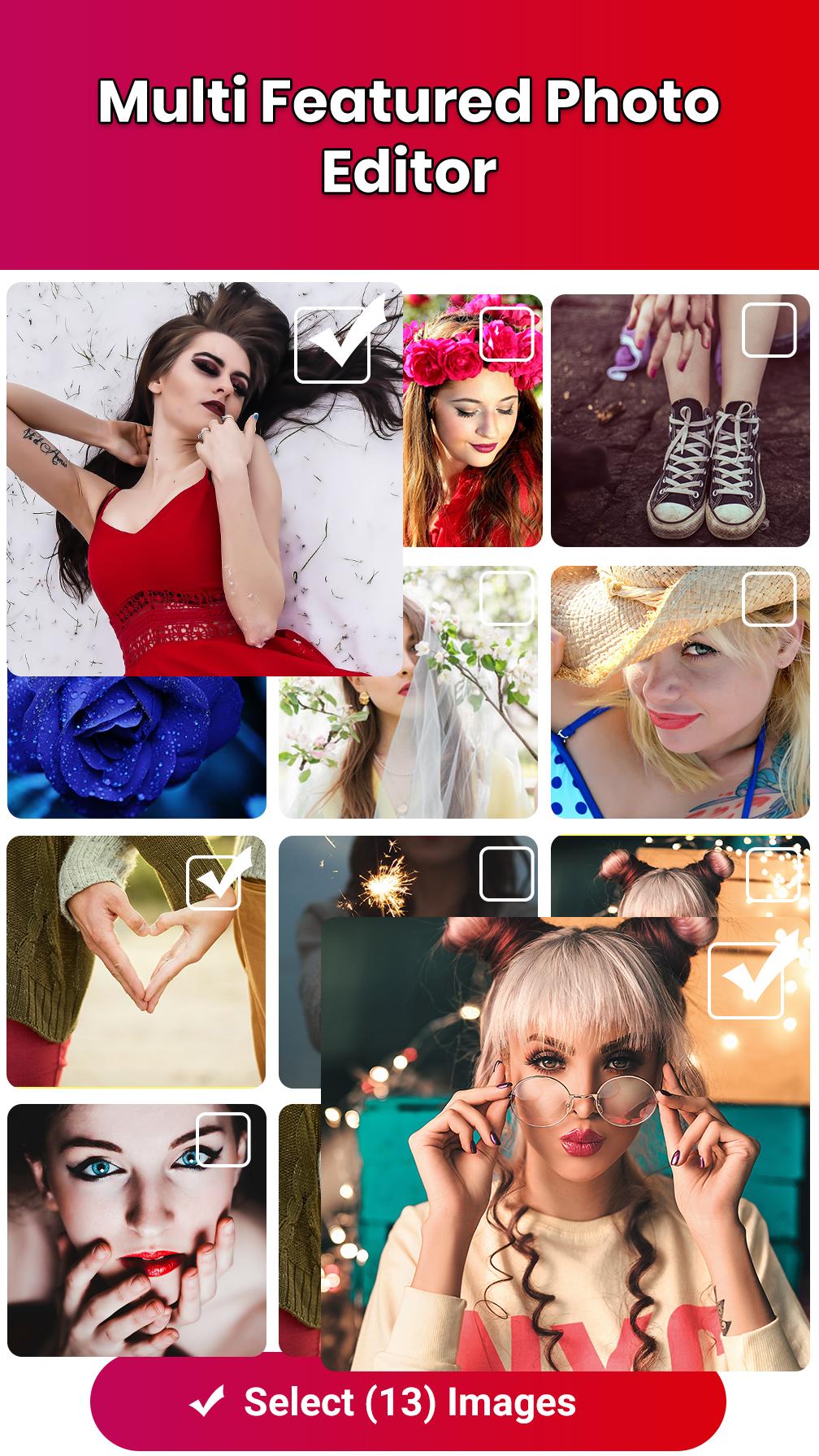
1. Select desired photos from photos gallery
2. Adjust the photo positions with drag.
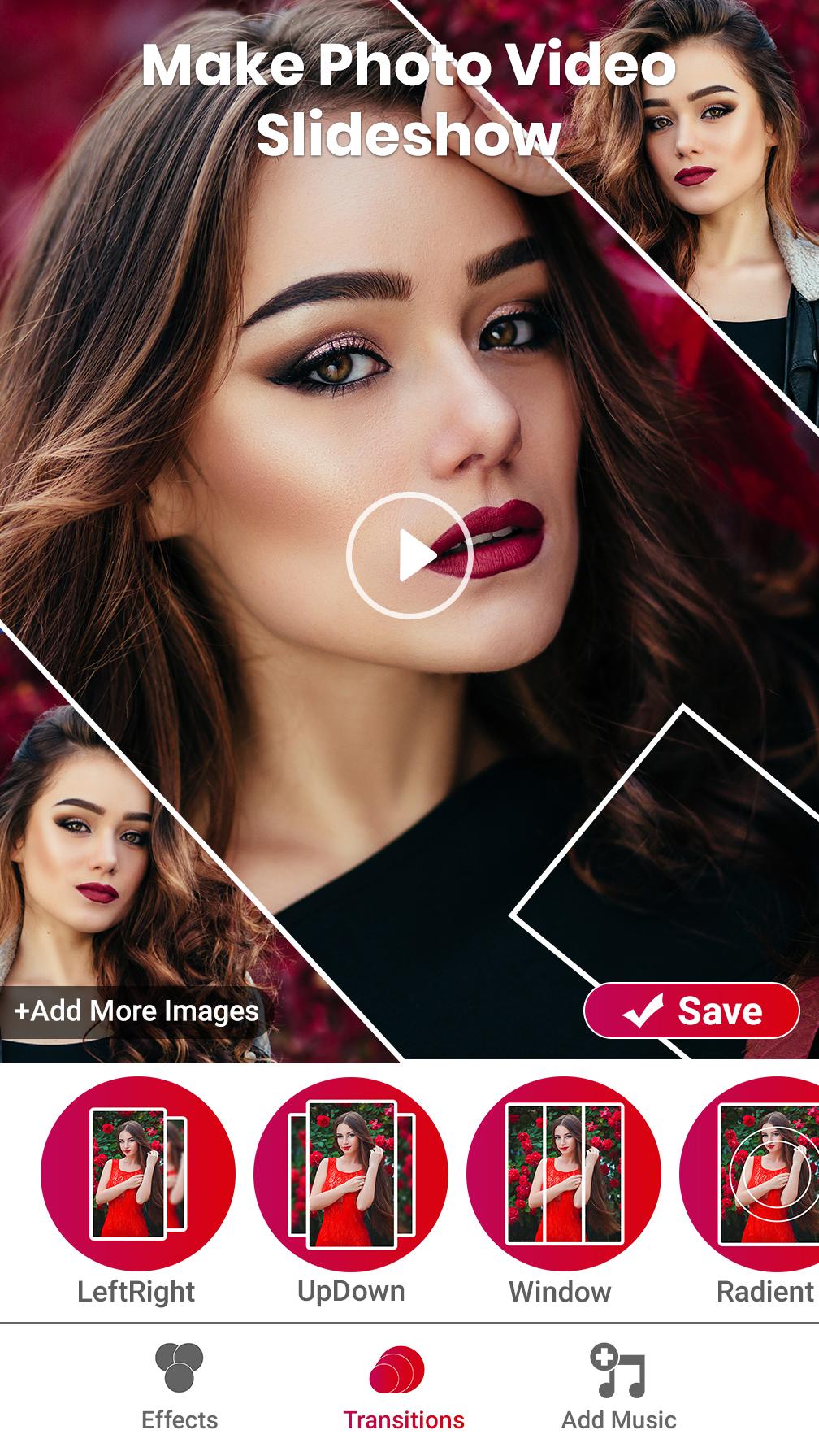
3. Select favorite music, add cool filters and transitions.
4. Save Video and Share with friends and family.
Features:
🎥 Video Maker:
Make any video with photo and music very easily. Create movies using your photos in the Video editor app. Select photos from gallery, add music and your video is ready.
📷 Photo Slideshow Maker
Creating slideshows was never so easy. By using slideshow makers creating amazing slideshows within seconds. Photo video maker and video editor provides the best tools to make it very easy to create amazing videos from photos and add music to create extremely easy presentation videos.
🎶 Music:
Photo Video maker app provides you a wide variety of music to make videos more entertaining. Create impressive videos by selecting the trendy music.
✨ Beautiful Effects:
Video makers have a lot of wonderful effects and are absolutely free. Just need one step to create amazing music videos.
⚙Transitions:
Video makers contain a huge variety of transitions that makes videos more beautiful. By using Photo video maker and video editor, users can make videos more attractive and eye-catching.
🎞Video Quality:
A photo video editor can easily save videos and photo slideshows with music. With photo editor app with music and effects can easily save video without losing quality.
Key Features:
🌟 Photo Video editor is free app.
🌟 You can select as many picture as you want in slideshow maker.
🌟 In Photo editor adding music to video is very easy.
🌟 By using slideshow maker create the fastest video from images.
🌟 With slideshow maker user can easily change photos according to their needs.
🌟 Plenty of free transitions and advanced effects available in Photo video maker app.
Photo video maker and video editor is a very simple and easy way to create Music videos with your photos. Photo video editor is a new trend which helps you to express your feelings. So just download Photo video maker: Photos with Music & Editor app and create amazing videos and share with your family and friends.
Avance
Etiquetas
CómicsInformación
Desarrollador
Zed Inc
La última versión
1.67
Última actualización
2021-11-29
Categoría
Cómics
Disponible en
Google Play
Mostrar más
Cómo jugar Photo video maker with music con GameLoop en PC
1. Descargue GameLoop desde el sitio web oficial, luego ejecute el archivo exe para instalar GameLoop.
2. Abra GameLoop y busque "Photo video maker with music", busque Photo video maker with music en los resultados de búsqueda y haga clic en "Instalar".
3. Disfruta jugando Photo video maker with music en GameLoop.
Minimum requirements
OS
Windows 8.1 64-bit or Windows 10 64-bit
GPU
GTX 1050
CPU
i3-8300
Memory
8GB RAM
Storage
1GB available space
Recommended requirements
OS
Windows 8.1 64-bit or Windows 10 64-bit
GPU
GTX 1050
CPU
i3-9320
Memory
16GB RAM
Storage
1GB available space