
Freecell Solitaire para PC
Mijori Soft
Descarga Freecell Solitaire en PC con GameLoop Emulator
Freecell Solitaire en PC
Freecell Solitaire, proveniente del desarrollador Mijori Soft, se ejecuta en el sistema Android en el pasado.
Ahora, puedes jugar Freecell Solitaire en PC con GameLoop sin problemas.
Descárgalo en la biblioteca de GameLoop o en los resultados de búsqueda. No más mirar la batería o llamadas frustrantes en el momento equivocado nunca más.
Simplemente disfrute de Freecell Solitaire PC en la pantalla grande de forma gratuita!
Freecell Solitaire Introducción
FREECELL SOLITAIRE
------------------------------------
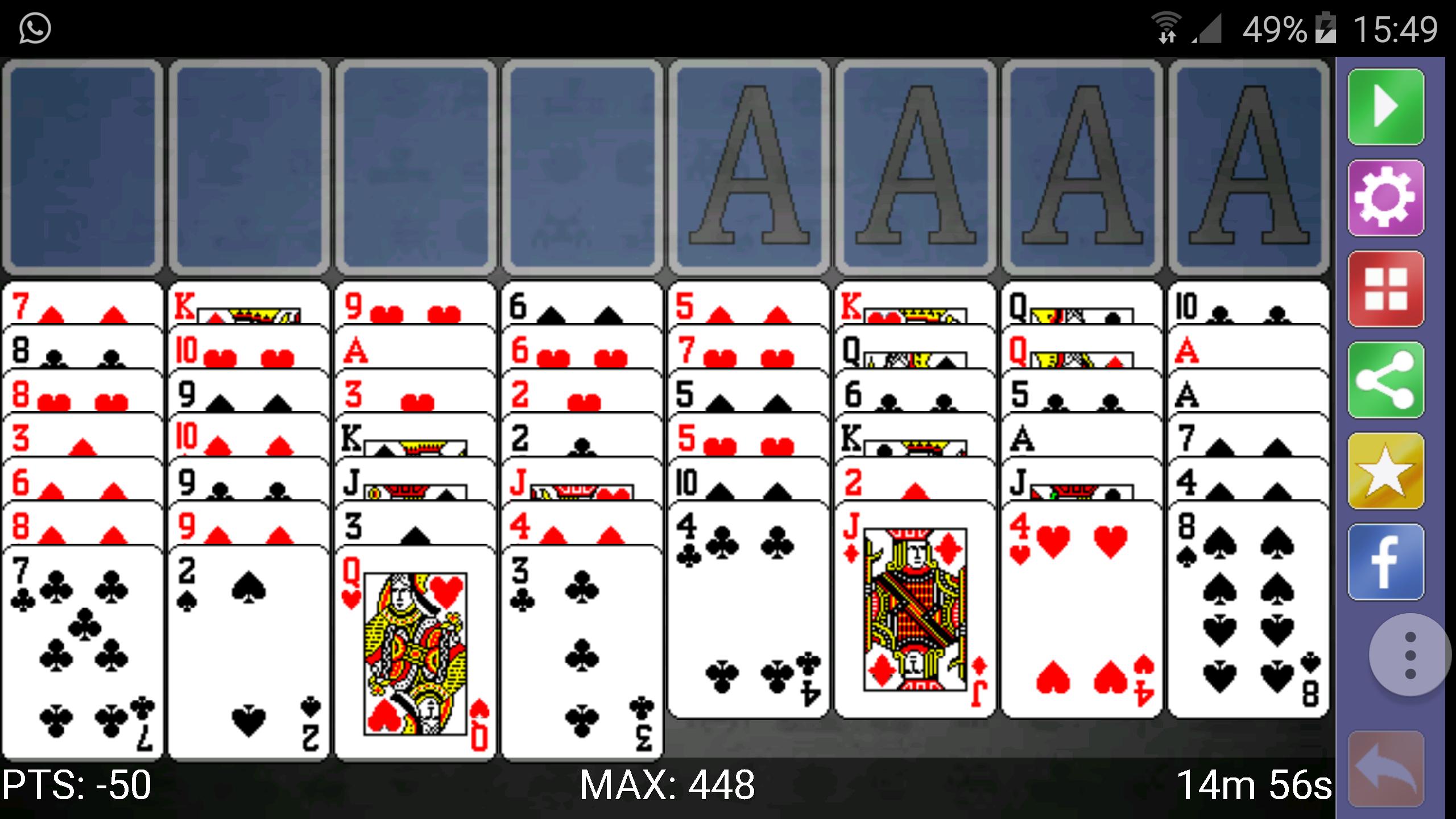
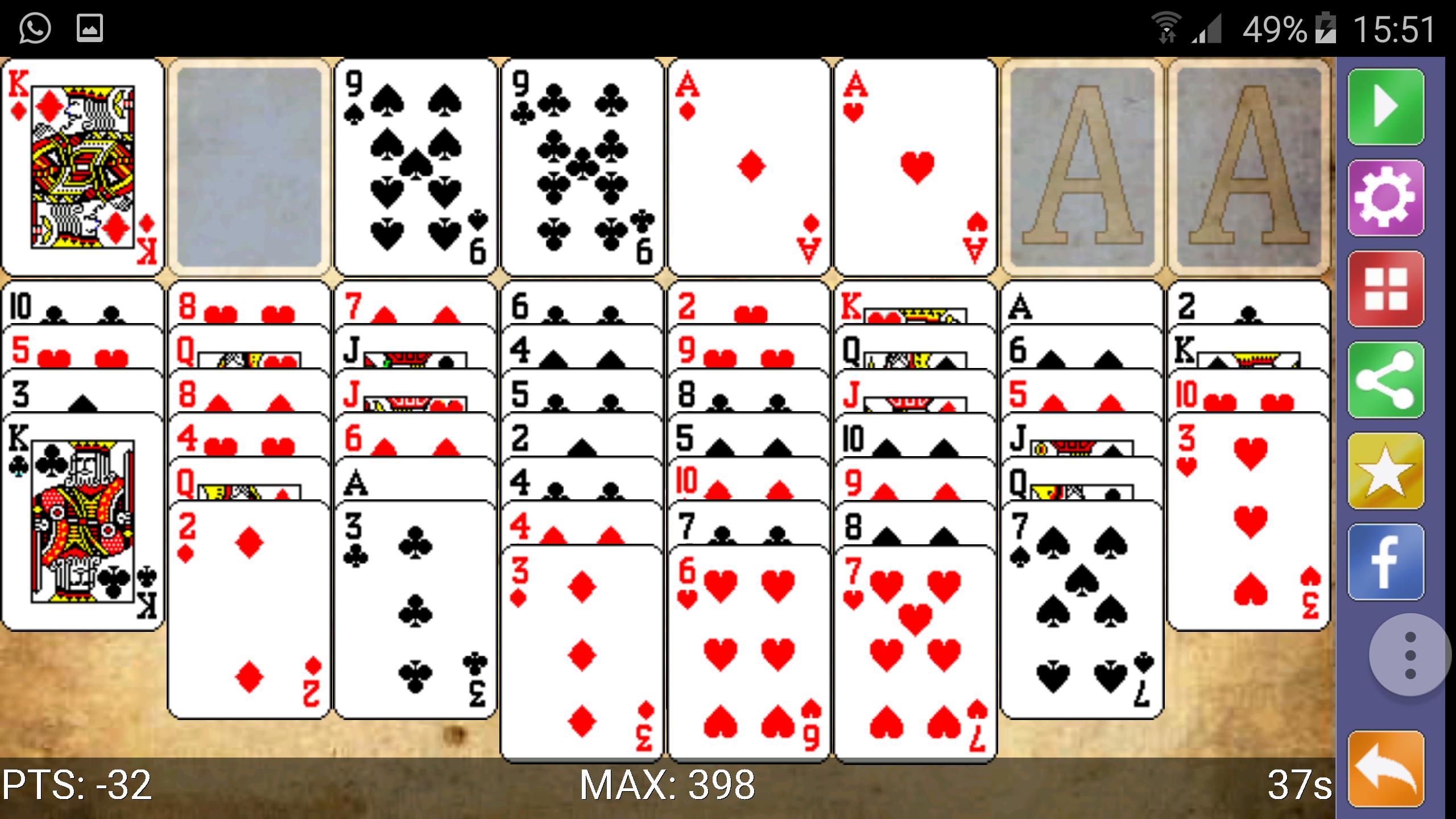
Welcome to the best FreeCell solitaire for smartphones and tablets.
This new solo MijoriSoft is the classic card game that made him famous the Windows operating system, but now adapted for smartphones and a design created especially for the cards look good and can be handled accurately on small devices.
INSTRUCTIONS:
-----------------------
To play solitaire carte blanche (Freecell) must take into account four simple rules:
- The game is played with 4 decks each of a different suit (clubs, spades, hearts and diamonds).
- When starting the game, we are showing 8 stacks of cards (all uncovered).
- At any time, we can take a letter or number and move them to another pile, as long as the first letter is move straight to the top of the heap letter in which you want to place and a different color.
- If at any time, we can not make any movement, then we can move up to four cards at higher loads.
- When we have access to an AS, we can move the piles output (top / right) and go adding, consecutively, all cards of the same suit.
- The goal is to complete the four decks, Delk AS to K.
INFINITE GAME:
--------------------------
Play unhurried, and if you have time to finish the game, you can continue at any moment, because when you reopen the game, the game will continue where you left there.
SHARED SCORE:
-------------------------
You can play competing with other players ... will you be able to overcome them?
POWERUPS
---------------------
To facilitate the resolution of the games, this version of the game provides various aids, which can be enabled or disabled depending on the preferences of the player.
- "Undo" button: Undo the last move.
- Visual Aids: After 15 seconds of inactivity, highlight a letter to move.
- Movement with a click: Automatically move a card to his new position, with just one click.
NOTE: Activation of any of the aid or its use can be penalized through the points earned during the game.
ADJUSTABLE SCREEN:
-----------------------------------
It allows direct display preferences of the player:
- Vertical View: The classic view.
- Horizontal view (landscape), in which the cards are displayed larger, greatly facilitating handling in small devices.
A FRIENDLY ENVIRONMENT:
------------------------------------------
The game environment can be configured to facilitate solitaire gameplay and adapt to our preferences or tastes.
- Having regard to handedness: Allows positioning the deck on the right or the left to facilitate play both right- and left-handed.
- Change the appearance of the cards and the board
- Enable and disable sound effects
MULTI LANGUAGE:
----------------------------
The game Spider Solitaire (Spider) is available in five languages.
- Spanish
- English
- French
- Italiano
- Portuguese.
ABOUT FREECELL SOLITAIRE OF MIJORISOFT
-------------------------------------------------------------------
This version of Freecell Solitaire has been designed and created by MijoriSoft collaboration with NotyxGames
Barcelona, September 2015
Avance
Etiquetas
CartasInformación
Desarrollador
Mijori Soft
La última versión
2.12 STUDIO
Última actualización
2024-06-09
Categoría
Cartas
Disponible en
Google Play
Mostrar más
Cómo jugar Freecell Solitaire con GameLoop en PC
1. Descargue GameLoop desde el sitio web oficial, luego ejecute el archivo exe para instalar GameLoop.
2. Abra GameLoop y busque "Freecell Solitaire", busque Freecell Solitaire en los resultados de búsqueda y haga clic en "Instalar".
3. Disfruta jugando Freecell Solitaire en GameLoop.
Minimum requirements
OS
Windows 8.1 64-bit or Windows 10 64-bit
GPU
GTX 1050
CPU
i3-8300
Memory
8GB RAM
Storage
1GB available space
Recommended requirements
OS
Windows 8.1 64-bit or Windows 10 64-bit
GPU
GTX 1050
CPU
i3-9320
Memory
16GB RAM
Storage
1GB available space