
SUF - Simple Feedback para PC
Chr. Drosos
Descarga SUF - Simple Feedback en PC con GameLoop Emulator
SUF - Simple Feedback en PC
SUF - Simple Feedback, proveniente del desarrollador Chr. Drosos, se ejecuta en el sistema Android en el pasado.
Ahora, puedes jugar SUF - Simple Feedback en PC con GameLoop sin problemas.
Descárgalo en la biblioteca de GameLoop o en los resultados de búsqueda. No más mirar la batería o llamadas frustrantes en el momento equivocado nunca más.
Simplemente disfrute de SUF - Simple Feedback PC en la pantalla grande de forma gratuita!
SUF - Simple Feedback Introducción
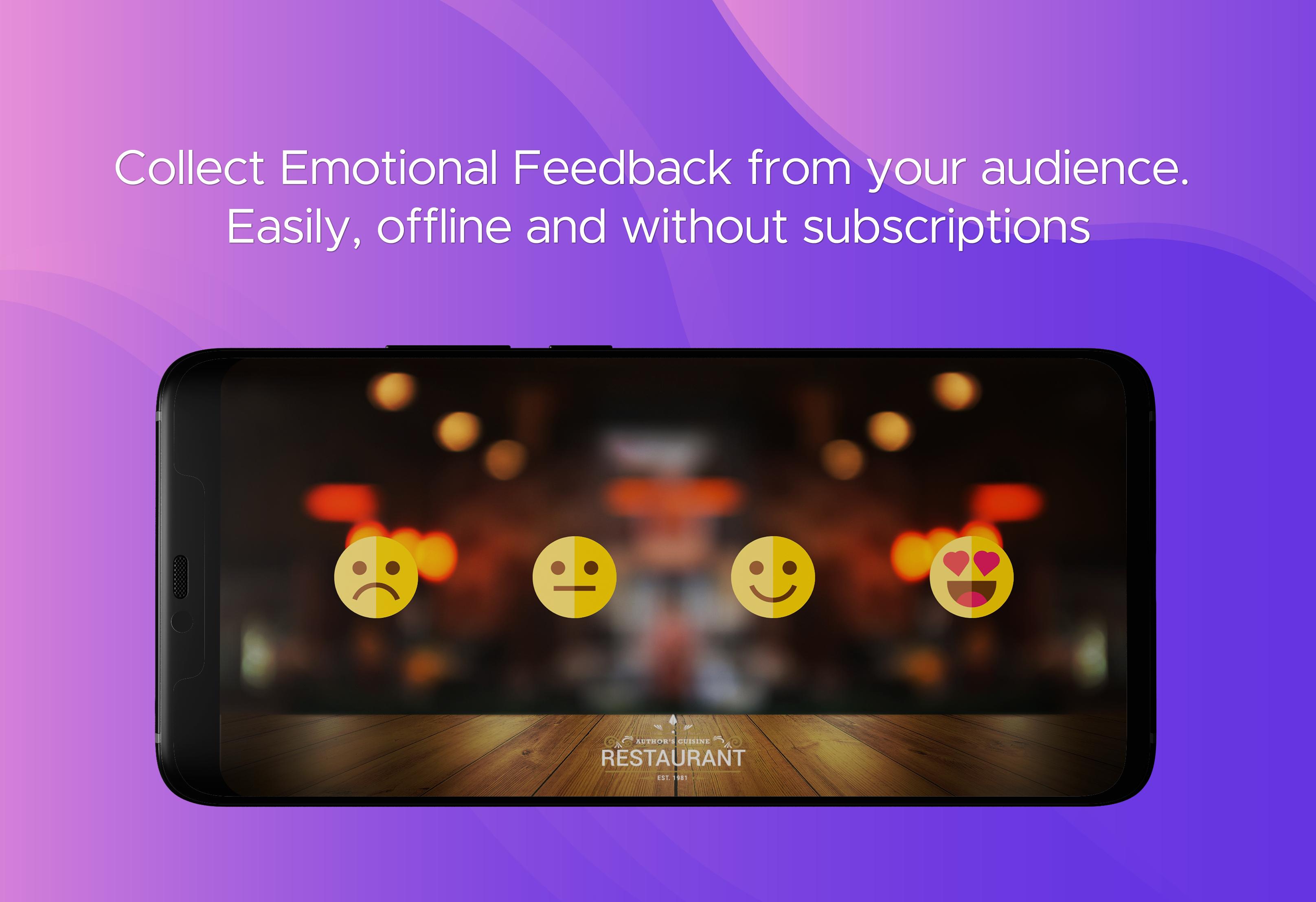
Gather Offline feedback easily from any audience (customers, students, users, viewers or anyone else) and analyze your feedback reports and your statistics later or combine offline feedback with online feedback forms for more details. With additional features for customizing this app to fit your needs.
Where Simple User Feedback can be used:
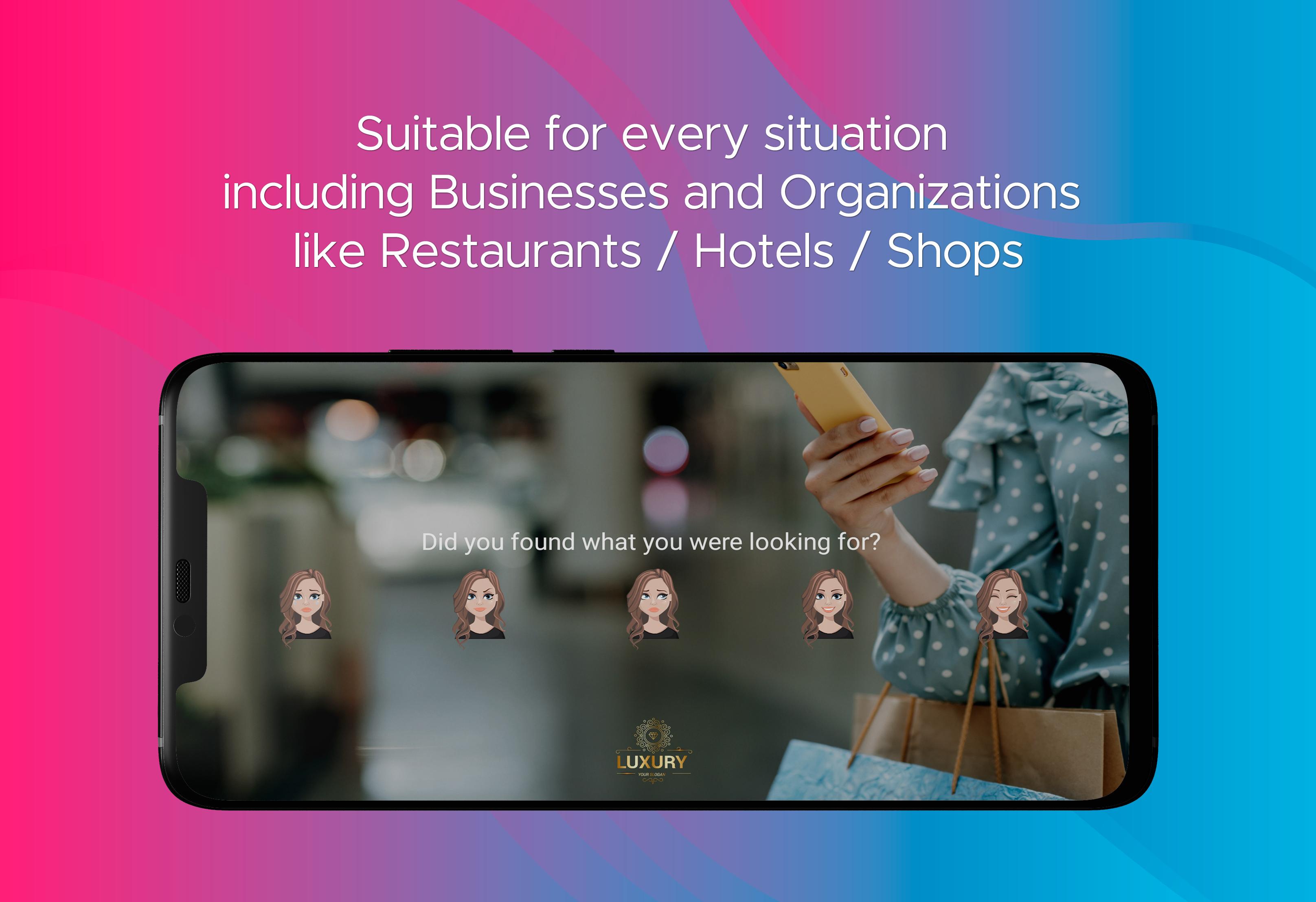
Businesses and Organizations: Collect feedback from all sorts of businesses or organizations like restaurants, delivery outlets, hotels, motels, cafe, fashion shops, retail stores, corporate organizations etc in order to measure your customer satisfaction.
Healthcare & Hospitality Services: Take feedback from all sorts of services like gyms, fitness centers, spas, hospitals clinics etc.
Educational: Have some happy time with your students if you are a teacher or take feedback at colleges, coaching institutes, or classes like music classes, gym, yoga, swimming, dancing or at any other educational events.
And in every other situation that you have an audience and you would like to collect some feedback like feedback after a presentation or event, exhibitions.
This is a B2B (Business To Business) solution. You (the Business/ Organisation) will install this app in your phone or tablet and you will place the device in a convenient place to gather feedback from your audience (clients / viewers etc.) as they pass in front of it. You cannot send this application to your clients directly.
Features include:
• Internet collection or subscription not required.
• Your audience will be able to rate their overall experience with a simple click in one of the 3 representative faces.
• Review your results at any time, you can also password protect the results page.
• Fire up the App and leave it running, your screen will never sleep and even the Login screen with password for statistics will disappear automatically after a few seconds so your customers will never be distracted. Android navigation buttons also will be hidden in the vote screen to avoid user accidentally leaving this screen, navigation will appear again in statistics screen.
• Customize the size of the Image Buttons according to your needs.
• You can set a text to be displayed under the buttons or above them and alter it's size and color.
• Export your statistics for further reviewing.
• Email reports: Send reports to your email periodically with your statistics.
The following features are available for a small one time paid fee:
• Custom Resources: change all the images of the vote screen with your own with the ability to blur and darken the background image.
• Button templates and number of buttons: More than 80 templates with images for the buttons from a variety of icon themes like: emoji, heart star, character, emotion, with also the ability to change the number of image buttons from 3 to 4 or 5.
• Display a website after a vote: You can display a webpage after voting, like a Google forms page that you have set up for additional feedback.
More features can be added upon request like layout customization, additional languages etc.
For more information and guides you can check our Facebook page here: https://www.facebook.com/pg/Simple-User-Feedback or send as a comment here or an email.
Some helpful posts from our Facebook page:
How to Export and read the Statistics: https://www.facebook.com/SimpleUserFeedback/posts/105654704412457
How to improve your products/services and connect with your clients while using SUF - Simple Feedback:
https://www.facebook.com/SimpleUserFeedback/posts/137652847879309
Avance
Etiquetas
EmpresaInformación
Desarrollador
Chr. Drosos
La última versión
2.4.4
Última actualización
2021-02-22
Categoría
Empresa
Disponible en
Google Play
Mostrar más
Cómo jugar SUF - Simple Feedback con GameLoop en PC
1. Descargue GameLoop desde el sitio web oficial, luego ejecute el archivo exe para instalar GameLoop.
2. Abra GameLoop y busque "SUF - Simple Feedback", busque SUF - Simple Feedback en los resultados de búsqueda y haga clic en "Instalar".
3. Disfruta jugando SUF - Simple Feedback en GameLoop.
Minimum requirements
OS
Windows 8.1 64-bit or Windows 10 64-bit
GPU
GTX 1050
CPU
i3-8300
Memory
8GB RAM
Storage
1GB available space
Recommended requirements
OS
Windows 8.1 64-bit or Windows 10 64-bit
GPU
GTX 1050
CPU
i3-9320
Memory
16GB RAM
Storage
1GB available space