PDF Reader & Expert PDF Editor para PC
Zed Inc
Descarga PDF Reader & Expert PDF Editor en PC con GameLoop Emulator
PDF Reader & Expert PDF Editor en PC
PDF Reader & Expert PDF Editor, proveniente del desarrollador Zed Inc, se ejecuta en el sistema Android en el pasado.
Ahora, puedes jugar PDF Reader & Expert PDF Editor en PC con GameLoop sin problemas.
Descárgalo en la biblioteca de GameLoop o en los resultados de búsqueda. No más mirar la batería o llamadas frustrantes en el momento equivocado nunca más.
Simplemente disfrute de PDF Reader & Expert PDF Editor PC en la pantalla grande de forma gratuita!
PDF Reader & Expert PDF Editor Introducción
PDF Reader: Expert PDF Editor, Viewer, Scan, Share is one the best app to view, read and manage all pdf files at one place. Pdf reader application has a very simple interface. Document reader allows users to easily read or manage files on their devices. Edit pdf app also works offline so no need for the internet for browsing pdf. PDF editor free is one of the best reading file tools. Document Editor allows you to easily view, manage, and open all the eBooks on mobile. PDF editor free app is totally free and the most reliable app exclusively for android phones. Document reader combines both functions of PDF reader and free PDF editor. With a free pdf editor user can easily search, view, read any document on device, and also it allows to share files with your family, friends, colleagues or classmates via email or social networking. PDF editor has all the tools you need to view, edit, share and add text on PDF. Pdf reader works very fast. PDF editor is completely free and reliable for android phones.
PDF Reader Expert: PDF Editor, Viewer, Scan, Share bring a simple but powerful app that is not too hard to understand. PDF reader is conclusively created for mobile to give a perfect view of PDF. PDF editor free app helps to read files from mobile and also it allows users to edit documents for free. By using a PDF reader users can open documents offline anywhere or anytime.
♨ Features PDF reader and PDF Viewer:
📚 PDF Manager:
PDF Reader scans all the PDFs on mobile and places them in a single location. Pdf viewer scans the device and updates all the pdfs available as fast as possible and lists all available pdf devices. With a pdf reader if there are a lot of PDF files, you can easily find them with "Search" features.
PDF Viewer:
One of the important features of a document reader is the pdf viewer. Users can easily and immediately view the contents of files. You can access pdf files from anywhere, and quickly open this app to view pdfs.
PDF Editor:
By using a free PDF editor user can highlight and underline text. With the edit pdf app you can also draw on the PDF files like sign them or fill the form with a pen tool.
🔍 Search for Text:
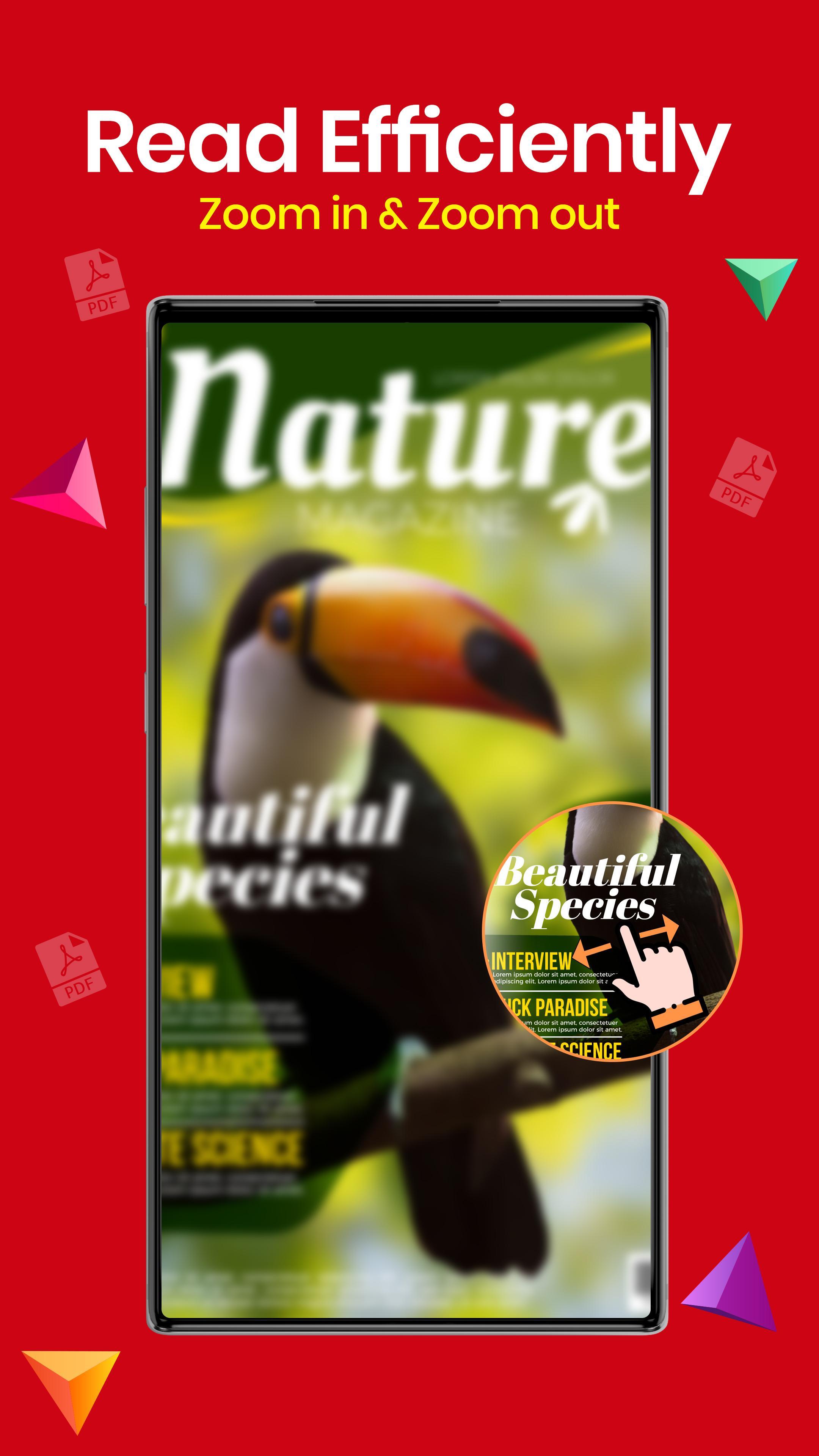
If you are willing to search any specific word from a file then just search the specific word and will get the desired result in the document editor. PDF viewer also has full text search, provide detailed list of search results, high levels of zoom, and more.
📑 Simple Interface:
PDF viewer design is very simple and catchy so that users read PDF easily. The document editor app interface is very attractive.
♛ Quick display
Document editors uses the most advanced technology to speed up the loading files. And it also loads files quickly even with large files.
🎯 Easy Navigation:
PDF readers provide easy navigation. Go through any file with easy navigations like moving to a specific page, etc.
Crop Feature:
With document editor crop specific part of the document to fit content precisely on small screens. And also edit that specific part and save them later.
🛠️ PDF Expert:
PDF reader is the best free tool to view PDF and edit. Edit PDF in simple ways: use the pen to draw on pdf, add text too, and underline specific text in PDF and much more.
🔔 Download PDF Reader Expert: PDF Editor, Viewer, Scan, Share today! 🔔
Avance
Etiquetas
EmpresaInformación
Desarrollador
Zed Inc
La última versión
1.8
Última actualización
2021-12-16
Categoría
Empresa
Disponible en
Google Play
Mostrar más
Cómo jugar PDF Reader & Expert PDF Editor con GameLoop en PC
1. Descargue GameLoop desde el sitio web oficial, luego ejecute el archivo exe para instalar GameLoop.
2. Abra GameLoop y busque "PDF Reader & Expert PDF Editor", busque PDF Reader & Expert PDF Editor en los resultados de búsqueda y haga clic en "Instalar".
3. Disfruta jugando PDF Reader & Expert PDF Editor en GameLoop.
Minimum requirements
OS
Windows 8.1 64-bit or Windows 10 64-bit
GPU
GTX 1050
CPU
i3-8300
Memory
8GB RAM
Storage
1GB available space
Recommended requirements
OS
Windows 8.1 64-bit or Windows 10 64-bit
GPU
GTX 1050
CPU
i3-9320
Memory
16GB RAM
Storage
1GB available space