OTG-MMS para PC
Worldline South Asia
Descarga OTG-MMS en PC con GameLoop Emulator
OTG-MMS en PC
OTG-MMS, proveniente del desarrollador Worldline South Asia, se ejecuta en el sistema Android en el pasado.
Ahora, puedes jugar OTG-MMS en PC con GameLoop sin problemas.
Descárgalo en la biblioteca de GameLoop o en los resultados de búsqueda. No más mirar la batería o llamadas frustrantes en el momento equivocado nunca más.
Simplemente disfrute de OTG-MMS PC en la pantalla grande de forma gratuita!
OTG-MMS Introducción
Why we need to use OTG-MMS?
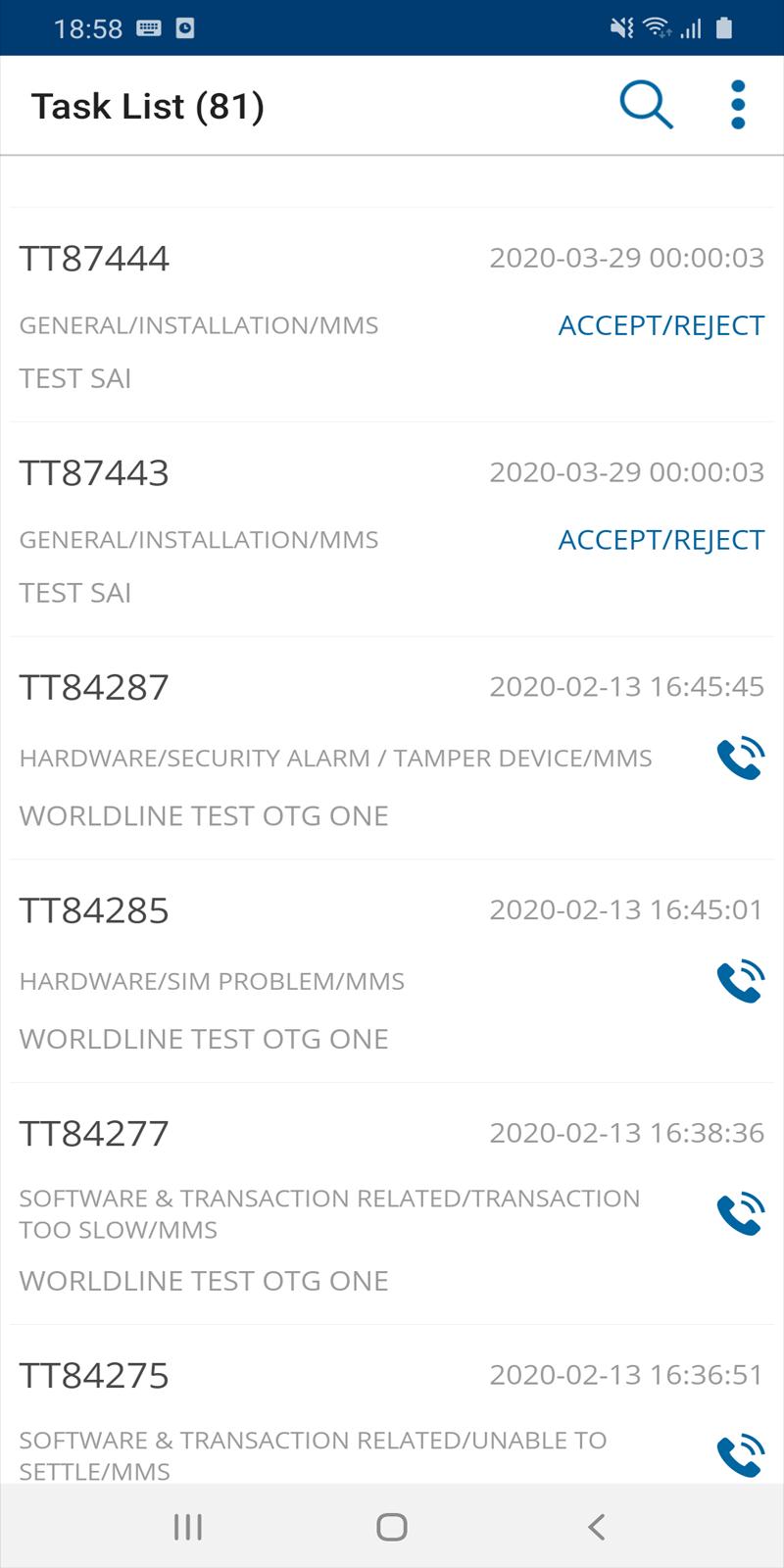
• Field engineers can close all type of asset and support calls.
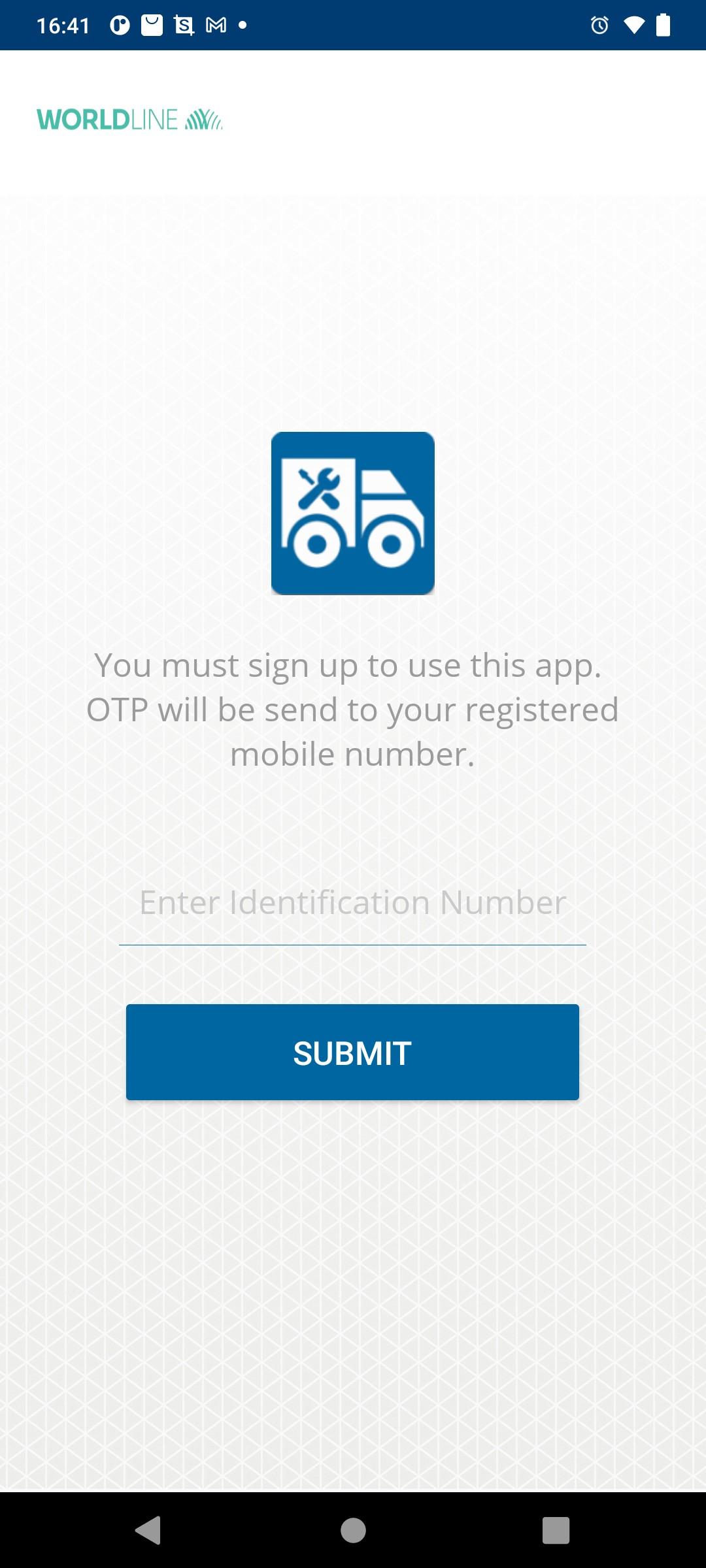
• To use this app, field engineer must sign up first.
• Coordinators can approve the field engineer login request instantly.
• RM login is also included in this app.
• Performance of the app is much faster.
Reason for using CALL permission:
Since it is difficult for FE's to find and call merchant, we have implemented this feature. When clicking on call button, merchant mobile number will be displayed in device default CALL application.
Avance
Etiquetas
EmpresaInformación
Desarrollador
Worldline South Asia
La última versión
2.7
Última actualización
2025-05-03
Categoría
Empresa
Disponible en
Google Play
Mostrar más
Cómo jugar OTG-MMS con GameLoop en PC
1. Descargue GameLoop desde el sitio web oficial, luego ejecute el archivo exe para instalar GameLoop.
2. Abra GameLoop y busque "OTG-MMS", busque OTG-MMS en los resultados de búsqueda y haga clic en "Instalar".
3. Disfruta jugando OTG-MMS en GameLoop.
Minimum requirements
OS
Windows 8.1 64-bit or Windows 10 64-bit
GPU
GTX 1050
CPU
i3-8300
Memory
8GB RAM
Storage
1GB available space
Recommended requirements
OS
Windows 8.1 64-bit or Windows 10 64-bit
GPU
GTX 1050
CPU
i3-9320
Memory
16GB RAM
Storage
1GB available space