
Omnivoice Mobile para PC
CallCurrent, Inc.
Descarga Omnivoice Mobile en PC con GameLoop Emulator
Omnivoice Mobile en PC
Omnivoice Mobile, proveniente del desarrollador CallCurrent, Inc., se ejecuta en el sistema Android en el pasado.
Ahora, puedes jugar Omnivoice Mobile en PC con GameLoop sin problemas.
Descárgalo en la biblioteca de GameLoop o en los resultados de búsqueda. No más mirar la batería o llamadas frustrantes en el momento equivocado nunca más.
Simplemente disfrute de Omnivoice Mobile PC en la pantalla grande de forma gratuita!
Omnivoice Mobile Introducción
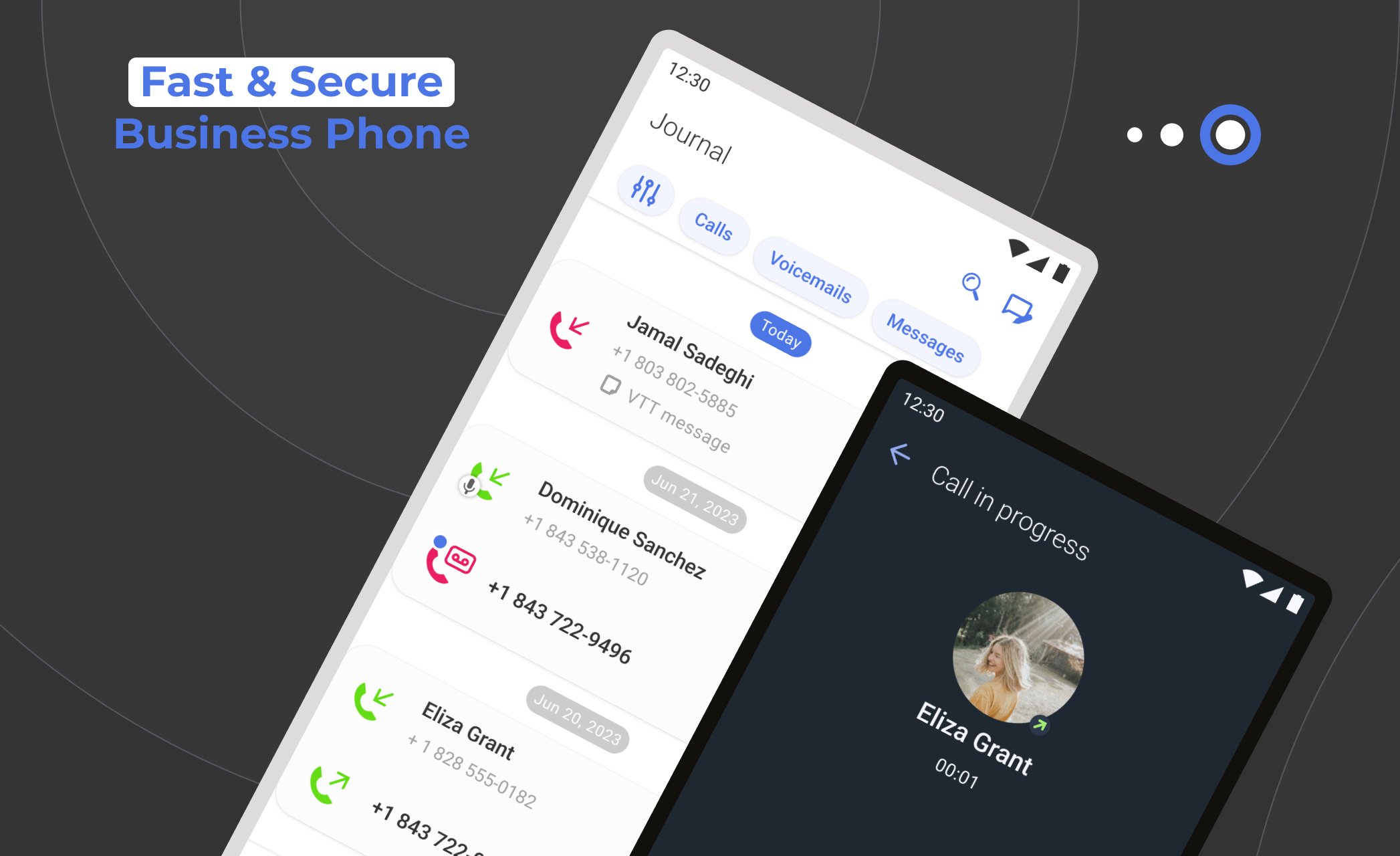
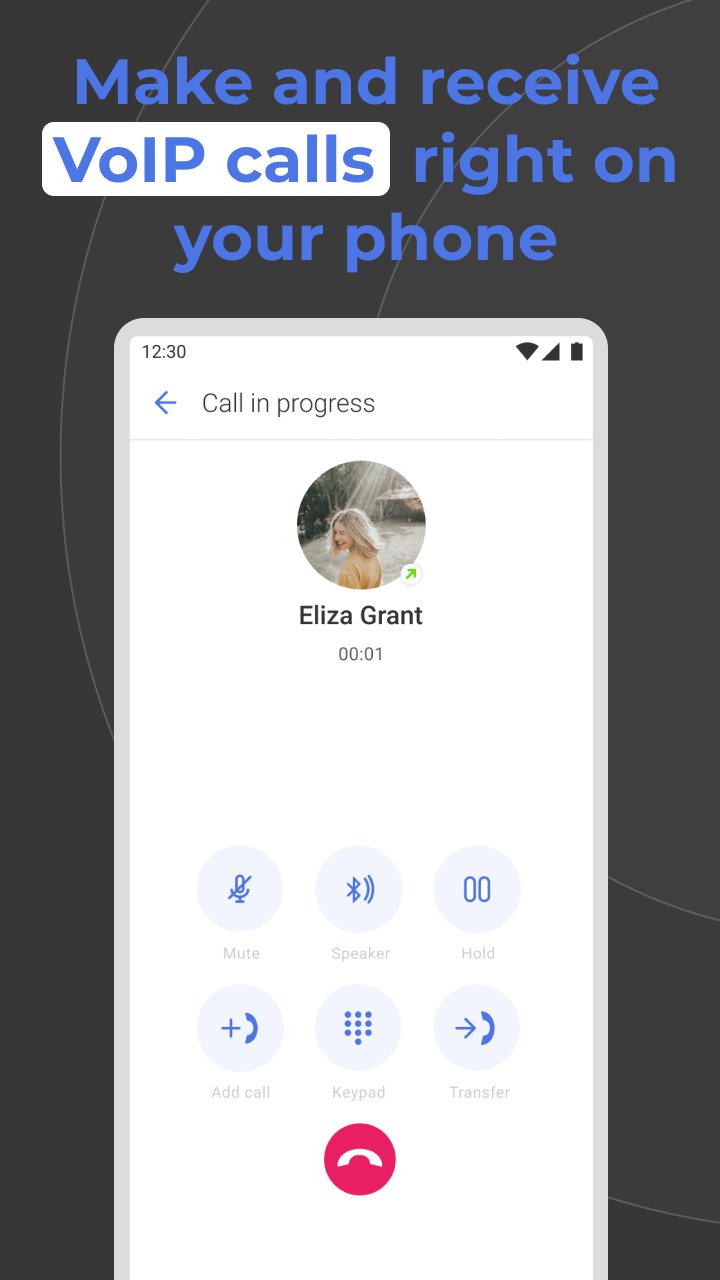
Omnivoice Mobile offers a simple UI, top-notch security, and a reliable call quality. Choose from an array of business numbers: local, toll-free, vanity, or international. Experience the ease of unified communication with integrated messaging and voicemail functionalities.
Synchronize across devices, ensuring you're always plugged in, whether at your desk, lounging at home, or on the move. Pick a local or toll-free number, and you're all set to send or receive calls, MMS and SMS from your clients.
Designed specifically for small businesses and their teams, Omnivoice Mobile lets you oversee and refine your business interactions by providing the best communication features available on the market.
Key Features
• Secure a business-centric number for yourself and your team.
• Consolidated view of customer interactions from multiple channels.
• A diverse and multilingual IVR system, tuned to your working hours.
• Voicemail-to-text: Read instead of listening.
• Seamless integration with your favorite apps and platforms.
• Directory updated with every client's contact information.
• Adjustable call routes to ensure every call reaches its destination.
Download the Omnivoice Mobile app on your device and redefine your business communication standards.
Avance
Etiquetas
EmpresaInformación
Desarrollador
CallCurrent, Inc.
La última versión
5.102.0
Última actualización
2026-03-02
Categoría
Empresa
Disponible en
Google Play
Mostrar más
Cómo jugar Omnivoice Mobile con GameLoop en PC
1. Descargue GameLoop desde el sitio web oficial, luego ejecute el archivo exe para instalar GameLoop.
2. Abra GameLoop y busque "Omnivoice Mobile", busque Omnivoice Mobile en los resultados de búsqueda y haga clic en "Instalar".
3. Disfruta jugando Omnivoice Mobile en GameLoop.
Minimum requirements
OS
Windows 8.1 64-bit or Windows 10 64-bit
GPU
GTX 1050
CPU
i3-8300
Memory
8GB RAM
Storage
1GB available space
Recommended requirements
OS
Windows 8.1 64-bit or Windows 10 64-bit
GPU
GTX 1050
CPU
i3-9320
Memory
16GB RAM
Storage
1GB available space