
Vineyard Manager para PC
Information Power
Descarga Vineyard Manager en PC con GameLoop Emulator
Vineyard Manager en PC
Vineyard Manager, proveniente del desarrollador Information Power, se ejecuta en el sistema Android en el pasado.
Ahora, puedes jugar Vineyard Manager en PC con GameLoop sin problemas.
Descárgalo en la biblioteca de GameLoop o en los resultados de búsqueda. No más mirar la batería o llamadas frustrantes en el momento equivocado nunca más.
Simplemente disfrute de Vineyard Manager PC en la pantalla grande de forma gratuita!
Vineyard Manager Introducción
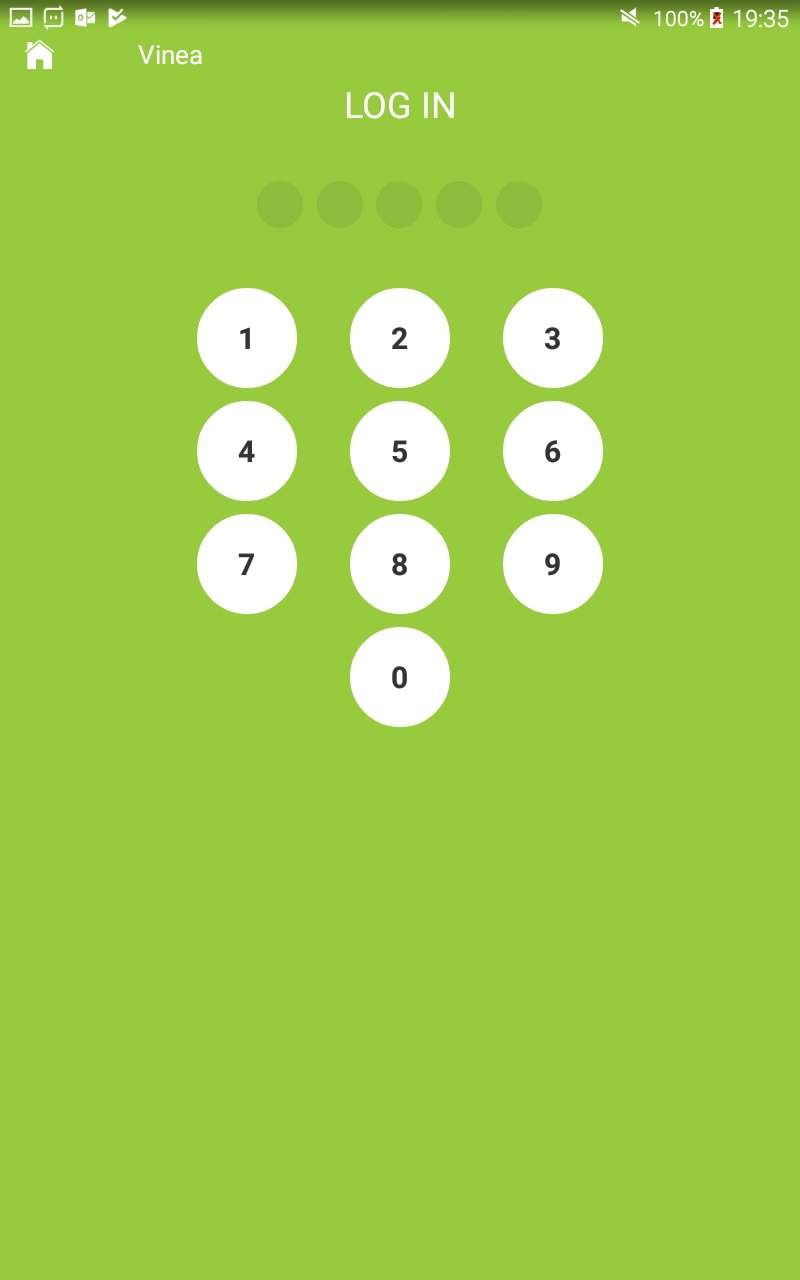
From the vineyard to the winery, Vinea helps grape growers to increase the productivity of their vineyards down to the level of the individual block with their own distinct characteristics such as variety, clone, rootstock, age and terroir!
Grape production involves a complex set of interactions between resources applied (people, technology and consumables), growing conditions experienced and ongoing crop monitoring and requires precise timing and quality decision making.
Decisions appropriate to one vintage (growing season) such as, if, how much or when to thin fruit may be totally different in another when factors such as the timing or quality of flowering differs.
Growers make daily intervention decisions about their crop at vineyard and block level, and the Vinea supports them in this by assembling data on the terroir, vines planted, viticultural practices, crop growth observations and environment – all in one place, helping them to make more informed and timely decisions.
Out in the vineyard, viticulturists can access this important information about each block of vines and also record new observations from vine and fruit growth to phenology, chemistry and pest and disease assessments.
All this to create that perfect glass of wine!
Avance

Etiquetas
EmpresaInformación
Desarrollador
Information Power
La última versión
1.24.0
Última actualización
2024-07-17
Categoría
Empresa
Disponible en
Google Play
Mostrar más
Cómo jugar Vineyard Manager con GameLoop en PC
1. Descargue GameLoop desde el sitio web oficial, luego ejecute el archivo exe para instalar GameLoop.
2. Abra GameLoop y busque "Vineyard Manager", busque Vineyard Manager en los resultados de búsqueda y haga clic en "Instalar".
3. Disfruta jugando Vineyard Manager en GameLoop.
Minimum requirements
OS
Windows 8.1 64-bit or Windows 10 64-bit
GPU
GTX 1050
CPU
i3-8300
Memory
8GB RAM
Storage
1GB available space
Recommended requirements
OS
Windows 8.1 64-bit or Windows 10 64-bit
GPU
GTX 1050
CPU
i3-9320
Memory
16GB RAM
Storage
1GB available space