
Speech Central: Text-to-Speech para PC
Labsii ltd.
Descarga Speech Central: Text-to-Speech en PC con GameLoop Emulator
Speech Central: Text-to-Speech en PC
Speech Central: Text-to-Speech, proveniente del desarrollador Labsii ltd., se ejecuta en el sistema Android en el pasado.
Ahora, puedes jugar Speech Central: Text-to-Speech en PC con GameLoop sin problemas.
Descárgalo en la biblioteca de GameLoop o en los resultados de búsqueda. No más mirar la batería o llamadas frustrantes en el momento equivocado nunca más.
Simplemente disfrute de Speech Central: Text-to-Speech PC en la pantalla grande de forma gratuita!
Speech Central: Text-to-Speech Introducción
Speech Central: Text-to-Speech is the most powerful text-to-speech app that transforms any text into natural AI-powered speech. Listen to articles, books, documents, and web pages effortlessly - perfect for productivity, accessibility, and multitasking.
WHY CHOOSE SPEECH CENTRAL?
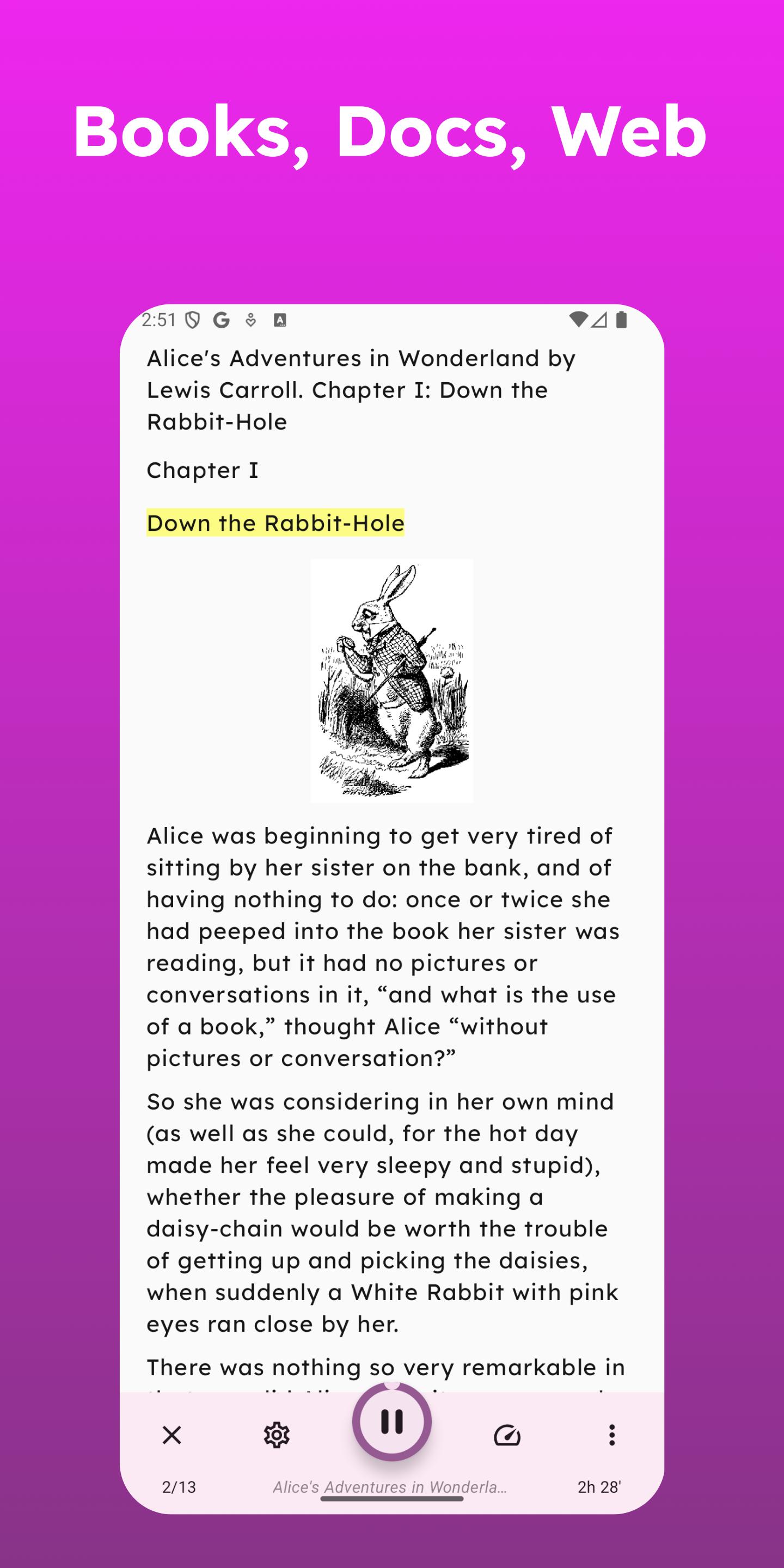
- Read Anything, Anywhere - Supports PDFs, ePub, Word, text files, web pages, RSS feeds, and more.
- AI-Powered Natural Voices - Setup the connection to Microsoft Azure or OpenAI and experience realistic AI voices that enhance listening comprehension.
- Time-Saving Convenience - Listen to articles hands-free while commuting, working, or exercising.
- No Subscription Required - Get full access to premium features with a one-time upgrade.
- Customizable Experience - Adjust speed, tone, and voice preferences to match your reading style.
- Accessibility-Friendly - Optimized for visually impaired users, dyslexia support, and screen-free reading.
WHO IS THIS APP FOR?
- Professionals who want to turn articles into an audiobook experience while working.
- Students needing text-to-speech for studying, PDFs, and research papers.
- Individuals with dyslexia, ADHD, or vision impairments looking for an assistive reader.
- Multitaskers who prefer listening over reading during daily activities.
FEATURE HIGHLIGHTS:
- Read Aloud PDFs, eBooks & Web Pages - Convert digital content into clear, AI-generated speech.
- AI-Generated Natural Voices - Choose from a range of lifelike voices for a personalized experience.
- Supports Multiple Formats - PDF, Word, ePub, HTML, text files, and more.
- Export Audio Files - Download content for offline listening.
- Smart Text Parsing - Automatically detects article text and removes distractions.
- Custom Playlists & Bookmarks - Organize reading lists and save content for later.
- Multi-Language Support - Works with various languages for global accessibility.
- No Ads, No Distractions - Enjoy an uninterrupted listening experience.
WHY SPEECH CENTRAL STANDS OUT?
Unlike competitors that require costly subscriptions, Speech Central offers full features with a simple one-time upgrade. It supports more formats than other apps, has better accessibility integration, and delivers AI-driven natural voice reading with advanced customization.
START LISTENING TODAY!
Download Speech Central: AI Text Reader now and transform the way you consume text! Perfect for anyone who values hands-free reading, accessibility, and productivity.
FREE FOR SCHOOLS
Committed to empowering every child to unlock their full potential, Speech Central is completely free when deployed through Google Admin Console as a managed app for Chromebooks. Research shows up to 40% of students can improve academic performance with text-to-speech solutions. Speech Central brings these powerful accessibility tools directly into classrooms, enhancing learning for all students.
Notes:
- The free version has a daily/monthly limitation in the number of articles/books that you can add to it which is removed by purchasing the Pro add-on.
- The add-on license is valid only for the Android platform.
- DRM protected books (e.g. Kindle books) are locked to their respective vendor apps and cannot be imported into the app.
- AI based features may not work as expected in minority of cases
Avance
Etiquetas
Books-&ProductividadInformación
Desarrollador
Labsii ltd.
La última versión
16.2.5
Última actualización
2025-10-22
Categoría
Books-reference
Disponible en
Google Play
Mostrar más
Cómo jugar Speech Central: Text-to-Speech con GameLoop en PC
1. Descargue GameLoop desde el sitio web oficial, luego ejecute el archivo exe para instalar GameLoop.
2. Abra GameLoop y busque "Speech Central: Text-to-Speech", busque Speech Central: Text-to-Speech en los resultados de búsqueda y haga clic en "Instalar".
3. Disfruta jugando Speech Central: Text-to-Speech en GameLoop.
Minimum requirements
OS
Windows 8.1 64-bit or Windows 10 64-bit
GPU
GTX 1050
CPU
i3-8300
Memory
8GB RAM
Storage
1GB available space
Recommended requirements
OS
Windows 8.1 64-bit or Windows 10 64-bit
GPU
GTX 1050
CPU
i3-9320
Memory
16GB RAM
Storage
1GB available space