Mini Pdf Reader & Viewer para PC
Android Tools (ru)
Descarga Mini Pdf Reader & Viewer en PC con GameLoop Emulator
Mini Pdf Reader & Viewer en PC
Mini Pdf Reader & Viewer, proveniente del desarrollador Android Tools (ru), se ejecuta en el sistema Android en el pasado.
Ahora, puedes jugar Mini Pdf Reader & Viewer en PC con GameLoop sin problemas.
Descárgalo en la biblioteca de GameLoop o en los resultados de búsqueda. No más mirar la batería o llamadas frustrantes en el momento equivocado nunca más.
Simplemente disfrute de Mini Pdf Reader & Viewer PC en la pantalla grande de forma gratuita!
Mini Pdf Reader & Viewer Introducción
📄 Meet Mini PDF Reader - a lightweight and fast PDF viewer with apk size of only 3 Mb!
The app takes minimal space on your device and downloads instantly even on slow connections.
Benefits of Mini PDF Reader:
🪶 lightweight pdf reader and pdf viewer (apk size only 3 Mb);
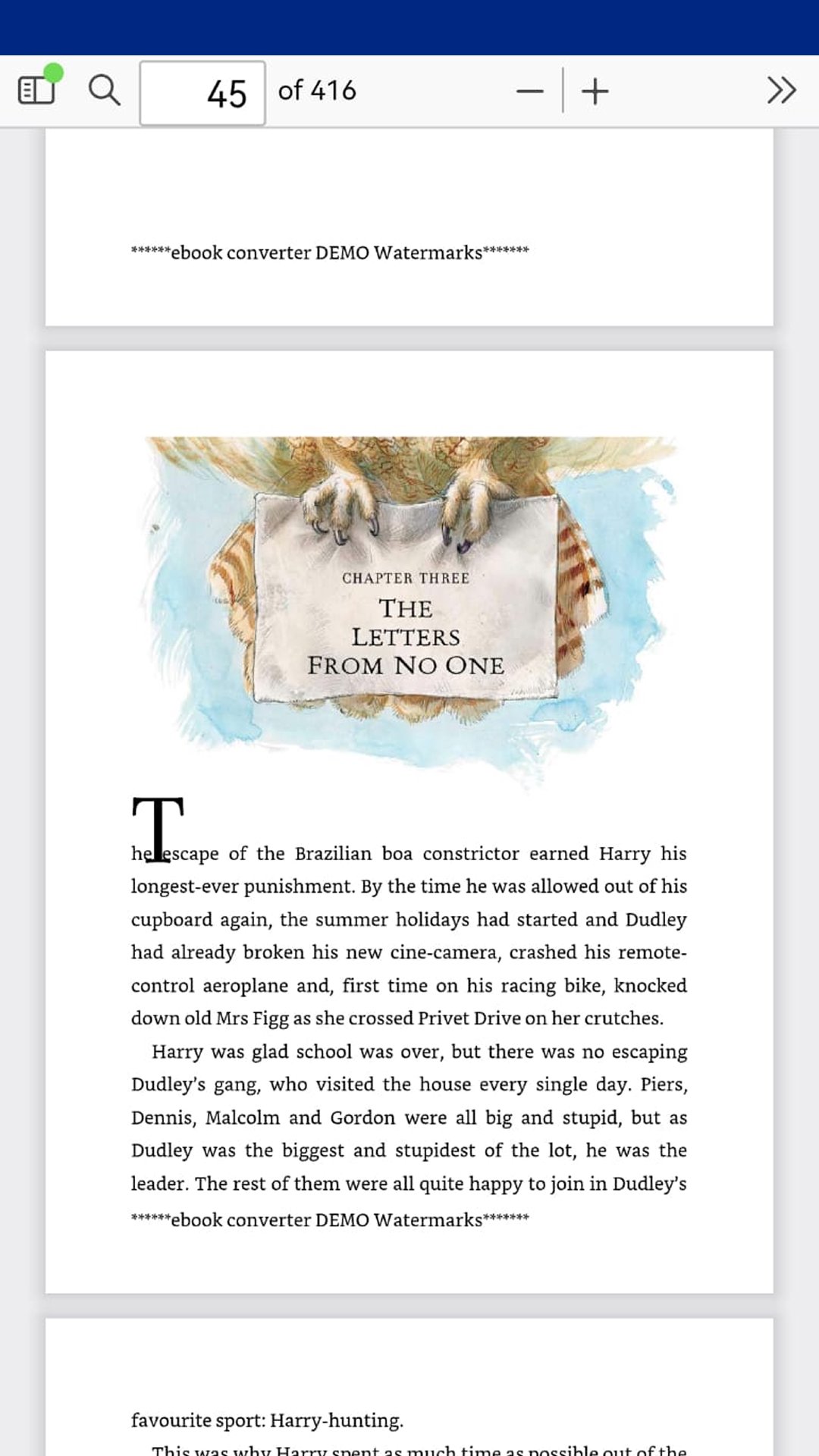
📂 open pdf files, read pdf documents offline - no internet needed;
🎨 easy and convenient interface and navigation;
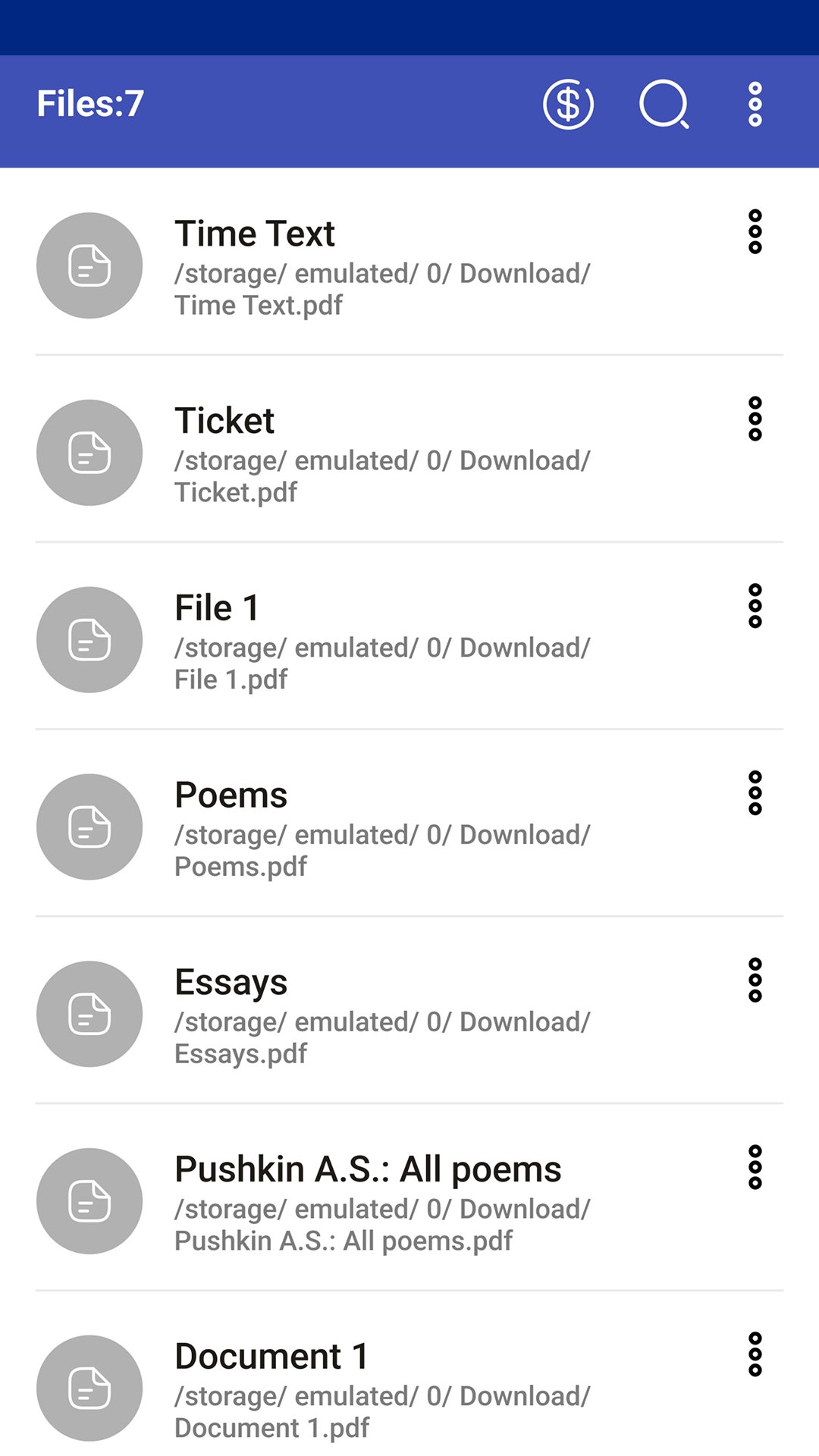
📥 extract all pdf files from device storage automatically;
🔍 search files in the list by keywords and search text in pdf document;
🤏 pinch-to-zoom and tap-to-zoom scaling;
📑 table of contents, bookmarks and document outline support;
🔄 rotate pages clockwise or counterclockwise;
⏭️ jump to the first or last page instantly;
📜 vertical, horizontal and page-by-page scrolling modes;
ℹ️ document properties and pdf file info;
🔢 fast page number navigation;
🌙 night mode and dark mode for comfortable reading at night;
🖥️ full screen mode for distraction-free reading;
🔊 scroll pages with volume buttons;
🏠 home screen widget with recent pdf files;
⏩ open last viewed file on app startup;
🔒 password-protected pdf support;
📤 share pdf files via email, messengers and cloud storage;
Multiple tabs:
📑 open up to 5 pdf files simultaneously in tabs;
🔀 instant switching between documents;
📌 reading position is preserved when switching tabs;
❌ close individual tabs;
⚙️ feature can be enabled/disabled in settings;
Recent & Favorites:
🕐 list of recently opened files;
⭐ add files to favorites for quick access;
🗑️ clear the recent files list;
📊 sort files by name, format, size, modified date and last opened date;
PDF annotation and markup tools:
📝 add text annotations and notes to pdf pages;
🖍️ draw, highlight and mark up pdf documents with a pen tool;
💾 save annotations and drawings directly into the pdf file;
↩️ undo and redo editing actions;
✅ save button in the editing toolbar;
⚠️ prompt to save unsaved changes when closing the document;
✏️ edit pdf - add text and freehand drawings;
Mini PDF Reader is the best free pdf viewer and pdf annotator for Android. Open, read, annotate and mark up your documents - all in one lightweight app. Use it as a simple pdf editor to add notes and drawings directly to any pdf file.
Perfect for students reading textbooks and scientific papers, office workers reviewing invoices and forms, and anyone who needs a fast offline pdf reader for books, manuals and articles.
PDF Reader is the best choice for working with PDF files anytime and anywhere!
Avance
Etiquetas
Books-&Información
Desarrollador
Android Tools (ru)
La última versión
1.23.82
Última actualización
2026-07-20
Categoría
Books-reference
Disponible en
Google Play
Mostrar más
Cómo jugar Mini Pdf Reader & Viewer con GameLoop en PC
1. Descargue GameLoop desde el sitio web oficial, luego ejecute el archivo exe para instalar GameLoop.
2. Abra GameLoop y busque "Mini Pdf Reader & Viewer", busque Mini Pdf Reader & Viewer en los resultados de búsqueda y haga clic en "Instalar".
3. Disfruta jugando Mini Pdf Reader & Viewer en GameLoop.
Minimum requirements
OS
Windows 8.1 64-bit or Windows 10 64-bit
GPU
GTX 1050
CPU
i3-8300
Memory
8GB RAM
Storage
1GB available space
Recommended requirements
OS
Windows 8.1 64-bit or Windows 10 64-bit
GPU
GTX 1050
CPU
i3-9320
Memory
16GB RAM
Storage
1GB available space