
Philips Lumea IPL para PC
Philips Consumer Lifestyle
Descarga Philips Lumea IPL en PC con GameLoop Emulator
Philips Lumea IPL en PC
Philips Lumea IPL, proveniente del desarrollador Philips Consumer Lifestyle, se ejecuta en el sistema Android en el pasado.
Ahora, puedes jugar Philips Lumea IPL en PC con GameLoop sin problemas.
Descárgalo en la biblioteca de GameLoop o en los resultados de búsqueda. No más mirar la batería o llamadas frustrantes en el momento equivocado nunca más.
Simplemente disfrute de Philips Lumea IPL PC en la pantalla grande de forma gratuita!
Philips Lumea IPL Introducción
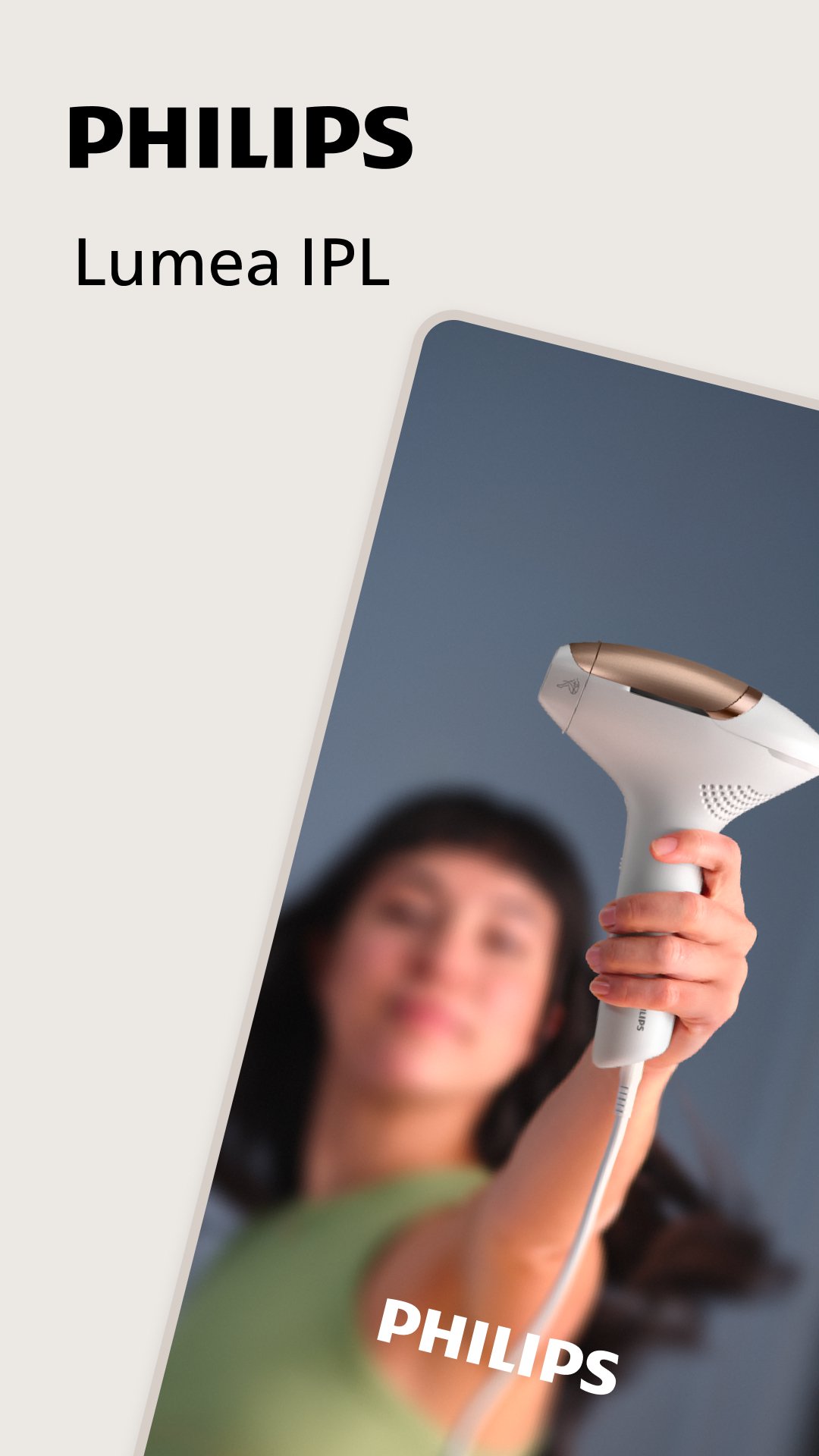
The Philips Lumea IPL app is your personal coach and companion, guiding you on your journey to long-lasting hair-free skin.
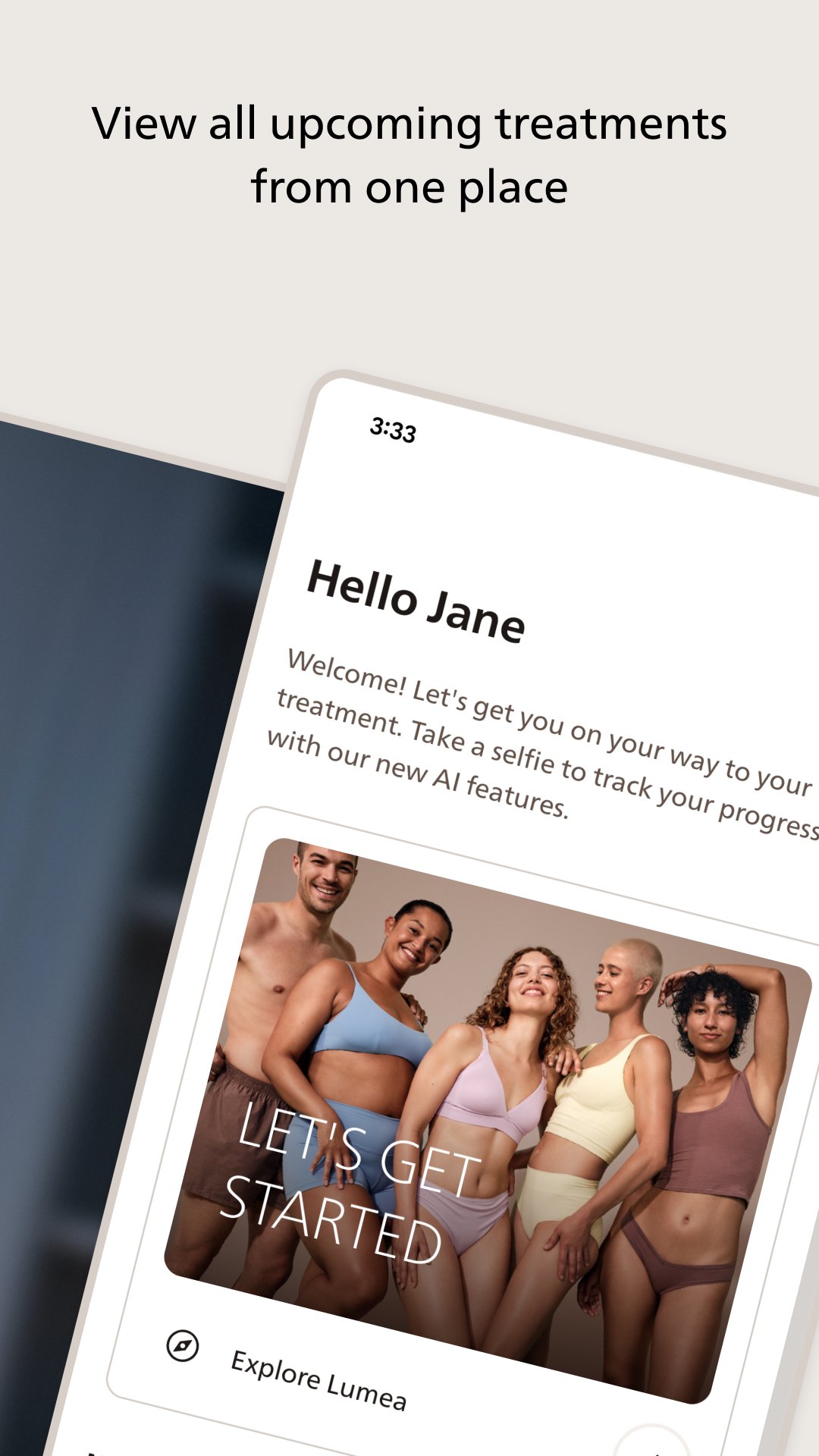
The app is a must-have Lumea accessory, helping you to get started quickly and use your IPL (Intense Pulsed Light) device with confidence. With step-by-step guidance, support, hair-removal tips, personalized treatment plans, and an easy-to-follow schedule, you can make every treatment count.
In addition to the above, Philips Lumea 9900 SenseIQ Pro users can access real-time smart features, including:
- Interactive skin tests to help you choose the optimal intensity setting
- Skin contact feedback to ensure optimal results even on tricky areas
- Audiovisual feedback during treatments
- Smart progress updates, providing handy insights and helping you stay on track.
Ready to get started on your personalized journey to long-lasting, hair-free skin? Download the app and let’s get started.
Avance
Etiquetas
BellezaInformación
Desarrollador
Philips Consumer Lifestyle
La última versión
11.0.1
Última actualización
2026-06-18
Categoría
Belleza
Disponible en
Google Play
Mostrar más
Cómo jugar Philips Lumea IPL con GameLoop en PC
1. Descargue GameLoop desde el sitio web oficial, luego ejecute el archivo exe para instalar GameLoop.
2. Abra GameLoop y busque "Philips Lumea IPL", busque Philips Lumea IPL en los resultados de búsqueda y haga clic en "Instalar".
3. Disfruta jugando Philips Lumea IPL en GameLoop.
Minimum requirements
OS
Windows 8.1 64-bit or Windows 10 64-bit
GPU
GTX 1050
CPU
i3-8300
Memory
8GB RAM
Storage
1GB available space
Recommended requirements
OS
Windows 8.1 64-bit or Windows 10 64-bit
GPU
GTX 1050
CPU
i3-9320
Memory
16GB RAM
Storage
1GB available space