AI Picasso - Dream Art Studio para PC
AIdeaLab
Descarga AI Picasso - Dream Art Studio en PC con GameLoop Emulator
AI Picasso - Dream Art Studio en PC
AI Picasso - Dream Art Studio, proveniente del desarrollador AIdeaLab, se ejecuta en el sistema Android en el pasado.
Ahora, puedes jugar AI Picasso - Dream Art Studio en PC con GameLoop sin problemas.
Descárgalo en la biblioteca de GameLoop o en los resultados de búsqueda. No más mirar la batería o llamadas frustrantes en el momento equivocado nunca más.
Simplemente disfrute de AI Picasso - Dream Art Studio PC en la pantalla grande de forma gratuita!
AI Picasso - Dream Art Studio Introducción
Powerful AI for Video Generation
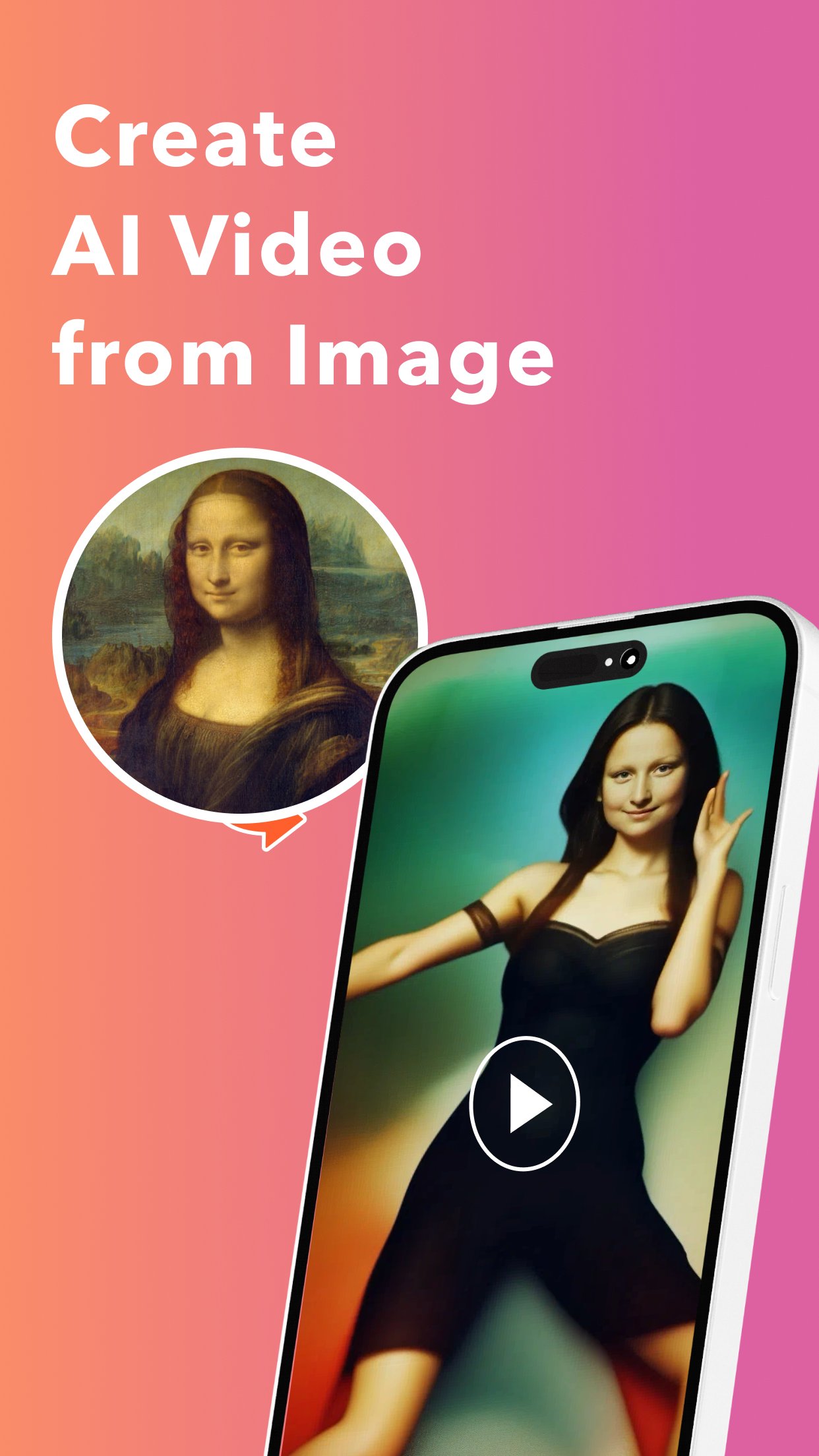
Animate your favorite photos into videos with the most powerful video-generating AI! This app leverages cutting-edge video generation AI to enable the creation of a variety of videos. With the AI Video feature, uploading just one image can bring to life the people or characters in that image, making them dance. It's also possible to train the AI with faces of you or your friends to create videos that depict the transition from childhood to adulthood, or even to try on various outfits from different eras or countries.
Using AI Video
To use AI Video, simply launch the app, navigate to the AI Video tab, and select your preferred style. Then, follow the app's instructions to upload images and generate AI videos.
AI Avatar Creation
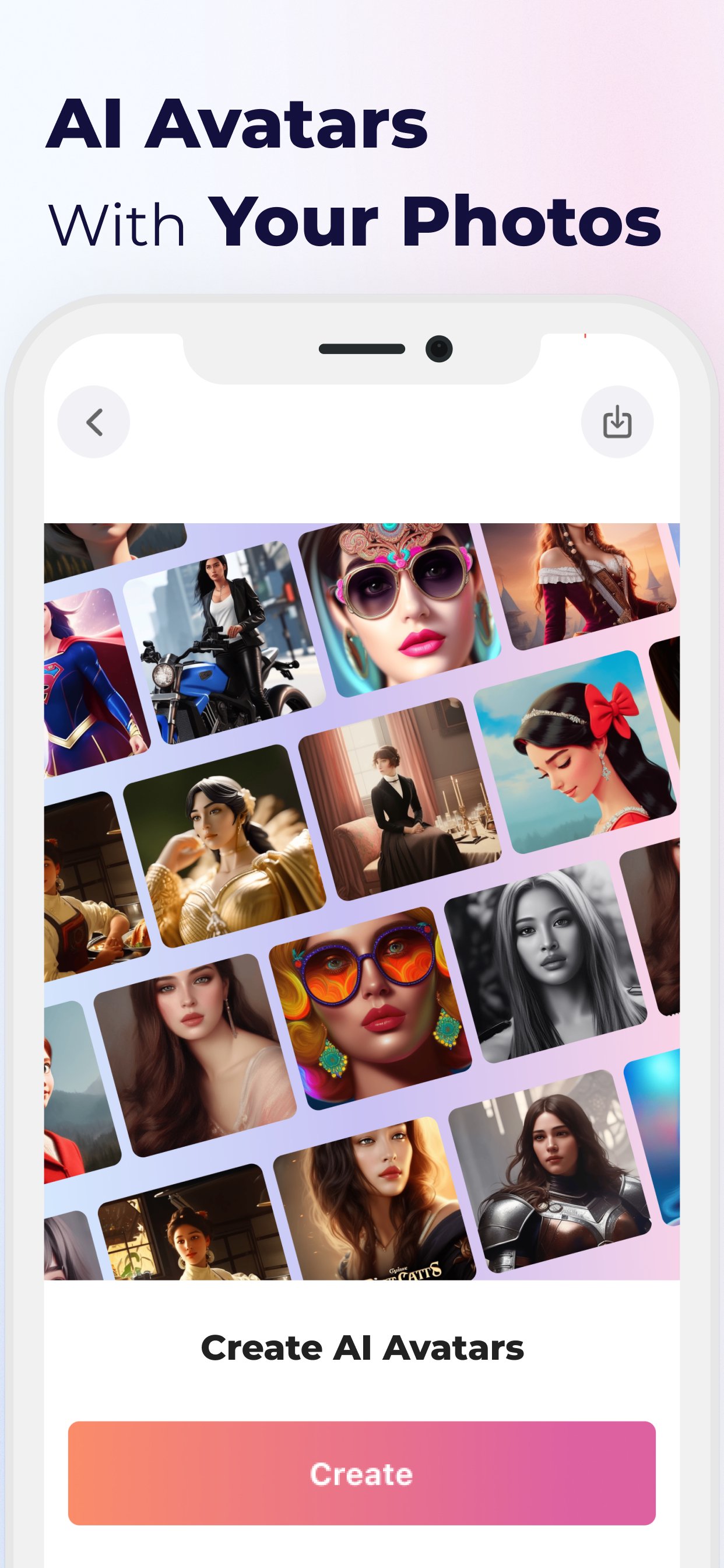
The app also offers an AI Avatar feature, which is user-friendly and straightforward. You only need to select and upload 10-20 of your photos. Your personal AI will craft an enhanced avatar, offering a new version of yourself unlike anything you've seen before. This might give you inspiration for new makeup looks or how to use filters differently.
Using AI Avatar
Using AI Avatar is a breeze. Just launch the app, go to the AI Avatar tab, start the process, and upload 10-20 photos. After that, all you need to do is wait for the AI to process and generate the photos. The app also allows for cropping and editing within its interface, making it easy to create numerous personalized AI avatars.
AI Image Generation Features
The AI image generation feature of this app allows for the easy creation of images just by entering a desired picture in text form and pressing the generate button. Users can specify styles and reference images to create pictures in their preferred style. The app can even generate unique 'Irasutoya' style images, a speciality of this AI Picasso app. In addition to that, there are options to generate images in various styles such as fantasy, charcoal, 3D games, cyberpunk, synth, and oil painting. The images created can also be used as original wallpapers.
Using AI Image Generation
The process to use AI Image Generation is straightforward. Launch the app, select the 'Generate from Text' option, enter the desired text, then select a style and tap the generate button. With these simple steps, users can explore the vast possibilities of AI-generated imagery.
Avance
Etiquetas
Art-&Información
Desarrollador
AIdeaLab
La última versión
1.13.2
Última actualización
2025-03-20
Categoría
Art-design
Disponible en
Google Play
Mostrar más
Cómo jugar AI Picasso - Dream Art Studio con GameLoop en PC
1. Descargue GameLoop desde el sitio web oficial, luego ejecute el archivo exe para instalar GameLoop.
2. Abra GameLoop y busque "AI Picasso - Dream Art Studio", busque AI Picasso - Dream Art Studio en los resultados de búsqueda y haga clic en "Instalar".
3. Disfruta jugando AI Picasso - Dream Art Studio en GameLoop.
Minimum requirements
OS
Windows 8.1 64-bit or Windows 10 64-bit
GPU
GTX 1050
CPU
i3-8300
Memory
8GB RAM
Storage
1GB available space
Recommended requirements
OS
Windows 8.1 64-bit or Windows 10 64-bit
GPU
GTX 1050
CPU
i3-9320
Memory
16GB RAM
Storage
1GB available space