
Nes Emulator Classic Games para PC
Games Emulator
Descarga Nes Emulator Classic Games en PC con GameLoop Emulator
Nes Emulator Classic Games en PC
Nes Emulator Classic Games, proveniente del desarrollador Games Emulator, se ejecuta en el sistema Android en el pasado.
Ahora, puedes jugar Nes Emulator Classic Games en PC con GameLoop sin problemas.
Descárgalo en la biblioteca de GameLoop o en los resultados de búsqueda. No más mirar la batería o llamadas frustrantes en el momento equivocado nunca más.
Simplemente disfrute de Nes Emulator Classic Games PC en la pantalla grande de forma gratuita!
Nes Emulator Classic Games Introducción
Play all the best games of the 80s on your phone
there were a lot of funny games with just small size. And the players were the heros.
- Highly customizable virtual controller! You can adjust the size and position of each button to suit your needs.
- Game progress saving and loading - 8 manual slots with screenshots & an autosave slot. Share save states among your devices via BT, mail, skype etc. directly from the app.
- Rewinding! Got killed by a bad guy? Never mind! Just a couple of seconds back and try again!
The NES Classic Emulator is the perfect way to relive all the amazing games of the NES, right on your Android device! It is compatible with nearly every NES game ever made and runs perfectly on nearly every phone and tablet.
Features
- Support 2 players (WIFI).
- Support save and load state.
- Support NES file and ZIP file (compressed file of NES Classic).
- Modern, cool-looking & user friendly interface
- If you want to play, you could search NES files on the web.
- To active option menu: press or hold the menu key on the navigation bar.
- Game progress saving and loading - 8 manual slots with screenshots & an autosave slot. Share save states among your devices via BT, mail, skype etc. directly from the app.
- Rewinding! Got killed by a bad guy? Never mind! Just rewind the game a couple of seconds back and try again!
- Wi-Fi controller mode! This unique feature allows several devices to be connected with each other. Turn your phone into a wireless gamepad and play your favorite multiplayer NES games with your friends. We support up to 4 players! Learn more: http://nostalgiaemulators.com/?page_id=101
- Zapper (light gun) emulation
- Turbo buttons & A+B button
- PAL (Europe)/NTSC (USA, Japan) video modes support
- Hardware accelerated graphics utilizing OpenGL ES
- 44100 Hz stereo sound
- this game including multiple classic arcade games like (contra , pac-man , berzerk , mariobross , rally-x and more...).
Disclaimer: This app is not sponsored or endorsed by, or affiliated with other company. It belong to this app account. our app is just an emulator.
- Highly customizable virtual controller! You can adjust the size and position of each button to suit your needs.
- Hardware keyboard support
NES Emulator Free is a super fast and full-featured emulator to run NES Classic games on the broadest range of Android devices, from very low-end phones to modern tablets. It emulates nearly all aspects of the real hardware correctly.
No games are included in this app and you need to obtain yours in a legal way. Place them onto your SD card, and refresh in the app.
Disclaimer: This app is not sponsored or endorsed by, or affiliated with other company. It belong to this app account. our app is just an emulator.
Avance
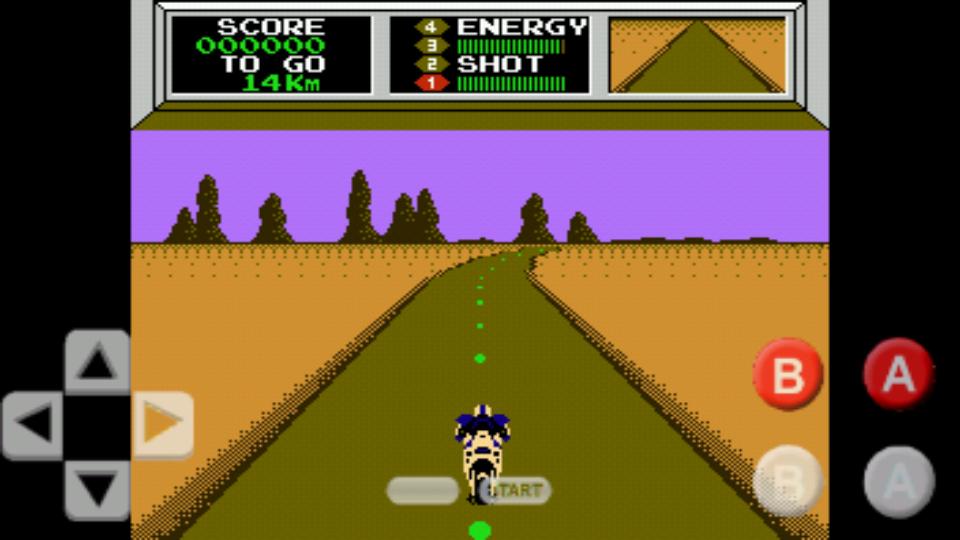
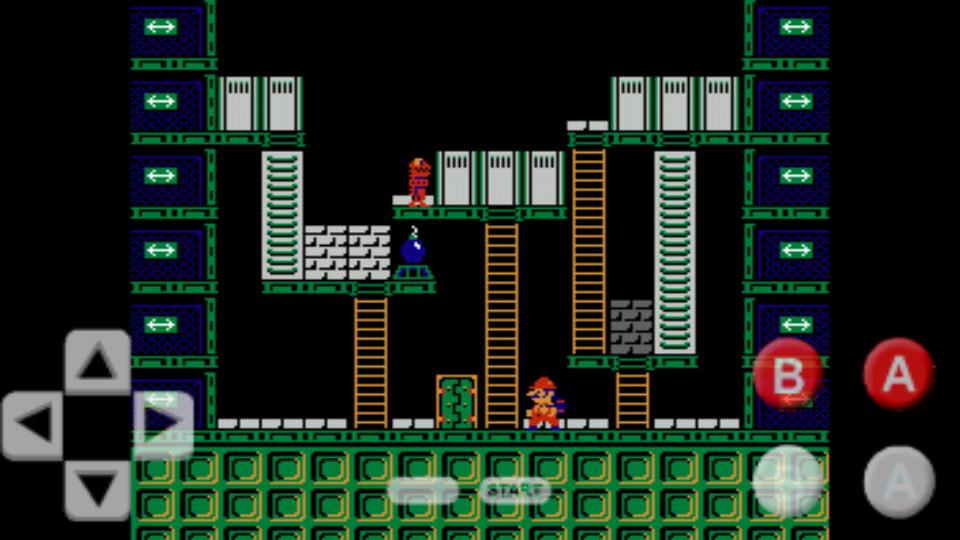
Información
Desarrollador
Games Emulator
La última versión
1.1
Última actualización
2018-06-13
Categoría
Sala de juegos
Disponible en
Google Play
Mostrar más
Cómo jugar Nes Emulator Classic Games con GameLoop en PC
1. Descargue GameLoop desde el sitio web oficial, luego ejecute el archivo exe para instalar GameLoop.
2. Abra GameLoop y busque "Nes Emulator Classic Games", busque Nes Emulator Classic Games en los resultados de búsqueda y haga clic en "Instalar".
3. Disfruta jugando Nes Emulator Classic Games en GameLoop.
Minimum requirements
OS
Windows 8.1 64-bit or Windows 10 64-bit
GPU
GTX 1050
CPU
i3-8300
Memory
8GB RAM
Storage
1GB available space
Recommended requirements
OS
Windows 8.1 64-bit or Windows 10 64-bit
GPU
GTX 1050
CPU
i3-9320
Memory
16GB RAM
Storage
1GB available space