
Bounder para PC
Swivel Creations Ltd
Descarga Bounder en PC con GameLoop Emulator
Bounder en PC
Bounder, proveniente del desarrollador Swivel Creations Ltd, se ejecuta en el sistema Android en el pasado.
Ahora, puedes jugar Bounder en PC con GameLoop sin problemas.
Descárgalo en la biblioteca de GameLoop o en los resultados de búsqueda. No más mirar la batería o llamadas frustrantes en el momento equivocado nunca más.
Simplemente disfrute de Bounder PC en la pantalla grande de forma gratuita!
Bounder Introducción
Bounder was one of the most successful games in the 80’s and was published by Gremlin Graphics in 1985.
Bounder’s popularity spans decades and has continued to be featured in Retro Gamer with a 2 page spread, Walk-through videos on Youtube, regular mentions about the game on social media and it’s been included in the new Mini C64 machine. This little tennis ball of fun continues to be highly regarded and fondly remembered in the retro-gaming community. Zzap!64 gleefully pinned a Gold Medal and it also received a Crash Smash award on the Spectrum.
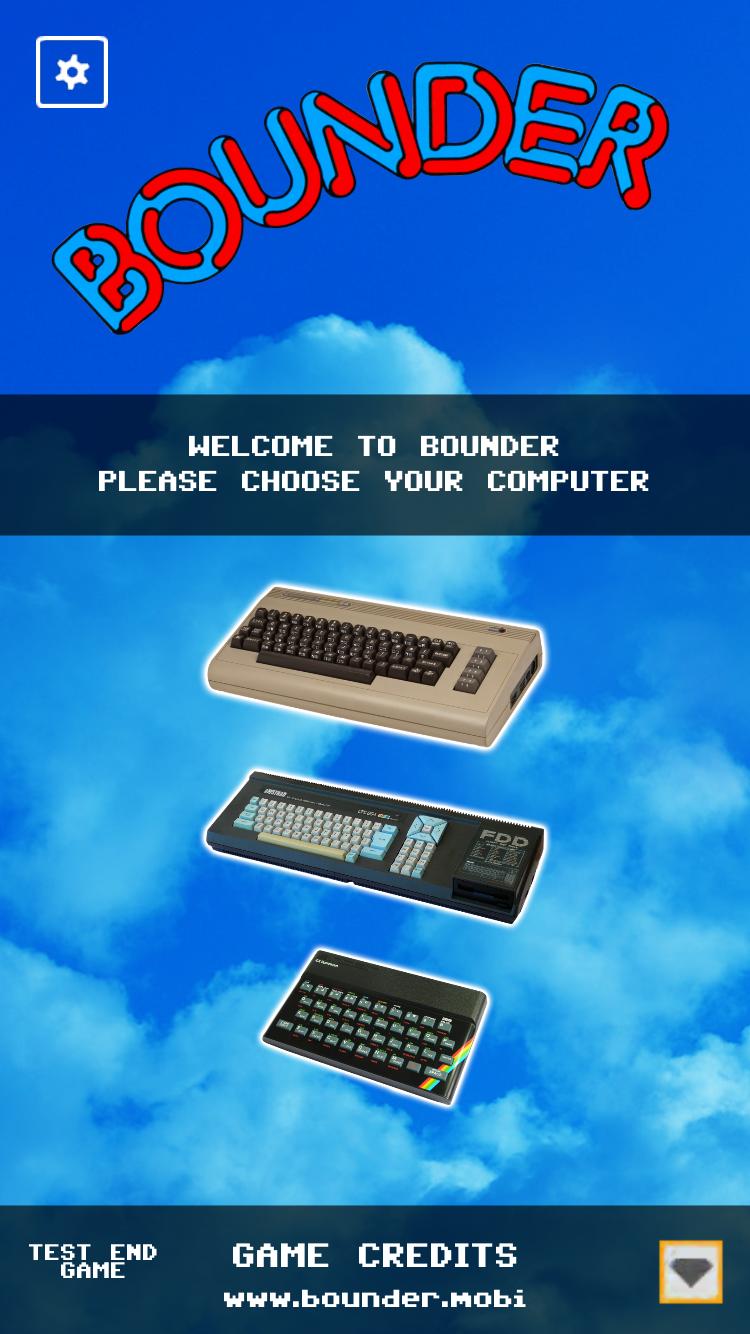
Our Bounder version is faithful to the original and includes lots of new features. Our App includes the C64, Spectrum and Amstrad versions, not emulated but re-coded to a high standard so it looks and feels like the original computer versions.
Bounce and dodge your way to your highest score yet!
This game is free to download and offers in-app purchases.
Avance

Etiquetas
Sala de juegosInformación
Desarrollador
Swivel Creations Ltd
La última versión
1.0
Última actualización
2018-09-20
Categoría
Sala de juegos
Disponible en
Google Play
Mostrar más
Cómo jugar Bounder con GameLoop en PC
1. Descargue GameLoop desde el sitio web oficial, luego ejecute el archivo exe para instalar GameLoop.
2. Abra GameLoop y busque "Bounder", busque Bounder en los resultados de búsqueda y haga clic en "Instalar".
3. Disfruta jugando Bounder en GameLoop.
Minimum requirements
OS
Windows 8.1 64-bit or Windows 10 64-bit
GPU
GTX 1050
CPU
i3-8300
Memory
8GB RAM
Storage
1GB available space
Recommended requirements
OS
Windows 8.1 64-bit or Windows 10 64-bit
GPU
GTX 1050
CPU
i3-9320
Memory
16GB RAM
Storage
1GB available space