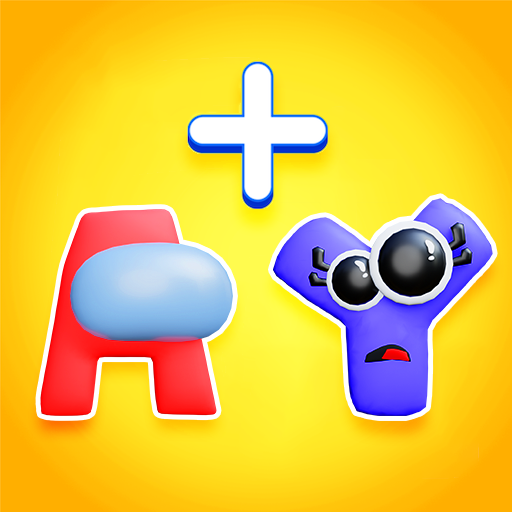
Alphabet Monster: 3D Merge para PC
WeMaster
Descarga Alphabet Monster: 3D Merge en PC con GameLoop Emulator
Alphabet Monster: 3D Merge en PC
Alphabet Monster: 3D Merge, proveniente del desarrollador WeMaster, se ejecuta en el sistema Android en el pasado.
Ahora, puedes jugar Alphabet Monster: 3D Merge en PC con GameLoop sin problemas.
Descárgalo en la biblioteca de GameLoop o en los resultados de búsqueda. No más mirar la batería o llamadas frustrantes en el momento equivocado nunca más.
Simplemente disfrute de Alphabet Monster: 3D Merge PC en la pantalla grande de forma gratuita!
Alphabet Monster: 3D Merge Introducción
Plot: Alphabet Lord army is going to extinct, and you are the scientist who will control a lab that can turn people in to the Alphabet Lord and revive its legendary army. Join the epic journey in Alphabet Monster: 3D Merge, where you can be come an Alphabet commander to save the world.
Turning customers in to awesome A and bouncy B, from there, you can merge into any letters you want, including courage C, epic E, fierce F and all other letter in the world Alphabet Lord. The monsters can grow stronger and more fearsome, that's why it is necessary to merge into even stronger Alphabet to defeat them.
HOW TO PLAY:
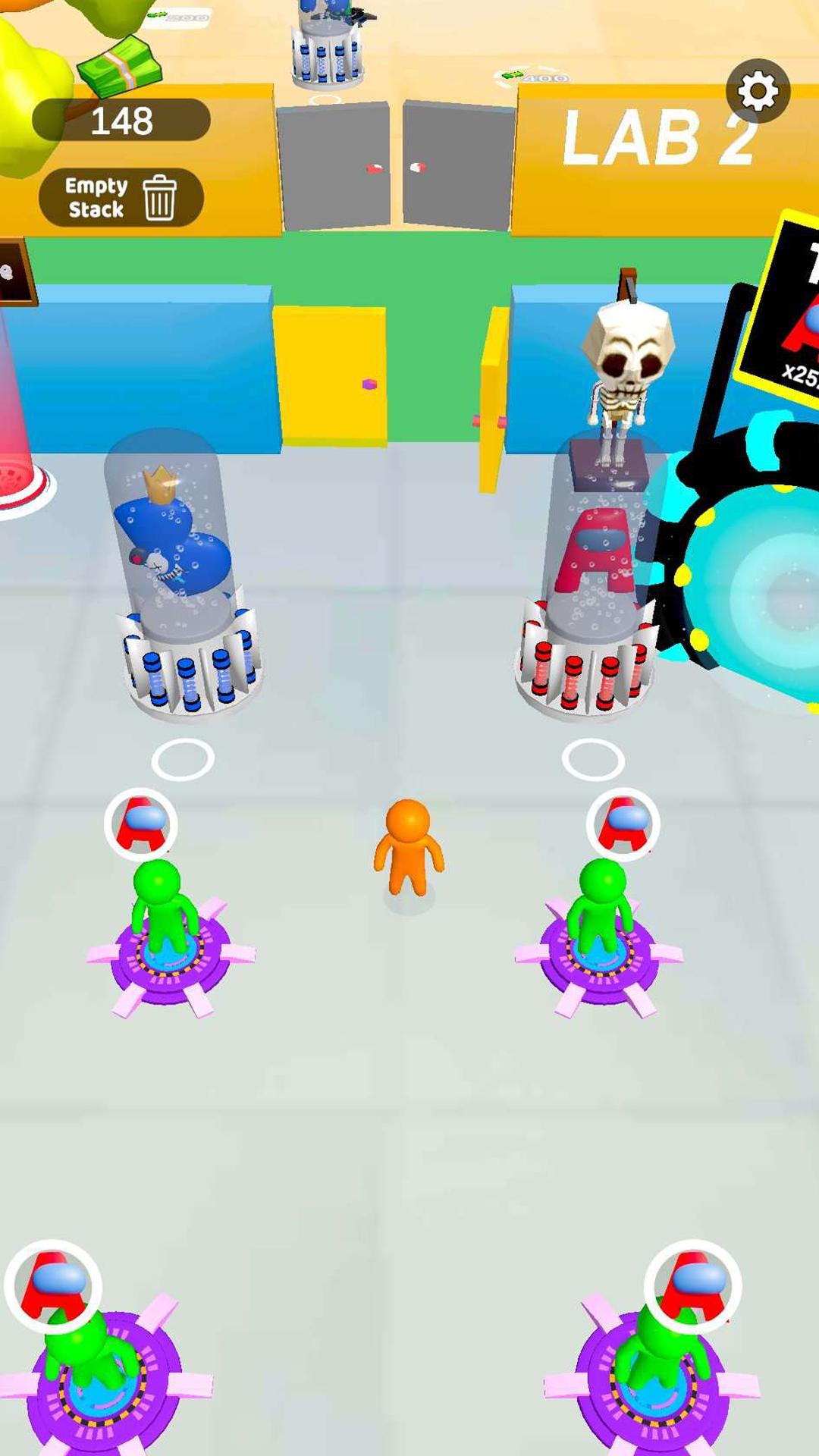
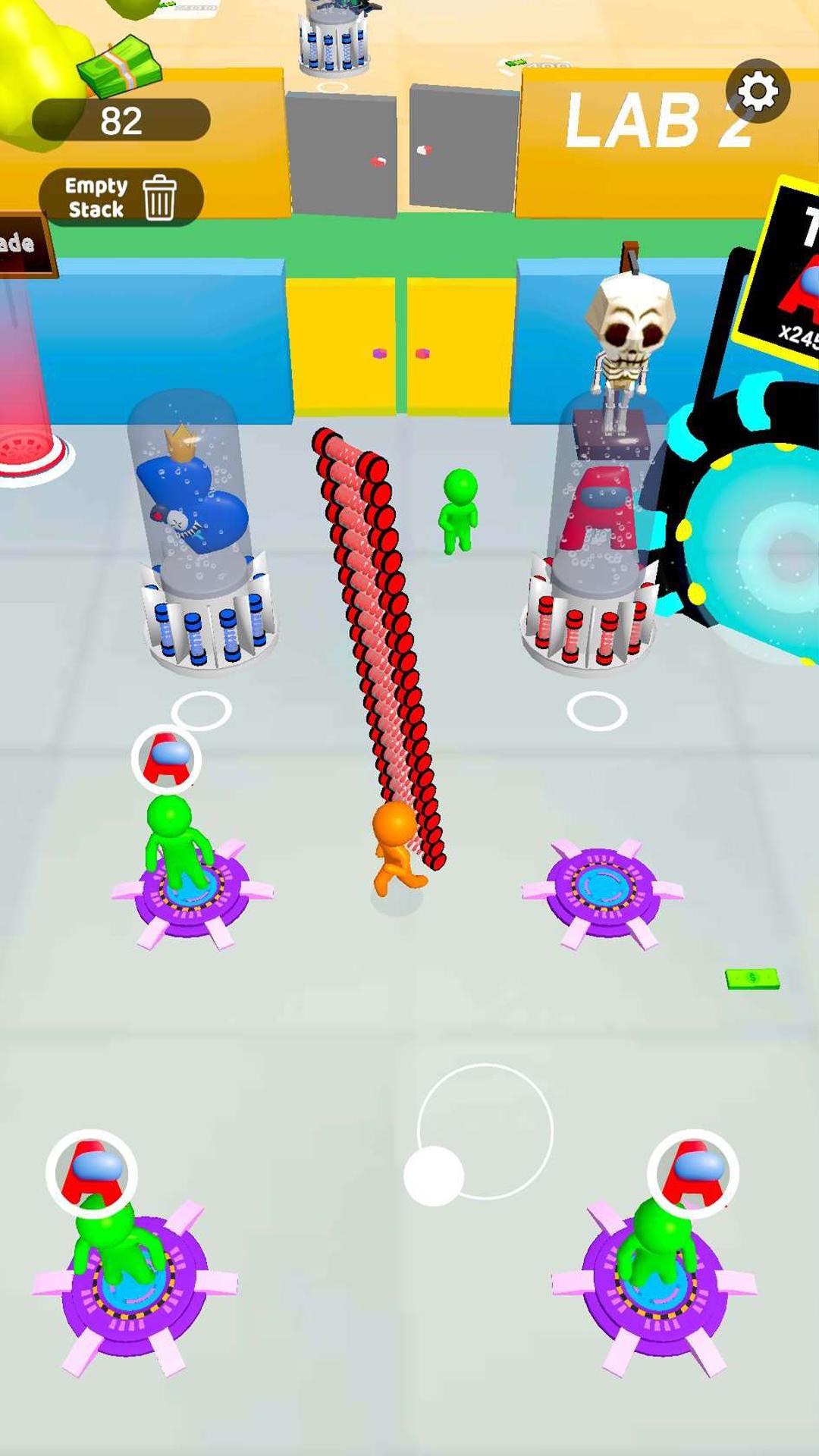
+ Collect tube and create monsters
+ Merge the same monster to grow your powers
+ Unlock all Characters and merge the strongest alphabet to defeat all the enemies
Merge all your stress away with Alphabet Monster: 3D Merge. The game is always open for FREE
Avance
Etiquetas
Sala de juegosInformación
Desarrollador
WeMaster
La última versión
0.6
Última actualización
2023-02-10
Categoría
Sala de juegos
Disponible en
Google Play
Mostrar más
Cómo jugar Alphabet Monster: 3D Merge con GameLoop en PC
1. Descargue GameLoop desde el sitio web oficial, luego ejecute el archivo exe para instalar GameLoop.
2. Abra GameLoop y busque "Alphabet Monster: 3D Merge", busque Alphabet Monster: 3D Merge en los resultados de búsqueda y haga clic en "Instalar".
3. Disfruta jugando Alphabet Monster: 3D Merge en GameLoop.
Minimum requirements
OS
Windows 8.1 64-bit or Windows 10 64-bit
GPU
GTX 1050
CPU
i3-8300
Memory
8GB RAM
Storage
1GB available space
Recommended requirements
OS
Windows 8.1 64-bit or Windows 10 64-bit
GPU
GTX 1050
CPU
i3-9320
Memory
16GB RAM
Storage
1GB available space