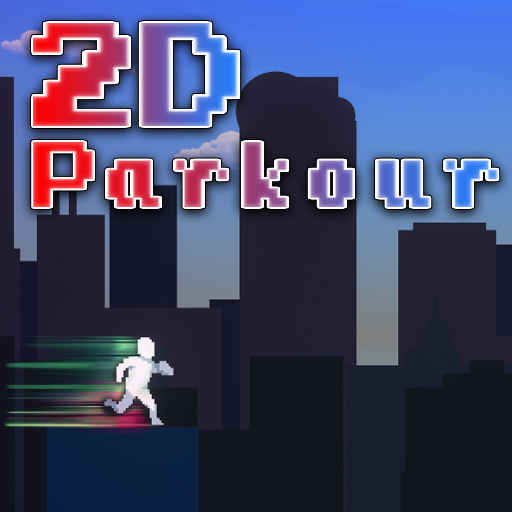
2D Parkour Color Runner para PC
DveriVotTak
Descarga 2D Parkour Color Runner en PC con GameLoop Emulator
2D Parkour Color Runner en PC
2D Parkour Color Runner, proveniente del desarrollador DveriVotTak, se ejecuta en el sistema Android en el pasado.
Ahora, puedes jugar 2D Parkour Color Runner en PC con GameLoop sin problemas.
Descárgalo en la biblioteca de GameLoop o en los resultados de búsqueda. No más mirar la batería o llamadas frustrantes en el momento equivocado nunca más.
Simplemente disfrute de 2D Parkour Color Runner PC en la pantalla grande de forma gratuita!
2D Parkour Color Runner Introducción
In this challenging 2D Parkour runner you have to set the highest score in the world or become the richest. Or even both, let's see what you are capable of.
Minimalistic sharp style and color-changing world environment will bring real joy to attest who appreciate perfection.
The different kind of items and boosts will give you the chance to collect more coins with each run and who knows? Maybe you will be the richer.
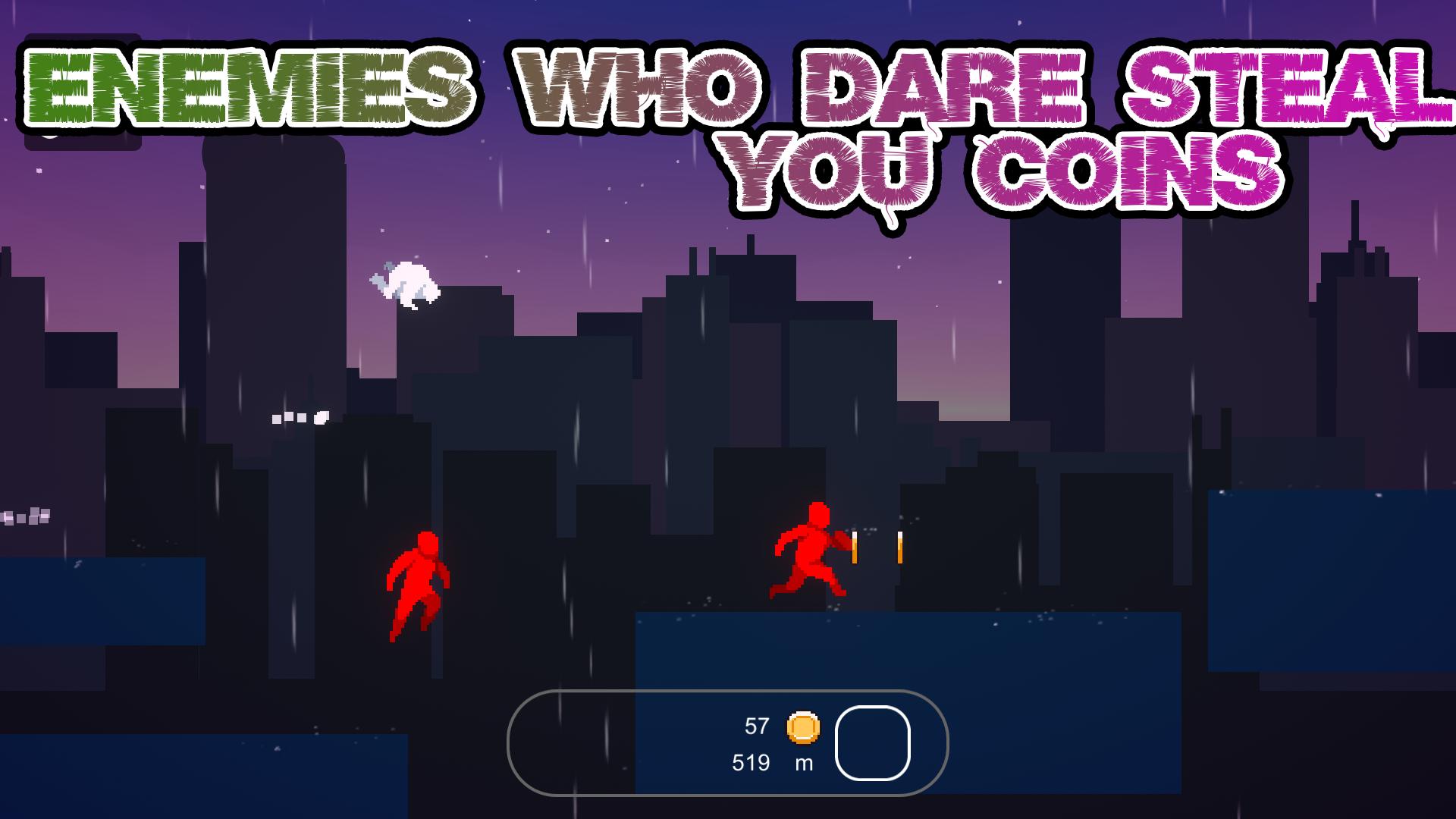
Challgning enemy AI who can steal your coins or perhaps an Ally who will drop some? Let's see who you will get on your next run!
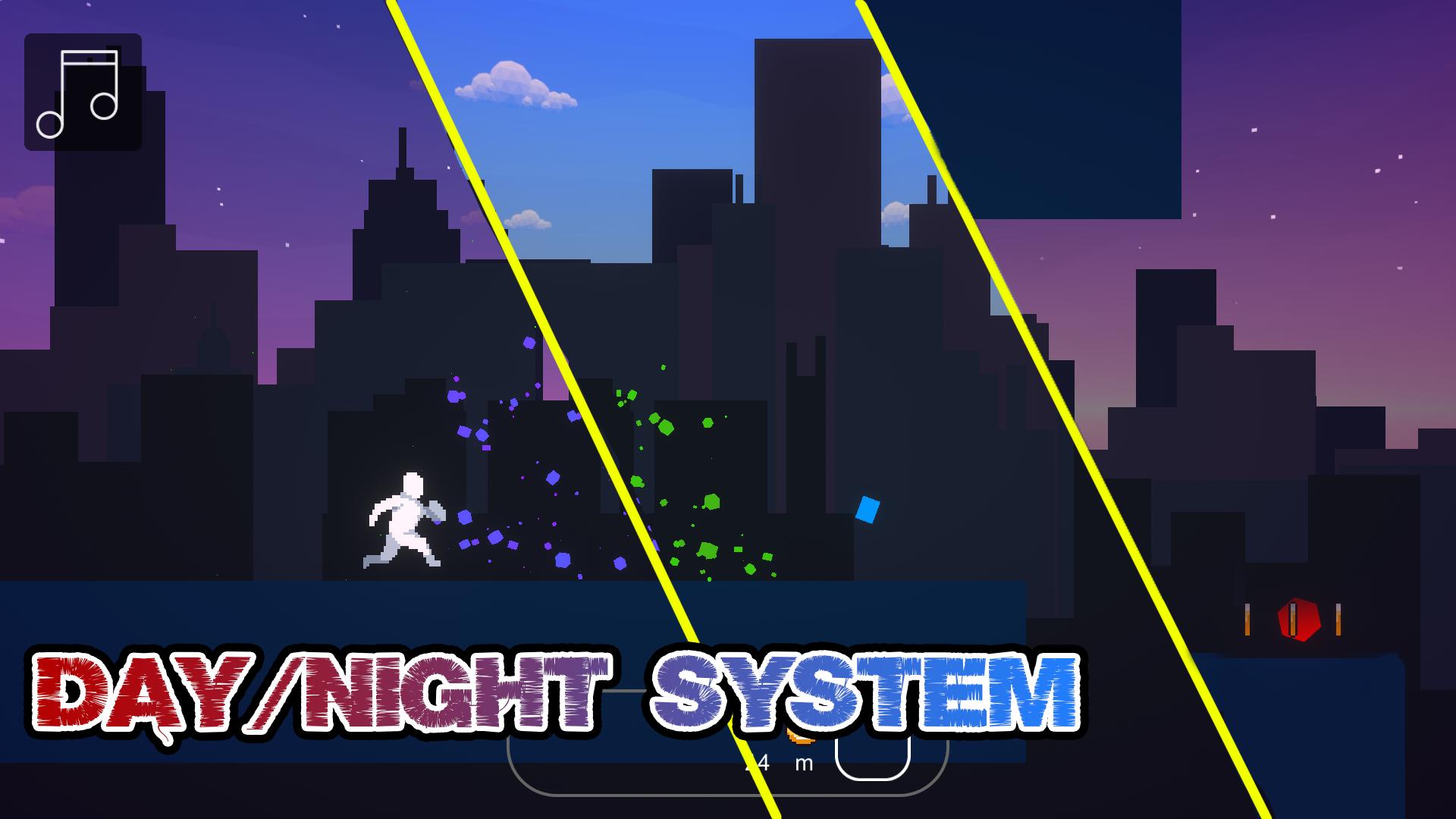
Dynamic weather and day\night system is there to make you feel fresh with every run.
And most important and the best. There is a link in this game that will show you, How you can make the exact same game just by yourself!
Avance
Etiquetas
Sala de juegosInformación
Desarrollador
DveriVotTak
La última versión
1
Última actualización
2022-04-09
Categoría
Sala de juegos
Disponible en
Google Play
Mostrar más
Cómo jugar 2D Parkour Color Runner con GameLoop en PC
1. Descargue GameLoop desde el sitio web oficial, luego ejecute el archivo exe para instalar GameLoop.
2. Abra GameLoop y busque "2D Parkour Color Runner", busque 2D Parkour Color Runner en los resultados de búsqueda y haga clic en "Instalar".
3. Disfruta jugando 2D Parkour Color Runner en GameLoop.
Minimum requirements
OS
Windows 8.1 64-bit or Windows 10 64-bit
GPU
GTX 1050
CPU
i3-8300
Memory
8GB RAM
Storage
1GB available space
Recommended requirements
OS
Windows 8.1 64-bit or Windows 10 64-bit
GPU
GTX 1050
CPU
i3-9320
Memory
16GB RAM
Storage
1GB available space