
The Darkest Woods 2: Horror para PC
Team Support
Descarga The Darkest Woods 2: Horror en PC con GameLoop Emulator
The Darkest Woods 2: Horror en PC
The Darkest Woods 2: Horror, proveniente del desarrollador Team Support, se ejecuta en el sistema Android en el pasado.
Ahora, puedes jugar The Darkest Woods 2: Horror en PC con GameLoop sin problemas.
Descárgalo en la biblioteca de GameLoop o en los resultados de búsqueda. No más mirar la batería o llamadas frustrantes en el momento equivocado nunca más.
Simplemente disfrute de The Darkest Woods 2: Horror PC en la pantalla grande de forma gratuita!
The Darkest Woods 2: Horror Introducción
You woke up in old, empty psychiatric hospital ward. How did you get here? What's going on around? Where does these creepy voices come from?
It's the second part of legendary horror in the spirit of old flash games - The Darkest Woods. This story won the hearts many players around the world. You can download the first part absolutely for free. But even if you didn't play it, it will be exciting anyway.
What awaits you:
— Exciting investigation
— Horrifying experiments
— Secrets in the darkness
— Shocking truth
— Multiple endings
We are not responsible for your nightmares, heart strokes and panic attacks!
If you have any questions or you found a bug, please contact us at: teamsupgames@gmail.com
Check out www.thedarkestwoods.ru for more information about The Darkest Woods.
Avance

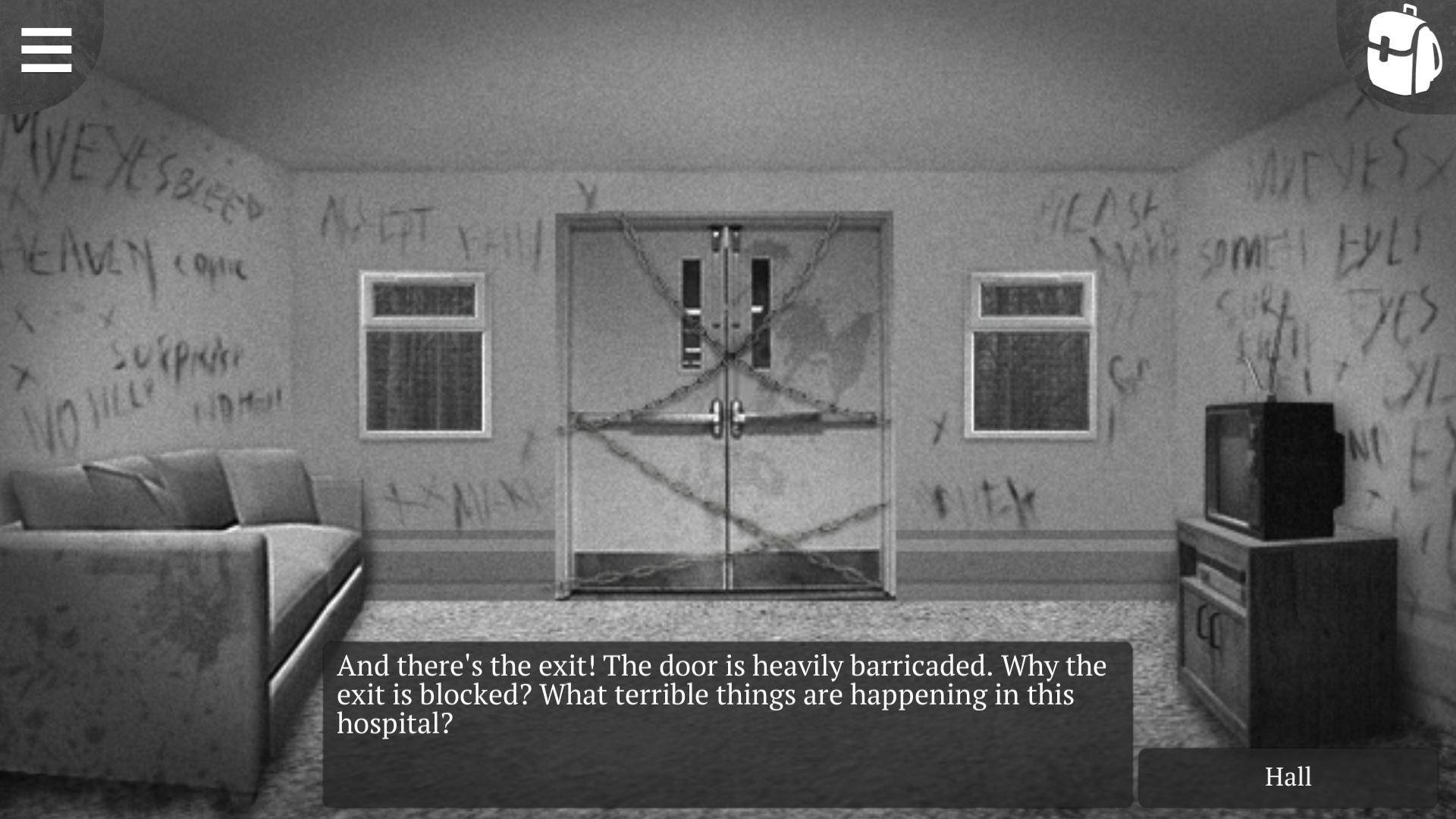
Etiquetas
Puzzle-adventureCasualUn solo jugadorEstilizadoDesconectadoInformación
Desarrollador
Team Support
La última versión
1.8.2
Última actualización
2021-05-25
Categoría
Aventura
Disponible en
Google Play
Mostrar más
Cómo jugar The Darkest Woods 2: Horror con GameLoop en PC
1. Descargue GameLoop desde el sitio web oficial, luego ejecute el archivo exe para instalar GameLoop.
2. Abra GameLoop y busque "The Darkest Woods 2: Horror", busque The Darkest Woods 2: Horror en los resultados de búsqueda y haga clic en "Instalar".
3. Disfruta jugando The Darkest Woods 2: Horror en GameLoop.
Minimum requirements
OS
Windows 8.1 64-bit or Windows 10 64-bit
GPU
GTX 1050
CPU
i3-8300
Memory
8GB RAM
Storage
1GB available space
Recommended requirements
OS
Windows 8.1 64-bit or Windows 10 64-bit
GPU
GTX 1050
CPU
i3-9320
Memory
16GB RAM
Storage
1GB available space