
Red Ball Adventure Pro para PC
Merohard
Descarga Red Ball Adventure Pro en PC con GameLoop Emulator
Red Ball Adventure Pro en PC
Red Ball Adventure Pro, proveniente del desarrollador Merohard, se ejecuta en el sistema Android en el pasado.
Ahora, puedes jugar Red Ball Adventure Pro en PC con GameLoop sin problemas.
Descárgalo en la biblioteca de GameLoop o en los resultados de búsqueda. No más mirar la batería o llamadas frustrantes en el momento equivocado nunca más.
Simplemente disfrute de Red Ball Adventure Pro PC en la pantalla grande de forma gratuita!
Red Ball Adventure Pro Introducción
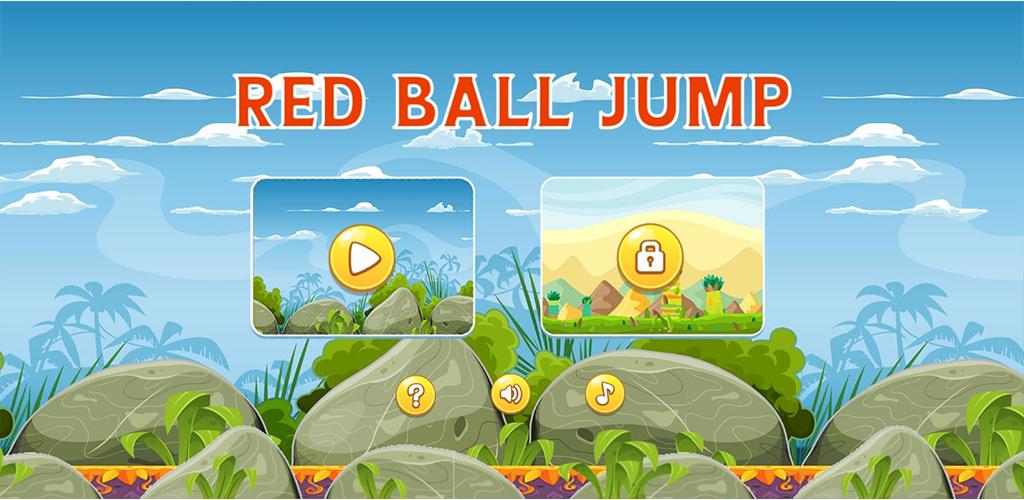
Red Ball Adventure Pro A Fun-Filled Rolling Game
Are you looking for an exciting and adventurous game that will keep you hooked for hours? Look no further than Red Ball Adventure! This game is all about rolling, jumping, and bouncing your way through levels full of deadly obstacles and evil enemies. With its addictive gameplay and stunning graphics, Red Ball Adventure is the perfect game for anyone who loves a challenge.
In this article, we will discuss the features and gameplay of Red Ball Adventure, as well as provide some tips on how to succeed in this fun-filled rolling game.
Gameplay
Red Ball Adventure is a 2D platformer game that challenges you to control a red ball through various levels. Your goal is to reach the end of each level by rolling, jumping, and bouncing over obstacles, collecting stars, and avoiding deadly arrows. The game has a series of levels that increase in difficulty as you progress.
Controls
The controls in Red Ball Adventure are straightforward and easy to use. You can control the red ball by tilting your device left or right, or by using the on-screen arrows. The ball bounces automatically, and you can jump by tapping on the screen. The game also features power-ups that can help you along the way, such as speed boosts and invincibility.
Features
Red Ball Adventure has several features that make it an exciting game to play. Here are some of the key features of the game:
Stunning Graphics - The game has beautiful, cartoon-like graphics that will keep you engaged throughout the game.
Addictive Gameplay - The gameplay is challenging and addictive, with each level offering a unique experience.
Power-Ups - The game features power-ups that can help you overcome obstacles and enemies, making the gameplay even more exciting.
Multiple Levels - With several levels to play through, the game offers hours of fun and entertainment.
Online Leaderboards - Compete against other players from around the world on the online leaderboards, and see how you rank.
Tips for Success
To succeed in Red Ball Adventure, you need to have quick reflexes and a good strategy. Here are some tips that can help you beat the game:
Keep Rolling - The ball keeps rolling automatically, so you need to keep moving to avoid obstacles and enemies.
Timing is Everything - Timing is key when it comes to jumping and bouncing, so make sure you time your jumps and bounces correctly.
Use Power-Ups Wisely - Save your power-ups for when you really need them, such as when facing a particularly challenging level.
Collect Stars - Collecting stars will give you a higher score and help you unlock new levels.
Watch Out for Arrows - The arrows are deadly, so make sure to avoid them at all costs.
Conclusion
Red Ball Adventure is a fun and challenging game that will keep you entertained for hours. With its addictive gameplay, stunning graphics, and multiple levels, it's no wonder why this game is so popular. So what are you waiting for? Download Red Ball Adventure today and start rolling your way to victory!
Avance
Etiquetas
AventuraInformación
Desarrollador
Merohard
La última versión
1.0.0
Última actualización
2023-02-23
Categoría
Aventura
Disponible en
Google Play
Mostrar más
Cómo jugar Red Ball Adventure Pro con GameLoop en PC
1. Descargue GameLoop desde el sitio web oficial, luego ejecute el archivo exe para instalar GameLoop.
2. Abra GameLoop y busque "Red Ball Adventure Pro", busque Red Ball Adventure Pro en los resultados de búsqueda y haga clic en "Instalar".
3. Disfruta jugando Red Ball Adventure Pro en GameLoop.
Minimum requirements
OS
Windows 8.1 64-bit or Windows 10 64-bit
GPU
GTX 1050
CPU
i3-8300
Memory
8GB RAM
Storage
1GB available space
Recommended requirements
OS
Windows 8.1 64-bit or Windows 10 64-bit
GPU
GTX 1050
CPU
i3-9320
Memory
16GB RAM
Storage
1GB available space