
Real Chicken Simulator para PC
PT Game Studio
Descarga Real Chicken Simulator en PC con GameLoop Emulator
Real Chicken Simulator en PC
Real Chicken Simulator, proveniente del desarrollador PT Game Studio, se ejecuta en el sistema Android en el pasado.
Ahora, puedes jugar Real Chicken Simulator en PC con GameLoop sin problemas.
Descárgalo en la biblioteca de GameLoop o en los resultados de búsqueda. No más mirar la batería o llamadas frustrantes en el momento equivocado nunca más.
Simplemente disfrute de Real Chicken Simulator PC en la pantalla grande de forma gratuita!
Real Chicken Simulator Introducción
Real Chicken Simulator:
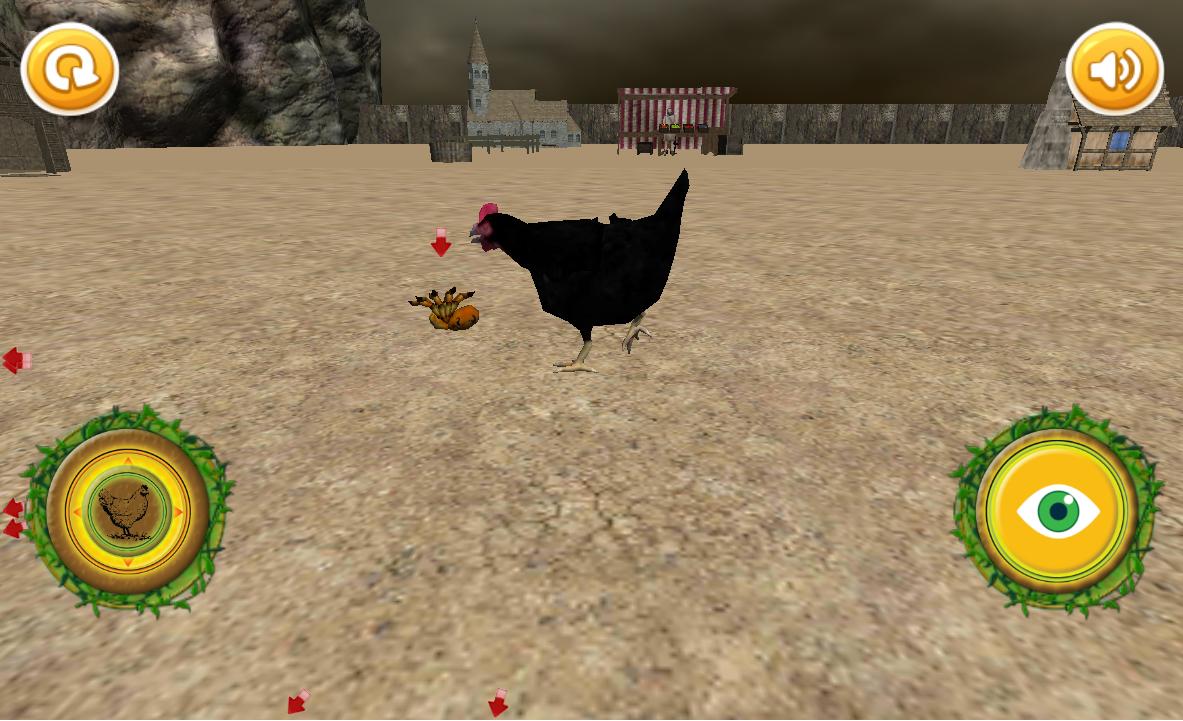
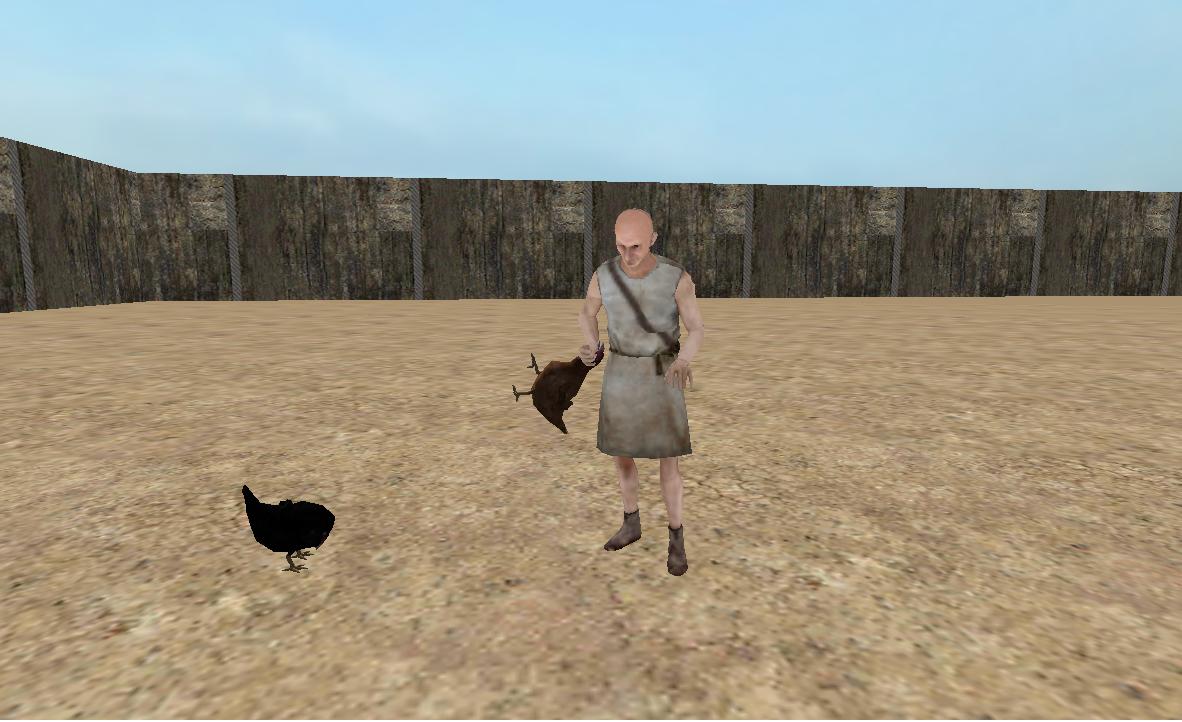
The most realistic and beautiful Chicken Simulator available on Google Play! Play as a real chicken on an authentic looking farm and get ready for some realistic chicken adventures!
Be a rooster, find a hen, protect your eggs, hatch a chick! That's what chickens do!
Prepare for a serious chicken rampage!
- Stunning 3D graphics
- Smooth performance
- Easy controls
It quite simply is the best casual, arcade themed shooting game on Google Play, so plan your strategy to win this game!
Facing problems? Got suggestions? We love to hear from you! And will try to fix it ASAP.
Thank you for supporting us!
Avance
Información
Desarrollador
PT Game Studio
La última versión
1.5
Última actualización
2018-02-08
Categoría
Aventura
Disponible en
Google Play
Mostrar más
Cómo jugar Real Chicken Simulator con GameLoop en PC
1. Descargue GameLoop desde el sitio web oficial, luego ejecute el archivo exe para instalar GameLoop.
2. Abra GameLoop y busque "Real Chicken Simulator", busque Real Chicken Simulator en los resultados de búsqueda y haga clic en "Instalar".
3. Disfruta jugando Real Chicken Simulator en GameLoop.
Minimum requirements
OS
Windows 8.1 64-bit or Windows 10 64-bit
GPU
GTX 1050
CPU
i3-8300
Memory
8GB RAM
Storage
1GB available space
Recommended requirements
OS
Windows 8.1 64-bit or Windows 10 64-bit
GPU
GTX 1050
CPU
i3-9320
Memory
16GB RAM
Storage
1GB available space