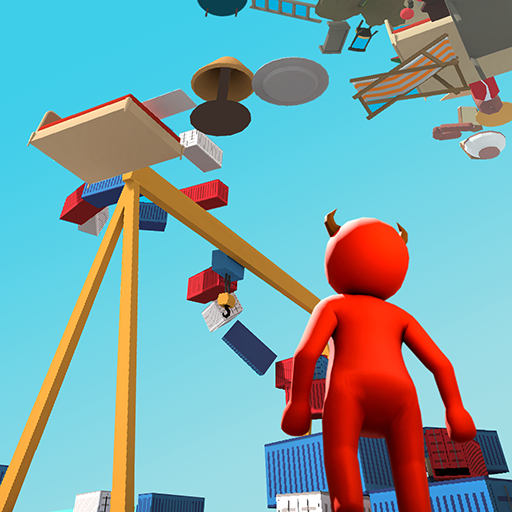
Ragdoll Up: Climb Jump N Fall para PC
Riovox
Descarga Ragdoll Up: Climb Jump N Fall en PC con GameLoop Emulator
Ragdoll Up: Climb Jump N Fall en PC
Ragdoll Up: Climb Jump N Fall, proveniente del desarrollador Riovox, se ejecuta en el sistema Android en el pasado.
Ahora, puedes jugar Ragdoll Up: Climb Jump N Fall en PC con GameLoop sin problemas.
Descárgalo en la biblioteca de GameLoop o en los resultados de búsqueda. No más mirar la batería o llamadas frustrantes en el momento equivocado nunca más.
Simplemente disfrute de Ragdoll Up: Climb Jump N Fall PC en la pantalla grande de forma gratuita!
Ragdoll Up: Climb Jump N Fall Introducción
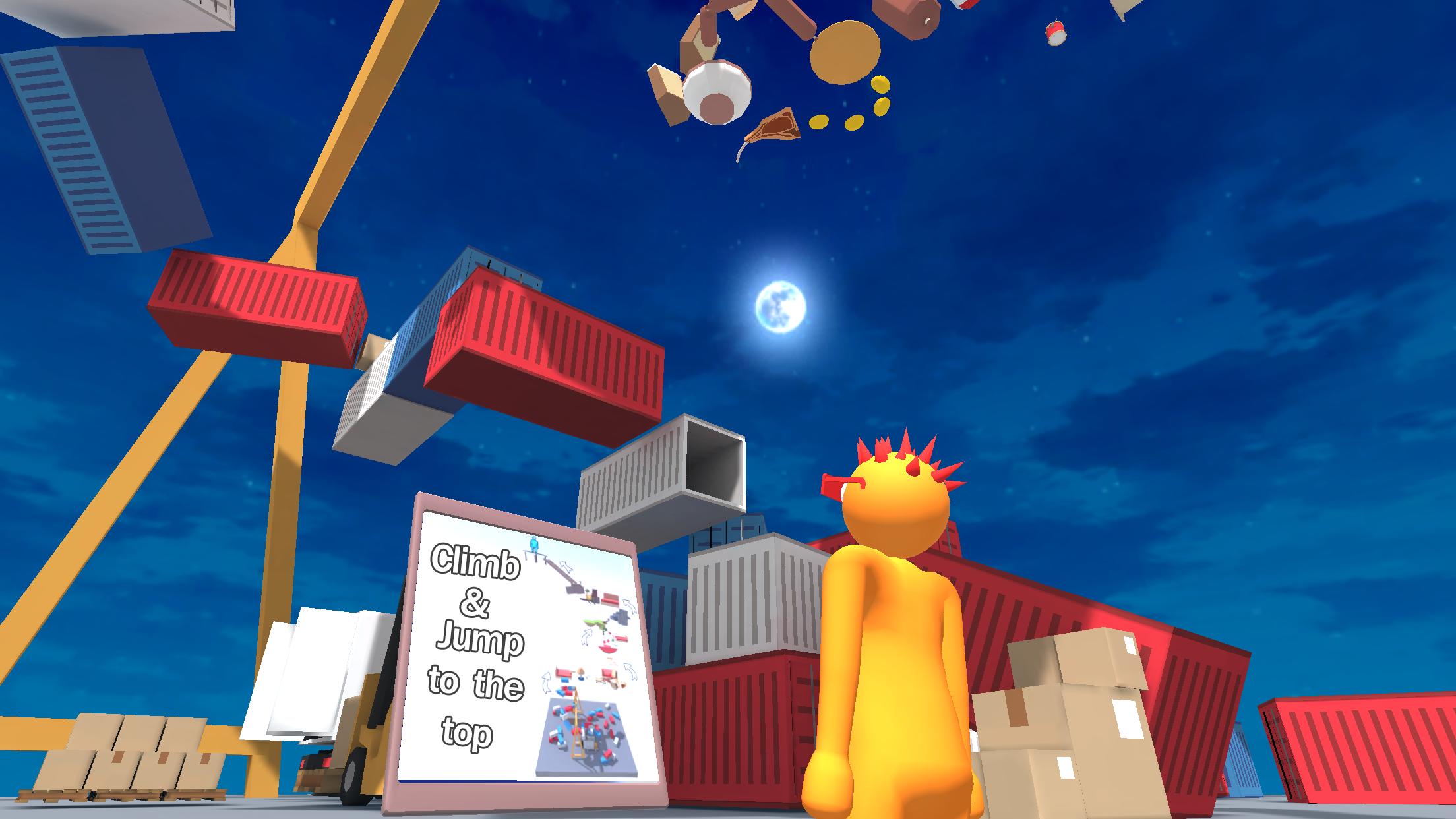
Ready for speedrun a fun offline ragdoll parkour game? "Ragdoll Up: Only Up Game" is a very interesting physics mobile game. Challenge yourself in this climb game. Try to reach higher and speedrun this game.
Operate the ragdoll character to jump and climb to the highest point on the mobile.
Key Features:
- All kinds of funny character
- Challenging levels waiting for speedrun
- Physics simulation Parkour
- Simple and fun operation
Download "Ragdoll Up: Only Up Game" for a great free offline physics simulation parkour game experience, whether you are a physics speedrun games or mobile racing games fan! "Ragdoll Up: Only Up Game" can satisfy you a great game experience. Start your game with the unique parkour experience now.
Avance

Etiquetas
AventuraInformación
Desarrollador
Riovox
La última versión
3.0
Última actualización
2025-11-03
Categoría
Aventura
Disponible en
Google Play
Mostrar más
Cómo jugar Ragdoll Up: Climb Jump N Fall con GameLoop en PC
1. Descargue GameLoop desde el sitio web oficial, luego ejecute el archivo exe para instalar GameLoop.
2. Abra GameLoop y busque "Ragdoll Up: Climb Jump N Fall", busque Ragdoll Up: Climb Jump N Fall en los resultados de búsqueda y haga clic en "Instalar".
3. Disfruta jugando Ragdoll Up: Climb Jump N Fall en GameLoop.
Minimum requirements
OS
Windows 8.1 64-bit or Windows 10 64-bit
GPU
GTX 1050
CPU
i3-8300
Memory
8GB RAM
Storage
1GB available space
Recommended requirements
OS
Windows 8.1 64-bit or Windows 10 64-bit
GPU
GTX 1050
CPU
i3-9320
Memory
16GB RAM
Storage
1GB available space